


Learn English!
5억명 이상의 게이머가 신뢰하는 안드로이드 게임 플랫폼 BlueStacks으로 PC에서 플레이하세요.

Run Learn English for free! on PC or Mac
Why limit yourself to your small screen on the phone? Run Learn English for free!, an app by Curso inglés, best experienced on your PC or Mac with BlueStacks, the world’s #1 Android emulator.
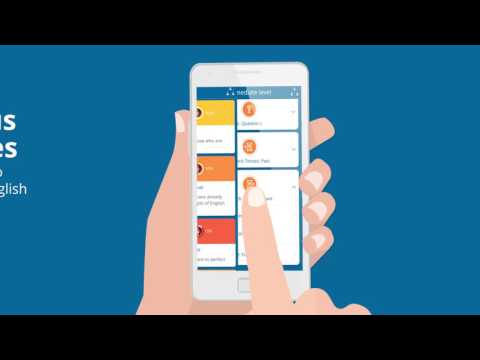
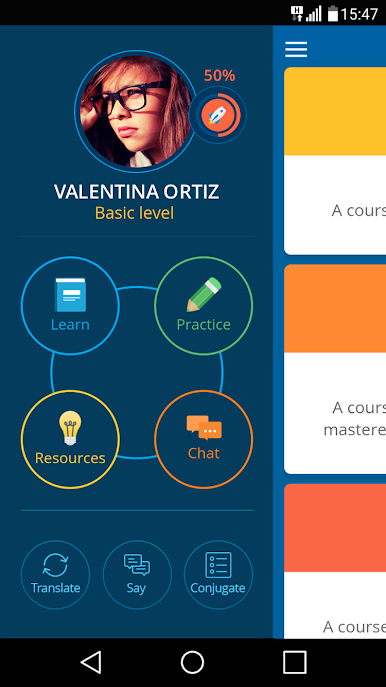
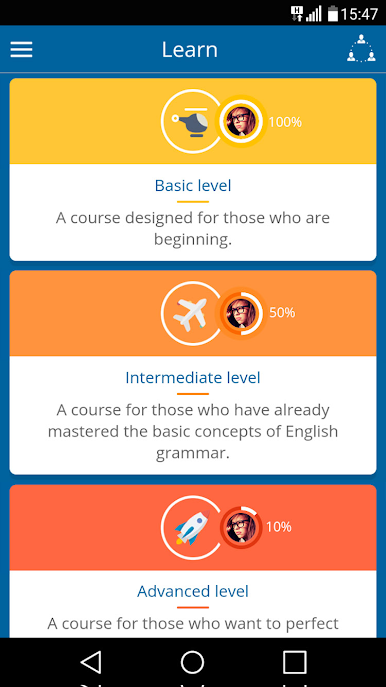
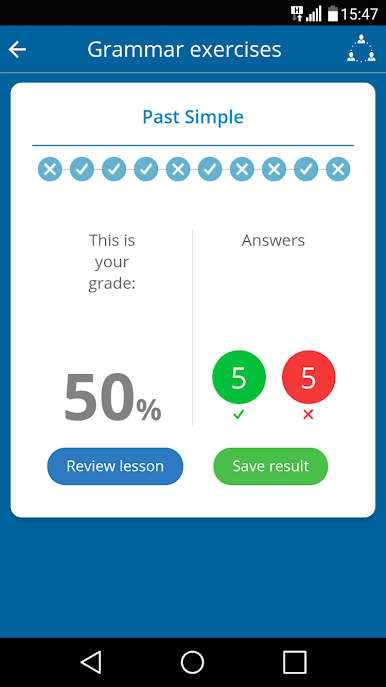
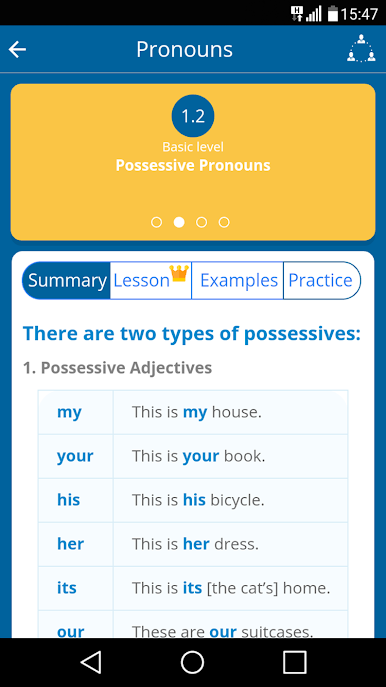
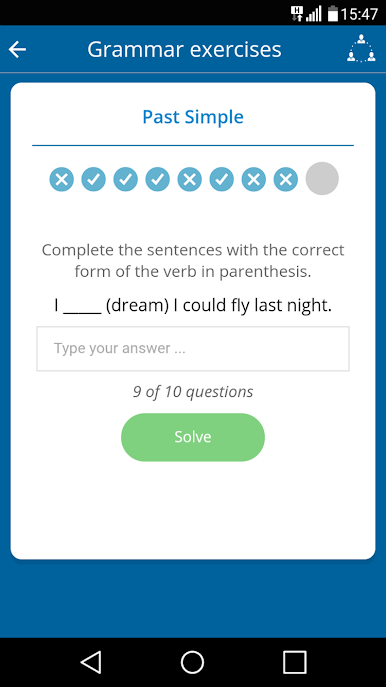
So, Learn English for free! is like having a little pocket classroom, except now it’s even easier to use if you’re on PC with BlueStacks. The whole app is set up like a course, but it doesn’t feel stiff or intimidating at all. There are different levels, so you don’t have to know much to start, or you can jump ahead if you already get the basics. Everything’s broken down with plenty of clear examples, and there’s audio, so listening practice is part of it, not just reading through explanations.
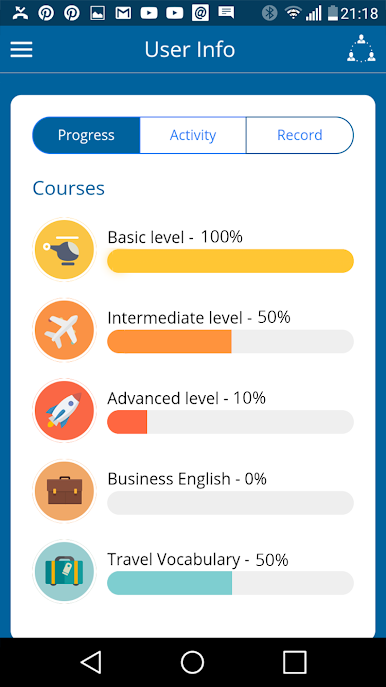
What stands out is how the app mixes things up. It’s not just lessons and then quizzes — there are chatrooms where people actually practice real conversations. That’s where you see a bunch of learners helping each other out, plus teachers hang around to answer questions. There’s a bunch of handy stuff built in, like a dictionary, a translator for if you get totally stuck, plus verb conjugations and even a tool so you can check pronunciation. The tracking is nice, too; it keeps tabs on how far you’ve gone and you can tweak things in your profile so lessons fit how you want to learn.
It works totally fine for free, but there’s also a premium version that takes away the ads and lets you use it offline, plus you get more content. Easy to use on a bigger screen if you’re running it through BlueStacks, so lessons feel a bit more relaxed than if you’re squinting at a phone. Definitely feels like an app made for actually learning, not just random practice.
Big screen. Bigger performance. Use BlueStacks on your PC or Mac to run your favorite apps.

PC에서 Learn English! 플레이해보세요.
-
BlueStacks 다운로드하고 설치
-
Google Play 스토어에 로그인 하기(나중에 진행가능)
-
오른쪽 상단 코너에 Learn English! 검색
-
검색 결과 중 Learn English! 선택하여 설치
-
구글 로그인 진행(만약 2단계를 지나갔을 경우) 후 Learn English! 설치
-
메인 홈화면에서 Learn English! 선택하여 실행

