


Content Browser Mobile
Jogue no PC com BlueStacks - A Plataforma de Jogos Android, confiada por mais de 500 milhões de jogadores.

Página modificada em: Aug 2, 2023
Run Content Browser Mobile on PC or Mac
Multitask effortlessly on your PC or Mac as you try out Content Browser Mobile, a Productivity app by Sony Corporation on BlueStacks.
About the App
If you work with Sony professional camcorders or recorders, Content Browser Mobile makes life a whole lot easier. This handy tool from Sony Corporation lets you monitor your camera’s feed, control its key functions, and even handle clips—all right from your phone or tablet. Whether you’re on set, in the field, or somewhere in between, you’ll always have your footage and controls within reach.
App Features
-
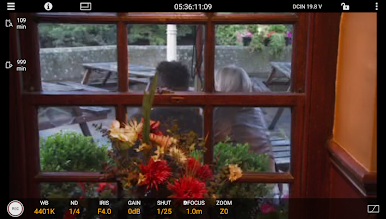
Live Video Monitoring
See exactly what your camera sees—in real time. You get smooth video streaming straight from your compatible Sony camera or recorder, so you never miss a thing while filming. -
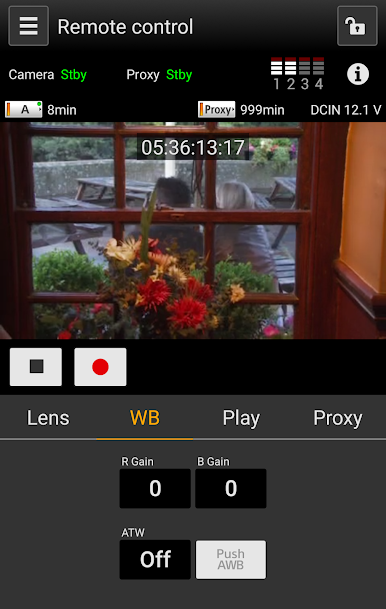
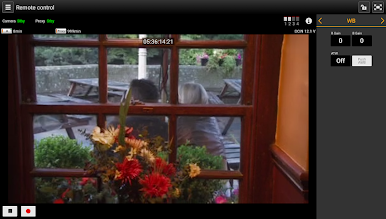
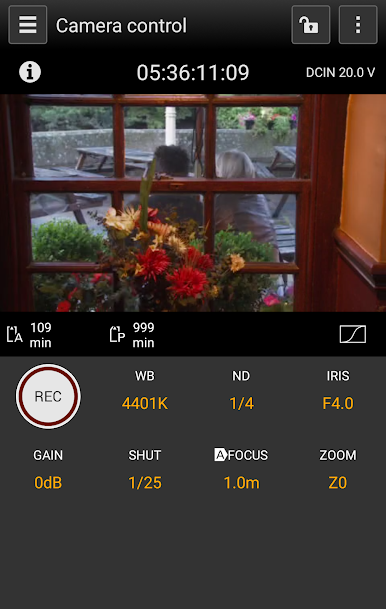
Remote Camera Control
Adjust focus, zoom in or out, or start and stop recording on the fly. No need to run back and forth to your gear; fine-tune your shot while keeping your hands on your device. -
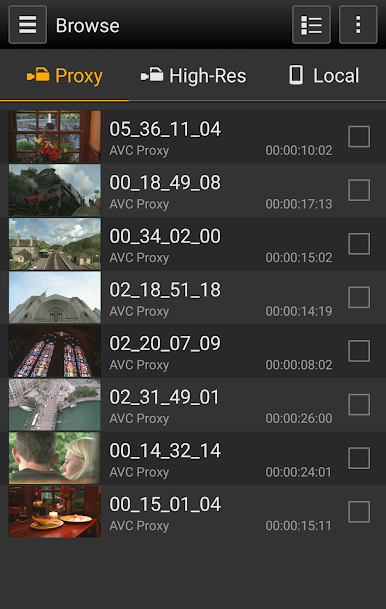
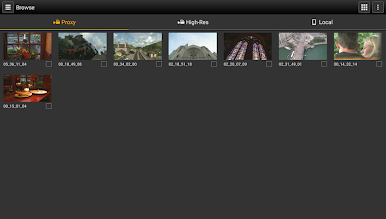
Clip Browsing
Browse through your recordings, watch any clip you want, and check details right from your phone. It’s way more convenient than scrolling on a tiny camera screen. -
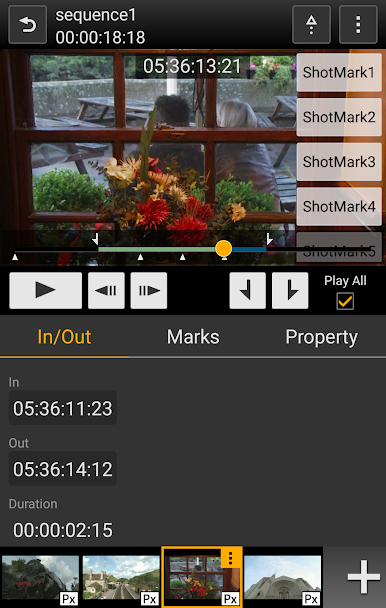
Metadata Editing
Update and tweak clip metadata as soon as you’re done shooting. Organize your work and add details without waiting till you’re back at a desk. -
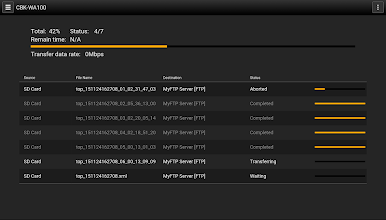
Flexible Clip Transfers
Send your footage directly to FTP or FTPS servers—either upload full clips or just your selected in/out sections. Got the perfect take? Download it to your mobile device or manage transfer jobs with handy job lists. -
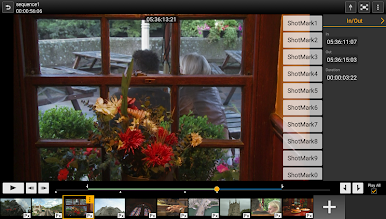
Rough Cut Editing (Storyboard)
Piece together a rough edit from your recorded clips, then upload only the sections you need, along with an EDL for smooth post-production. -
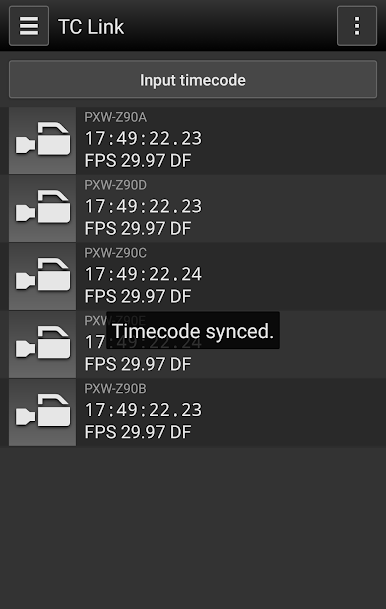
Timecode Sync (TC Link)
Keep multiple cameras perfectly synchronized with timecode linking, taking the guesswork out of multi-cam shoots. -
Smart Planning with Metadata Tools
Name your clips, assign essence marks, and quickly browse or upload related material so you don’t lose track of what’s important. -
Device & Network Settings
Set up and tweak your camera’s network functions right from the app. Adjust connections or settings as needed—no complicated menus required.
Content Browser Mobile is a productivity favorite for film crews and creators, and you can get more out of it by running it through BlueStacks if you like a bigger screen. Keep in mind, the app’s best suited for Sony gear and some features depend on your device and camera’s firmware.
Big screen. Bigger performance. Use BlueStacks on your PC or Mac to run your favorite apps.
Jogue Content Browser Mobile no PC. É fácil começar.
-
Baixe e instale o BlueStacks no seu PC
-
Conclua o login do Google para acessar a Play Store ou faça isso mais tarde
-
Procure por Content Browser Mobile na barra de pesquisa no canto superior direito
-
Clique para instalar Content Browser Mobile a partir dos resultados da pesquisa
-
Conclua o login do Google (caso você pulou a etapa 2) para instalar o Content Browser Mobile
-
Clique no ícone do Content Browser Mobile na tela inicial para começar a jogar

