


MemeApp (formerly LOL Pics)
娛樂 | Tap Tap Entertainment LLC
在電腦上使用BlueStacks –受到5億以上的遊戲玩家所信任的Android遊戲平台。

Play MemeApp (formerly LOL Pics) on PC
We missed you at LOL Pics—and now we’re back and better than ever!
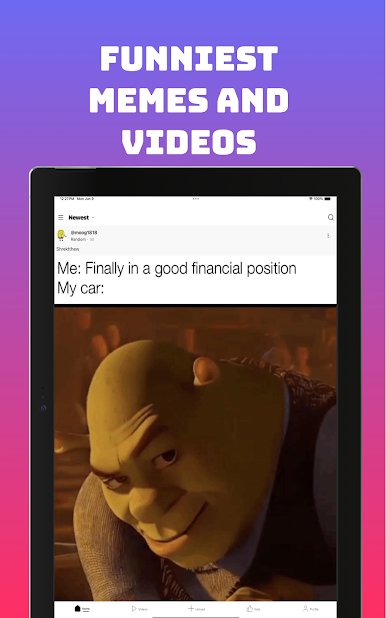
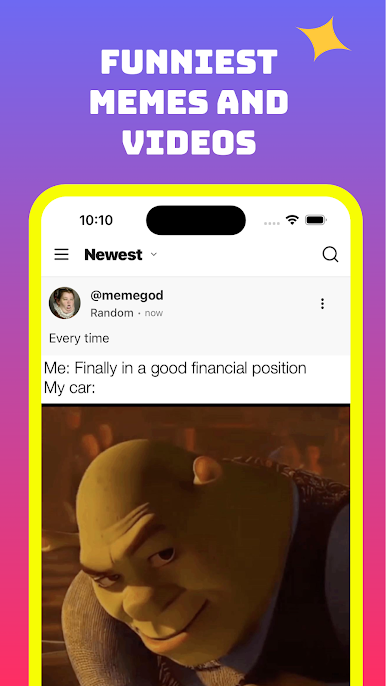
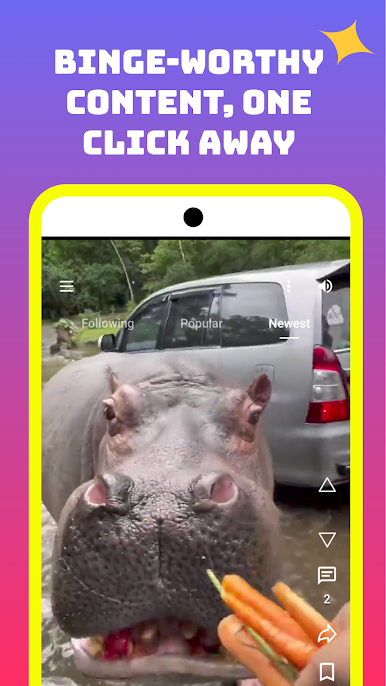
Welcome to MemeApp: your one-stop destination for the funniest pics and bite-sized videos—served up in silky‐smooth feeds. We’ve leveled up every feature you loved in LOL Pics, plus a whole lot more—while staying 100% drama-free and toxic-free.
What’s New & Improved
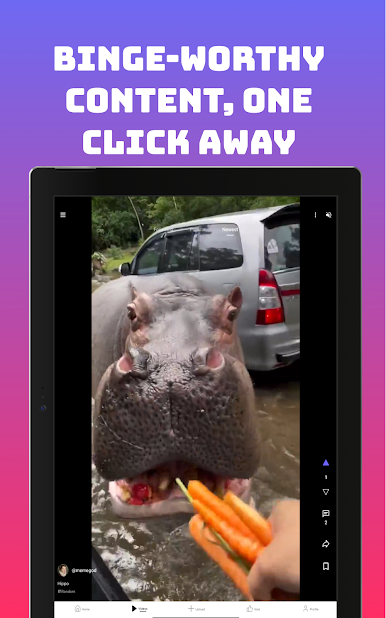
Pics & Videos
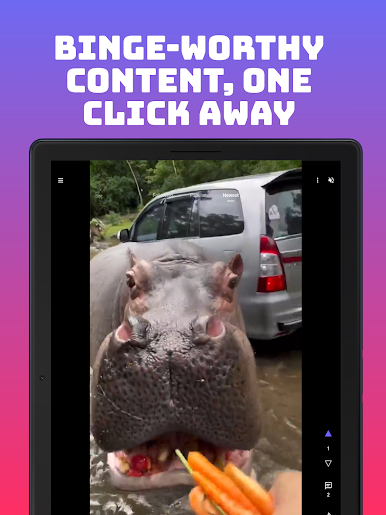
Swipe endlessly through hilarious memes and bite-sized videos in super fast and efficient feeds.
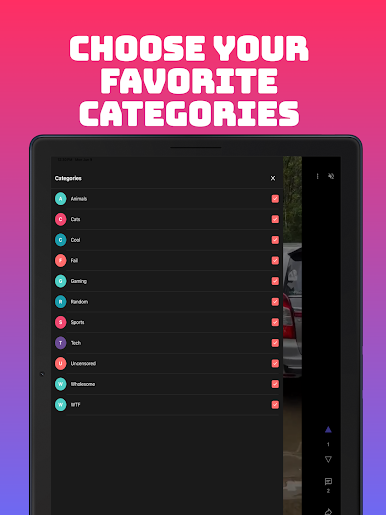
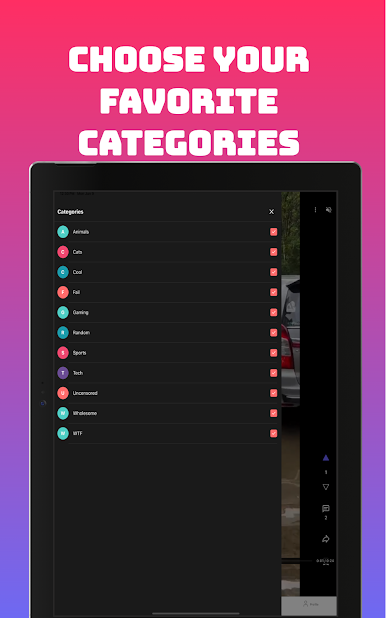
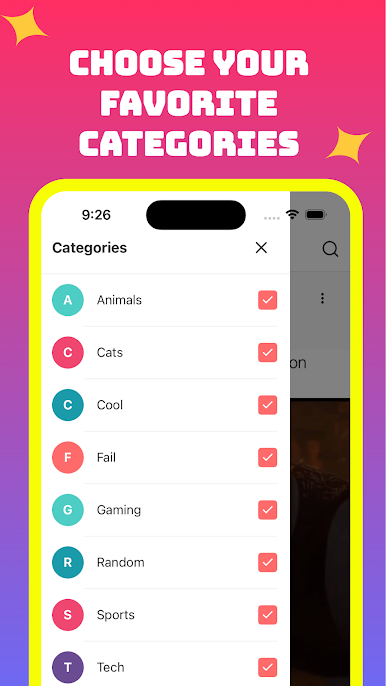
10+ Curated Categories
Animals • Cats • Cool • Fail • Gaming • Random
Sports • Tech • Uncensored • Wholesome • WTF
Zero Drama Zone
No political rants. No endless debates. No trolls—just pure, unfiltered laughs.
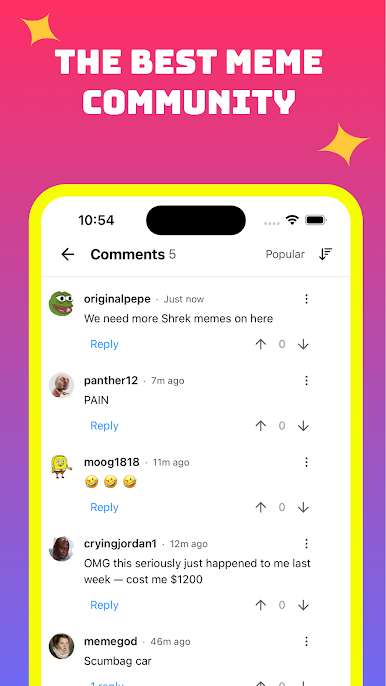
Community Democracy
Upvote and downvote your favorites so the best memes rise to the top.
Personalized Feeds
Check out what’s trending, what’s new, and what’s tailored just for you.
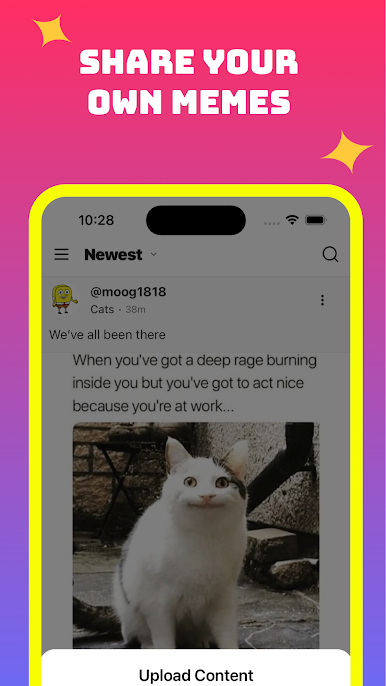
Easy Sharing
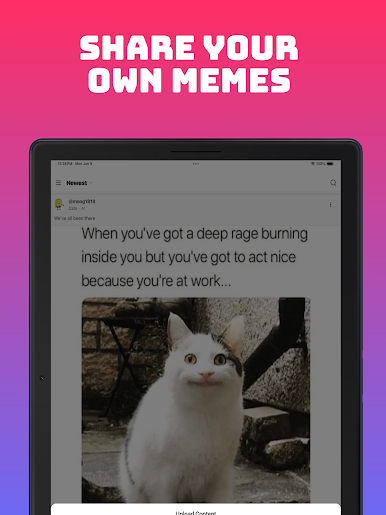
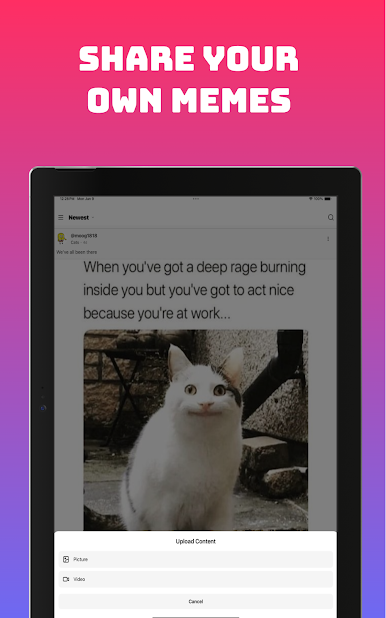
Download or instantly share memes with friends on any platform.
Safe & Friendly Community
A zero-tolerance policy on hate, harassment, and spam—so everyone can enjoy the fun.
Why You’ll Love MemeApp:
Lightning-Fast Scrolling: Juggle pics and videos without any lag.
Always Relevant: Subscribe to what you like—no more mind-numbing clutter.
Effortless Engagement: Upvote, downvote, comment, and share with a single tap.
Totally Toxic-Free: We moderate aggressively so you only see laughs, not trolls.
We rebuilt LOL Pics from the ground up to give you the fastest, cleanest, most joyful meme experience on mobile. Whether you crave the weird, the wild, or the downright stupid—MemeApp has it all.
Ready to rediscover the joy of LOL Pics— but so much better?
Download MemeApp now and join the laughter revolution!
Coming soon: I Have A Meme— an insanely addictive meme game, built right into MemeApp.
Welcome to MemeApp: your one-stop destination for the funniest pics and bite-sized videos—served up in silky‐smooth feeds. We’ve leveled up every feature you loved in LOL Pics, plus a whole lot more—while staying 100% drama-free and toxic-free.
What’s New & Improved
Pics & Videos
Swipe endlessly through hilarious memes and bite-sized videos in super fast and efficient feeds.
10+ Curated Categories
Animals • Cats • Cool • Fail • Gaming • Random
Sports • Tech • Uncensored • Wholesome • WTF
Zero Drama Zone
No political rants. No endless debates. No trolls—just pure, unfiltered laughs.
Community Democracy
Upvote and downvote your favorites so the best memes rise to the top.
Personalized Feeds
Check out what’s trending, what’s new, and what’s tailored just for you.
Easy Sharing
Download or instantly share memes with friends on any platform.
Safe & Friendly Community
A zero-tolerance policy on hate, harassment, and spam—so everyone can enjoy the fun.
Why You’ll Love MemeApp:
Lightning-Fast Scrolling: Juggle pics and videos without any lag.
Always Relevant: Subscribe to what you like—no more mind-numbing clutter.
Effortless Engagement: Upvote, downvote, comment, and share with a single tap.
Totally Toxic-Free: We moderate aggressively so you only see laughs, not trolls.
We rebuilt LOL Pics from the ground up to give you the fastest, cleanest, most joyful meme experience on mobile. Whether you crave the weird, the wild, or the downright stupid—MemeApp has it all.
Ready to rediscover the joy of LOL Pics— but so much better?
Download MemeApp now and join the laughter revolution!
Coming soon: I Have A Meme— an insanely addictive meme game, built right into MemeApp.
在電腦上遊玩MemeApp (formerly LOL Pics) . 輕易上手.
-
在您的電腦上下載並安裝BlueStacks
-
完成Google登入後即可訪問Play商店,或等你需要訪問Play商店十再登入
-
在右上角的搜索欄中尋找 MemeApp (formerly LOL Pics)
-
點擊以從搜索結果中安裝 MemeApp (formerly LOL Pics)
-
完成Google登入(如果您跳過了步驟2),以安裝 MemeApp (formerly LOL Pics)
-
在首頁畫面中點擊 MemeApp (formerly LOL Pics) 圖標來啟動遊戲

