


Splash It Pro - Wallpapers
Jogue no PC com BlueStacks - A Plataforma de Jogos Android, confiada por mais de 500 milhões de jogadores.

Página modificada em: Oct 29, 2025
Play Splash It Pro - Wallpapers on PC
Why Pro
Support Developers
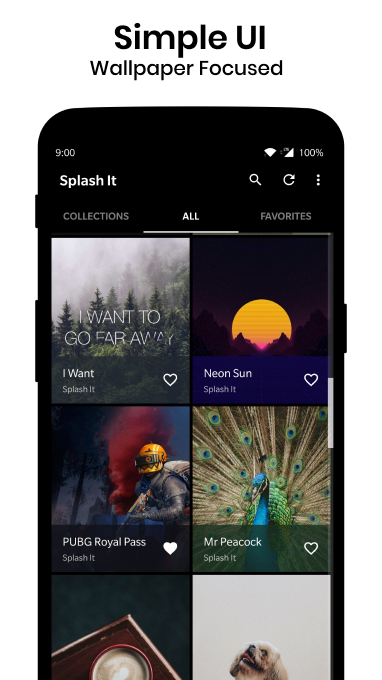
Simple UI
Ad-free Experience
Get Pro Only Collection
At a glance:
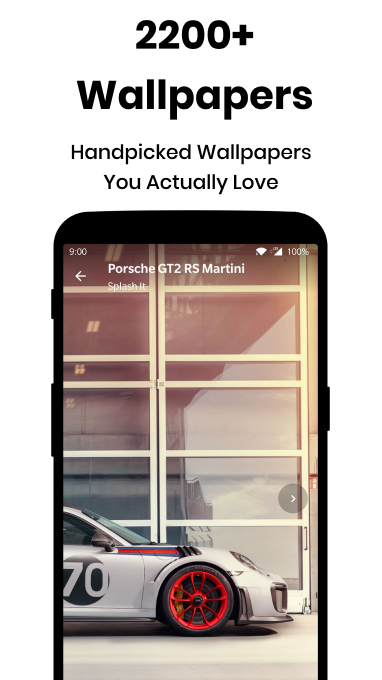
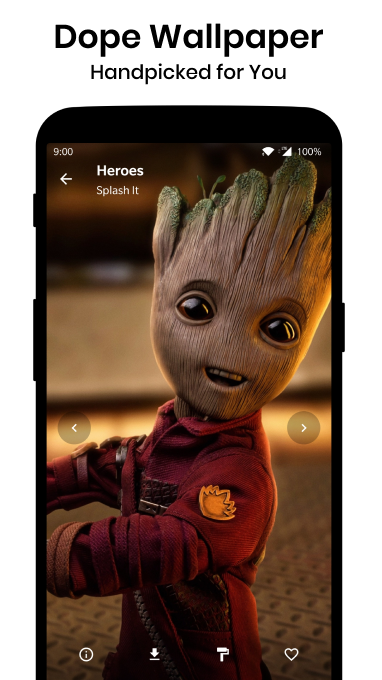
Every Wallpaper is Handpicked
Fullscreen Preview HD & 4K Wallpapers
Apply to Homescreen and Lockscreen using the inbuilt option or apply with other apps
Apply Wallpapers or Save it to Device Storage for Later Use
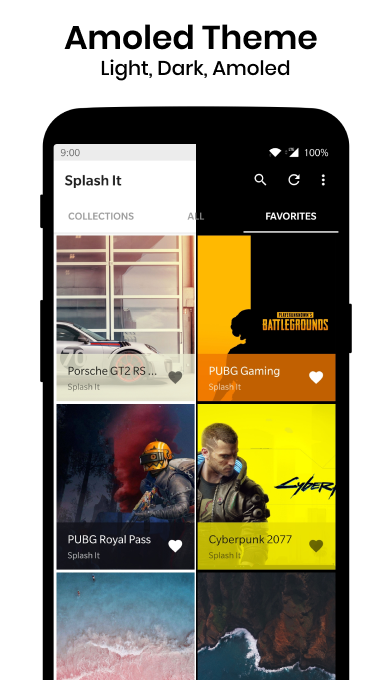
Fully Dark Mode with multiple theme options.
Get Pro only Wallpapers
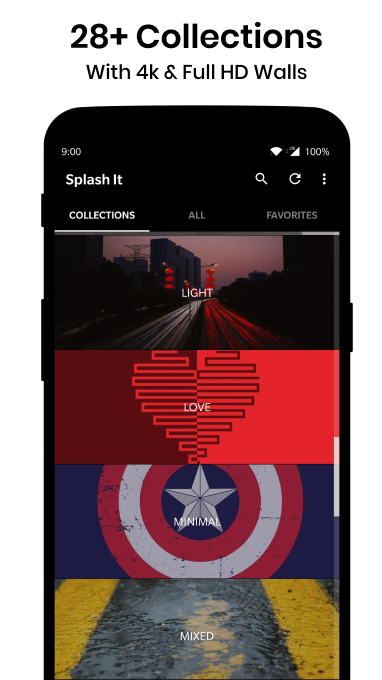
30+ Categories
Kinda Black - Pro
Go Girly - Pro
Nature - Pro
Anime
Arts
Motivational (Gary Vaynerchuk)
Drone shots
Smoke
Night
Twilight
Minimal
Gaming
Superheroes
Architecture
Flower
Stock Wallpaper
Bike & Cars
Coffee
Mixed (Amoled wallpapers)
Wild
Love
More categories and best wallpapers will be added as we discover more. If your favourite category is not available you can mail us.
Option to Preview in Low Quality to save data
You can toggle to preview in the original quality
Set Hd wallpapers as Home Screen or Lock Screen or Both
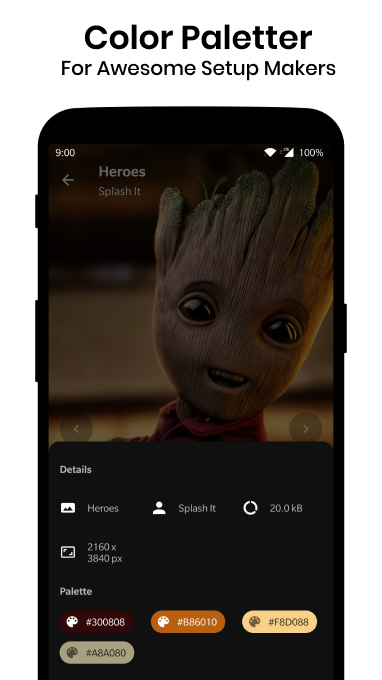
Details About Wallpaper
The colour palette, Size, Resolution
Mark Best Wallpaper as Favourites
Access your favourite wallpaper anytime in the favourite tab
Dark Mode
The app is Fully Dark Mode and has multiple theme options
Search
Find quickly creative wallpaper by its name
Notification
Get notified when new wallpapers are added or special photos added
If any copyrighted wallpaper is mistakenly included in the app,
For removal of that Copyrighted Wallpaper ©️ kindly e-mail with the screenshot of the wallpaper, it will be removed ASAP.
If you know the Original owner of the Walls where it is not mentioned then send us a mail with details. (when we don't know the original owner we place the text Splash it)
📧If any issues with the app, kindly email by tapping email under developer information.📧

Jogue Splash It Pro - Wallpapers no PC. É fácil começar.
-
Baixe e instale o BlueStacks no seu PC
-
Conclua o login do Google para acessar a Play Store ou faça isso mais tarde
-
Procure por Splash It Pro - Wallpapers na barra de pesquisa no canto superior direito
-
Clique para instalar Splash It Pro - Wallpapers a partir dos resultados da pesquisa
-
Conclua o login do Google (caso você pulou a etapa 2) para instalar o Splash It Pro - Wallpapers
-
Clique no ícone do Splash It Pro - Wallpapers na tela inicial para começar a jogar

