


8x8 Spaces
العب على الكمبيوتر الشخصي مع BlueStacks - نظام أندرويد للألعاب ، موثوق به من قبل أكثر من 500 مليون لاعب.

Run 8x8 Meeting Rooms on PC or Mac
Why limit yourself to your small screen on the phone? Run 8×8 Meeting Rooms, an app by 8×8, Inc, best experienced on your PC or Mac with BlueStacks, the world’s #1 Android emulator.
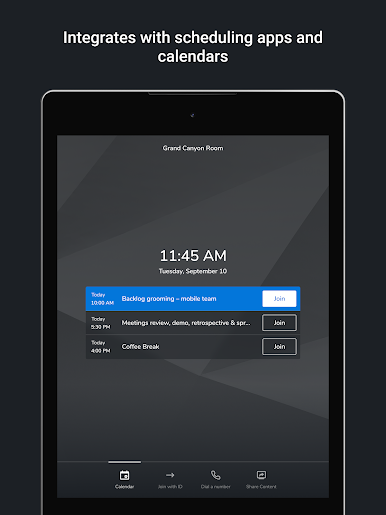
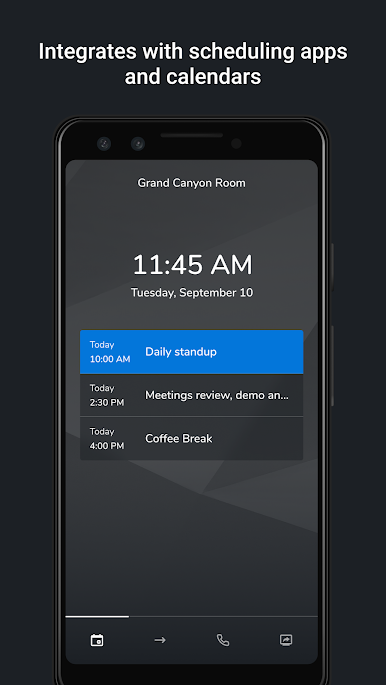
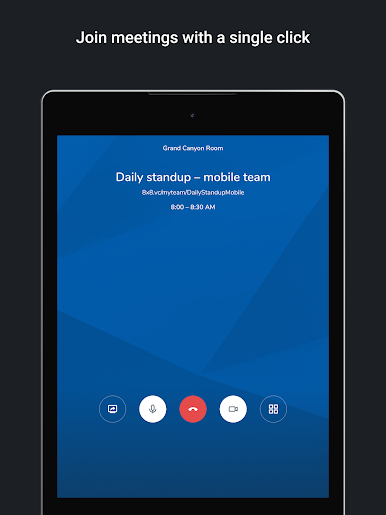
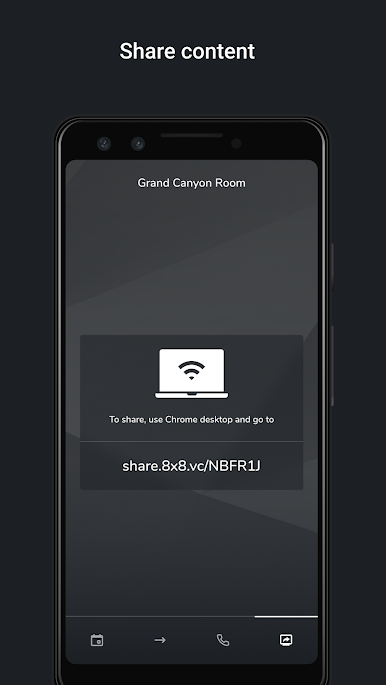
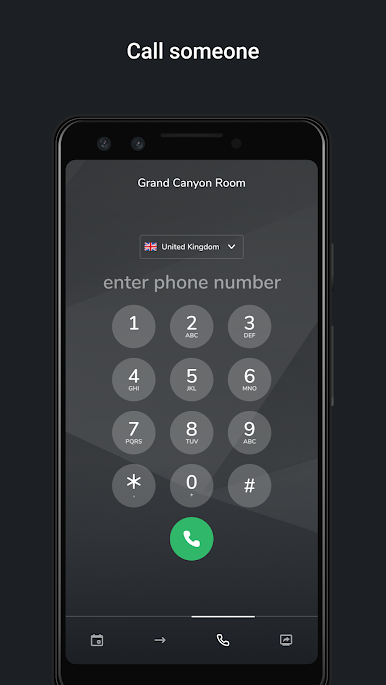
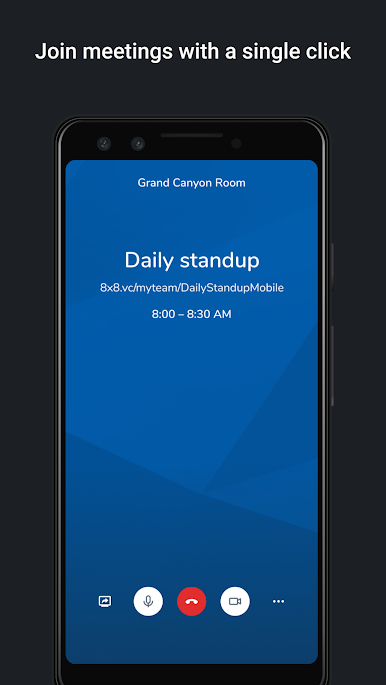
8×8 Meeting Rooms feels like a straightforward console for a conference room. It is built to get people into a call fast and with as little fuss as possible. The app sticks to the basics in a good way. Open it, see the meeting options, tap to join or start an instant session, and the room is live. No special hardware tricks are needed either. It works with normal cameras, mics, and a TV or monitor, so a team can use whatever gear the room already has and still get a clean setup.
On a PC with BlueStacks it is easy to click around, type meeting info with a keyboard, and manage a room without poking a tablet screen at the table. The layout is simple and clear, big buttons, quick actions, and not a lot of clutter getting in the way. It is meant for a physical space more than personal calls, so it feels like a wall panel or a front-of-room controller turned into an app. People who want something practical for joining scheduled calls or spinning up an instant meeting would be happy with it. There is not a ton of flashy extras, which actually helps. It keeps the focus on quick access, predictable controls, and making the room behave the way it should, every time.
Ready to experience 8×8 Meeting Rooms on a bigger screen, in all its glory? Download BlueStacks now.
العب 8x8 Spaces على جهاز الكمبيوتر. من السهل البدء.
-
قم بتنزيل BlueStacks وتثبيته على جهاز الكمبيوتر الخاص بك
-
أكمل تسجيل الدخول إلى Google للوصول إلى متجر Play ، أو قم بذلك لاحقًا
-
ابحث عن 8x8 Spaces في شريط البحث أعلى الزاوية اليمنى
-
انقر لتثبيت 8x8 Spaces من نتائج البحث
-
أكمل تسجيل الدخول إلى Google (إذا تخطيت الخطوة 2) لتثبيت 8x8 Spaces
-
انقر على أيقونة 8x8 Spaces على الشاشة الرئيسية لبدء اللعب

