One Punch

One Punch

Arcade | SPRING Games

Jogue no PC com BlueStacks - A Plataforma de Jogos Android, confiada por mais de 500 milhões de jogadores.

Página modificada em: Oct 18, 2022

Play One Punch on PC or Mac

One Punch brings the Arcade genre to life, and throws up exciting challenges for gamers. Developed by SPRING GAMES, this Android game is best experienced on BlueStacks, the World’s #1 app player for PC and Mac users.

About the Game

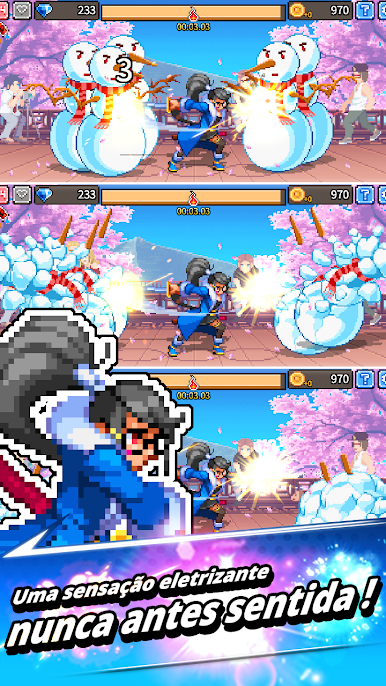
One Punch from SPRING GAMES throws you right into the heart of fast-paced arcade action. Ever get the urge to just smash something and flex your reflexes at the same time? This is your arena. Here, it’s all about how quick, sharp, and powerful your punches are—whether you’re taking on endless punching bags or showing off against friends in real time.

Game Features

  • Endless Bag-Busting Action
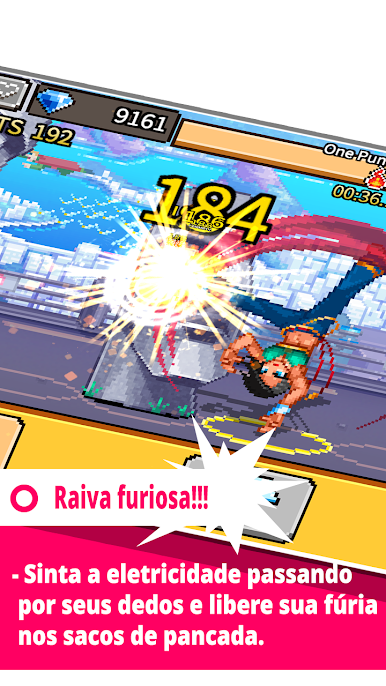
    Got some energy to burn? One Punch dishes out an infinite lineup of punching bags. Keep swinging, see how far your punches can take you, and rack up those high scores—it’s a workout and a game all at once.

  • Real-Time PvP Battles
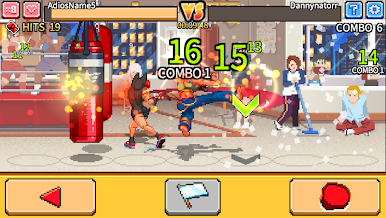
    Why punch alone when you can challenge your friends? Test your speed and skill in live player-vs-player rounds. There’s always that satisfaction when you land the final blow first.

  • Punch Competitions
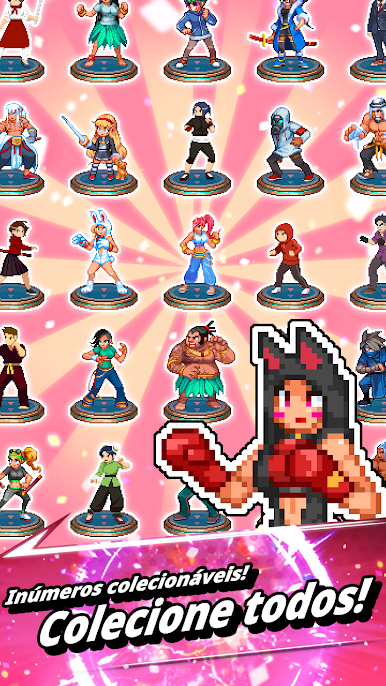
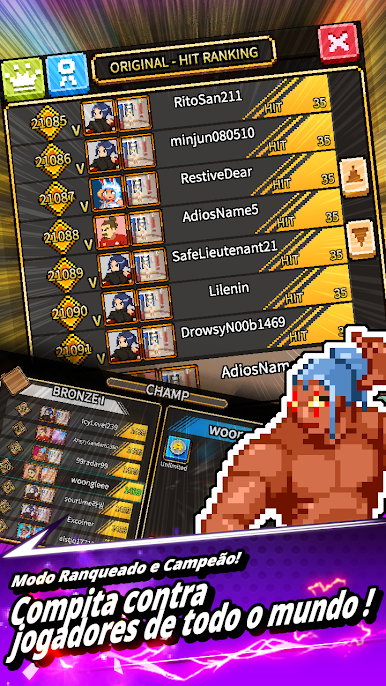
    It’s not just about breaking things—there’s glory to claim. Show off what you’ve got in different punch competitions and climb your way up to the champion’s spot. Every round keeps things fresh and competitive.

  • Challenging Defeat Mechanic
    Think you can punch forever? The game’s got its tricks—lose your rhythm and you’ll face defeat. Quick thinking keeps you in the game.

  • Arcade thrills, anywhere
    Whether you’re playing on your phone or want a bigger screen through BlueStacks, One Punch delivers that classic arcade thrill no matter where you are.

  • Just a heads-up:
    If you try One Punch LIMITED EDITION, remember that your progress and accounts won’t carry over—they’re totally separate from the main game!

Ready to top the leaderboard? We bet you do. Let precise controls and sharp visuals optimized on BlueStacks lead you to victory.

Jogue One Punch no PC. É fácil começar.

  • Baixe e instale o BlueStacks no seu PC

  • Conclua o login do Google para acessar a Play Store ou faça isso mais tarde

  • Procure por One Punch na barra de pesquisa no canto superior direito

  • Clique para instalar One Punch a partir dos resultados da pesquisa

  • Conclua o login do Google (caso você pulou a etapa 2) para instalar o One Punch

  • Clique no ícone do One Punch na tela inicial para começar a jogar

Assistir o Vídeo