


CE5 Contact
在電腦上使用BlueStacks –受到5億以上的遊戲玩家所信任的Android遊戲平台。

Play CE5 Contact on PC or Mac
Upgrade your experience. Try CE5 Contact, the fantastic Education app from Sirius Technology Advanced Research, from the comfort of your laptop, PC, or Mac, only on BlueStacks.
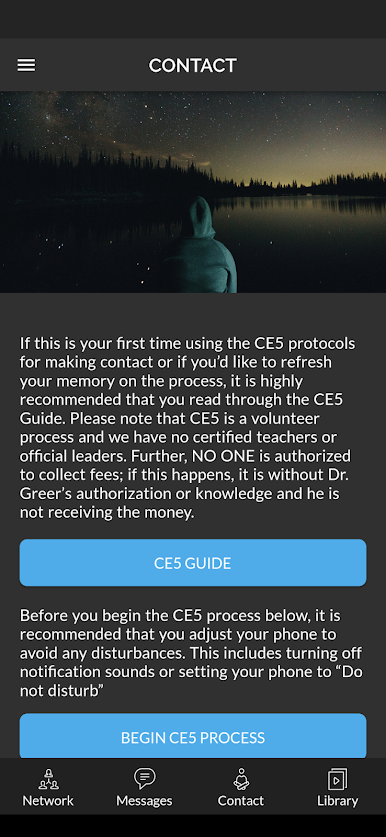
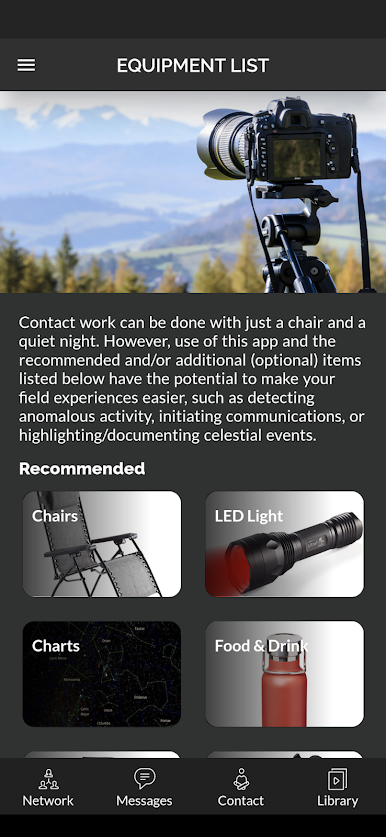
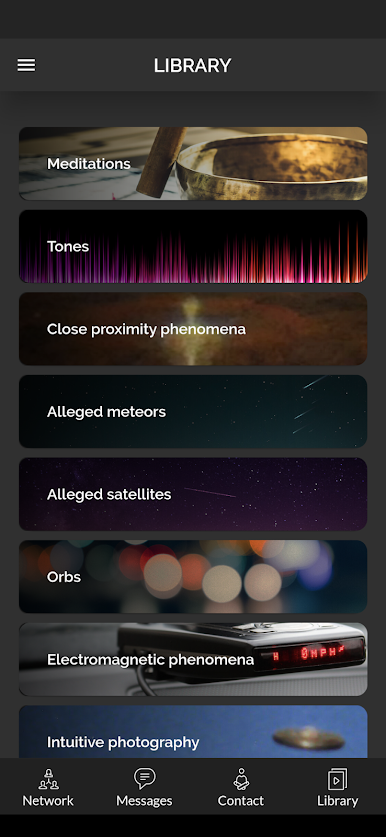
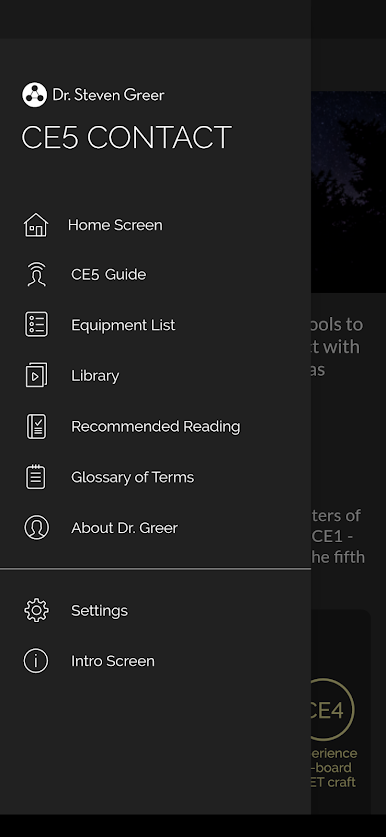
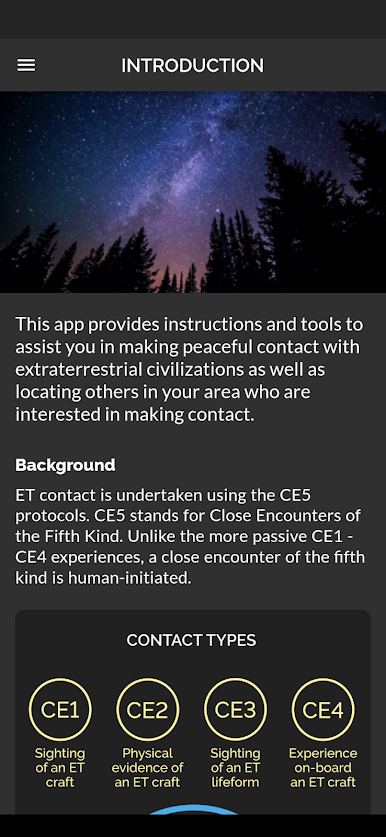
CE5 Contact is not a game, it feels more like a calm guide for anyone curious about making peaceful contact with extraterrestrial intelligence. The app lays things out clearly. There is a CE5 Guide that explains the ideas behind it, then a CE5 Process that walks someone step by step through an actual session, with timing, what to focus on, and when to use the audio. The library is big, with videos, images, tones, and meditations, and the app lets users download the tones and meditations so they are not stuck if signal drops outside. It even saves pages and audio that were opened before, which helps when flying solo in a field somewhere. There is also a simple equipment list so a person knows what to bring.
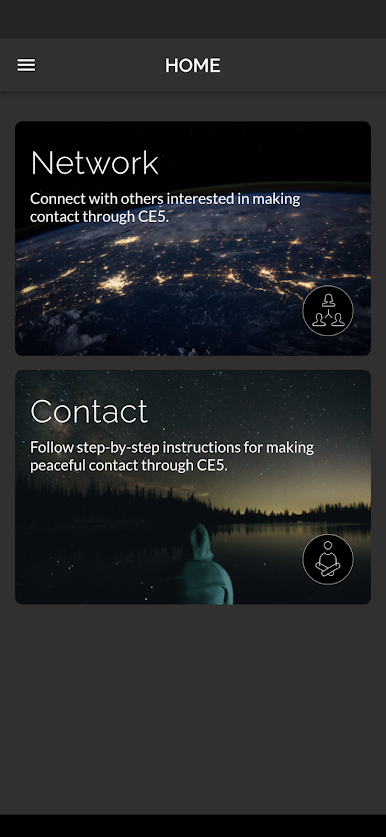
Training materials come from Dr. Steven Greer, so fans of his work will recognize the style. What stands out is the built-in networking. It can show others nearby who are into CE5 and lets people message to form a small group, although sign up, profiles, and messaging do need internet. On PC with BlueStacks, the longer reading parts are easier on the eyes, audio sounds better through speakers, and switching between the process screen and the library feels smooth. The whole thing is focused, surprisingly practical, and very specific about what to do and when, which is exactly what someone new to CE5 usually needs.
BlueStacks brings your apps to life on a bigger screen—seamless and straightforward.


在電腦上遊玩CE5 Contact . 輕易上手.
-
在您的電腦上下載並安裝BlueStacks
-
完成Google登入後即可訪問Play商店,或等你需要訪問Play商店十再登入
-
在右上角的搜索欄中尋找 CE5 Contact
-
點擊以從搜索結果中安裝 CE5 Contact
-
完成Google登入(如果您跳過了步驟2),以安裝 CE5 Contact
-
在首頁畫面中點擊 CE5 Contact 圖標來啟動遊戲

