

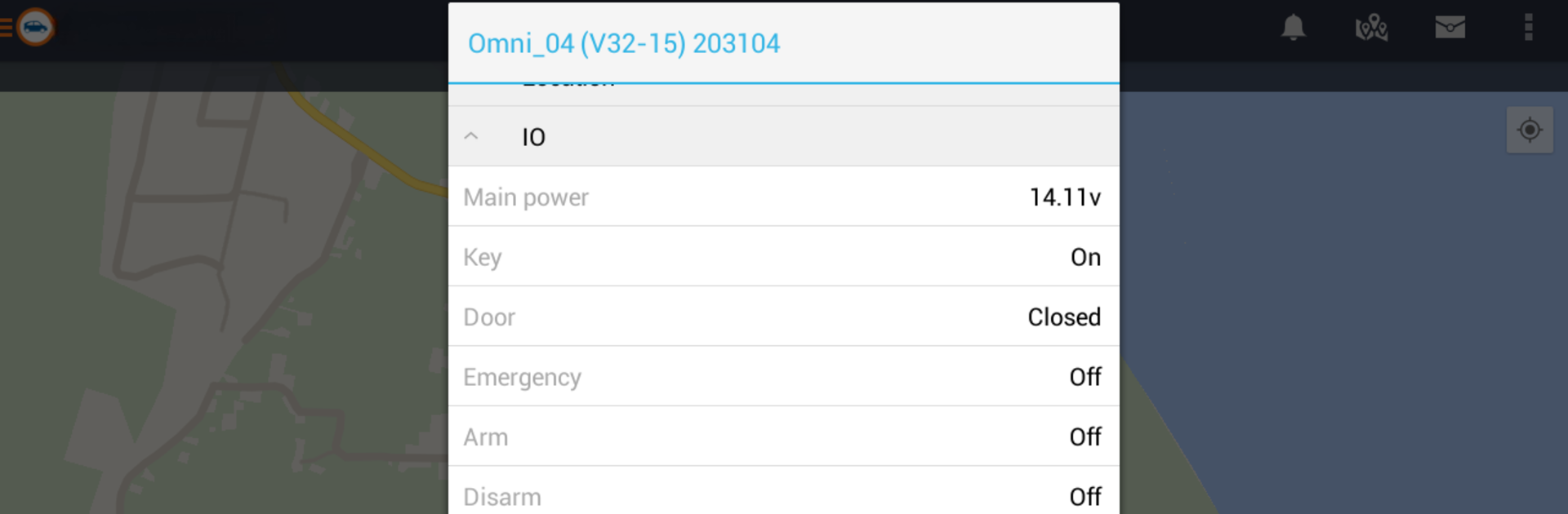
Olympia Tracking
在電腦上使用BlueStacks –受到5億以上的遊戲玩家所信任的Android遊戲平台。

Run Olympia Tracking on PC or Mac
Multitask effortlessly on your PC or Mac as you try out Olympia Tracking, a Productivity app by Starcom Systems on BlueStacks.
About the App
Olympia Tracking from Starcom Systems is your go-to sidekick for keeping an eye on everything that matters—cars, shipping containers, even people—right from your favorite device. Need a smarter way to know where your stuff is, any time? You’ll feel right at home. Picture having live info at your fingertips—updates, alerts, and a simple interface that just works.
App Features
-
Live Status Updates
See what’s happening with your vehicles, containers, or anything else you’re tracking, all in real time. No more second-guessing—you get the details as they happen. -
Multiple Tracking Options
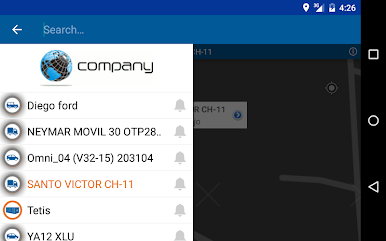
Whether you’re keeping tabs on a fleet of delivery vans, valuable shipments, or even luggage, you can monitor several things at once. One place to watch it all. -
Instant Alerts
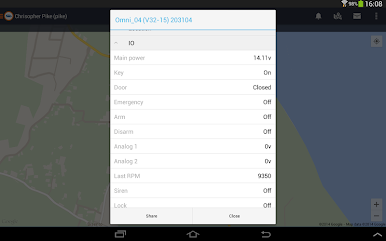
Stay in the know with push notifications whenever something important pops up—like a unit moving unexpectedly, or reaching a checkpoint. -
Interactive Map View
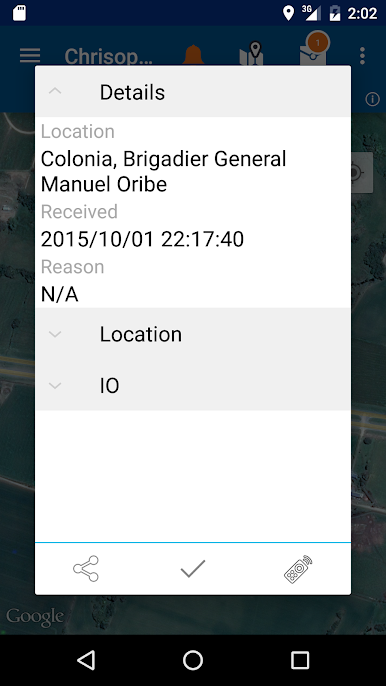
Check out a clear, easy-to-read map showing exactly where your units are right now. Need the full picture at a glance? That’s what it’s for. -
Flexible and User-friendly
The app keeps everything organized, so you can quickly switch between different items or locations without losing your place. It’s all built to be straightforward, even when things get busy.
You can also run Olympia Tracking on BlueStacks if you want a bigger screen to keep track of everything at once—it’s a breeze to set up.
BlueStacks brings your apps to life on a bigger screen—seamless and straightforward.
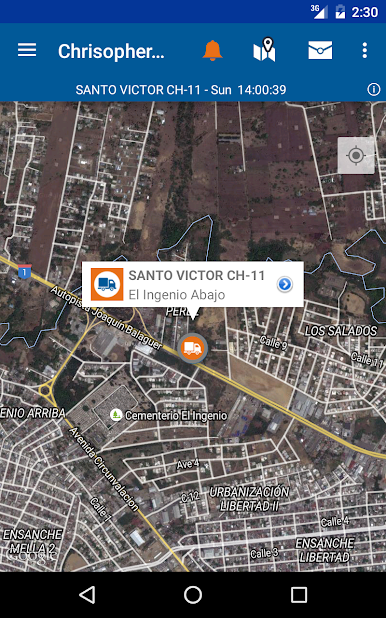
在電腦上遊玩Olympia Tracking . 輕易上手.
-
在您的電腦上下載並安裝BlueStacks
-
完成Google登入後即可訪問Play商店,或等你需要訪問Play商店十再登入
-
在右上角的搜索欄中尋找 Olympia Tracking
-
點擊以從搜索結果中安裝 Olympia Tracking
-
完成Google登入(如果您跳過了步驟2),以安裝 Olympia Tracking
-
在首頁畫面中點擊 Olympia Tracking 圖標來啟動遊戲

