

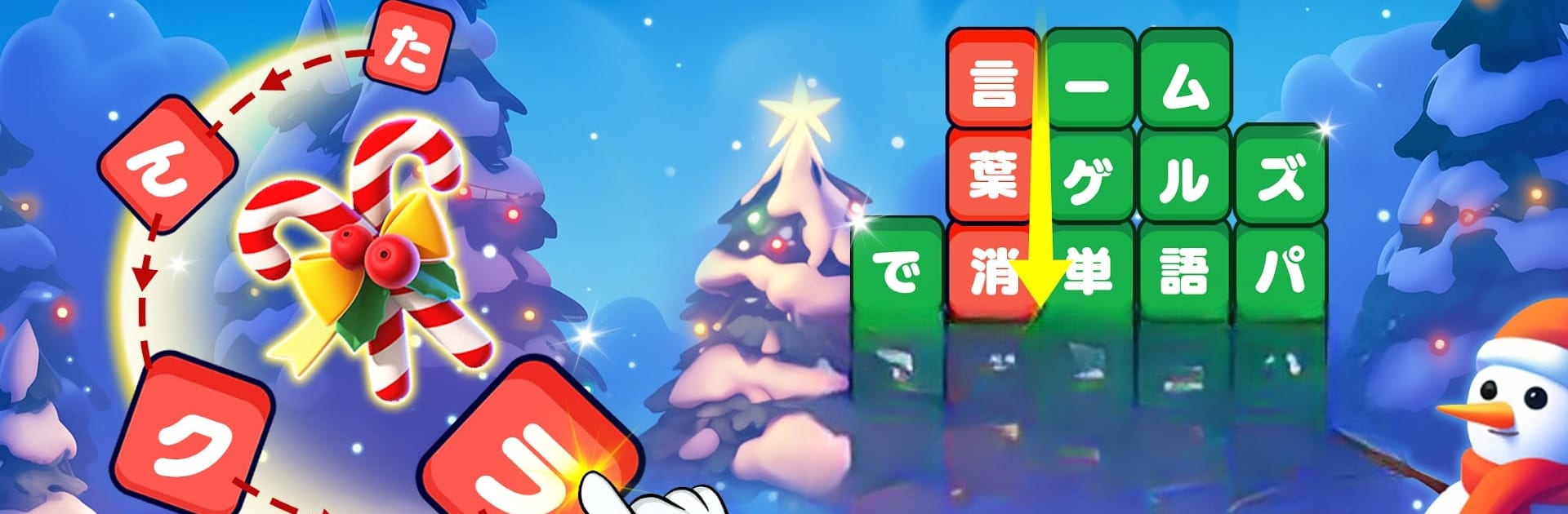
たんクラ-単語クラッシュ:言葉消し単語パズルゲーム
Jogue no PC com BlueStacks - A Plataforma de Jogos Android, confiada por mais de 500 milhões de jogadores.

Página modificada em: Nov 13, 2025
Play たんクラ-単語クラッシュ:言葉消し単語パズルゲーム on PC or Mac
Bring your A-game to たんクラ-単語クラッシュ:言葉消し単語パズルゲーム, the Word game sensation from FUNJOY. Give your gameplay the much-needed boost with precise game controls, high FPS graphics, and top-tier features on your PC or Mac with BlueStacks.
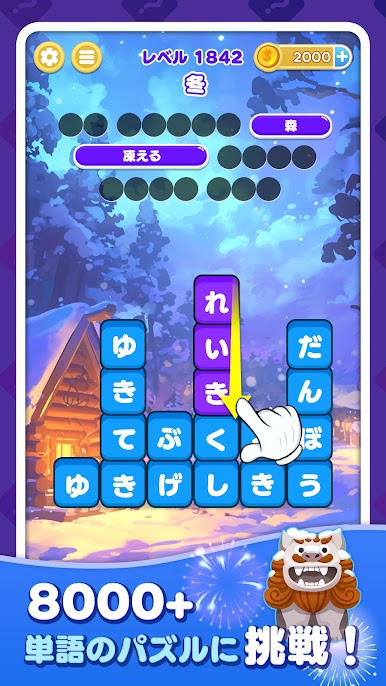
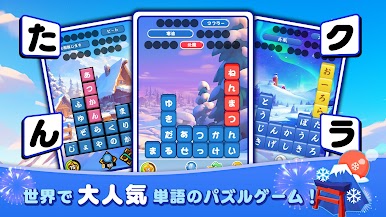
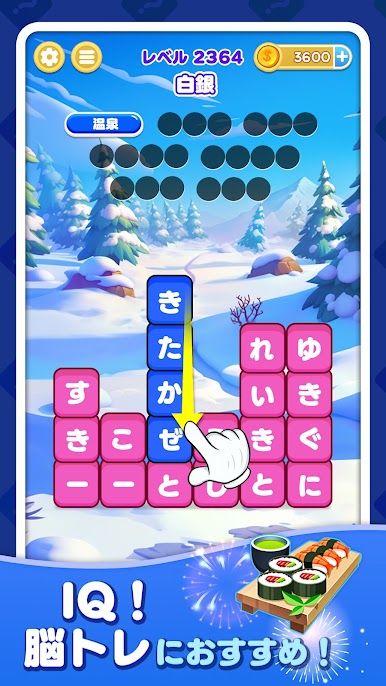
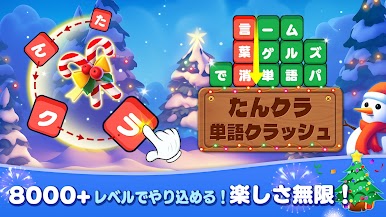
So here’s what to expect from たんクラ, or Tankura – it’s a word puzzle game that feels simple to jump into, but ends up giving your brain a decent workout. The setup’s super easy: you just swipe through letter blocks to make words, and when you get it right, the blocks vanish. There’s no clunky interface or messy menus, just easy-to-read colors and a layout that’s calm on the eyes. What’s nice is that the game isn’t all about rushing or memorizing huge word lists – you can take your time solving the puzzles, and there’s a solid range in difficulty, so it suits everyone from total beginners to those who want more of a challenge.
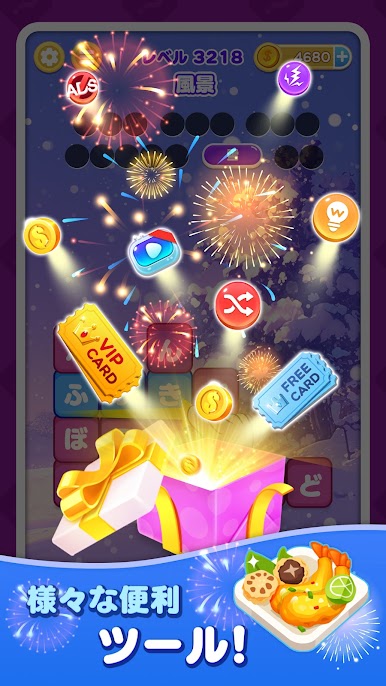
And it isn’t just the regular word puzzles, either. They throw in these special mini-games, like Bingo or tile-matching, and that keeps things interesting. There are daily challenges and you can collect little medals along the way, which adds a tiny sense of progress without being stressful. The best part is that you can play offline, so it’s good for commuting or waiting around, and with BlueStacks on PC, everything plays even smoother than on a phone. New puzzles get added all the time, so there’s always something different popping up. Honestly, if someone likes word games or just wants something to casually wake up their brain every day, this one ends up being kind of satisfying to have around.
Start your journey now. Download the game on BlueStacks, invite your friends, and march on a new adventure.



Jogue たんクラ-単語クラッシュ:言葉消し単語パズルゲーム no PC. É fácil começar.
-
Baixe e instale o BlueStacks no seu PC
-
Conclua o login do Google para acessar a Play Store ou faça isso mais tarde
-
Procure por たんクラ-単語クラッシュ:言葉消し単語パズルゲーム na barra de pesquisa no canto superior direito
-
Clique para instalar たんクラ-単語クラッシュ:言葉消し単語パズルゲーム a partir dos resultados da pesquisa
-
Conclua o login do Google (caso você pulou a etapa 2) para instalar o たんクラ-単語クラッシュ:言葉消し単語パズルゲーム
-
Clique no ícone do たんクラ-単語クラッシュ:言葉消し単語パズルゲーム na tela inicial para começar a jogar

