


GPS Satellites Viewer
5억명 이상의 게이머가 신뢰하는 안드로이드 게임 플랫폼 BlueStacks으로 PC에서 플레이하세요.

Run GPS Satellites Viewer on PC or Mac
Multitask effortlessly on your PC or Mac as you try out GPS Satellites Viewer, a Tools app by S.F. Applicality Ltd. on BlueStacks.
About the App
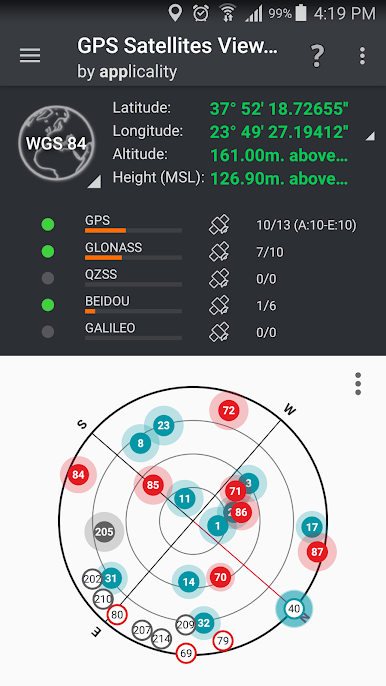
Ever wonder exactly which satellites are cruising overhead, helping your GPS do its thing? GPS Satellites Viewer by S.F. Applicality Ltd. lets you see the invisible—literally! Whether you’re a tech enthusiast, a geocaching fan, or just love knowing where you are, this app shines a spotlight on the fleets of GNSS satellites above you. Using interactive compass and augmented reality features, it makes satellite-tracking feel surprisingly hands-on (and a little bit futuristic). It’s part handy tool, part curiosity-satisfier, all powered by tech that actually feels fun to use.
App Features
-
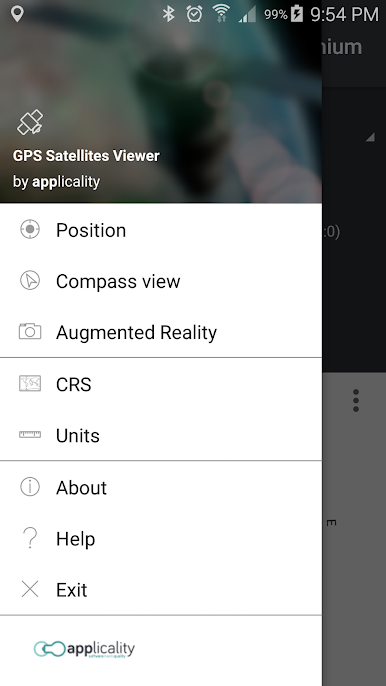
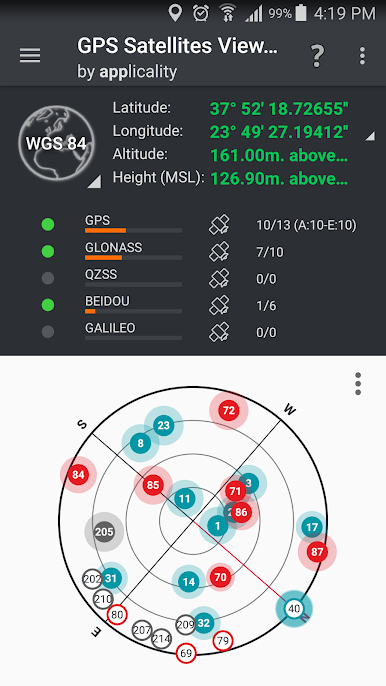
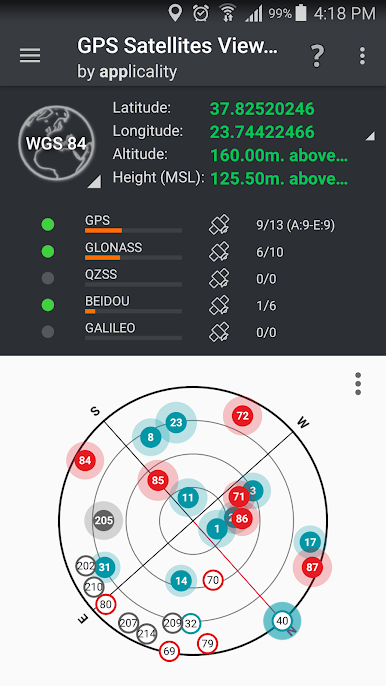
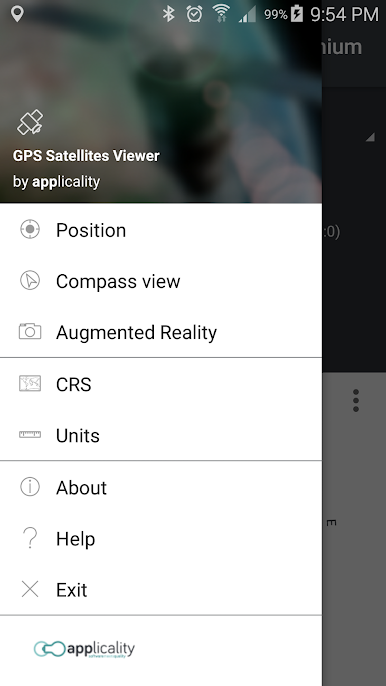
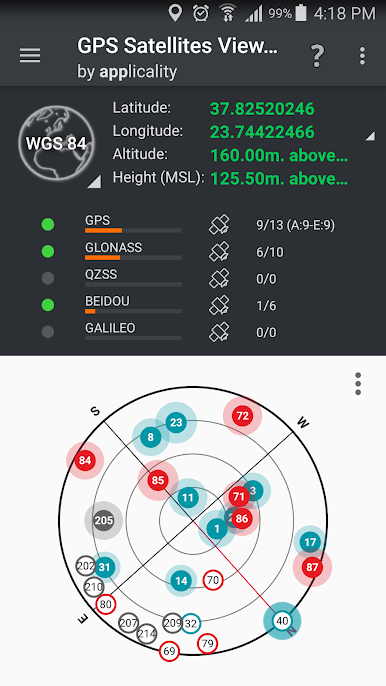
Compass Satellite View
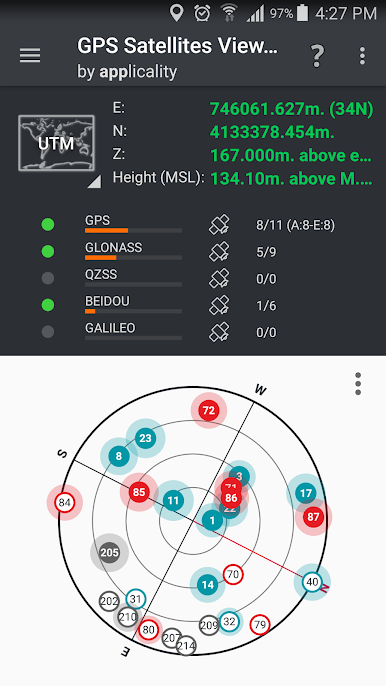
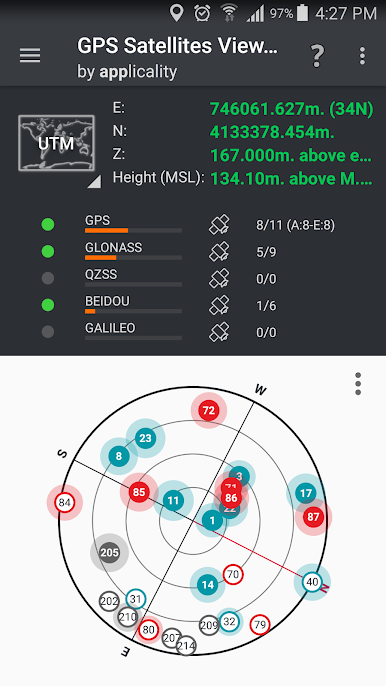
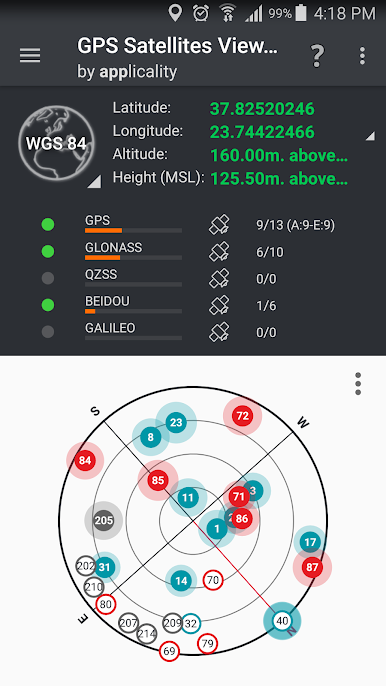
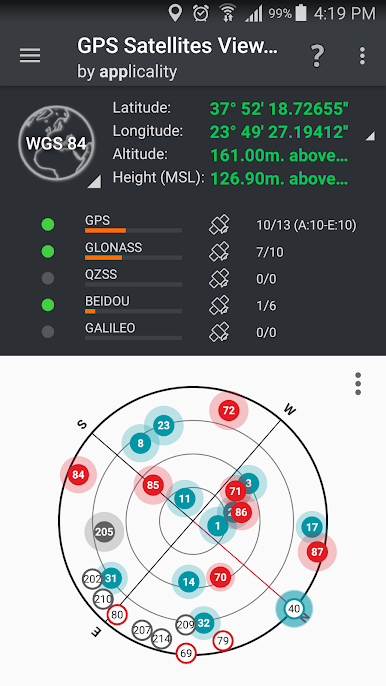
Check out a dynamic compass that points out which GNSS satellites—GPS, GLONASS, Galileo, BEIDOU, and QZSS—are overhead. You’ll see details like constellation, satellite ID, signal quality, and whether each one’s being used in your location fix. -
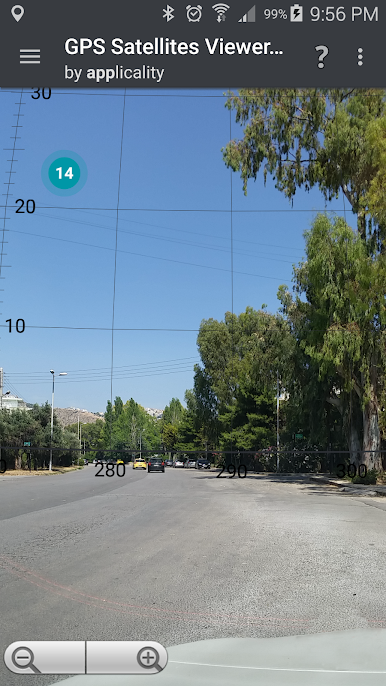
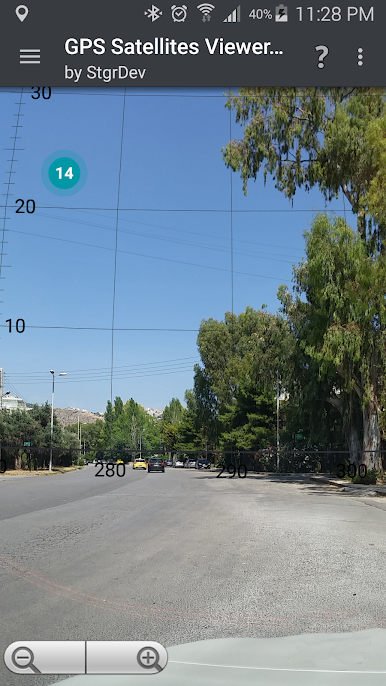
Augmented Reality Projection
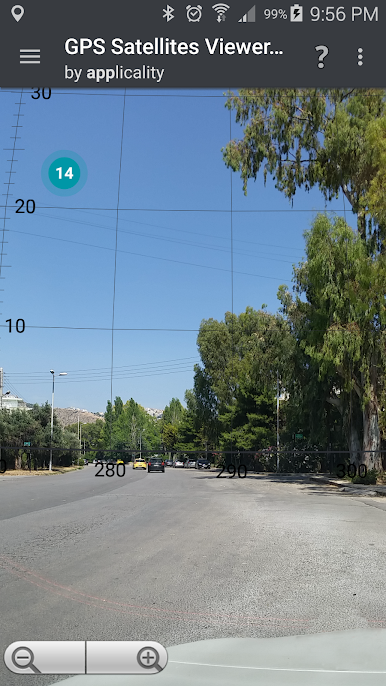
Turn your phone’s camera to the sky and watch as satellites are overlaid onto the real world. It’s like sky-watching, but geekier and way more informative. You’ll get live details on every satellite you see. -
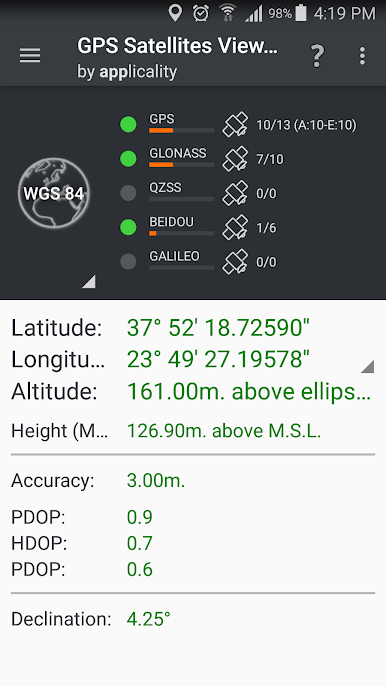
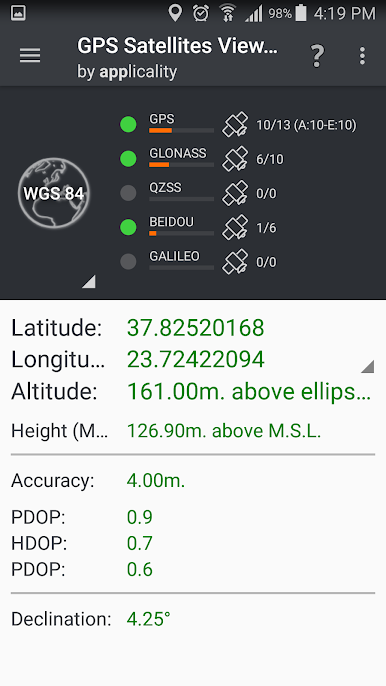
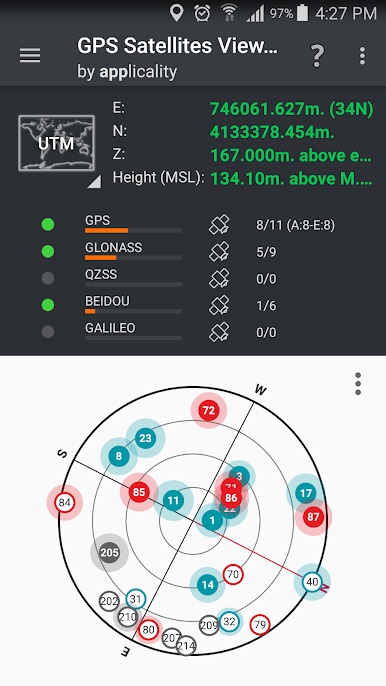
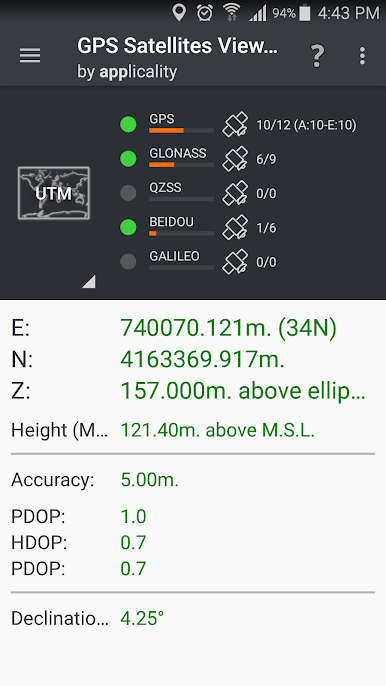
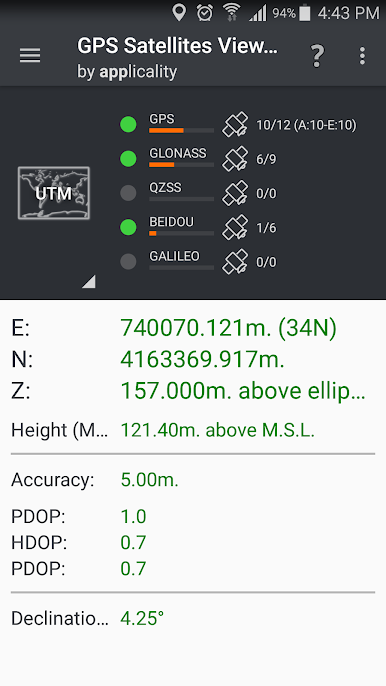
Position in Multiple Formats
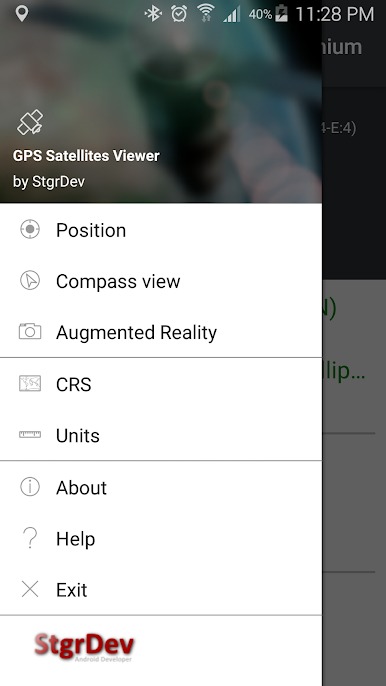
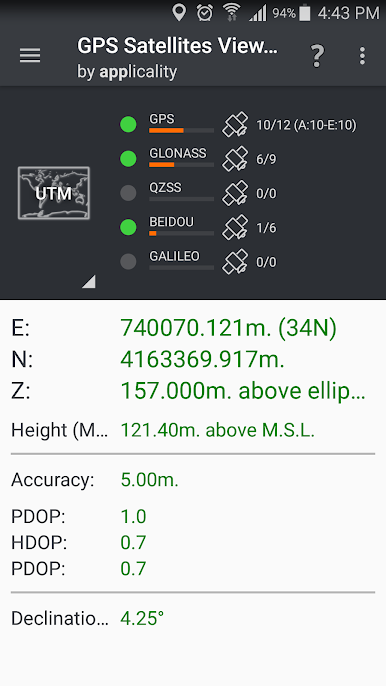
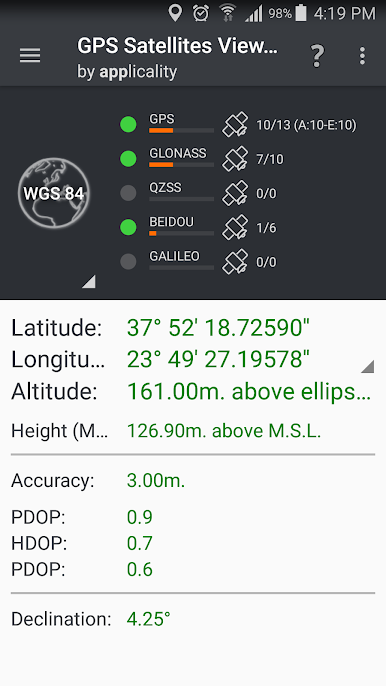
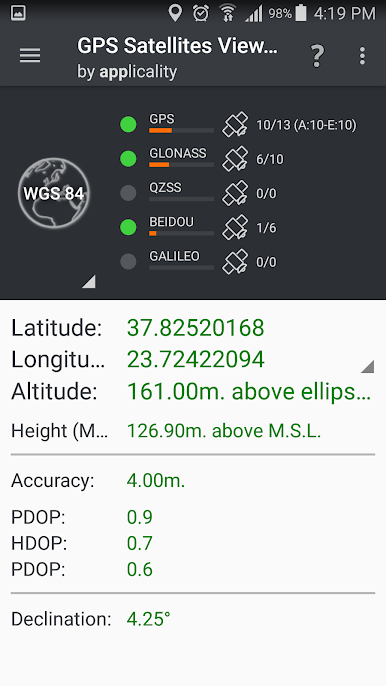
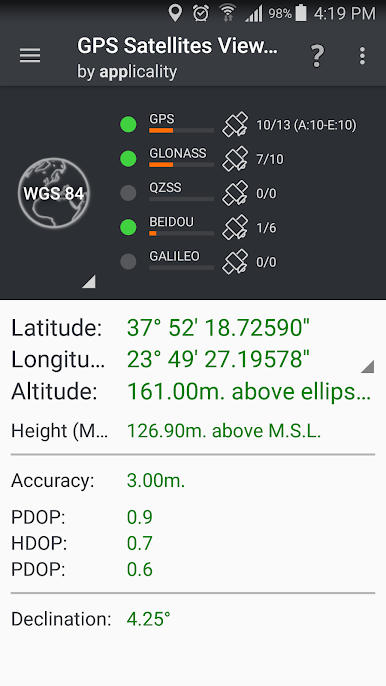
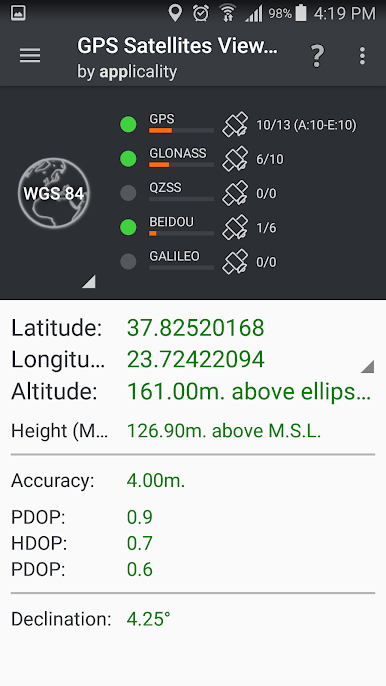
See your position in standard latitude and longitude (WGS84), but that’s just the start. The app can also display your location in dozens of local and international Coordinate Reference Systems—from UTM and Europe’s ETRS89 to Australia’s MGA94, U.S. SPCS83, and way beyond. Perfect if you need precise mapping for work, travel, or academic projects. -
Global CRS Support
Need your coordinates in a specific national format or projection? There’s wide coverage here: everything from Greece’s HGRS87 to India’s Kalianpur, France’s RGF93, Canada’s CSRS, and lots more (seriously, the list is huge). -
Tools Genre, PC Friendly
Want an even bigger view? GPS Satellites Viewer works great with BlueStacks on your computer, giving you a wide-screen experience with all those same detailed features.
Ready to experience GPS Satellites Viewer on a bigger screen, in all its glory? Download BlueStacks now.
PC에서 GPS Satellites Viewer 플레이해보세요.
-
BlueStacks 다운로드하고 설치
-
Google Play 스토어에 로그인 하기(나중에 진행가능)
-
오른쪽 상단 코너에 GPS Satellites Viewer 검색
-
검색 결과 중 GPS Satellites Viewer 선택하여 설치
-
구글 로그인 진행(만약 2단계를 지나갔을 경우) 후 GPS Satellites Viewer 설치
-
메인 홈화면에서 GPS Satellites Viewer 선택하여 실행

