Notes - 메모장
5억명 이상의 게이머가 신뢰하는 안드로이드 게임 플랫폼 BlueStacks으로 PC에서 플레이하세요.
Run Notes - Notepad on PC or Mac
Multitask effortlessly on your PC or Mac as you try out Notes – Notepad, a Tools app by My Mobile Tools Lab on BlueStacks.
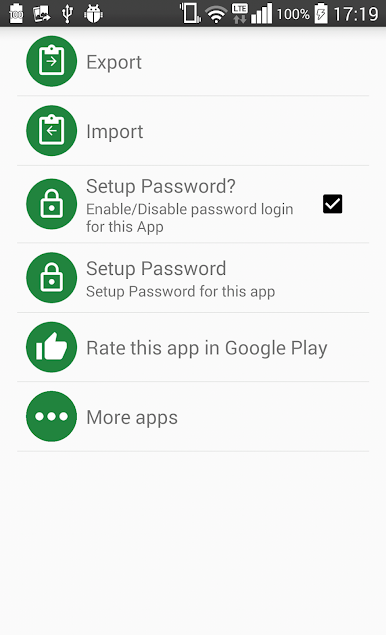
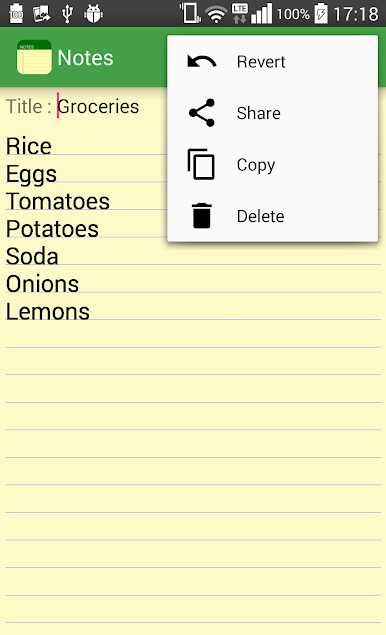
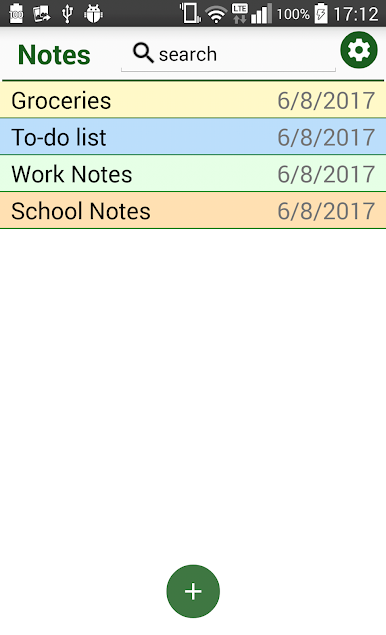
Notes – Notepad feels like a plain notebook that just happens to live on a screen. No extras getting in the way. It opens quickly, lets someone start typing right away, and saves everything automatically, so there is no nervous moment about losing a thought. The app works well for small stuff like a grocery list or a reminder, and it also handles longer drafts for messages or emails without feeling heavy. Searching is simple. type a word and it pulls up the notes that match. Sharing text from other apps can instantly create a new note, which is handy when someone wants to keep a quote, a recipe line, or a tracking number. Import and export are there for backups or moving notes between devices, and the whole layout stays clean and easy to navigate.
Running it on a computer with BlueStacks makes it feel even more practical. A full keyboard makes fast lists and longer writing painless, copy and paste from a browser or document is smooth, and it is nice to keep the app in a small window while working on something else. There are no complicated menus to learn, no fancy formatting to mess up a simple thought. Just a straightforward note space that behaves the way a basic notepad should, with quick save, quick search, and a clear list of everything someone has written.
Ready to experience Notes – Notepad on a bigger screen, in all its glory? Download BlueStacks now.
PC에서 Notes - 메모장 플레이해보세요.
-
BlueStacks 다운로드하고 설치
-
Google Play 스토어에 로그인 하기(나중에 진행가능)
-
오른쪽 상단 코너에 Notes - 메모장 검색
-
검색 결과 중 Notes - 메모장 선택하여 설치
-
구글 로그인 진행(만약 2단계를 지나갔을 경우) 후 Notes - 메모장 설치
-
메인 홈화면에서 Notes - 메모장 선택하여 실행