


Melon Sandbox
Jogue no PC com BlueStacks - A Plataforma de Jogos Android, confiada por mais de 500 milhões de jogadores.

Página modificada em: Dec 11, 2025
Play Melon Sandbox on PC or Mac
Step into the World of Melon Sandbox, a thrilling Simulation game from the house of playducky.com. Play this Android game on BlueStacks App Player and experience immersive gaming on PC or Mac.
About the Game
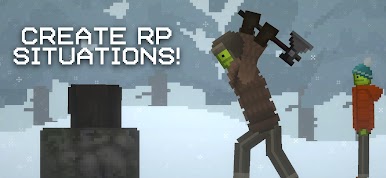
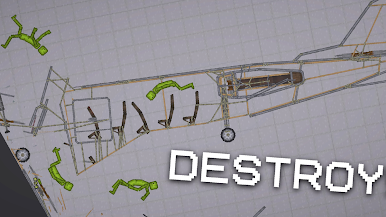
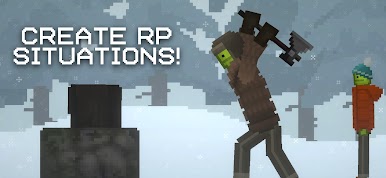
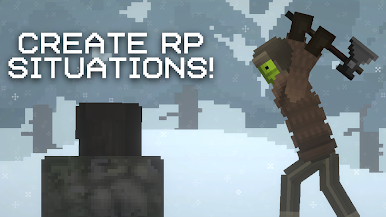
Melon Sandbox is a gleefully chaotic playground where you poke at physics, rig wild setups, and see what breaks first—the contraption or your expectations. It’s all about creative destruction and goofy ragdoll antics, with zero pressure and tons of room to experiment. This Simulation game from playducky.com lets you tinker for hours, and if you like a bigger canvas, it runs nicely on PC through BlueStacks.
Game Features
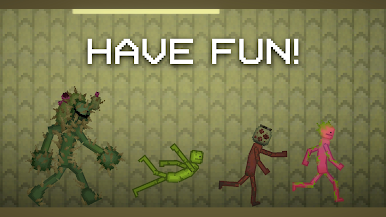
- Ragdoll physics that feel alive: Toss, fling, pinball, and pile up characters, then watch the physics do their unpredictable thing. It’s messy in the best way.
- A giant toolbox of toys: Firearms, melee gear, explosives, and more. Mix tools to see how each reacts—loud, flashy, and occasionally ridiculous.
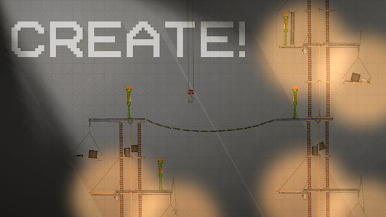
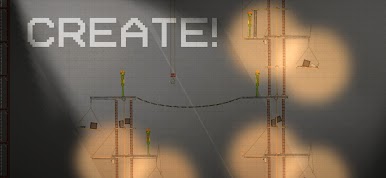
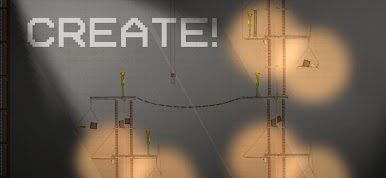
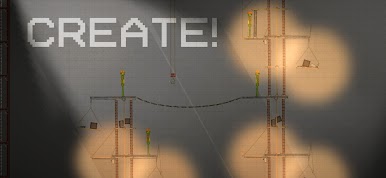
- Build outrageous contraptions: Arrange props and gadgets into your own custom devices. Crush, scorch, zap, or vaporize—whatever weird chain reaction you’ve got in mind.
- Vehicles as battering rams: Stack them, launch them, crash them through obstacles (and, well, soft targets). Momentum is your new favorite weapon.
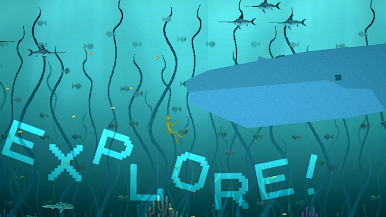
- Maps with personality: Hop across varied locations and turn each one into your personal test lab. Big spaces, tight corners—different layouts spark different ideas.
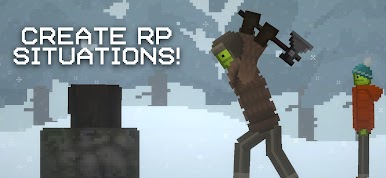
- Pure sandbox freedom: No missions, no strict goals. Just open-ended tinkering where the fun comes from “What happens if I…?”
- Play your way: Mouse-and-keyboard curious? BlueStacks makes it easy to mess around on a larger screen without changing the vibe.
Start your journey now. Download the game on BlueStacks, invite your friends, and march on a new adventure.










Jogue Melon Sandbox no PC. É fácil começar.
-
Baixe e instale o BlueStacks no seu PC
-
Conclua o login do Google para acessar a Play Store ou faça isso mais tarde
-
Procure por Melon Sandbox na barra de pesquisa no canto superior direito
-
Clique para instalar Melon Sandbox a partir dos resultados da pesquisa
-
Conclua o login do Google (caso você pulou a etapa 2) para instalar o Melon Sandbox
-
Clique no ícone do Melon Sandbox na tela inicial para começar a jogar

