


Water Sort Puzzle Challenge
العب على الكمبيوتر الشخصي مع BlueStacks - نظام أندرويد للألعاب ، موثوق به من قبل أكثر من 500 مليون لاعب.

Play Water Sort Puzzle Challenge on PC or Mac
Step into the World of Water Sort Puzzle Challenge, a thrilling Puzzle game from the house of SUPERCOSI. Play this Android game on BlueStacks App Player and experience immersive gaming on PC or Mac.
About the Game
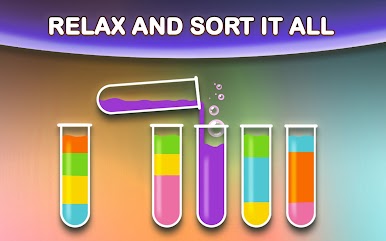
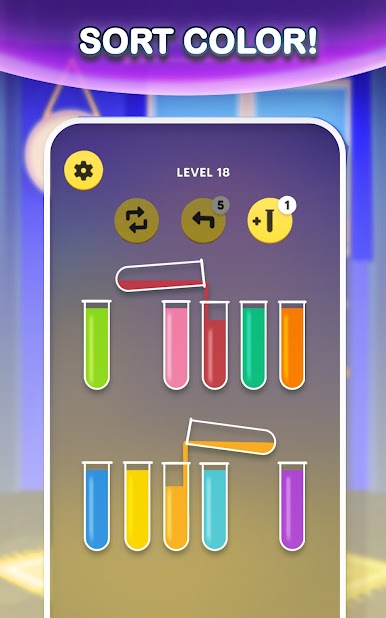
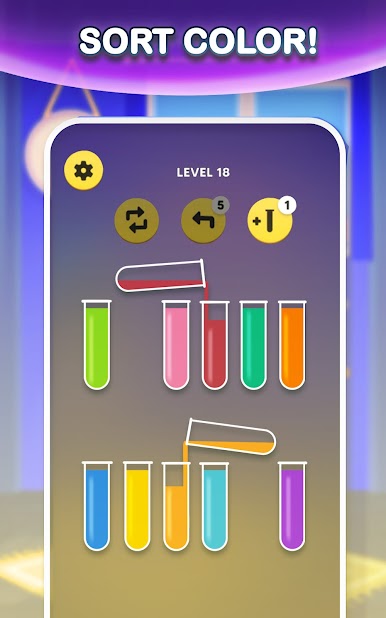
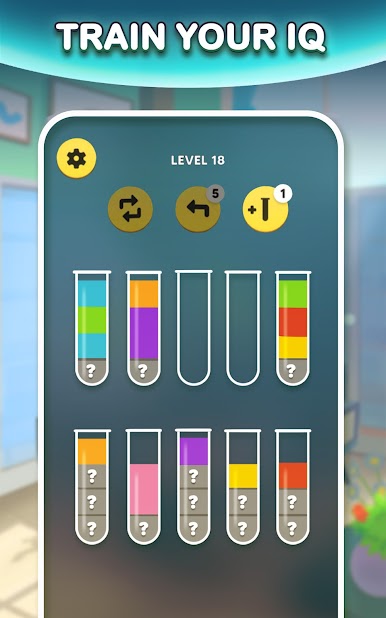
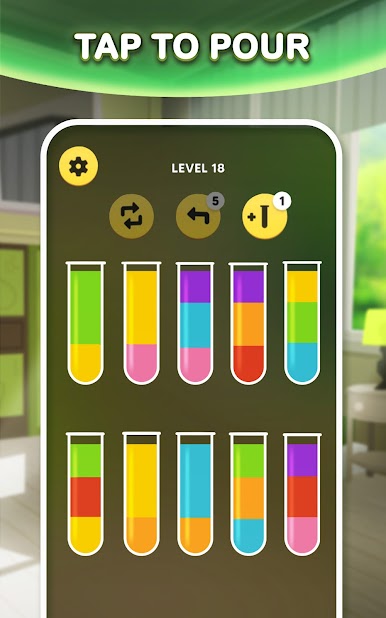
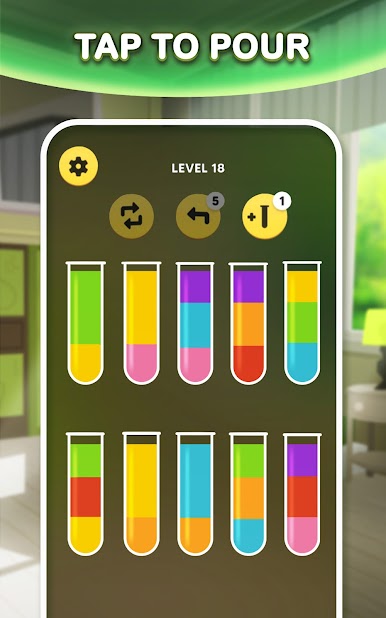
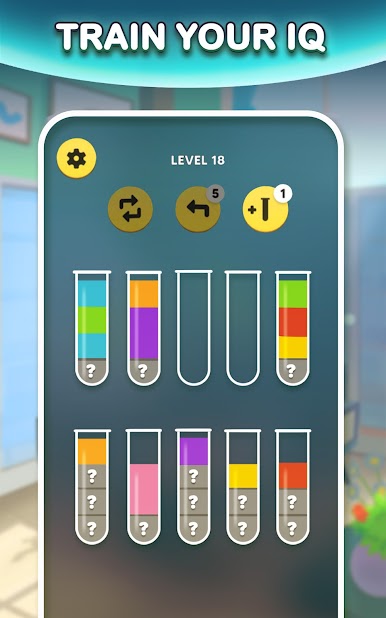
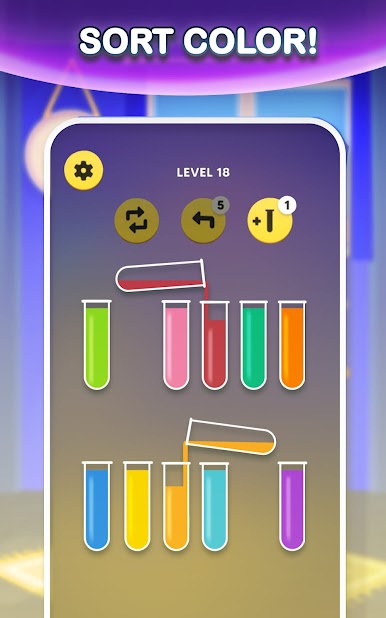
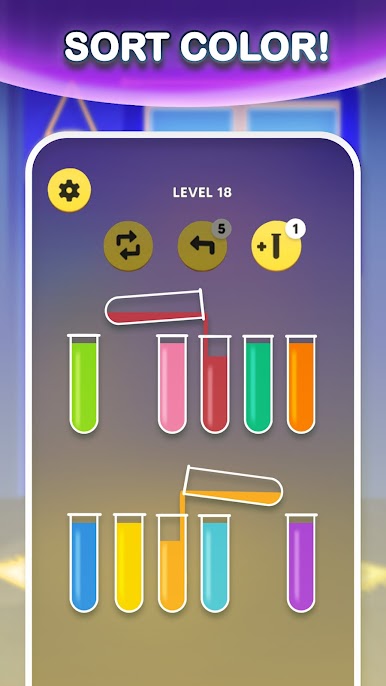
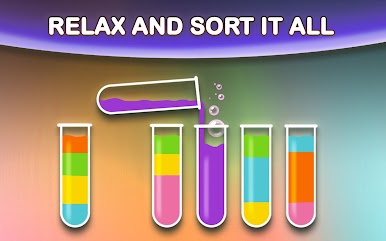
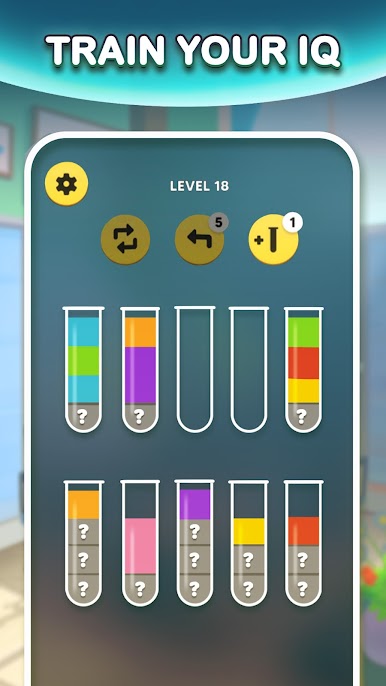
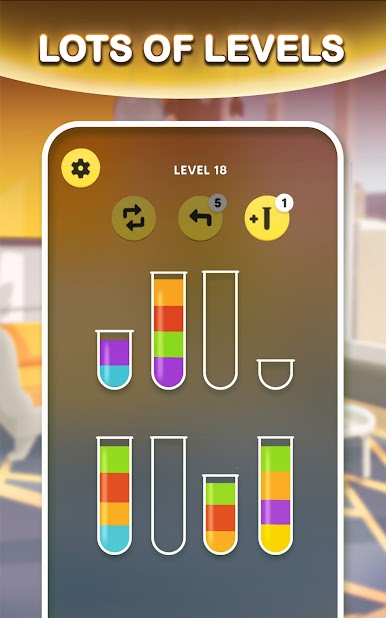
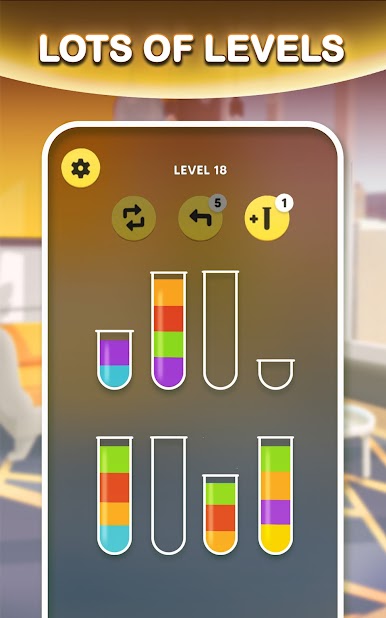
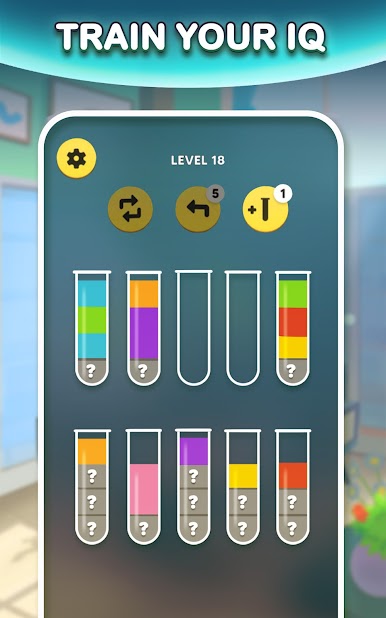
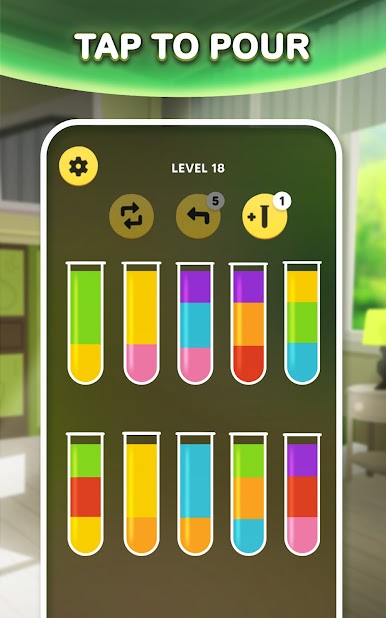
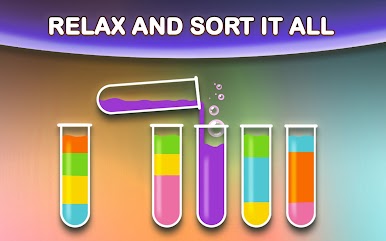
Water Sort Puzzle Challenge is a chill, color-sorting Puzzle from SUPERCOSI that’s easy to pick up and oddly satisfying to master. Your goal’s simple: pour bright liquids between glasses until each one holds a single color. It feels calm on the surface, but there’s a neat bit of strategy under the hood as you plan each move. Prefer playing on a bigger screen? It runs smoothly on BlueStacks with clean, click-friendly controls.
Game Features
- Clean, simple goal: Sort the mixed colors into tidy, single-color glasses. It’s straightforward, yet surprisingly absorbing once you get rolling.
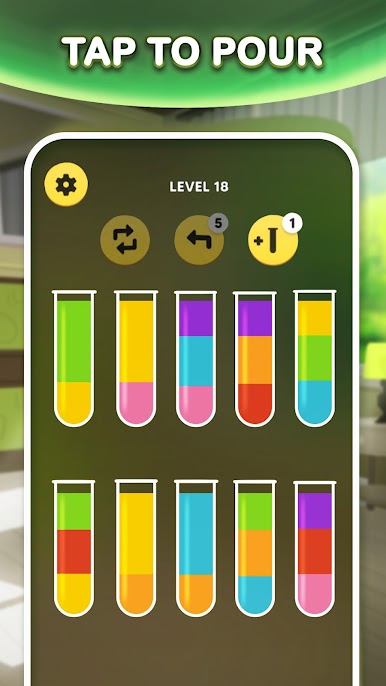
- Tap-to-pour controls: Just tap a glass to pour into another—no fuss. It’s quick, responsive, and perfect for short sessions or longer streaks.
- Smart pouring rules: You can only pour onto the same color and only if there’s space. These rules keep things fair while making each move feel intentional.
- Undo when you need it: Made a hasty move? Use the backtrack option to rewind and try a smarter path without restarting the whole puzzle.
- Restart without stress: Want a clean slate? Hit restart and rethink your approach from the first pour.
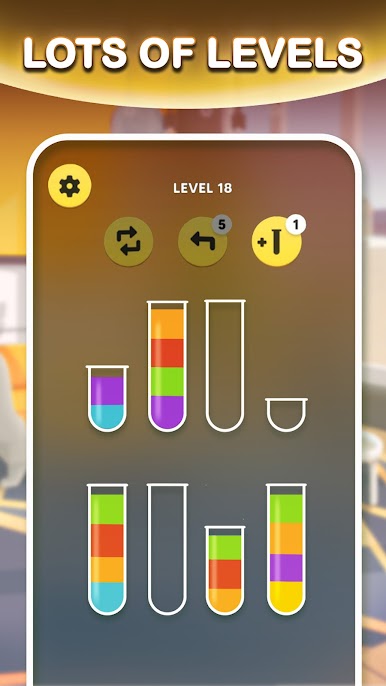
- Extra glass helper: Stuck with no good moves? Activate an additional glass to open up new routes and finish the sequence.
- Smooth, soothing flow: The colorful liquids and clean visuals make every pour feel satisfying, especially when that final glass clicks into place.
Get ready for a buttery smooth, high-performance gaming action only on BlueStacks.

العب Water Sort Puzzle Challenge على جهاز الكمبيوتر. من السهل البدء.
-
قم بتنزيل BlueStacks وتثبيته على جهاز الكمبيوتر الخاص بك
-
أكمل تسجيل الدخول إلى Google للوصول إلى متجر Play ، أو قم بذلك لاحقًا
-
ابحث عن Water Sort Puzzle Challenge في شريط البحث أعلى الزاوية اليمنى
-
انقر لتثبيت Water Sort Puzzle Challenge من نتائج البحث
-
أكمل تسجيل الدخول إلى Google (إذا تخطيت الخطوة 2) لتثبيت Water Sort Puzzle Challenge
-
انقر على أيقونة Water Sort Puzzle Challenge على الشاشة الرئيسية لبدء اللعب

