


Sweet Macaron : Match 3
在電腦上使用BlueStacks –受到5億以上的遊戲玩家所信任的Android遊戲平台。

Play Sweet Macaron : Match 3 on PC or Mac
Explore a whole new adventure with Sweet Macaron : Match 3, a Puzzle game created by NeoPOP. Experience great gameplay with BlueStacks, the most popular gaming platform to play Android games on your PC or Mac.
About the Game
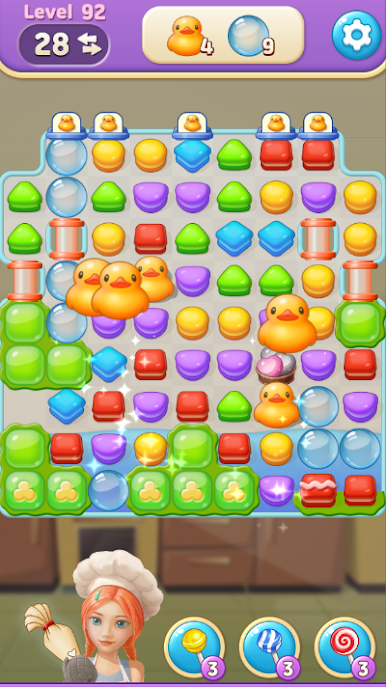
Sweet Macaron : Match 3, brought to you by NeoPOP, invites you into a playful Puzzle world where delicious macarons steal the show. It’s a match-3 adventure that mixes relaxing game time with plenty of brain-tickling challenges—and a kitchen you’ll gradually spruce up as you play. Fans of casual puzzle fun will find themselves swiping, matching, and maybe getting a little hungry for sweet treats.
Game Features
-
Thousands of Tasty Puzzles
Over 3,000 levels are packed in here, each one with its own twist. You’ll never run out of new boards to try, and the difficulty keeps things satisfying as you go deeper. -
Simple, Addictive Gameplay
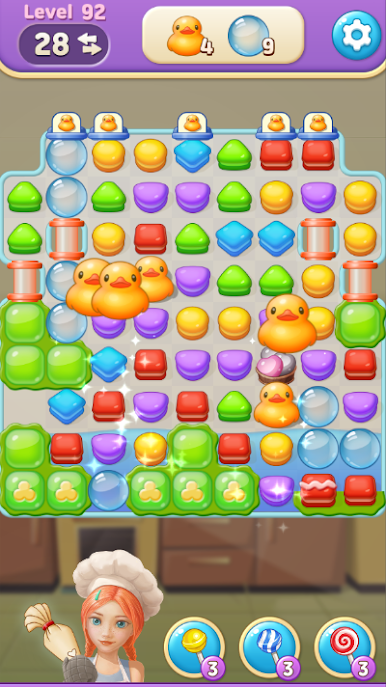
Just swap and match three or more macarons on the board. Sounds easy? Some stages will have you puzzling over the best moves, keeping you on your toes. -
Kitchen Makeover Progression
Beating levels rewards you with goodies to upgrade your kitchen. It’s fun watching your space transform the more you play. -
Challenging Missions
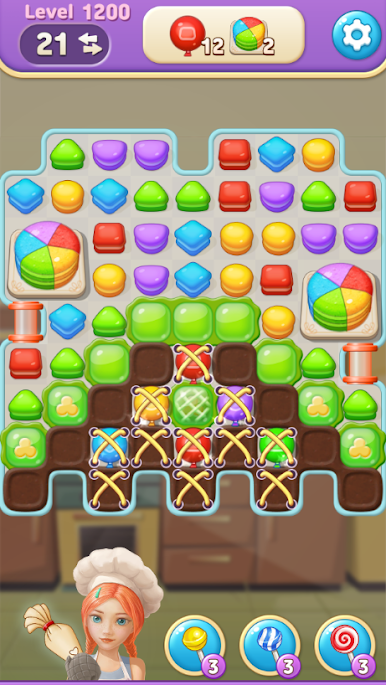
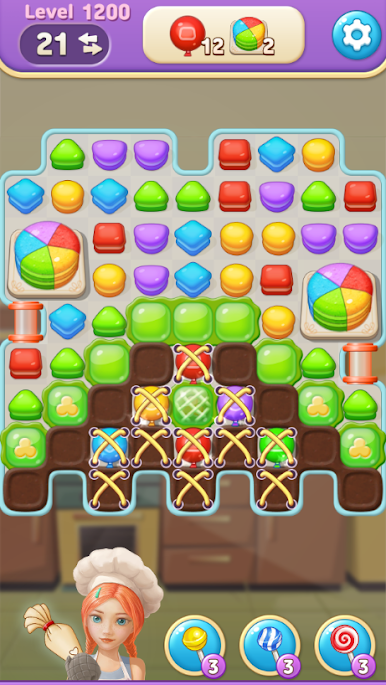
Special mission puzzles pop up along the way, nudging you to experiment with different strategies instead of sticking to the same old moves. -
Colorful Visuals and Sweet Effects
Expect bright colors, lively graphics, and satisfying bursts as you clear macarons. The vibe is cheerful and light. -
Optimized for BlueStacks
The game shines on BlueStacks, giving you smooth controls and vivid graphics while you puzzle your way through those macaron combinations. -
Free to Play
No cost to jump in and start matching. There are optional in-app purchases, but playing for free still gets you plenty of fun.
Ready to top the leaderboard? We bet you do. Let precise controls and sharp visuals optimized on BlueStacks lead you to victory.













在電腦上遊玩Sweet Macaron : Match 3 . 輕易上手.
-
在您的電腦上下載並安裝BlueStacks
-
完成Google登入後即可訪問Play商店,或等你需要訪問Play商店十再登入
-
在右上角的搜索欄中尋找 Sweet Macaron : Match 3
-
點擊以從搜索結果中安裝 Sweet Macaron : Match 3
-
完成Google登入(如果您跳過了步驟2),以安裝 Sweet Macaron : Match 3
-
在首頁畫面中點擊 Sweet Macaron : Match 3 圖標來啟動遊戲

