


Magic 8 Ball 3D Pro
Jogue no PC com BlueStacks - A Plataforma de Jogos Android, confiada por mais de 500 milhões de jogadores.

Página modificada em: Jul 19, 2025
Play Magic 8 Ball 3D Pro on PC
No more searching!
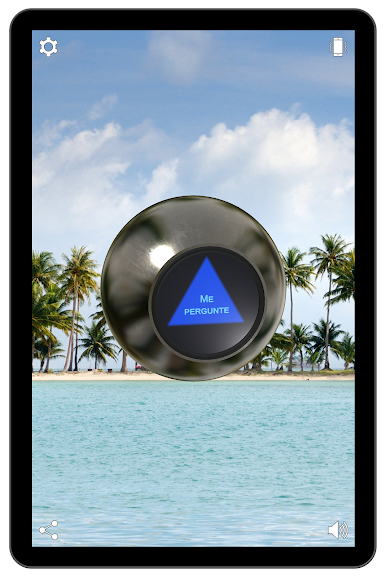
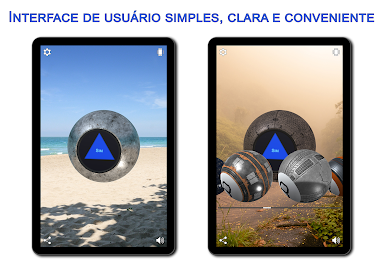
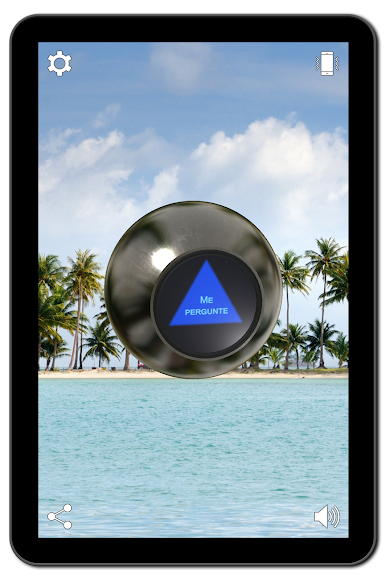
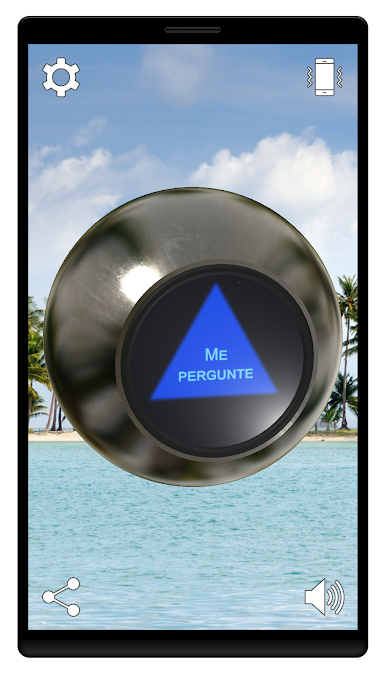
The Magic 8 Ball makes it possible to find out the answers to any yes-no questions.
Just ask the Magic 8 Ball a yes-no question about your destiny, love, money or what to choose for breakfast, and shake your mobile device or tap the screen.
Features:
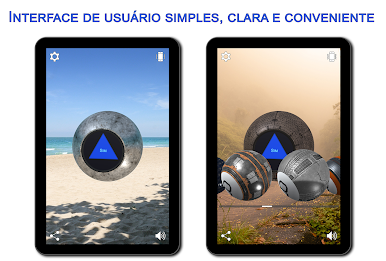
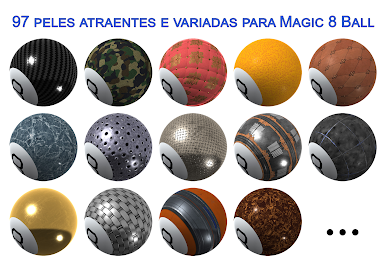
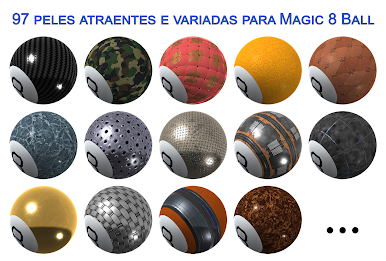
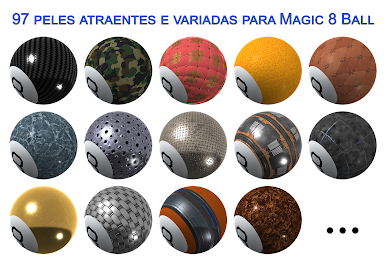
✓ 97 attractive and varied Magic 8 Ball skins that you can choose depending on your mood.
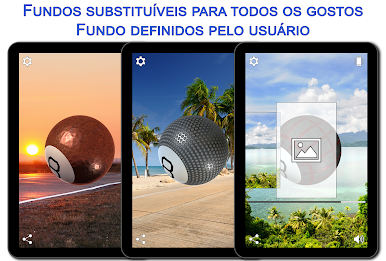
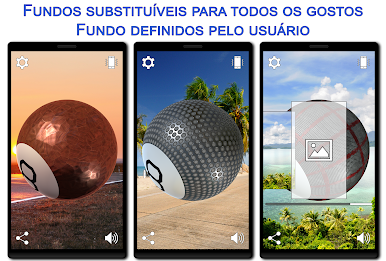
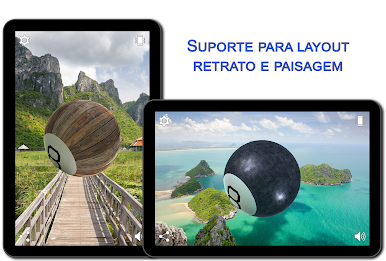
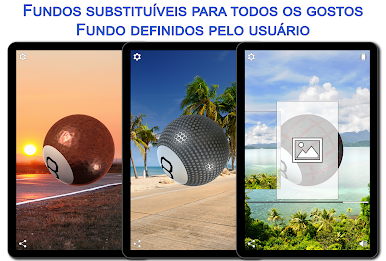
✓ 7 replaceable backgrounds to any taste.
✓ User-defined backgrounds. Just select any picture you like on your device, Google Photos or Google Drive.
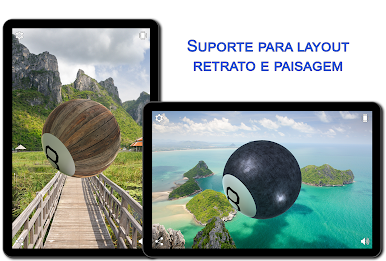
✓ Real 3D with Physically based rendering (PBR) and Image-based lighting (IBL) support.
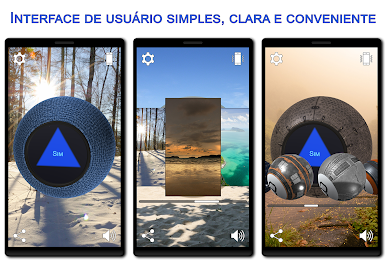
✓ Full control of the Magic 8 Ball rotation with your finger.
✓ Gyroscope and acceleration sensor support (If available).
✓ Text to speech support (If available).
✓ Vibrations support (If available).
✓ NoAds
Jogue Magic 8 Ball 3D Pro no PC. É fácil começar.
-
Baixe e instale o BlueStacks no seu PC
-
Conclua o login do Google para acessar a Play Store ou faça isso mais tarde
-
Procure por Magic 8 Ball 3D Pro na barra de pesquisa no canto superior direito
-
Clique para instalar Magic 8 Ball 3D Pro a partir dos resultados da pesquisa
-
Conclua o login do Google (caso você pulou a etapa 2) para instalar o Magic 8 Ball 3D Pro
-
Clique no ícone do Magic 8 Ball 3D Pro na tela inicial para começar a jogar

