


Portuguese - English Translato
在電腦上使用BlueStacks –受到5億以上的遊戲玩家所信任的Android遊戲平台。

Run Portuguese - English Translato on PC or Mac
What’s better than using Portuguese – English Translato by Suvorov-Development? Well, try it on a big screen, on your PC or Mac, with BlueStacks to see the difference.
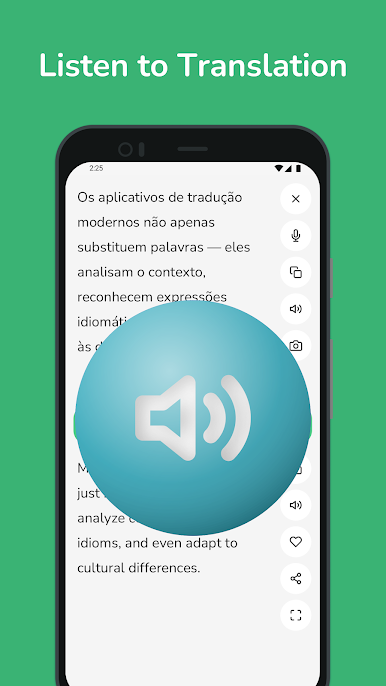
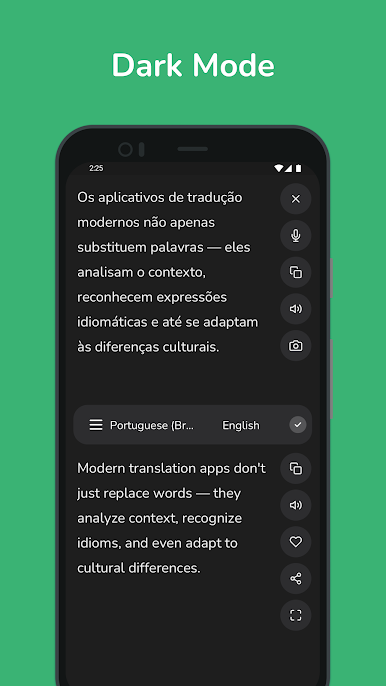
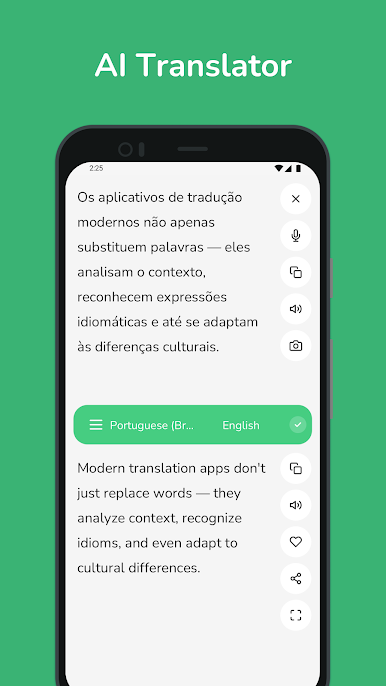
Portuguese – English Translato feels like a simple, handy tool that does exactly what the name says. On a PC through BlueStacks it is even nicer, since a full keyboard makes longer sentences easy to paste or type, and copying results into emails or chats is quick. It switches between Portuguese and English without fuss, gives instant results, and often shows a few different word choices so a person can pick the one that fits the context. There is a built-in phrasebook for basics, which is great when someone needs a quick line for travel or small talk.
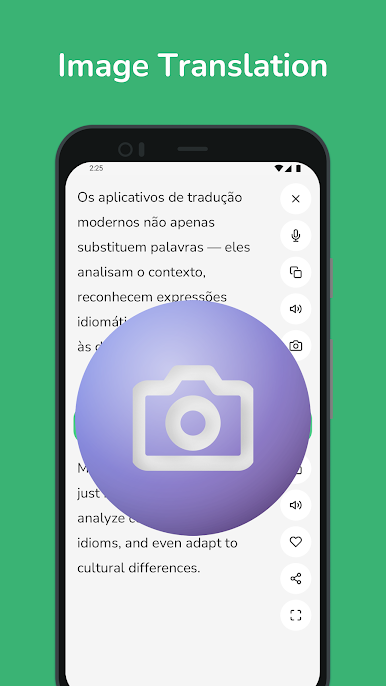
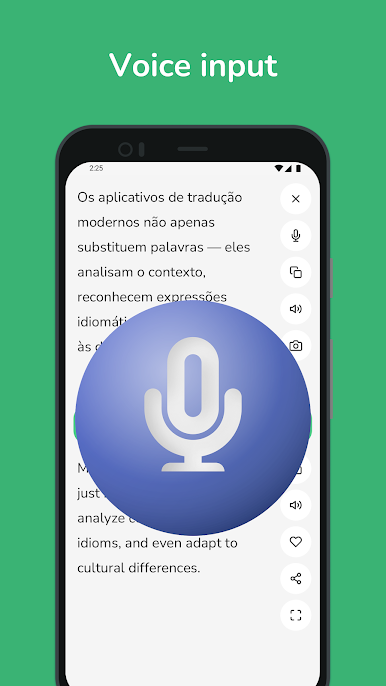
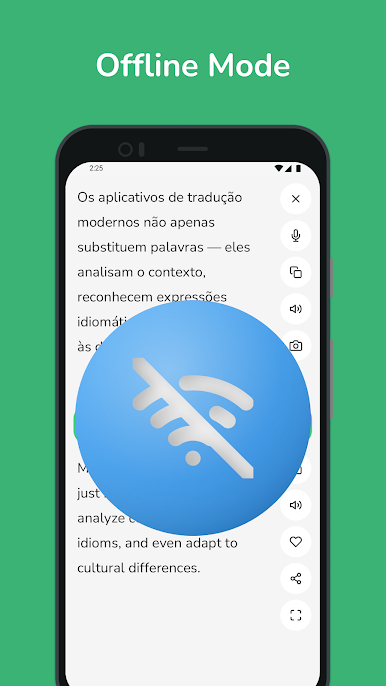
The camera and image text feature is surprisingly useful. Drop in a screenshot or point a webcam at a printed page and it pulls the text out, then translates it. Voice input works well for short questions or replies, so conversations feel less awkward. Offline packs are available too, so when the connection is patchy, translations still work. The layout is clean, history keeps track of past lookups, and favorites pin the important phrases in one place. It updates results as a person types, which saves a bit of time. The app seems to handle nuance better than a basic dictionary, and it does not bury settings behind menus. Nothing flashy here, just fast translating that plays nicely with other windows while running on BlueStacks.
Eager to take your app experience to the next level? Start right away by downloading BlueStacks on your PC or Mac.
在電腦上遊玩Portuguese - English Translato . 輕易上手.
-
在您的電腦上下載並安裝BlueStacks
-
完成Google登入後即可訪問Play商店,或等你需要訪問Play商店十再登入
-
在右上角的搜索欄中尋找 Portuguese - English Translato
-
點擊以從搜索結果中安裝 Portuguese - English Translato
-
完成Google登入(如果您跳過了步驟2),以安裝 Portuguese - English Translato
-
在首頁畫面中點擊 Portuguese - English Translato 圖標來啟動遊戲

