

Swordman: Reforged
العب على الكمبيوتر الشخصي مع BlueStacks - نظام أندرويد للألعاب ، موثوق به من قبل أكثر من 500 مليون لاعب.

Play Swordman: Reforged on PC or Mac
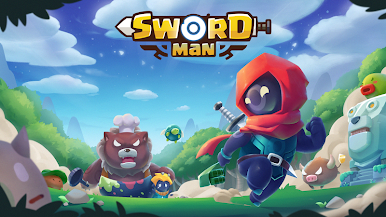
Join millions to experience Swordman: Reforged, an exciting Adventure game from GEM MOBILE SOFTWARE COMPANY LIMITED. With BlueStacks App Player, you are always a step ahead of your opponent, ready to outplay them with faster gameplay and better control with the mouse and keyboard on your PC or Mac.
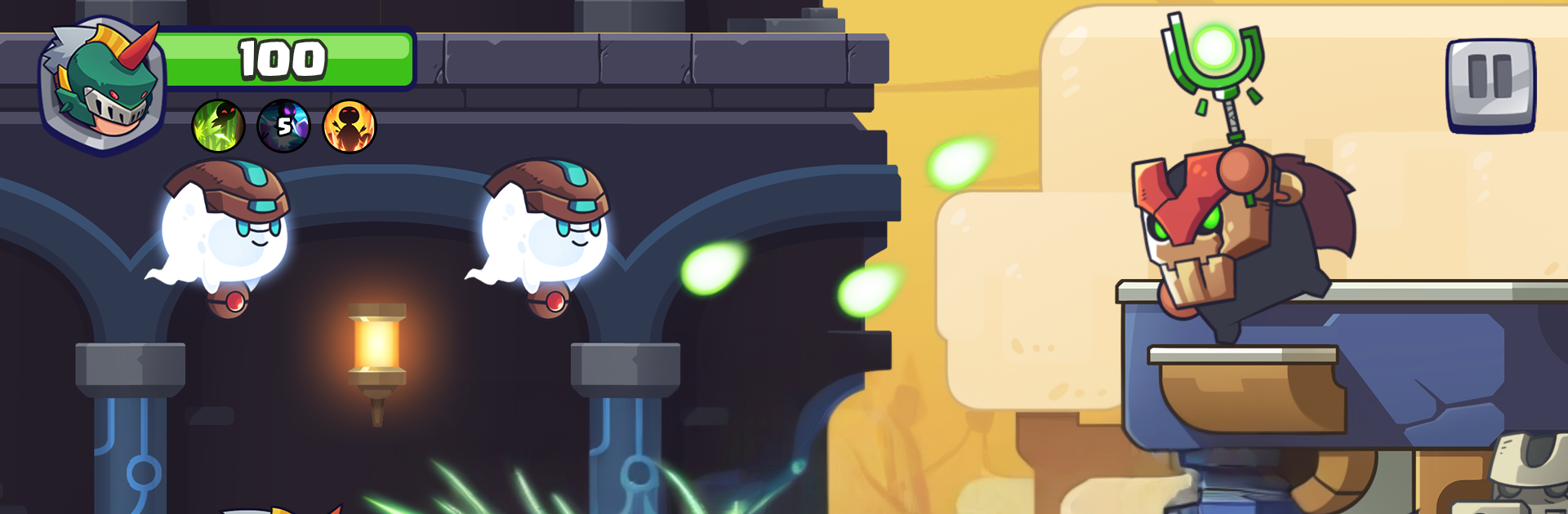
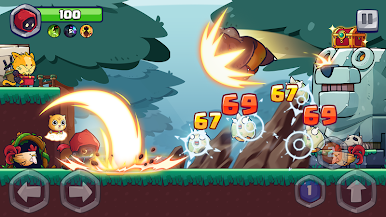
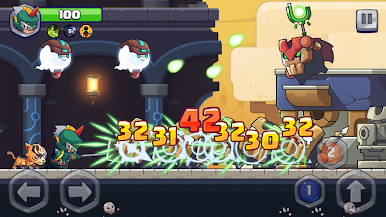
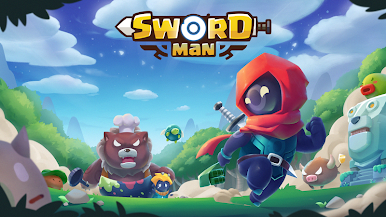
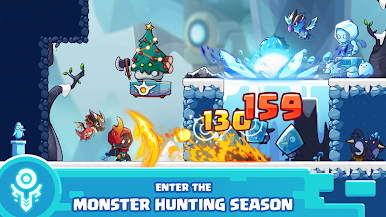
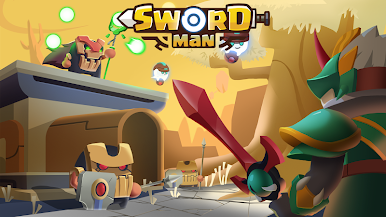
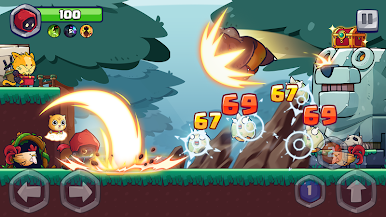
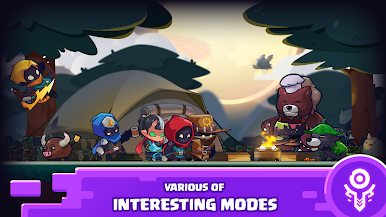
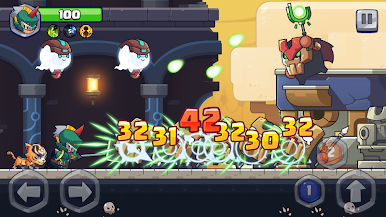
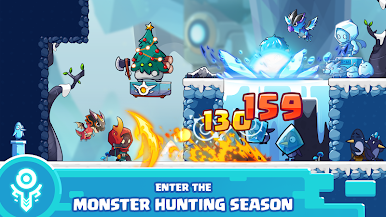
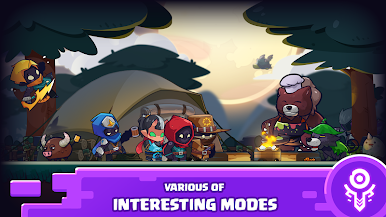
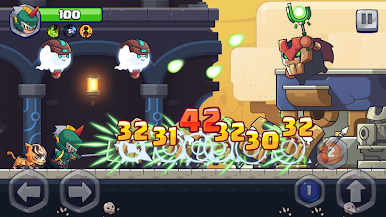
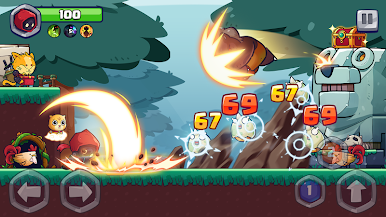
Swordman: Reforged is a side scrolling action game where a hunter roams through lively little dungeons and fights creatures that should not even be alive, like angry tools and weird gadgets that got up and walked. The tone is light and a bit silly, the UI tells the story in a clean way, and the controls are simple enough that anyone can pick it up. Jump, slash, roll, repeat, with boss rooms that ask for timing instead of button mashing. On PC with BlueStacks it runs smooth, and key mapping makes the movement feel tighter than on a phone touch screen.
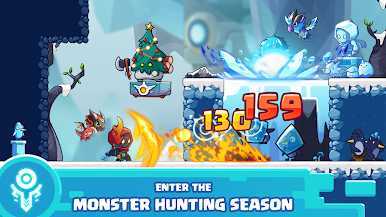
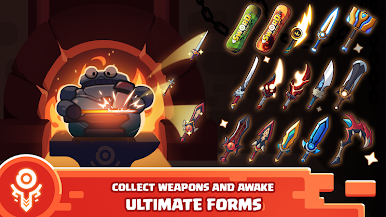
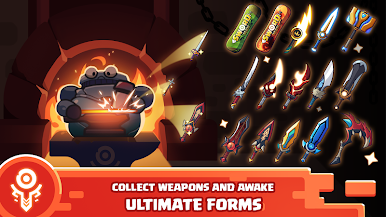
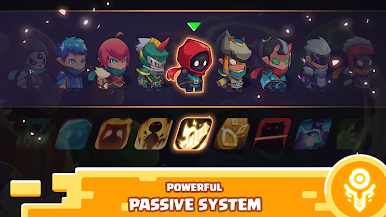
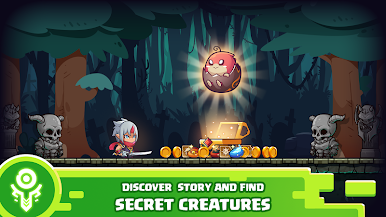
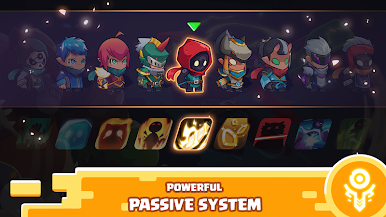
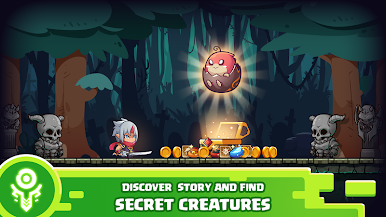
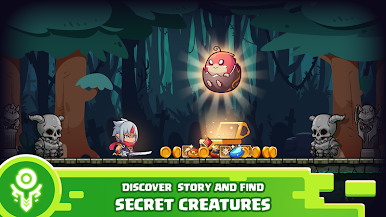
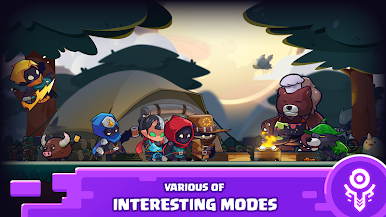
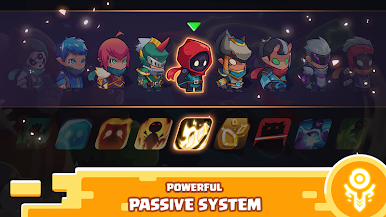
The hook is the gear. Players craft swords from materials and coins, then slot in weapon spells to push a build in a certain direction. Weapons look different and play different, and swapping costume sets adds small perks, while skins just change the look. Dungeons are short and have secret areas tucked behind breakable walls or odd corners, usually paying out coins, chests, or little enemies that drop rare parts. That creates a loop of quick runs to gather stuff, unlock another sword, and try again on a tougher path. There are mini modes and new zones sprinkled in, so it does not feel stuck on the same screen forever. It is not a super deep RPG, but it has those RPG style touches that make tinkering with a loadout fun. Expect some grind, expect cute monsters, and expect boss patterns that feel fair once learned.
Slay your opponents with your epic moves. Play it your way on BlueStacks and dominate the battlefield.

العب Swordman: Reforged على جهاز الكمبيوتر. من السهل البدء.
-
قم بتنزيل BlueStacks وتثبيته على جهاز الكمبيوتر الخاص بك
-
أكمل تسجيل الدخول إلى Google للوصول إلى متجر Play ، أو قم بذلك لاحقًا
-
ابحث عن Swordman: Reforged في شريط البحث أعلى الزاوية اليمنى
-
انقر لتثبيت Swordman: Reforged من نتائج البحث
-
أكمل تسجيل الدخول إلى Google (إذا تخطيت الخطوة 2) لتثبيت Swordman: Reforged
-
انقر على أيقونة Swordman: Reforged على الشاشة الرئيسية لبدء اللعب

