


Synology MailPlus
在電腦上使用BlueStacks –受到5億以上的遊戲玩家所信任的Android遊戲平台。

Run Synology MailPlus on PC or Mac
Why limit yourself to your small screen on the phone? Run Synology MailPlus, an app by Synology Inc., best experienced on your PC or Mac with BlueStacks, the world’s #1 Android emulator.
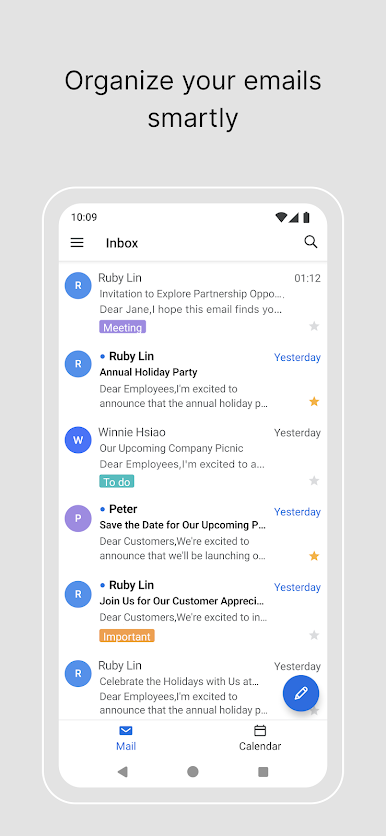
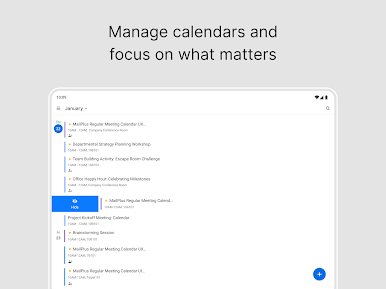
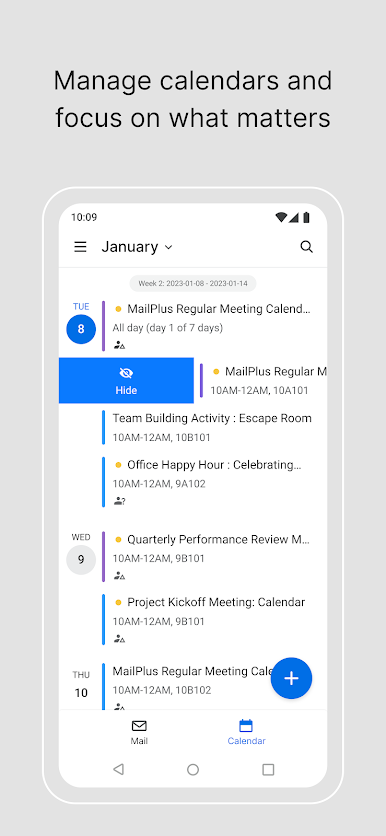
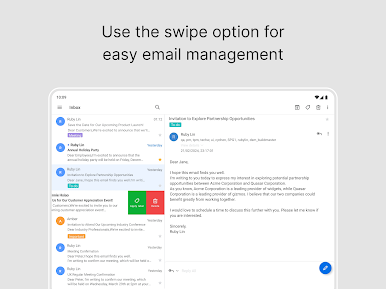
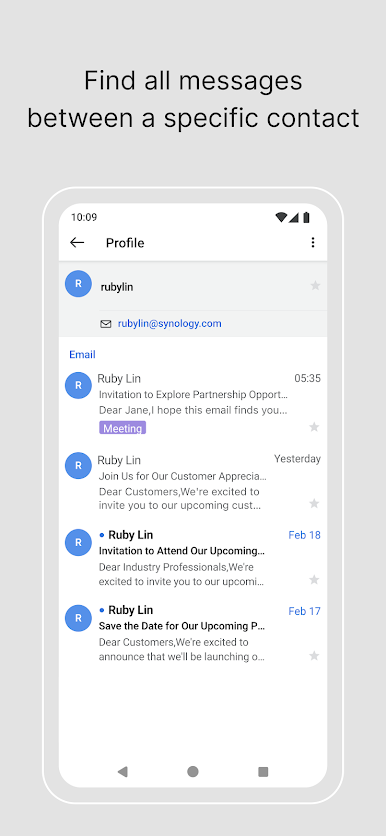
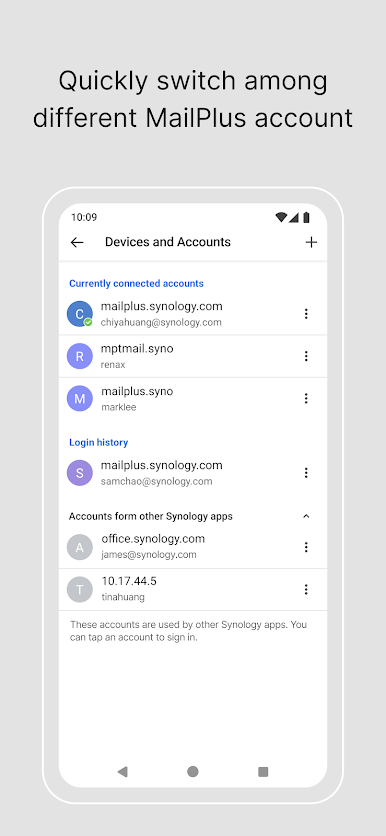
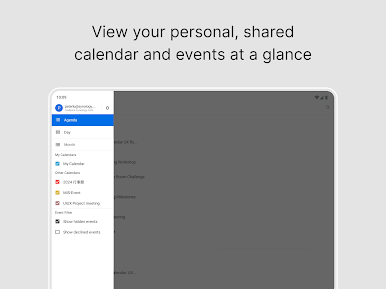
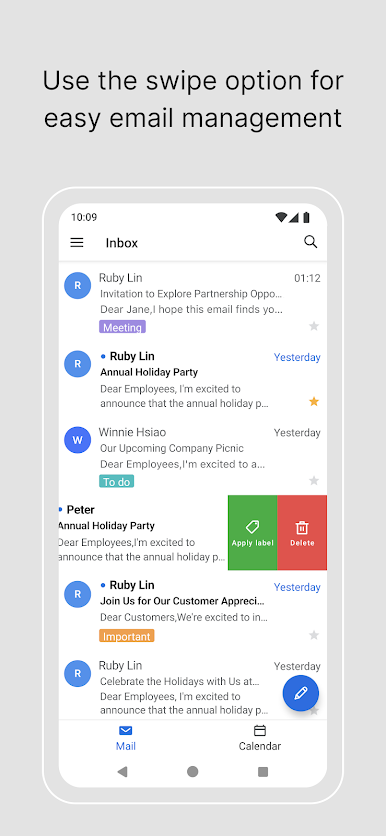
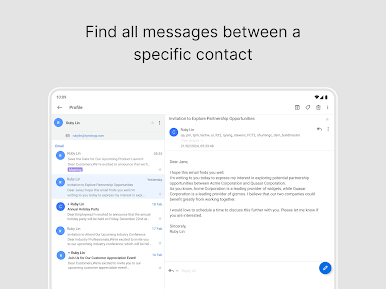
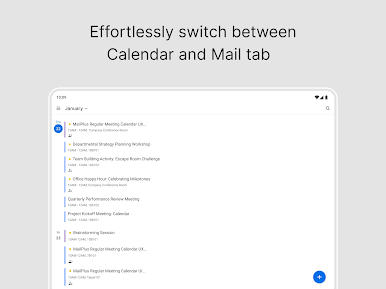
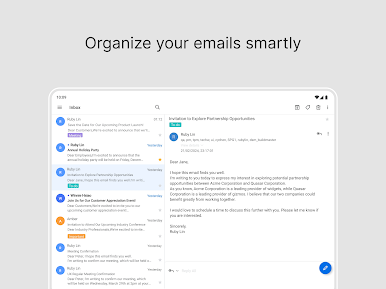
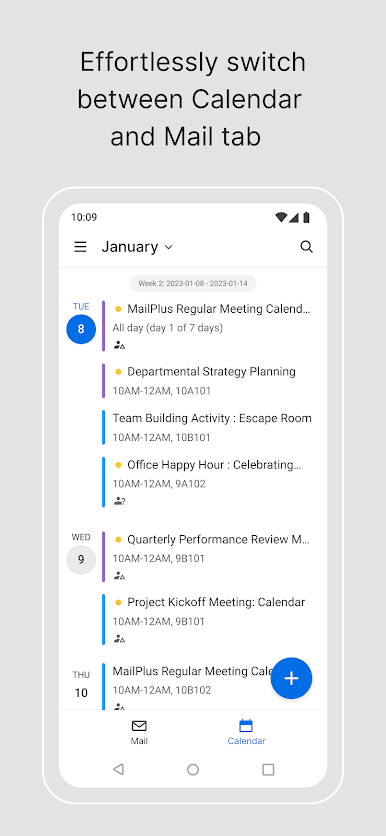
Synology MailPlus comes off like a calm, organized inbox for anyone tied to a Synology server. The layout is clean, actions feel quick, and nothing gets in the way of just handling mail. Swipes can be customized, so a flick can archive, label, or whatever makes sense. Quick reply templates are the quiet hero here, shaving off the repeat typing that piles up during the day. It supports emoticons, attachments from the device, and easy mailbox and label creation, so folders do not become a mess. There is a handy share-to-mail feature from the browser, advanced search that actually finds the right thread, and tight control over notifications so only certain mailboxes or labels ping. Background update timing can be tuned, and an offline cache keeps previously opened attachments and images available when the connection drops. Connections run over HTTPS, which is reassuring without being fussy.
On a PC through BlueStacks, the bigger view and a real keyboard make triage faster, especially when sorting with labels or firing off those quick templates. Threads are easier to skim, and juggling multiple windows while answering a few messages just feels natural. It is not flashy, but it is dependable and focused on getting through mail without drama. Just note it expects a Synology DiskStation with DSM 6.0 and MailPlus 1.2.0 or newer running in the background, since that is where the magic lives.
Ready to experience Synology MailPlus on a bigger screen, in all its glory? Download BlueStacks now.

在電腦上遊玩Synology MailPlus . 輕易上手.
-
在您的電腦上下載並安裝BlueStacks
-
完成Google登入後即可訪問Play商店,或等你需要訪問Play商店十再登入
-
在右上角的搜索欄中尋找 Synology MailPlus
-
點擊以從搜索結果中安裝 Synology MailPlus
-
完成Google登入(如果您跳過了步驟2),以安裝 Synology MailPlus
-
在首頁畫面中點擊 Synology MailPlus 圖標來啟動遊戲

