


Four Souls Companion
Jogue no PC com BlueStacks - A Plataforma de Jogos Android, confiada por mais de 500 milhões de jogadores.

Página modificada em: Nov 10, 2022
Run Four Souls Companion on PC or Mac
What’s better than using Four Souls Companion by Tab Developer? Well, try it on a big screen, on your PC or Mac, with BlueStacks to see the difference.
About the App
Ever gotten stuck during a game of Binding of Isaac: Four Souls, wishing you could double-check a card or see what a weird wording actually means? Four Souls Companion is your handy sidekick in those moments. It packs everything you need to keep your game moving—no more pausing to dig through physical card decks or frantically searching the internet. With this app, you’ve got the entire Four Souls card collection in your pocket, and navigating it feels easy breezy.
App Features
-
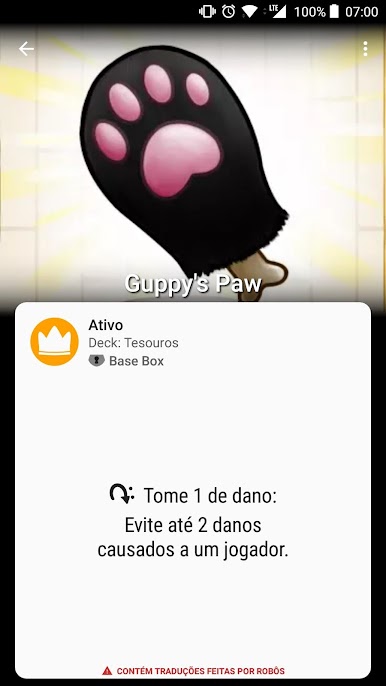
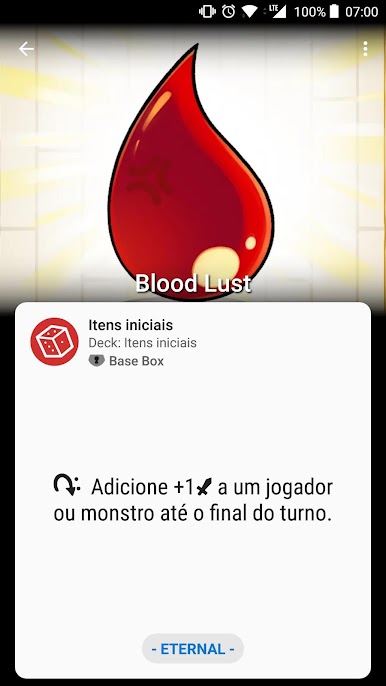
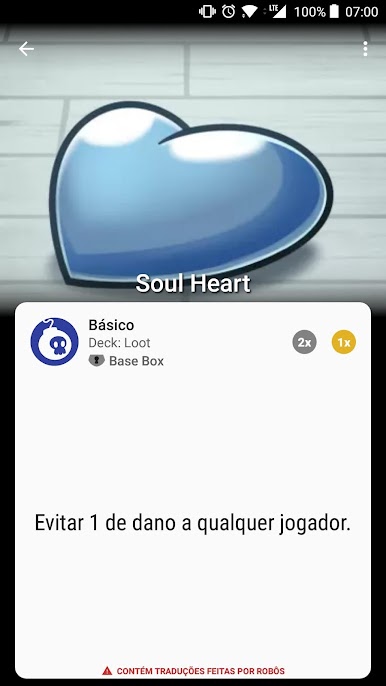
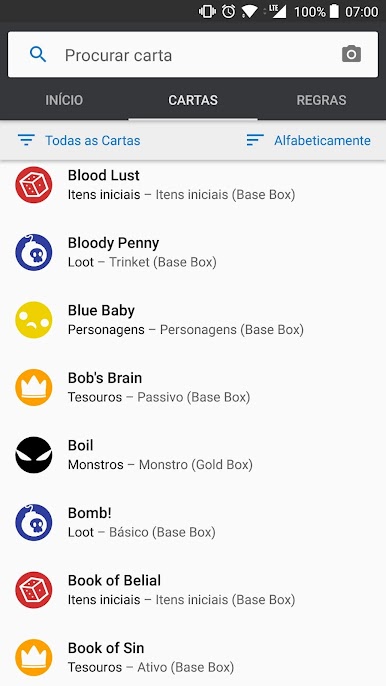
Complete Card Database
Browse through detailed info on all 506 cards, including the Gold Box and Four Souls+ sets. Everything’s organized, super clear, and right at your fingertips. -
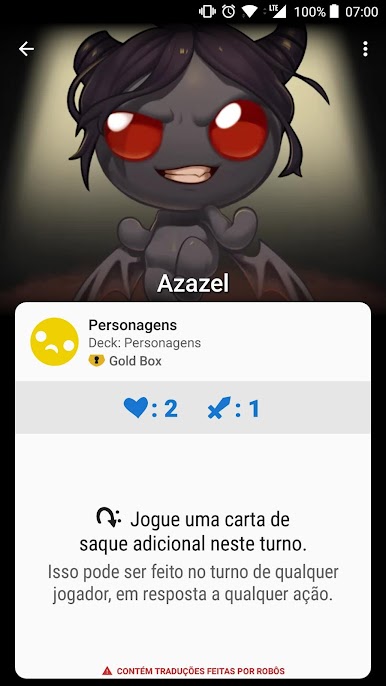
Multilingual Translations
Play comfortably in your language—user-powered translations are available in Portuguese, Spanish, German, French, Russian, Polish, Italian, and Dutch. So, game night can be inclusive for everyone at the table. -
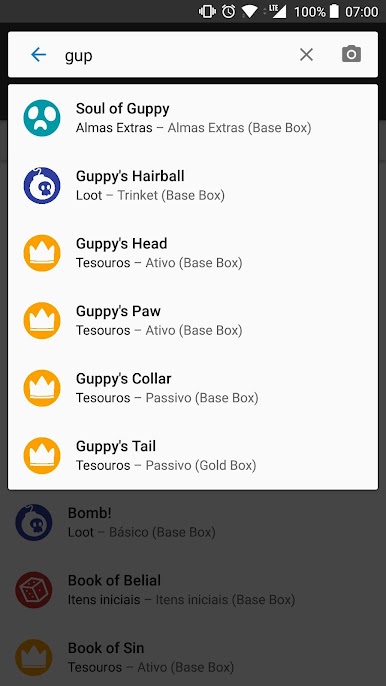
Flexible Search Options
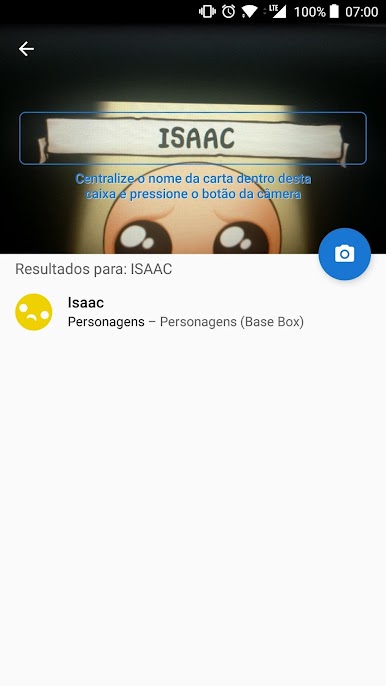
Having trouble remembering a card name? Search by text or, if you feel high tech, use your camera to find cards even faster. -
Quick Rules Access
Not sure about a rule? Instantly jump to text explanations or watch a video—yep, even the super-detailed Comprehensive Rules are included. No more slowing the fun with rulebook debates. -
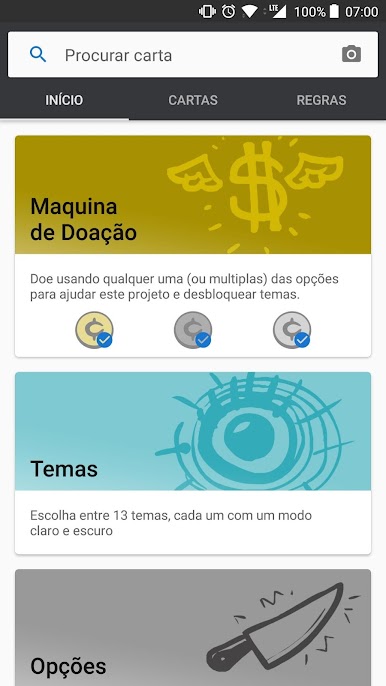
Themes Galore
Pick from 13 different themes (yes, both Light and Dark modes are here) and, if you’re a donor, there’s even a custom Four Souls font for you. -
Card-Specific Conversations
Every card has its own comment section, where you can swap tips, ask questions, or just read what others think about a certain card.
You can use Four Souls Companion on a bunch of devices, and if you’re using BlueStacks on your PC or Mac, it runs smoothly there, too. Developed by Tab Developer for anyone who wants Four Souls info without the hassle.
Ready to experience Four Souls Companion on a bigger screen, in all its glory? Download BlueStacks now.

Jogue Four Souls Companion no PC. É fácil começar.
-
Baixe e instale o BlueStacks no seu PC
-
Conclua o login do Google para acessar a Play Store ou faça isso mais tarde
-
Procure por Four Souls Companion na barra de pesquisa no canto superior direito
-
Clique para instalar Four Souls Companion a partir dos resultados da pesquisa
-
Conclua o login do Google (caso você pulou a etapa 2) para instalar o Four Souls Companion
-
Clique no ícone do Four Souls Companion na tela inicial para começar a jogar

