


التقريب الميسر للشاطبية
العب على الكمبيوتر الشخصي مع BlueStacks - نظام أندرويد للألعاب ، موثوق به من قبل أكثر من 500 مليون لاعب.

Run التقريب الميسر للشاطبية on PC or Mac
Let BlueStacks turn your PC, Mac, or laptop into the perfect home for التقريب الميسر للشاطبية, a fun Education app from Ayatr Dev.
About the App
If you’ve ever felt a little overwhelmed trying to understand الشاطبية, التقريب الميسر للشاطبية is here to make things way more approachable. This Education app from Ayatr Dev is designed to be a supportive companion for anyone interested in diving deeper into Quranic readings. It’s all about making complex content easier to digest, with tools and explanations that keep things straightforward—regardless of where you happen to be on your journey.
App Features
-
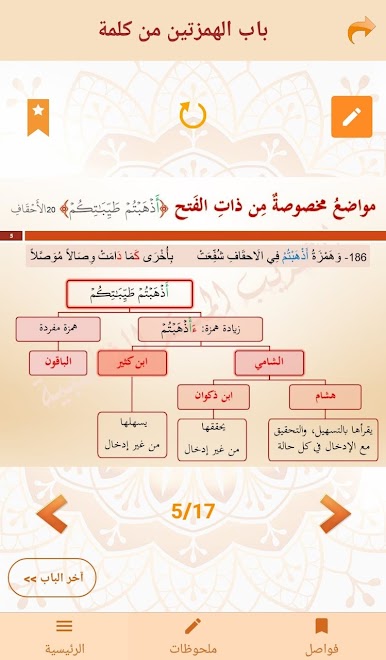
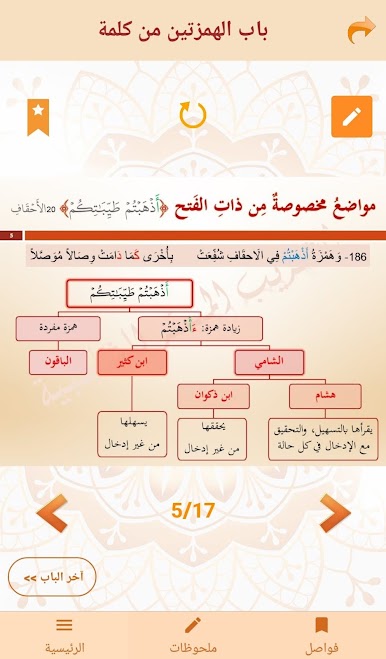
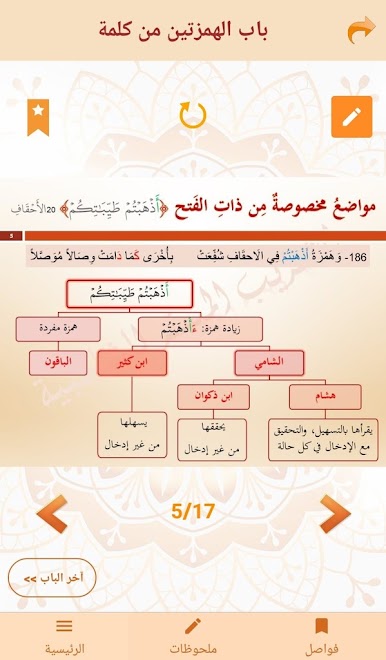
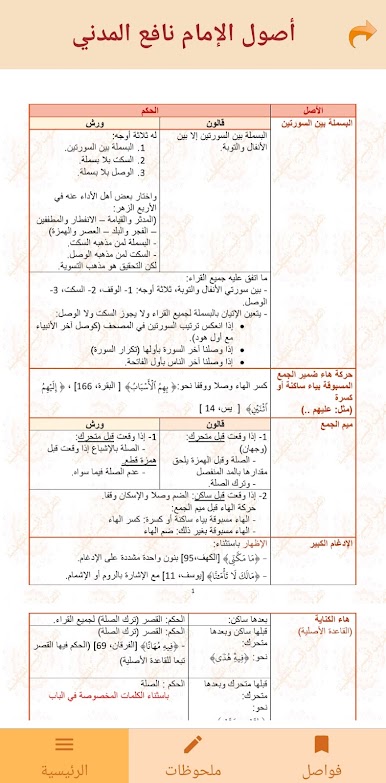
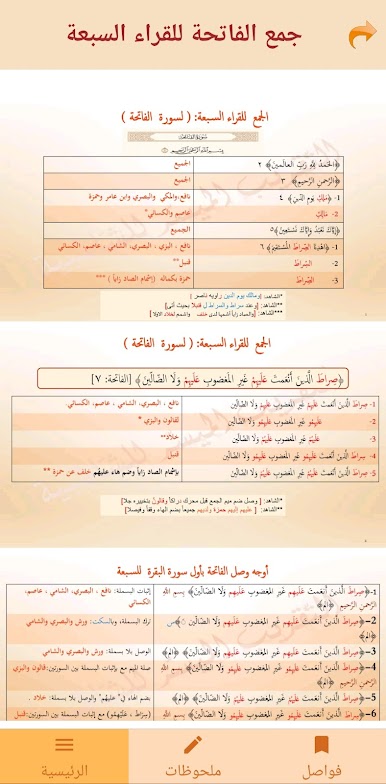
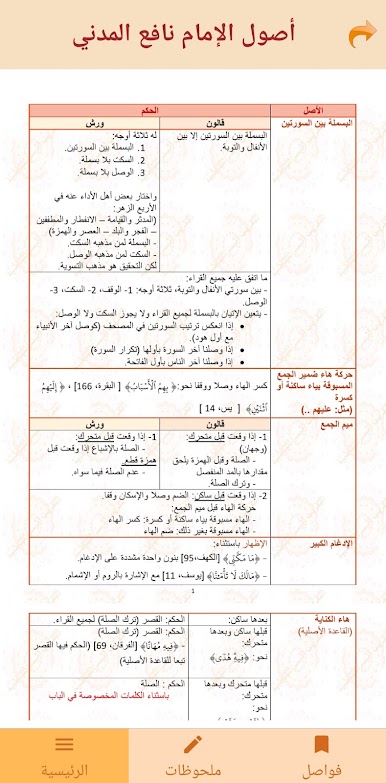
Visual Learning with Slides & Trees
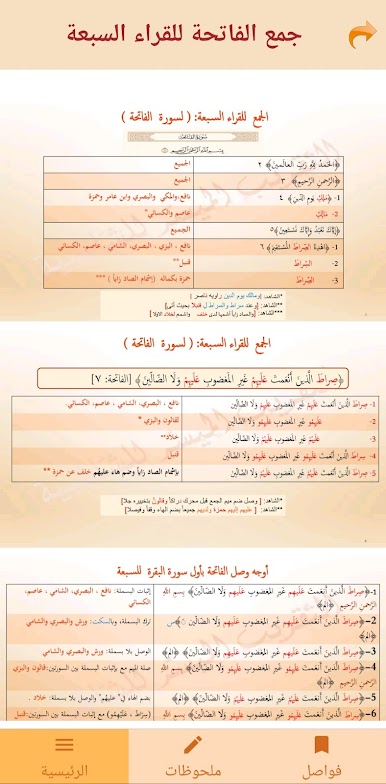
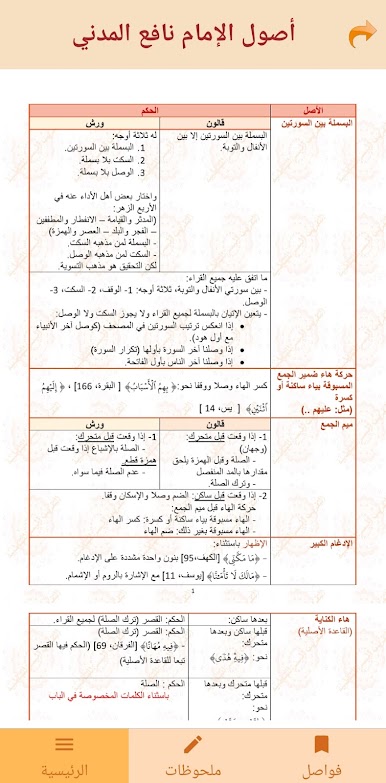
Information is broken down into simple slides and tree diagrams, making even the trickiest concepts feel a lot less intimidating. -
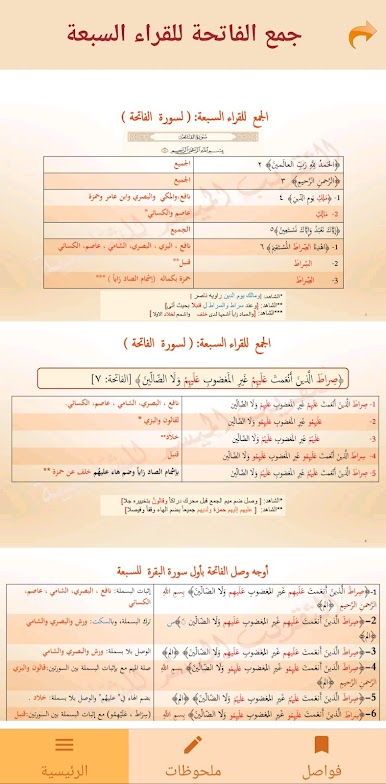
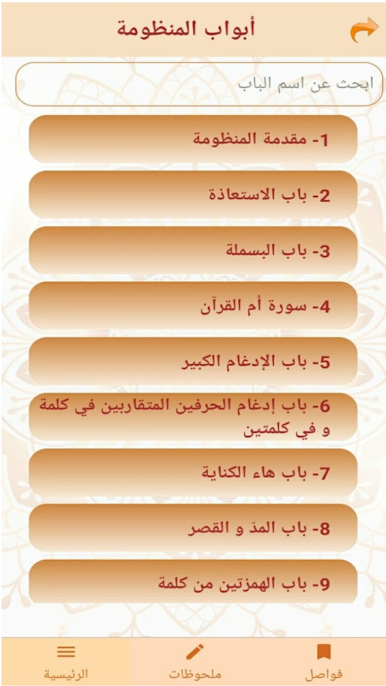
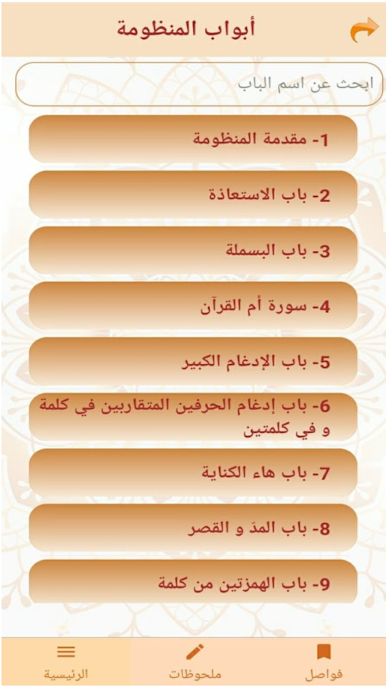
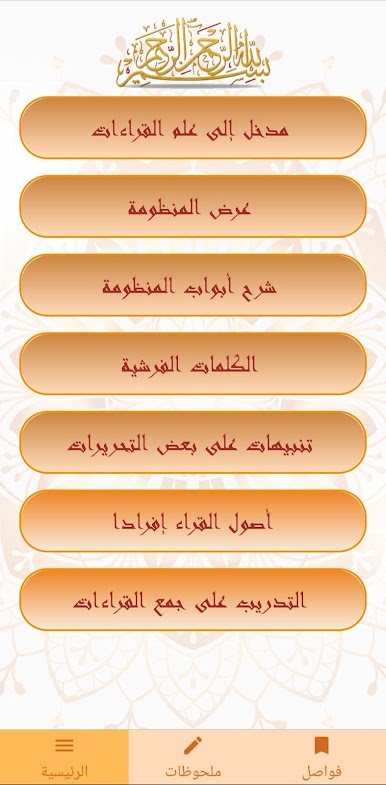
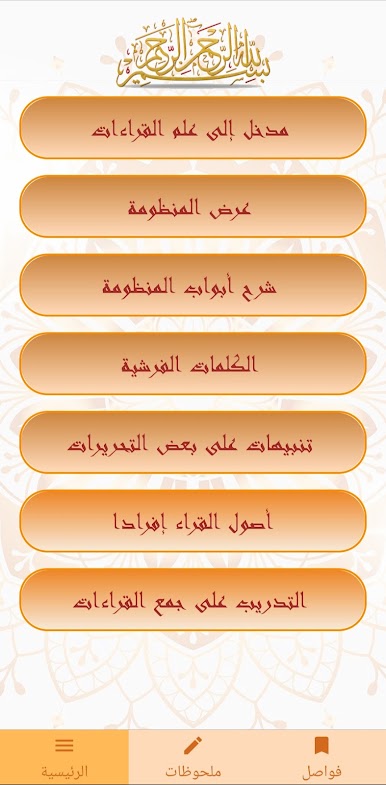
Easy Navigation by Sections
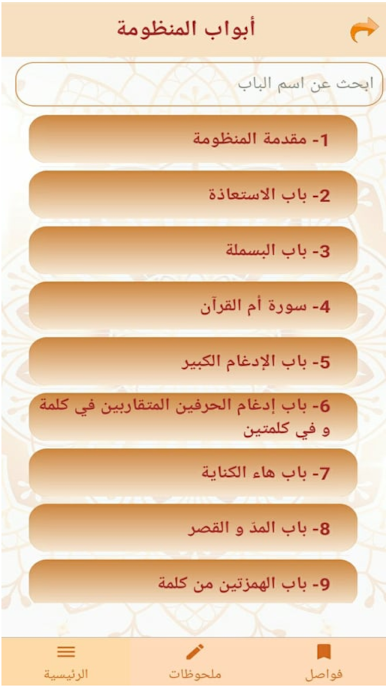
All the content is neatly separated by the main sections from الشاطبية, so you can jump straight to the topic you need without scrolling forever. -
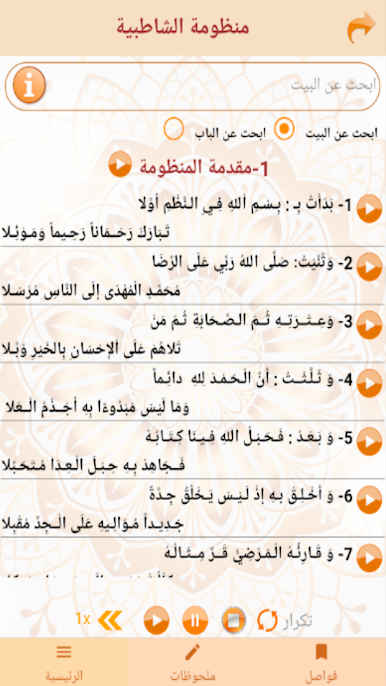
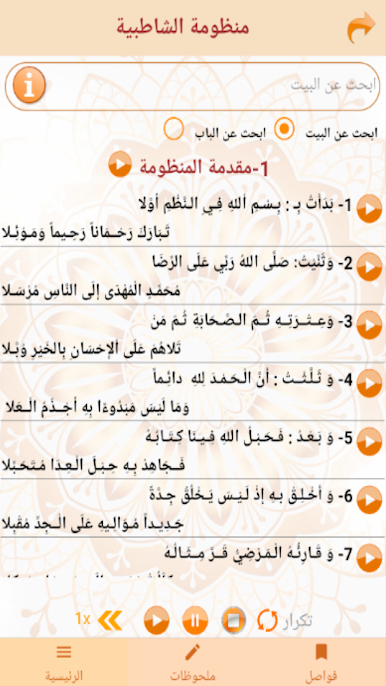
Complete Verified Texts
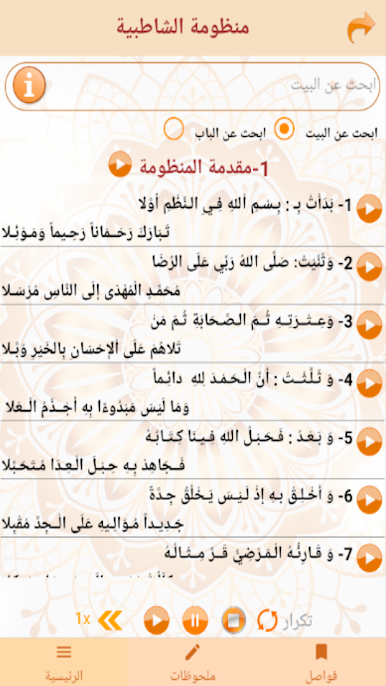
You’ll find the full, checked text of الشاطبية here, right at your fingertips. -
One-Tap Explanations
Saw a verse you don’t quite get? Just tap on any line, and you’ll be whisked right to a clear explanation. -
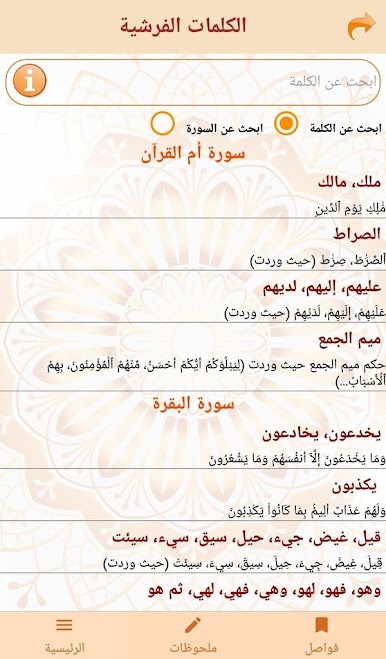
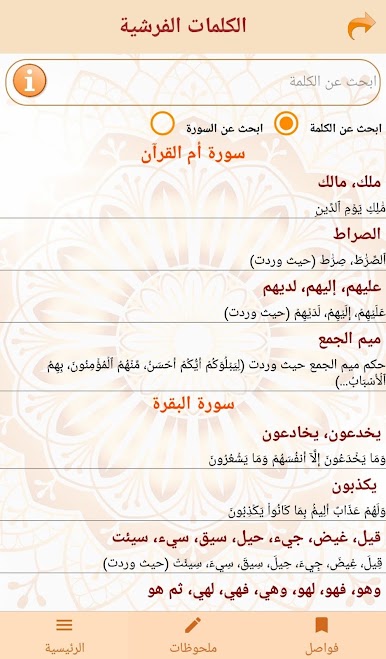
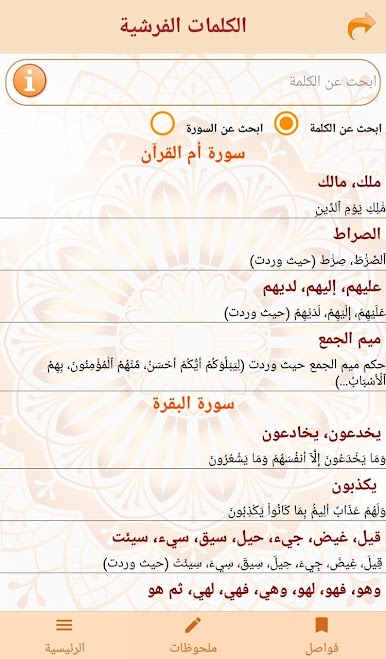
Frashy Words List
Curious about specific words? There’s a handy list of all the frashy words found in the Qur’an, sorted by surah—perfect for quick lookups. -
Detailed Readings by Word
Tap any word in the list to get in-depth explanations for how it’s read in different ways. -
Editing Notes & Bookmarks
Mark slides you want to come back to, and jot down your own observations in a built-in notebook. -
Flexible Search Tools
Whether you’re looking for particular sections, lines, or words, multiple search options help you find exactly what you need, fast.
Using التقريب الميسر للشاطبية on a bigger screen—yes, even with BlueStacks—makes navigating all these features extra comfortable.
Ready to experience التقريب الميسر للشاطبية on a bigger screen, in all its glory? Download BlueStacks now.




العب التقريب الميسر للشاطبية على جهاز الكمبيوتر. من السهل البدء.
-
قم بتنزيل BlueStacks وتثبيته على جهاز الكمبيوتر الخاص بك
-
أكمل تسجيل الدخول إلى Google للوصول إلى متجر Play ، أو قم بذلك لاحقًا
-
ابحث عن التقريب الميسر للشاطبية في شريط البحث أعلى الزاوية اليمنى
-
انقر لتثبيت التقريب الميسر للشاطبية من نتائج البحث
-
أكمل تسجيل الدخول إلى Google (إذا تخطيت الخطوة 2) لتثبيت التقريب الميسر للشاطبية
-
انقر على أيقونة التقريب الميسر للشاطبية على الشاشة الرئيسية لبدء اللعب

