


Fashion Story: Spring Runway
العب على الكمبيوتر الشخصي مع BlueStacks - نظام أندرويد للألعاب ، موثوق به من قبل أكثر من 500 مليون لاعب.

Play Fashion Story: Spring Runway on PC or Mac
Explore a whole new adventure with Fashion Story: Spring Runway, a Casual game created by TeamLava Games. Experience great gameplay with BlueStacks, the most popular gaming platform to play Android games on your PC or Mac.
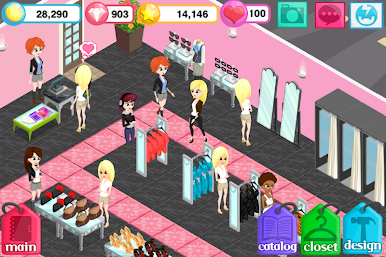
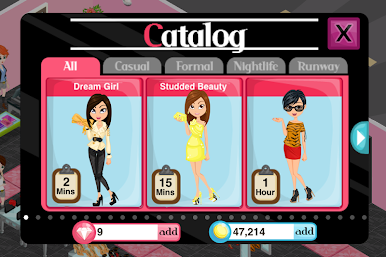
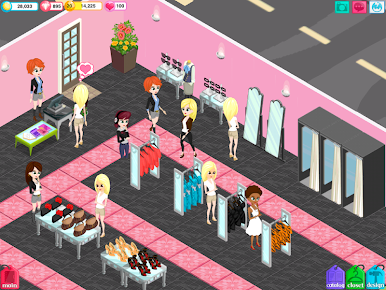
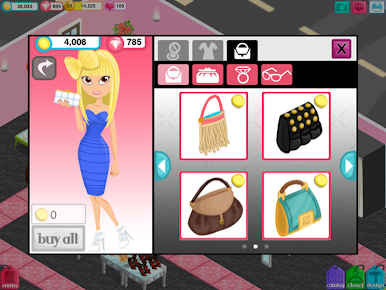
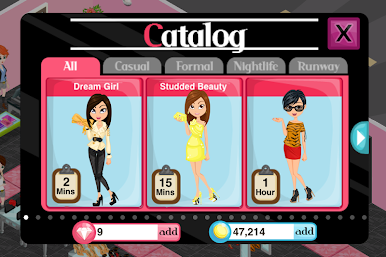
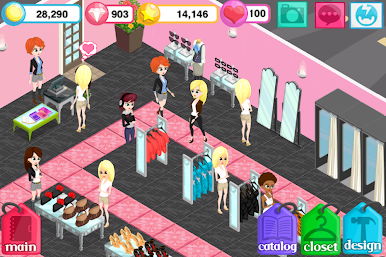
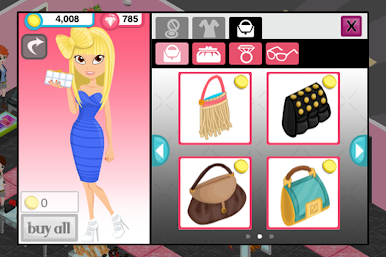
Fashion Story: Spring Runway is one of those fashion shop games where you actually get to run your own boutique and make it look just how you want. Everything’s got a bit of a spring theme this time, so expect a lot of bright colors, fresh outfits, and plenty of new styles to unlock. There’s a lot to do – like choosing clothes and accessories to sell in your shop, picking out decorations, and moving things around until everything feels right. Players get to customize their own character too, so you can pick their hair, makeup, and outfits, then show off those looks on the store’s little runway.
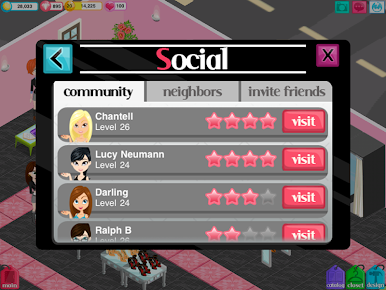
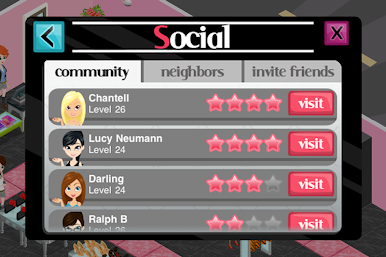
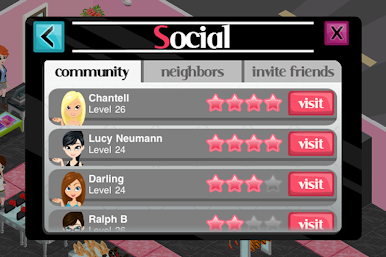
One thing that stands out is how social it can get. You’ll see other people’s shops, drop by for bonuses, even invite friends to set up boutique next door. It’s not just about selling clothes — collecting new pieces for your wardrobe gets a bit addicting, and with lots of updates, the styles keep changing. Fashion Story: Spring Runway is the kind of game you check in on throughout the day, stocking racks, decorating, and seeing what everyone else is wearing. On PC with BlueStacks, you can click around a bit easier, and everything just looks a little bigger. The whole vibe is relaxed — there’s no real rush, and it’s fun just building up a shop that feels like your own. Probably a good pick for anyone who likes fashion games or just wants something to tinker with during downtime.
Slay your opponents with your epic moves. Play it your way on BlueStacks and dominate the battlefield.




العب Fashion Story: Spring Runway على جهاز الكمبيوتر. من السهل البدء.
-
قم بتنزيل BlueStacks وتثبيته على جهاز الكمبيوتر الخاص بك
-
أكمل تسجيل الدخول إلى Google للوصول إلى متجر Play ، أو قم بذلك لاحقًا
-
ابحث عن Fashion Story: Spring Runway في شريط البحث أعلى الزاوية اليمنى
-
انقر لتثبيت Fashion Story: Spring Runway من نتائج البحث
-
أكمل تسجيل الدخول إلى Google (إذا تخطيت الخطوة 2) لتثبيت Fashion Story: Spring Runway
-
انقر على أيقونة Fashion Story: Spring Runway على الشاشة الرئيسية لبدء اللعب

