

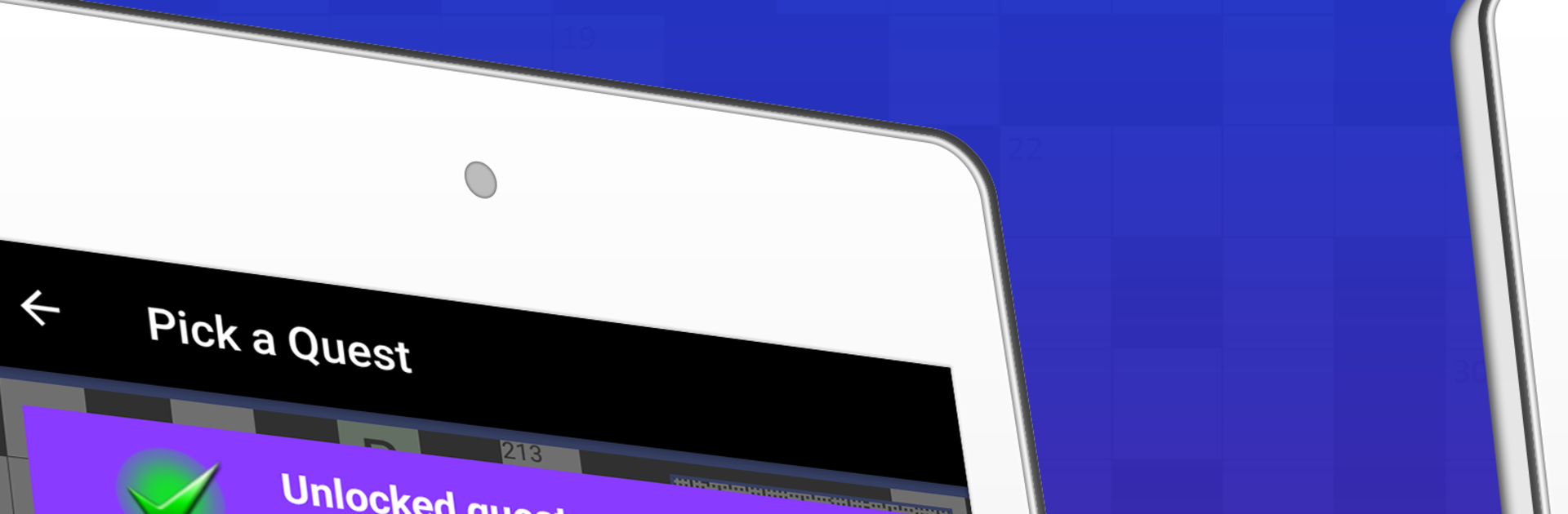
The Big Crossword
在電腦上使用BlueStacks –受到5億以上的遊戲玩家所信任的Android遊戲平台。

Play The Big Crossword on PC or Mac
Explore a whole new adventure with The Big Crossword, a Puzzle game created by Teazel Ltd. Experience great gameplay with BlueStacks, the most popular gaming platform to play Android games on your PC or Mac.
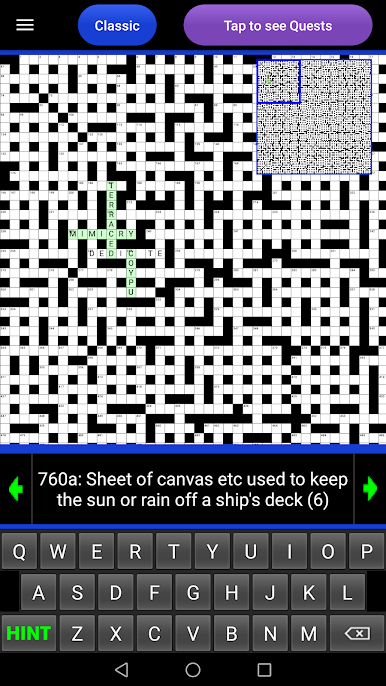
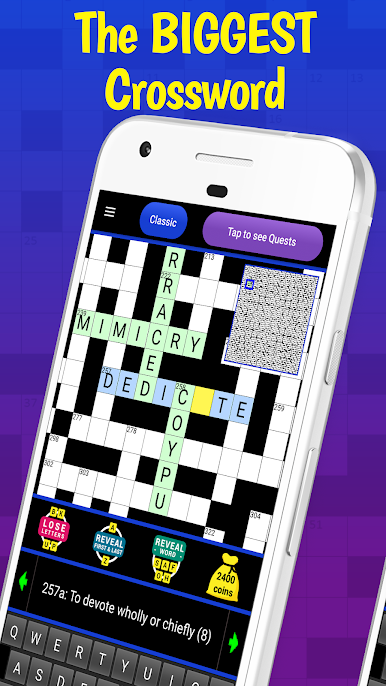
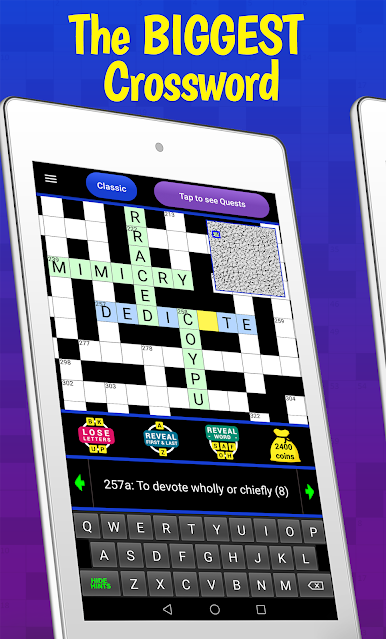
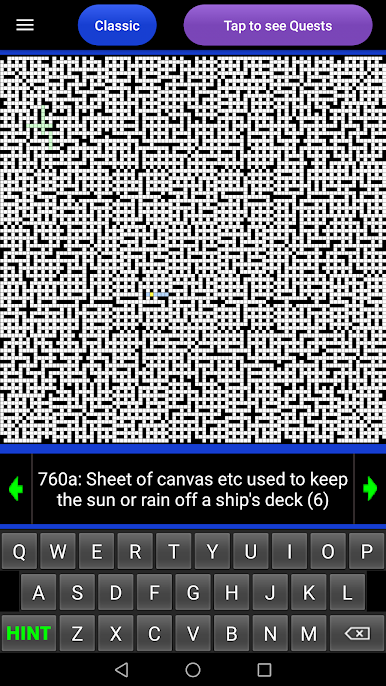
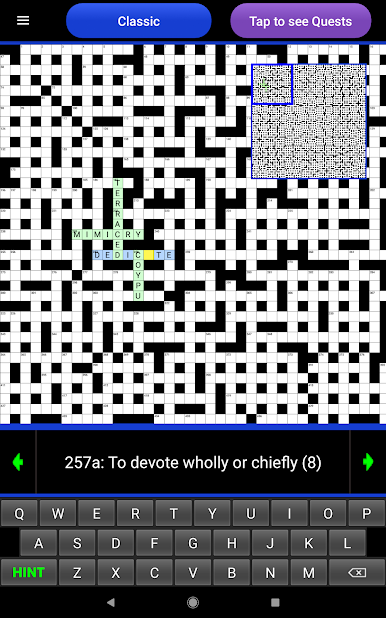
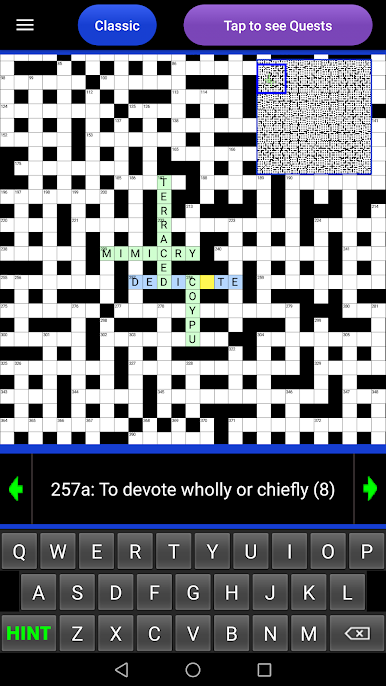
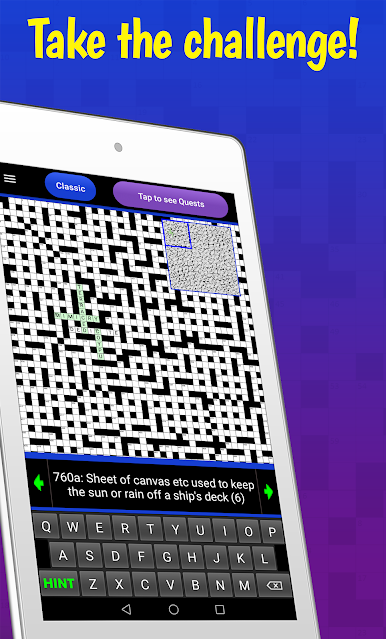
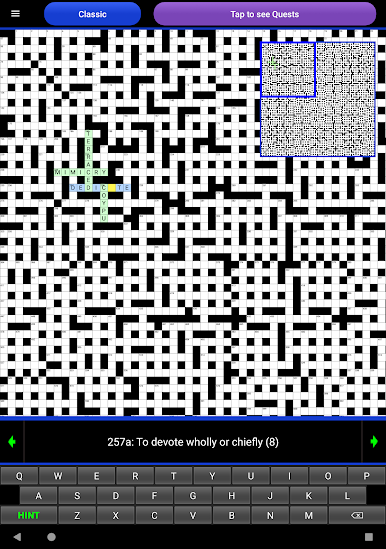
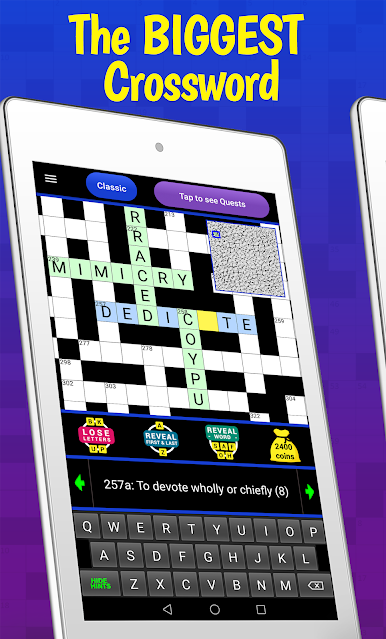
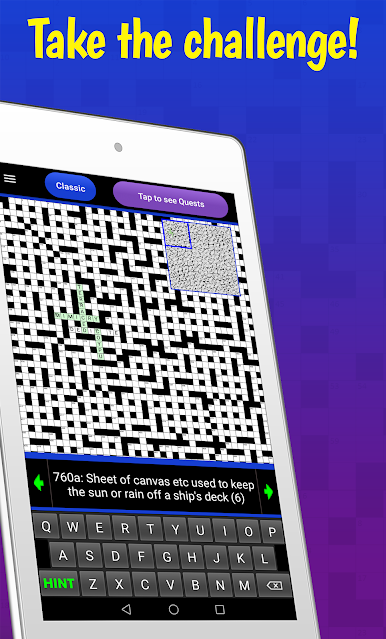
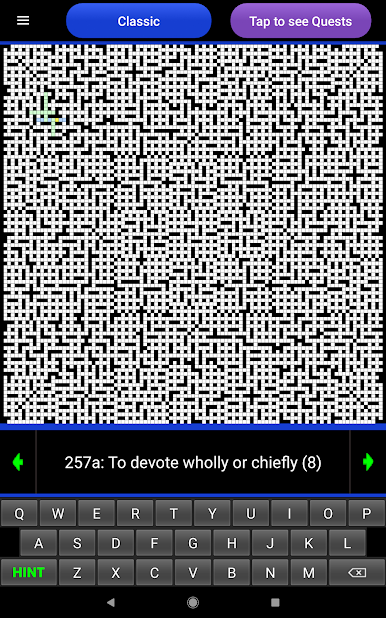
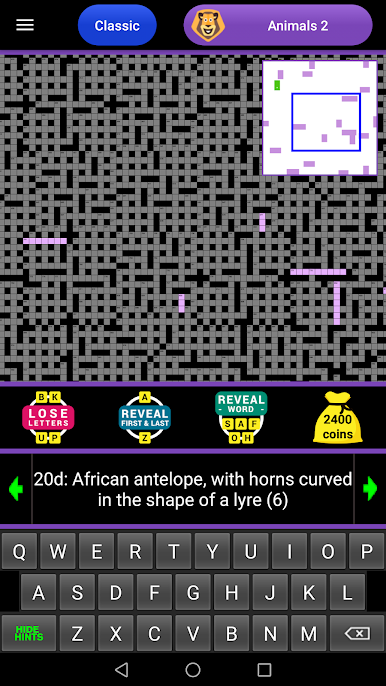
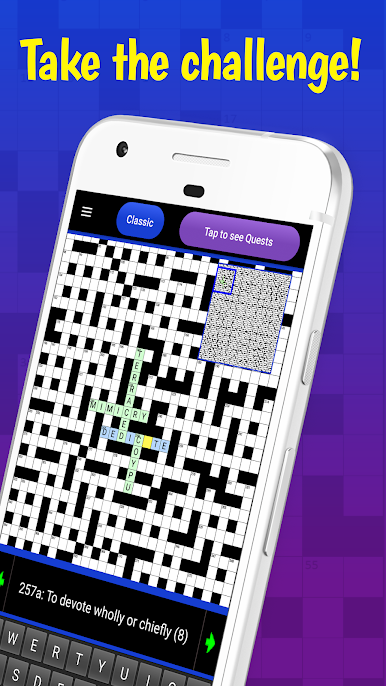
So with The Big Crossword, the name really isn’t kidding — the thing’s massive. Imagine a crossword that stretches across your whole screen, with a grid that’s so big you’ve actually got to scroll around just to see it all. It’s all packed into one puzzle, so instead of finishing up and jumping to a new grid, you’re working through over a thousand clues that’re all connected. It starts out simple in spots, but then you’ll hit these sections with tough clues, and it definitely gives your brain a workout.
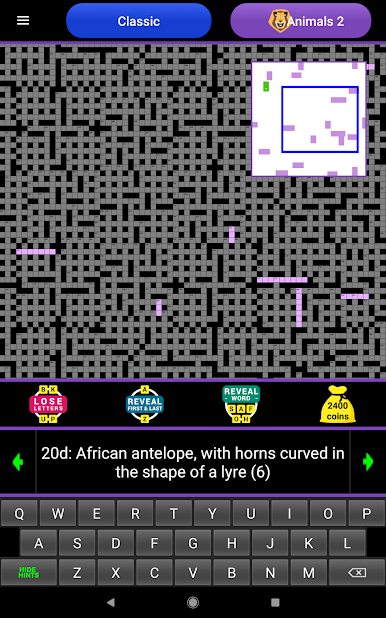
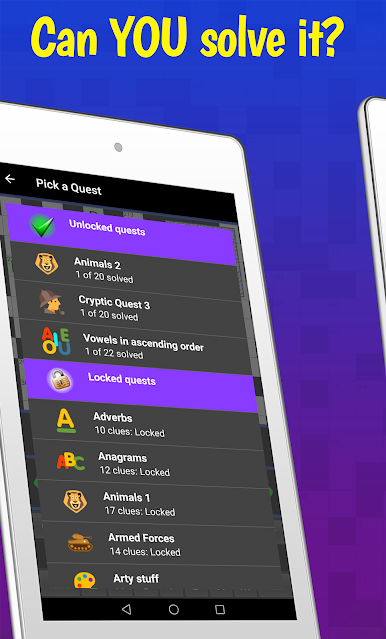
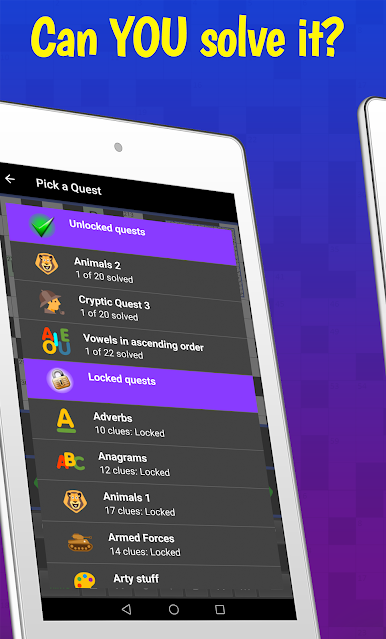
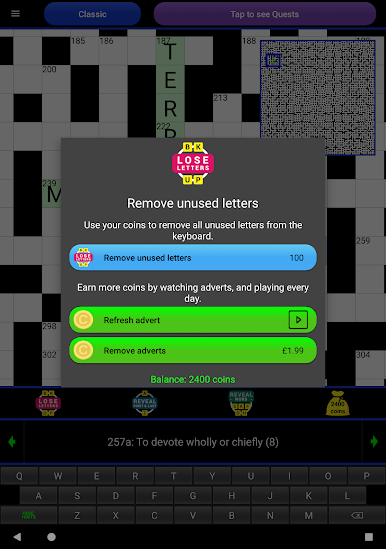
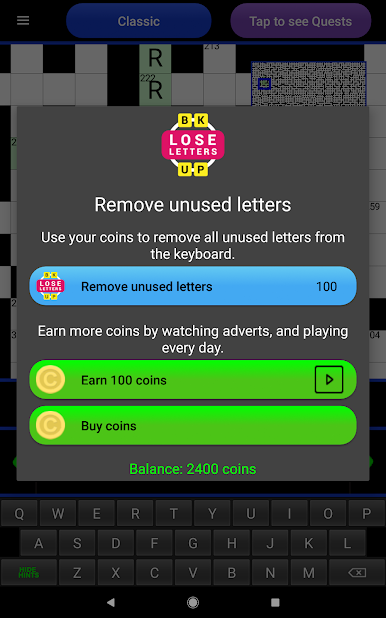
There are a couple of different ways to play, too. There’s a Quest mode where every clue sort of has a little challenge attached, and Classic mode that’s more like a standard crossword — just, you know, super-sized. It’s not just generic clues either; you’ll find a good mix, with a bunch of cryptic ones sprinkled in for people who like that kind of puzzle. If you get stuck (which happens a lot, honestly), there are some hint options that let you reveal letters or even full words if you need it.
It works nicely on PC through BlueStacks if you’d rather play with a mouse and keyboard, and it’s cool how the game’s set up to work for both American and non-American players, so things make sense wherever you’re from. There’s a handy little map of the grid so you don’t lose your place, and you can earn or buy coins for extra hints if things get really tough. Ads pop up sometimes, but nothing too annoying, and you can grab rewards for playing every day. If you’re into crosswords and looking for something that actually feels like a long-term challenge, this one really will keep you busy for a while.
Ready to top the leaderboard? We bet you do. Let precise controls and sharp visuals optimized on BlueStacks lead you to victory.

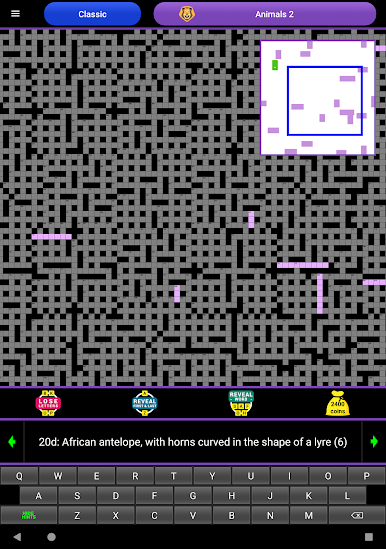

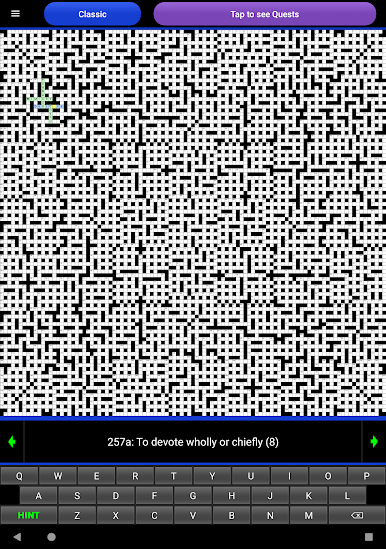
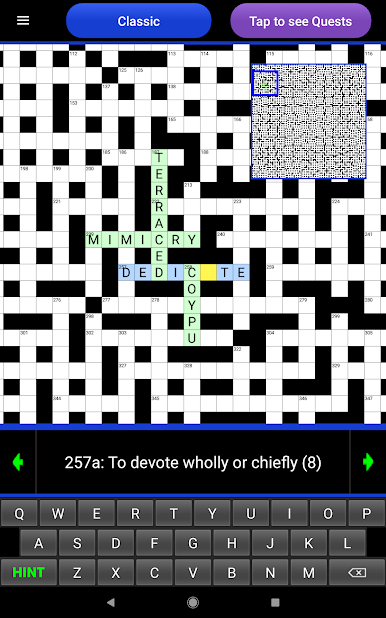
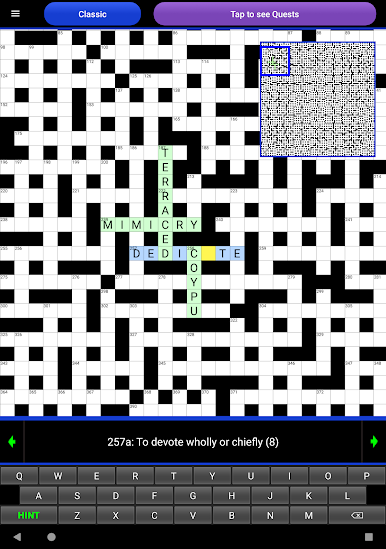

在電腦上遊玩The Big Crossword . 輕易上手.
-
在您的電腦上下載並安裝BlueStacks
-
完成Google登入後即可訪問Play商店,或等你需要訪問Play商店十再登入
-
在右上角的搜索欄中尋找 The Big Crossword
-
點擊以從搜索結果中安裝 The Big Crossword
-
完成Google登入(如果您跳過了步驟2),以安裝 The Big Crossword
-
在首頁畫面中點擊 The Big Crossword 圖標來啟動遊戲

