ASuite
在電腦上使用BlueStacks –受到5億以上的遊戲玩家所信任的Android遊戲平台。
Run ASuite on PC or Mac
Why limit yourself to your small screen on the phone? Run ASuite, an app by Televes SA, best experienced on your PC or Mac with BlueStacks, the world’s #1 Android emulator.
About the App
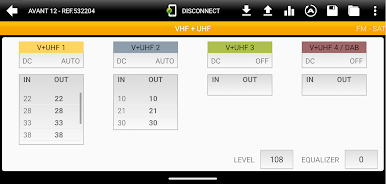
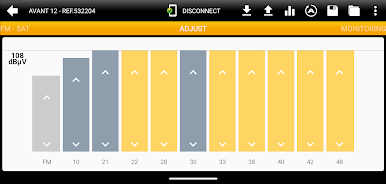
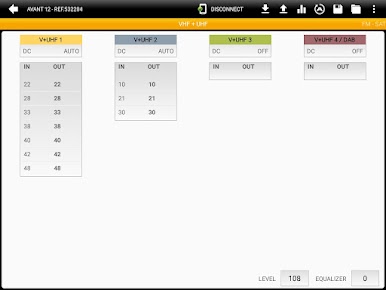
ASuite makes setting up and fine-tuning head‑end amplifiers feel straightforward, not stressful. Built by Televes SA, this Communication app gives installers and techs a clear, organized way to configure supported hardware and keep everything consistent from job to job. Whether you’re prepping a new rack or adjusting an existing system, it keeps the essentials right at your fingertips.
App Features
- Simple controls: Clean screens and sensible menus help you move through setup without digging for options.
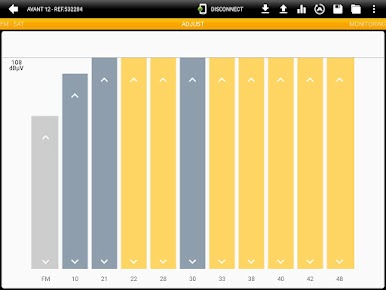
- Guided tweaks: Adjust key parameters confidently with workflows designed to keep you on track.
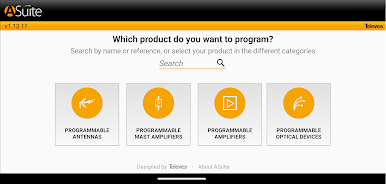
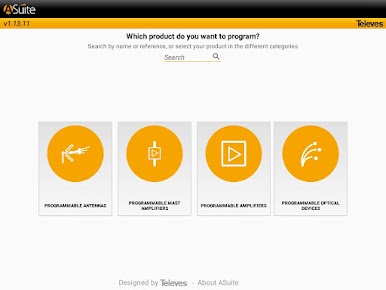
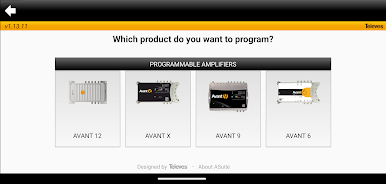
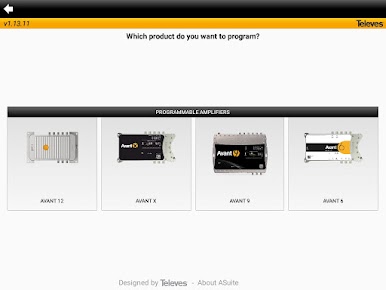
- Broad compatibility: Works with Avant 12, Avant X, Avant 9, Avant 6, Smartnova, and Smartkom equipment.
- Saved setups: Store preferred configurations so you can reuse them later and keep your work consistent.
- Quick status views: See the information that matters at a glance to confirm your adjustments are doing what they should.
- Fast device switching: Jump between supported units smoothly, so managing multiple pieces of gear doesn’t slow you down.
- Installer-focused design: Clear labels and smart defaults cut down on repetitive taps and guesswork.
- Bigger workspace option: Prefer a larger screen while you configure gear? Run ASuite on your computer with BlueStacks for a roomier view.
Switch to BlueStacks and make the most of your apps on your PC or Mac.
在電腦上遊玩ASuite . 輕易上手.
-
在您的電腦上下載並安裝BlueStacks
-
完成Google登入後即可訪問Play商店,或等你需要訪問Play商店十再登入
-
在右上角的搜索欄中尋找 ASuite
-
點擊以從搜索結果中安裝 ASuite
-
完成Google登入(如果您跳過了步驟2),以安裝 ASuite
-
在首頁畫面中點擊 ASuite 圖標來啟動遊戲