


Moving Organizer Pro
5억명 이상의 게이머가 신뢰하는 안드로이드 게임 플랫폼 BlueStacks으로 PC에서 플레이하세요.

Run Moving Organizer Pro on PC or Mac
What’s better than using Moving Organizer Pro by SmartRF Solutions LLC? Well, try it on a big screen, on your PC or Mac, with BlueStacks to see the difference.
About the App
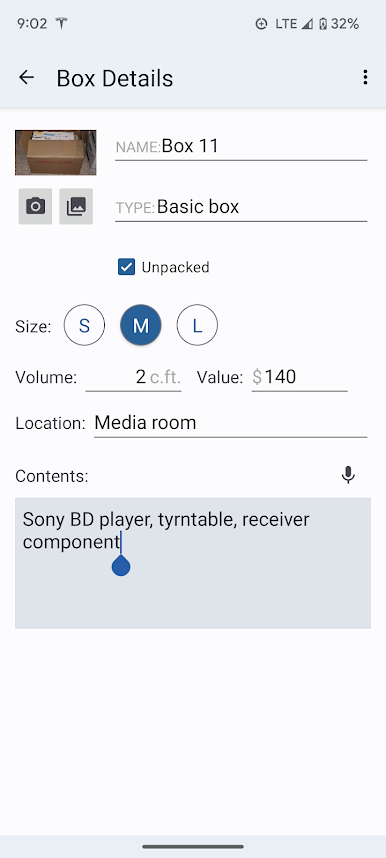
Moving can get chaotic, but with Moving Organizer Pro from SmartRF Solutions LLC, you don’t have to let the stress pile up alongside your boxes. This handy productivity tool helps you keep tabs on every part of your move—where things are packed, what’s in each box, and even how much everything’s worth. Whether you’re packing up for a big move or just trying to not forget where you stashed Grandma’s dishes, this app is designed to make finding and tracking your stuff as smooth as possible.
App Features
-
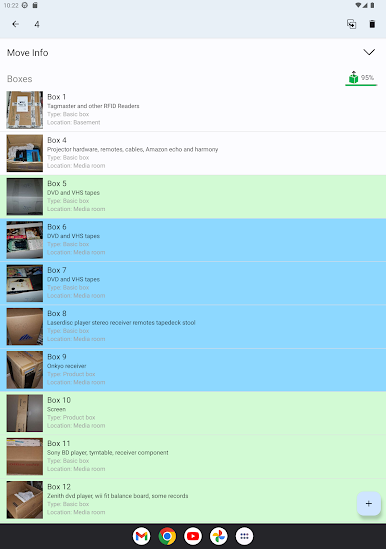
Easy Box Tracking
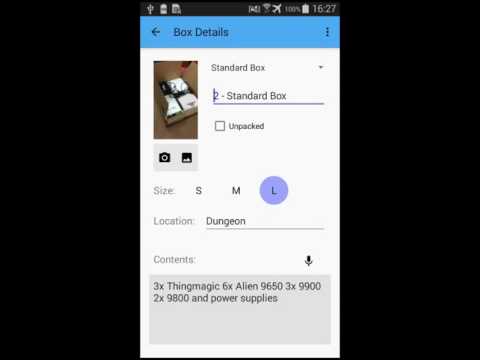
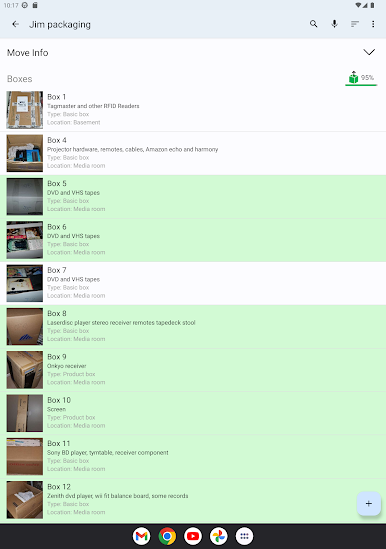
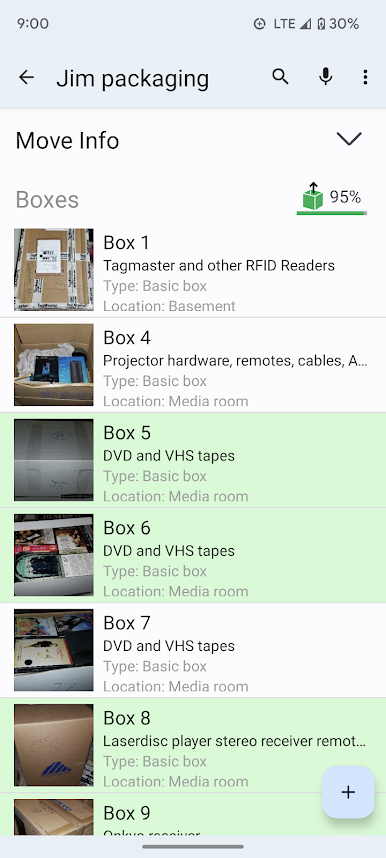
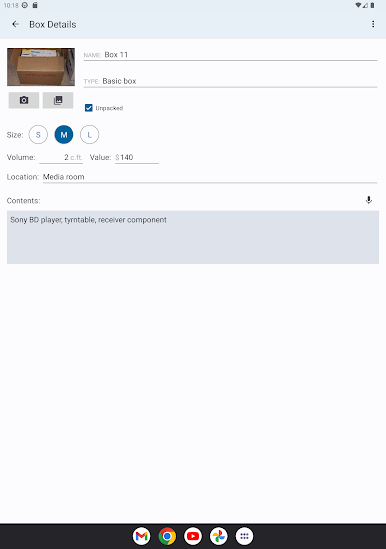
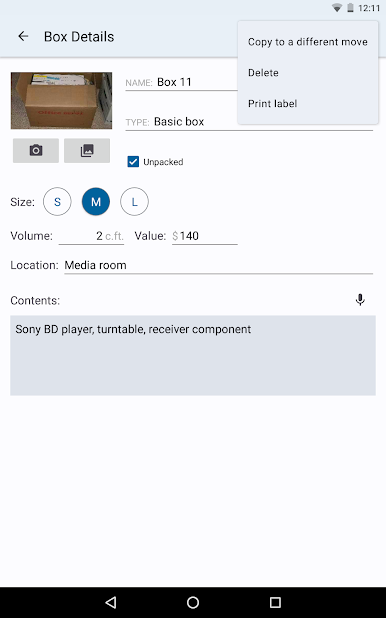
Make lists of each box with details, notes, and even pictures. If you’re the kind of person who forgets what’s in the mystery box at the bottom of the stack—this one’s for you. -
Volume and Value Logging
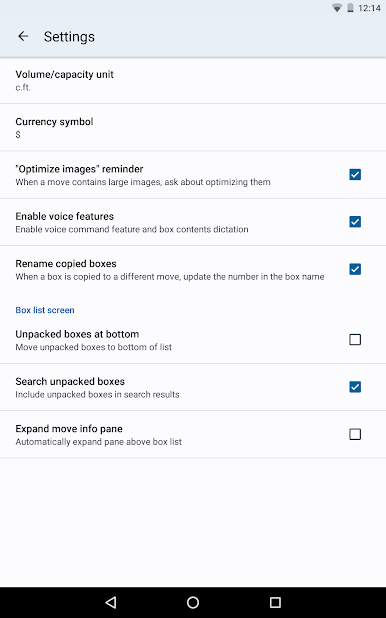
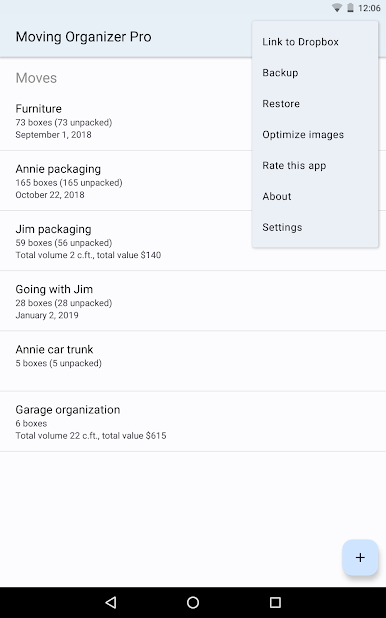
Want to stay on top of the total volume or value of your belongings? Log these for each box, and the app totals everything up for you on the main screen. It’ll try to figure out your preferred currency and volume units automatically, but you can always tweak those in settings. -
Quick Search
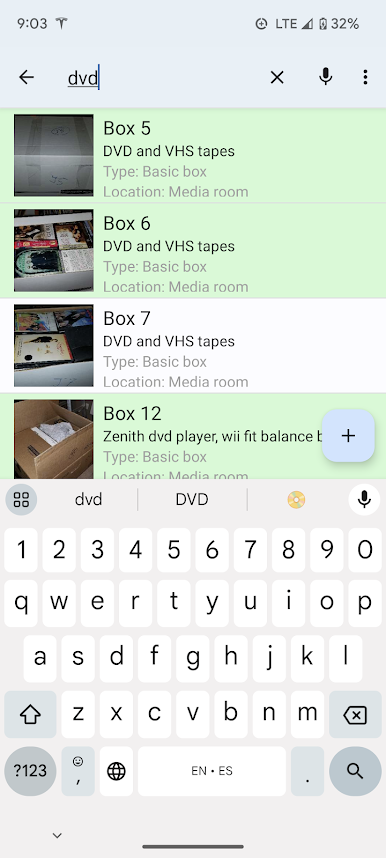
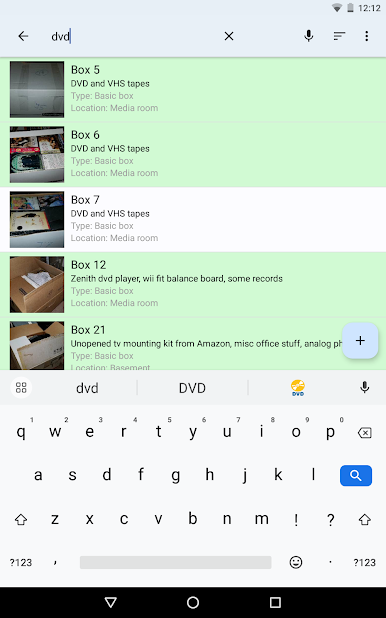
Lose track of what you packed where? No problem—search for any item or box in a snap so there’s no wasted time digging through piles. -
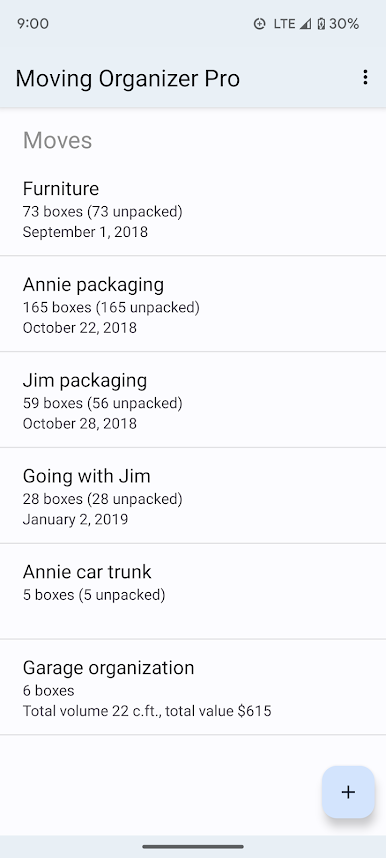
Multiple Moves, No Limits
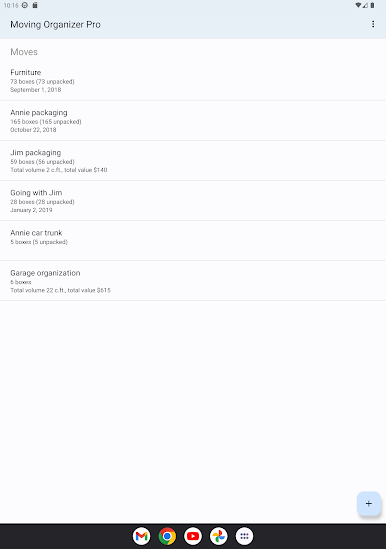
If you’re a serial mover or just like to keep records tidy, you can track unlimited moves without ads popping up. -
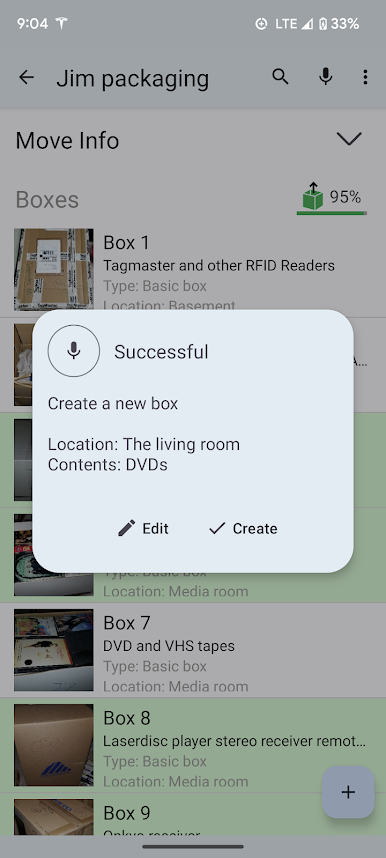
Voice Control
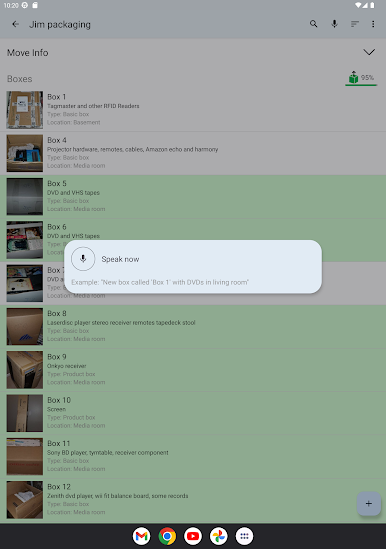
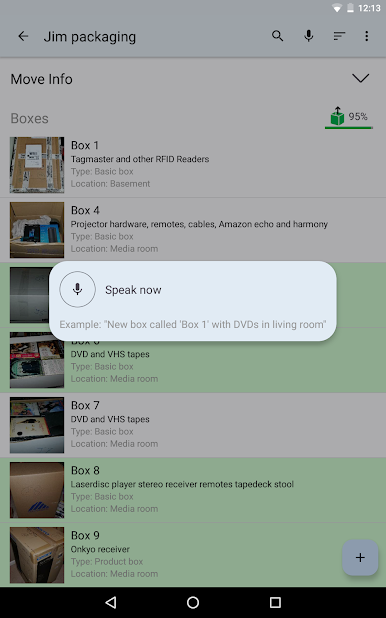
Hate typing on your phone? Just say the word to add new boxes and contents. For example, you can speak, “Add a small box with books and headphones,” and it does the work for you. -
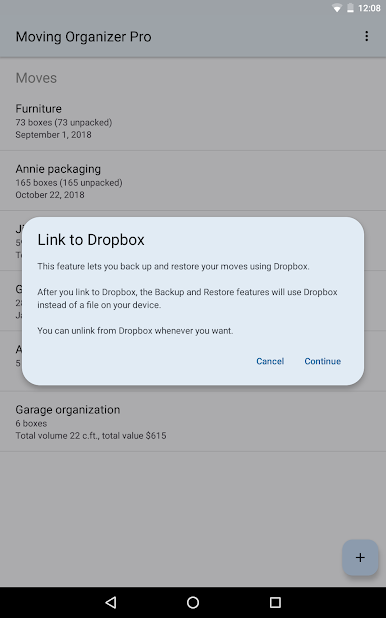
Back Up and Share
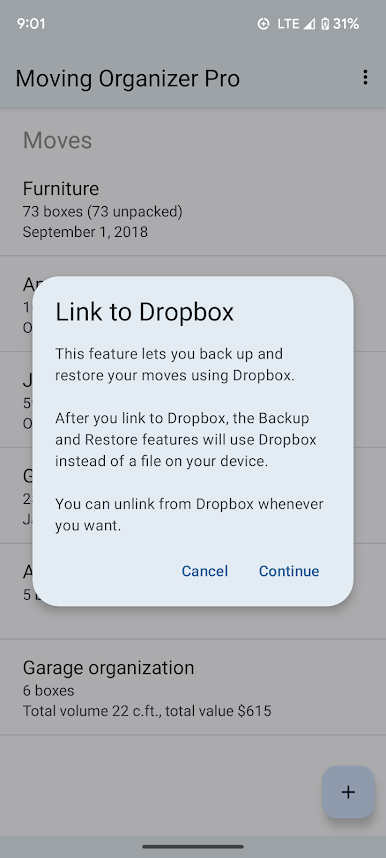
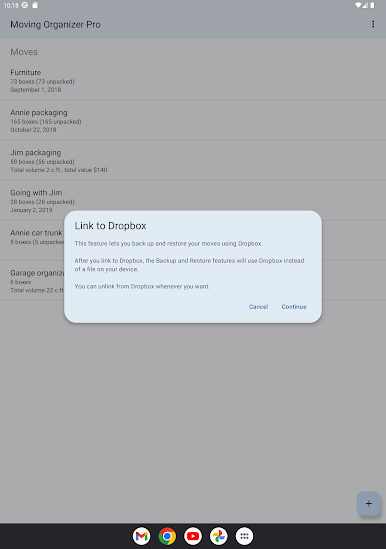
Automatically back up all your moves to the cloud via Dropbox and share them across your devices. Plus, you can create as many manual backups as you want. -
PDF & Cloud Print Support
Print out your entire move or a single box list right from your device, whether you want a digital PDF or a paper copy for on-the-go. -
Photo Import from Gallery
Already snapped pics of your boxes? Just pull them straight from your gallery into the app—no need to retake anything. -
Copy Between Moves
Got identical boxes in different moves? Copy box info over instead of retyping every detail.
Just as a heads-up—for the voice feature, the app needs access to your microphone, and you can back up data if you’re online. If you want an even bigger view, Moving Organizer Pro works great on your desktop with BlueStacks.
BlueStacks gives you the much-needed freedom to experience your favorite apps on a bigger screen. Get it now.




PC에서 Moving Organizer Pro 플레이해보세요.
-
BlueStacks 다운로드하고 설치
-
Google Play 스토어에 로그인 하기(나중에 진행가능)
-
오른쪽 상단 코너에 Moving Organizer Pro 검색
-
검색 결과 중 Moving Organizer Pro 선택하여 설치
-
구글 로그인 진행(만약 2단계를 지나갔을 경우) 후 Moving Organizer Pro 설치
-
메인 홈화면에서 Moving Organizer Pro 선택하여 실행

