

Cooking & Puzzle
5억명 이상의 게이머가 신뢰하는 안드로이드 게임 플랫폼 BlueStacks으로 PC에서 플레이하세요.

Play Cooking & Puzzle on PC or Mac
From the innovators and creators at Thinkplay, Cooking & Puzzle is another fun addition to the World of Puzzle games. Go beyond your mobile screen and play it bigger and better on your PC or Mac. An immersive experience awaits you.
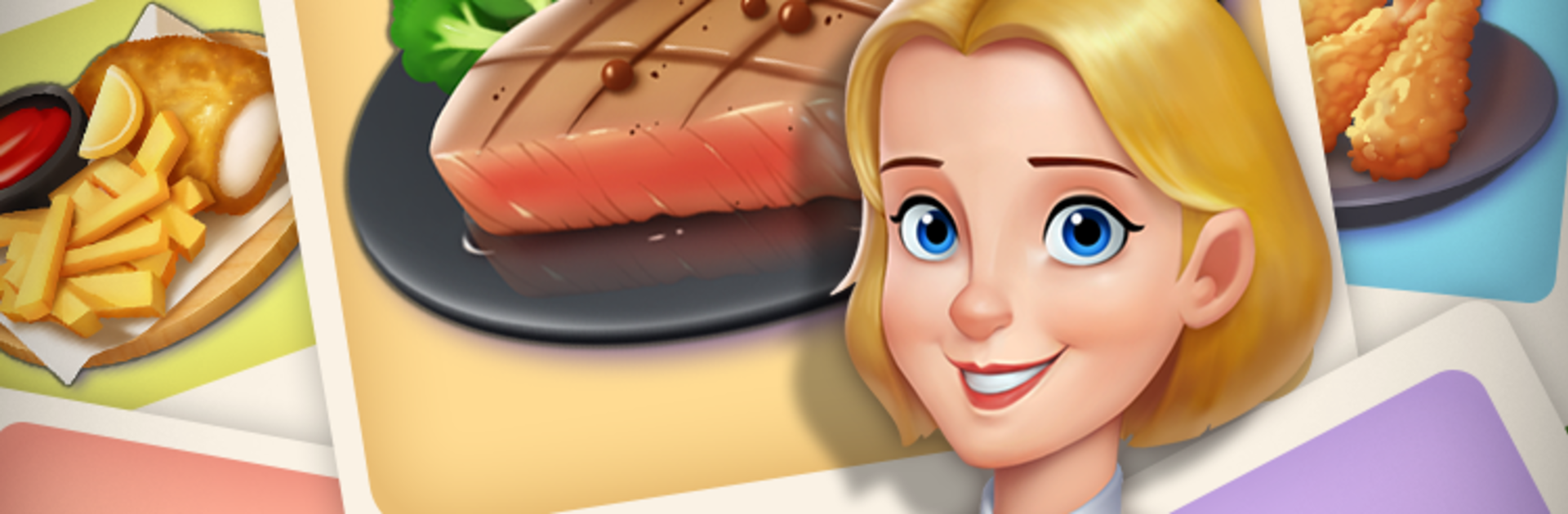
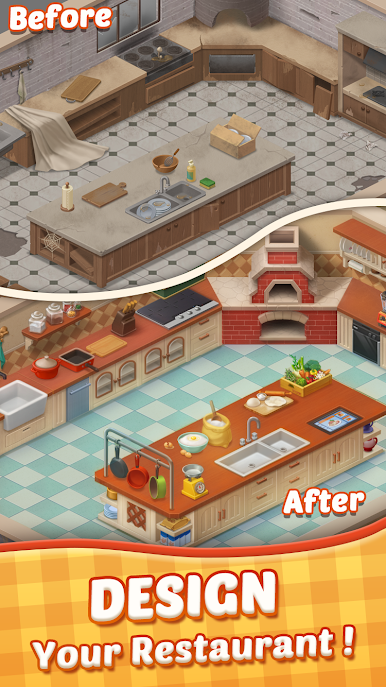
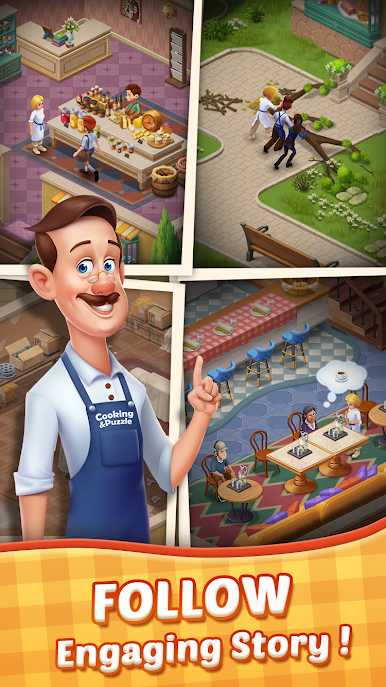
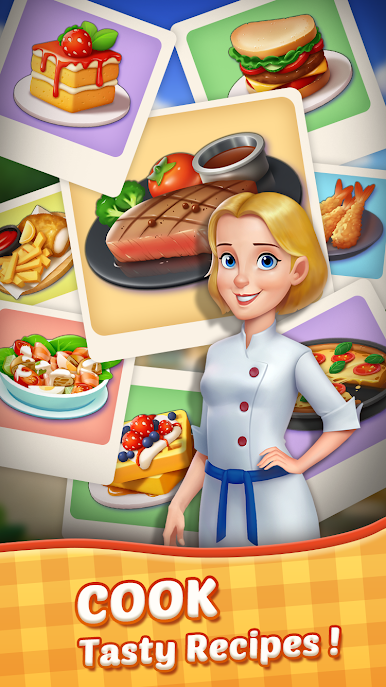
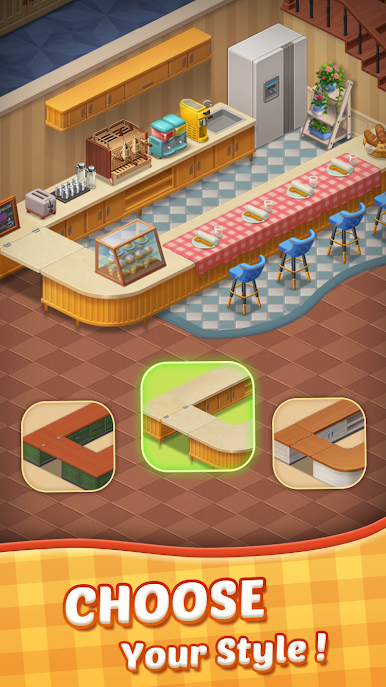
Cooking & Puzzle is a comfy match-three mixed with a restaurant makeover, wrapped around Jenny trying to bring her family place back to life. Finish a puzzle, earn stars, then pick out furniture, fix the kitchen, and open new rooms. There are choices for most decorations, so the restaurant can feel personal instead of a clone. The food art looks surprisingly good, and the story beats slide in between tasks without dragging. It aims for warm and chatty rather than serious drama, with neighbors, friends, and family showing up as the place gets busier.
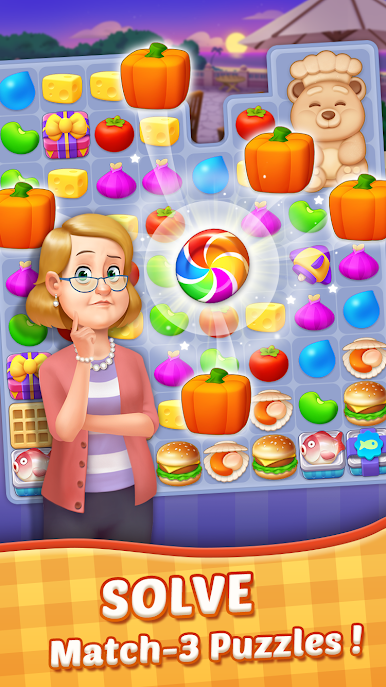
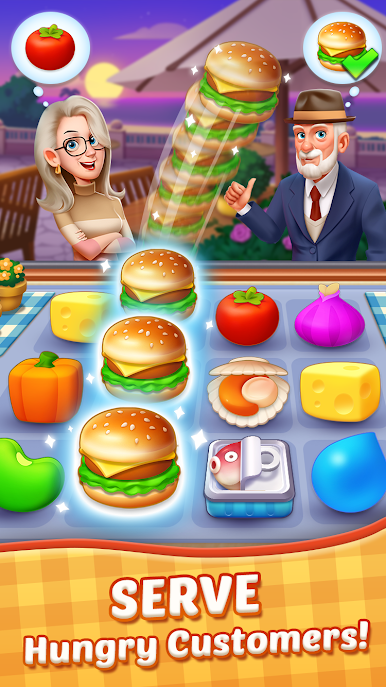
The puzzles stick to classic swap-to-match rules with clear goals like collecting certain ingredients, clearing blockers, or dropping special items to the bottom. Early boards ease players in, then the game starts adding crates, ice, and other little headaches that make planning a few moves ahead worth it. Power-ups are generous enough to save a rough run, and big combo blasts are satisfying. No countdown timers, so it feels calm even when a stage fights back. On PC with BlueStacks, dragging tiles with a mouse is smooth and the bigger screen makes it easier to spot patterns and see decor details.
It works offline, which is nice for quick sessions, and it is free with optional purchases for extras if someone wants a push. If a person enjoys the loop of match-three, decorate, a bit of story, repeat, this one lands in that sweet spot.
Get ready for a buttery smooth, high-performance gaming action only on BlueStacks.
PC에서 Cooking & Puzzle 플레이해보세요.
-
BlueStacks 다운로드하고 설치
-
Google Play 스토어에 로그인 하기(나중에 진행가능)
-
오른쪽 상단 코너에 Cooking & Puzzle 검색
-
검색 결과 중 Cooking & Puzzle 선택하여 설치
-
구글 로그인 진행(만약 2단계를 지나갔을 경우) 후 Cooking & Puzzle 설치
-
메인 홈화면에서 Cooking & Puzzle 선택하여 실행

