Santa's Secret Keeper
在電腦上使用BlueStacks –受到5億以上的遊戲玩家所信任的Android遊戲平台。
Run Santa's Secret Keeper on PC or Mac
Why limit yourself to your small screen on the phone? Run Santa’s Secret Keeper, an app by Thomas Patrick Donahoe, best experienced on your PC or Mac with BlueStacks, the world’s #1 Android emulator.
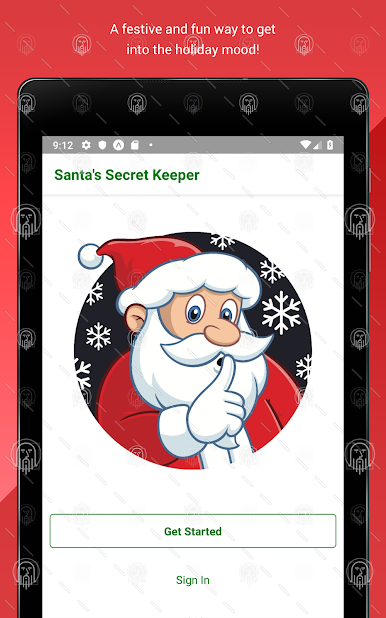
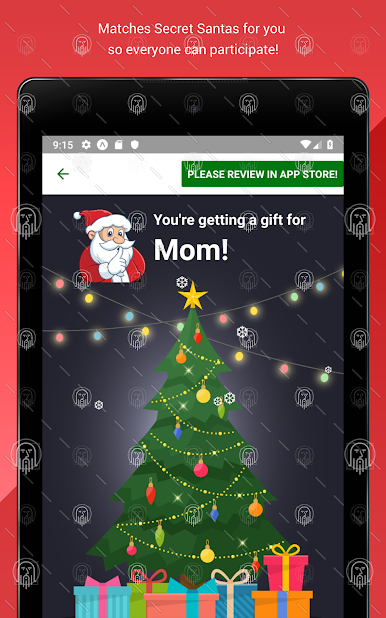
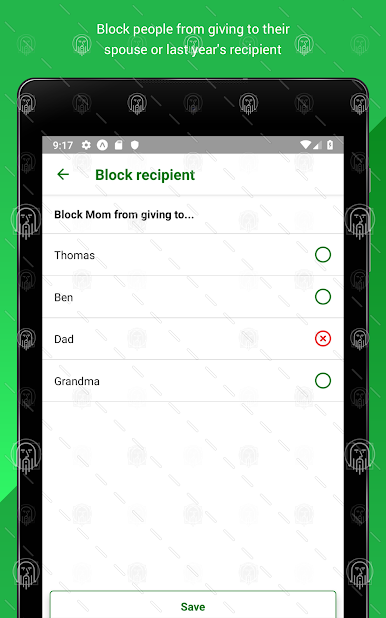
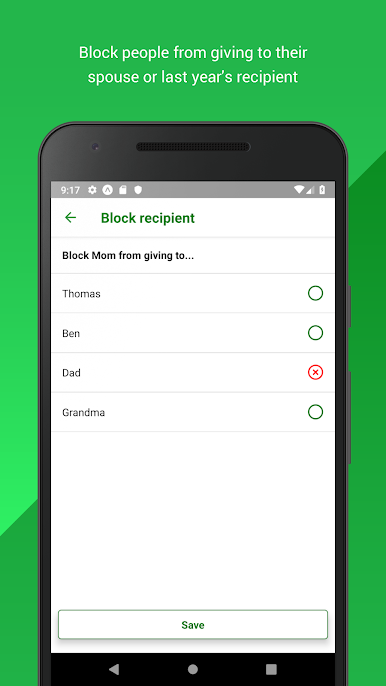
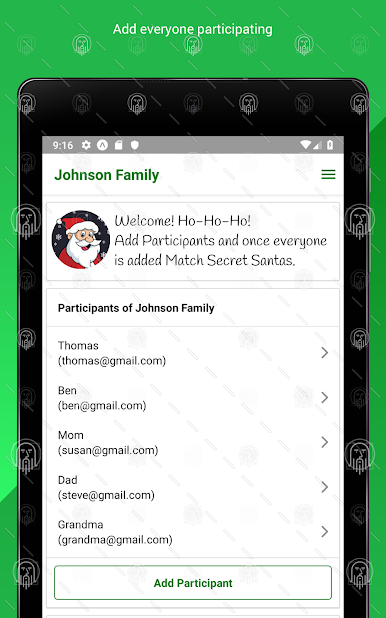
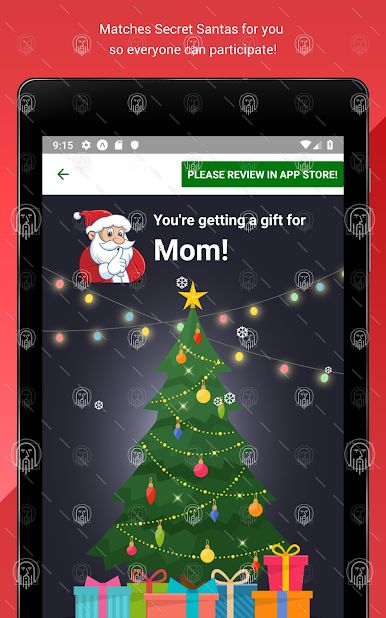
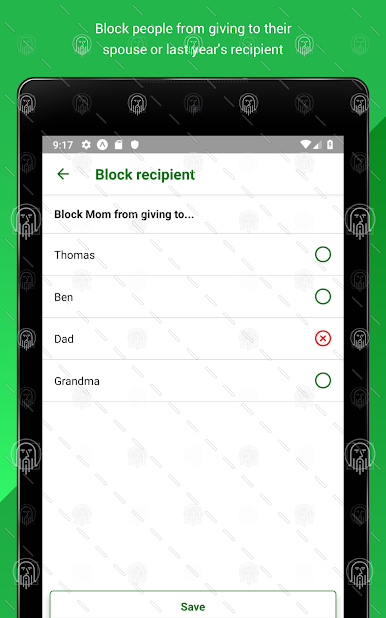
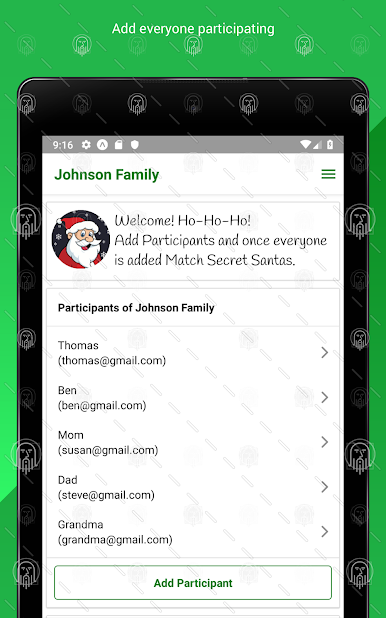
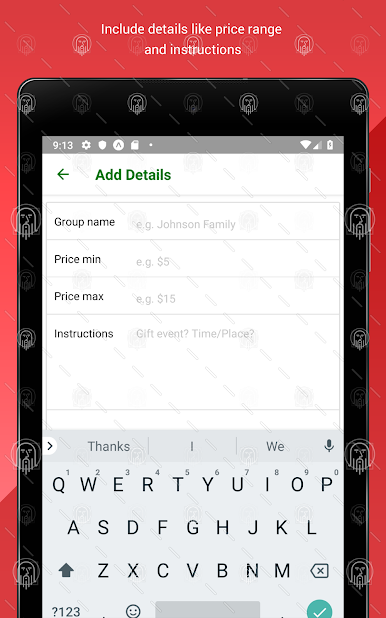
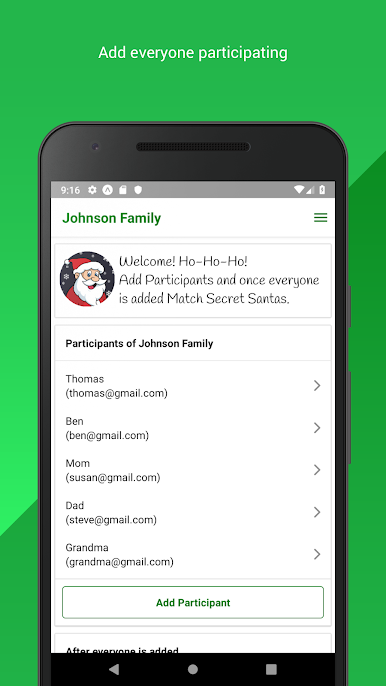
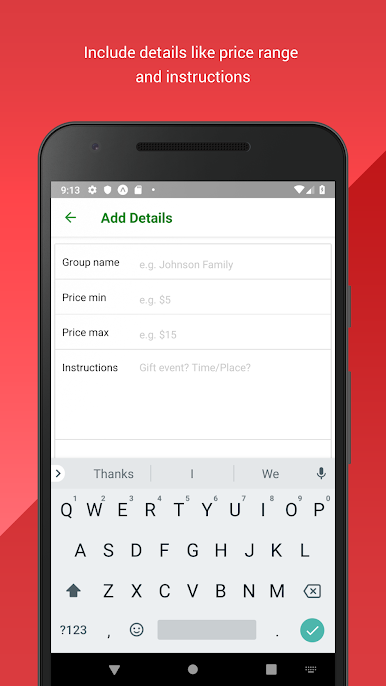
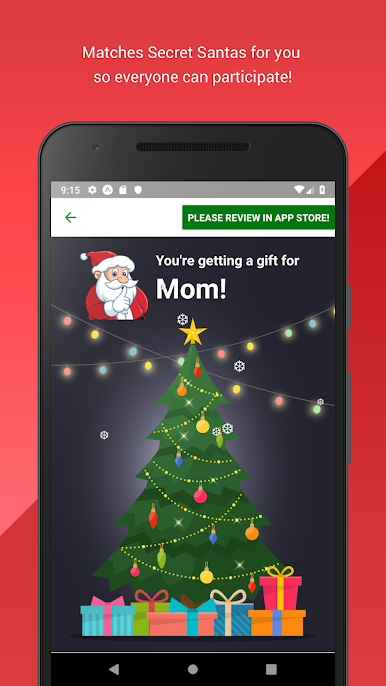
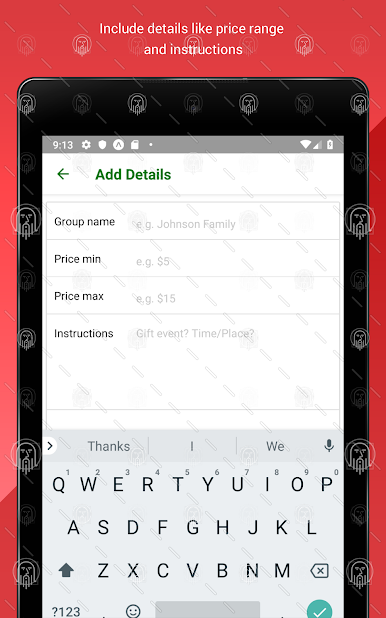
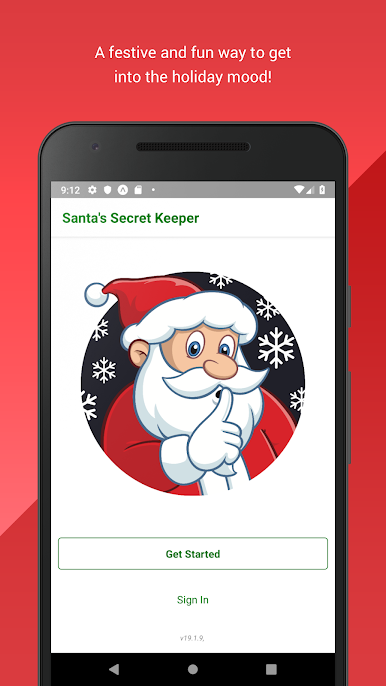
Santa’s Secret Keeper is a simple little helper for running a Secret Santa without any drama. It has a cheerful holiday look, nothing flashy, and it gets straight to the point. Someone creates an exchange for family, friends, or co‑workers, drops in everyone’s names and emails, and adds the ground rules like the price range or small instructions. Hit the button and the app quietly pairs people up, then sends an email to each person with who they are buying for and the details they need. It keeps things spoiler free, so nobody gets tipped off early, which makes the reveal actually fun again.
What stands out is how fast it is to set up and how clear the flow feels. No weird menus, no extra fluff, just add people, add notes, done. The emails include the basics, so there is no need for a back‑and‑forth group chat. On PC through BlueStacks, it is nice to have a bigger screen for a long participant list and a keyboard when typing instructions or price limits. It suits the person who always ends up organizing the office swap or the family gift draw, especially when time is short. It delivers that festive feel without getting in the way, and it does the boring parts so the group can focus on picking a gift that does not miss.
Switch to BlueStacks and make the most of your apps on your PC or Mac.
在電腦上遊玩Santa's Secret Keeper . 輕易上手.
-
在您的電腦上下載並安裝BlueStacks
-
完成Google登入後即可訪問Play商店,或等你需要訪問Play商店十再登入
-
在右上角的搜索欄中尋找 Santa's Secret Keeper
-
點擊以從搜索結果中安裝 Santa's Secret Keeper
-
完成Google登入(如果您跳過了步驟2),以安裝 Santa's Secret Keeper
-
在首頁畫面中點擊 Santa's Secret Keeper 圖標來啟動遊戲