


Lifeline: Silent Night
在電腦上使用BlueStacks –受到5億以上的遊戲玩家所信任的Android遊戲平台。

Play Lifeline: Silent Night on PC or Mac
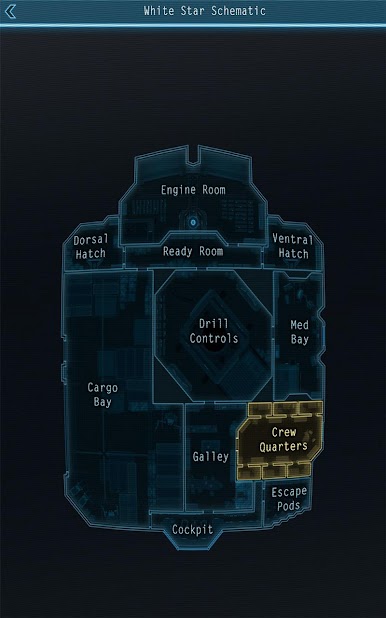
Bring your A-game to Lifeline: Silent Night, the Adventure game sensation from 3 Minute Games. Give your gameplay the much-needed boost with precise game controls, high FPS graphics, and top-tier features on your PC or Mac with BlueStacks.
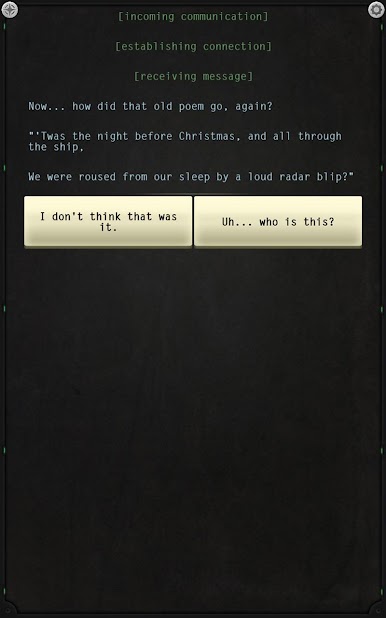
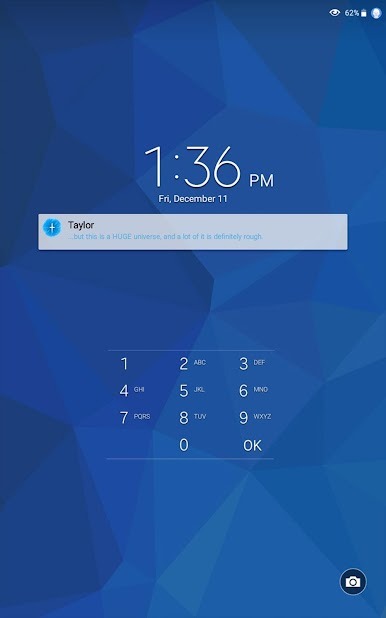
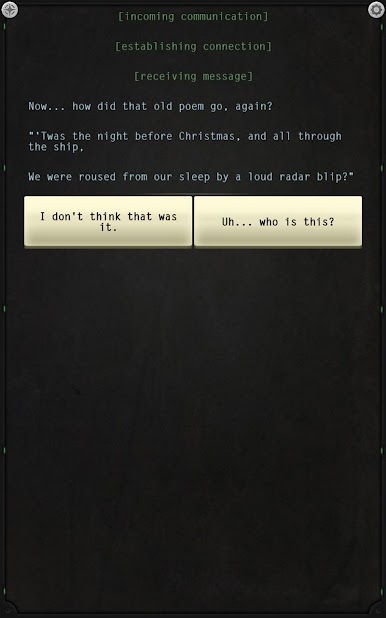
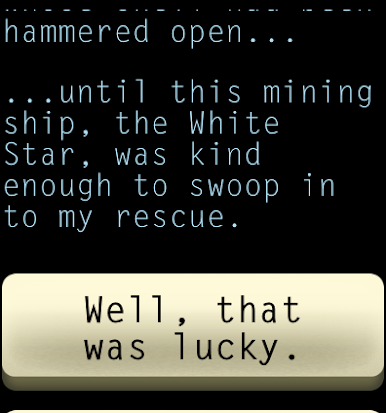
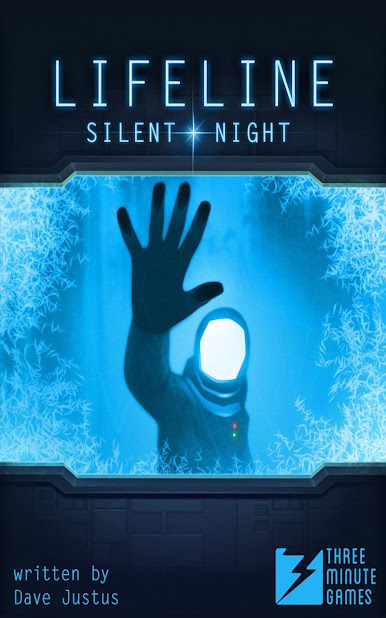
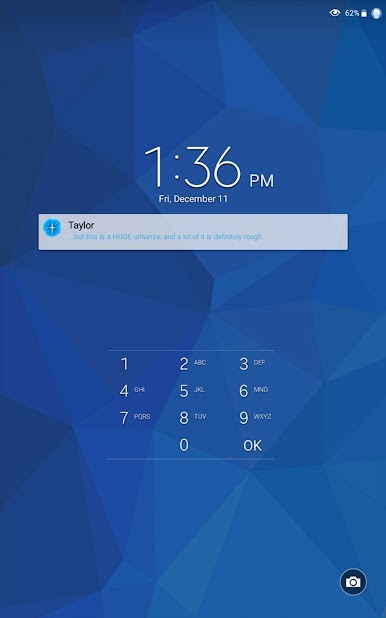
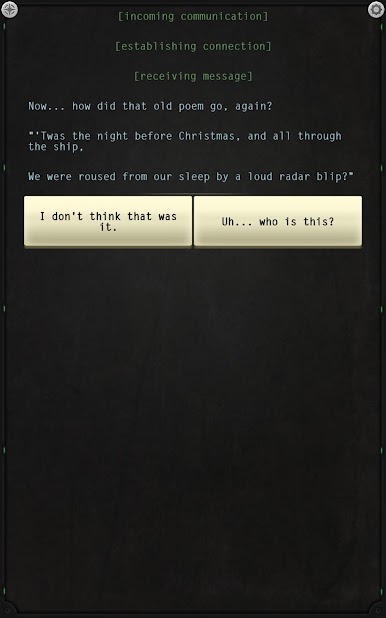
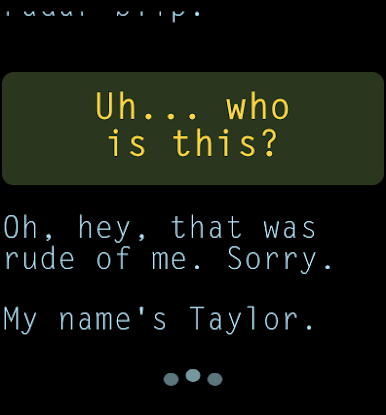
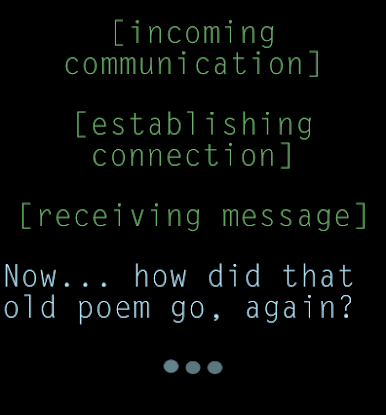
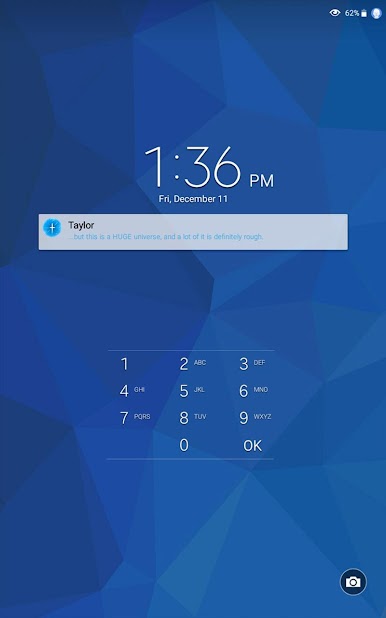
Lifeline: Silent Night is one of those games where you’re basically swapping messages with someone in trouble — in this case, an astronaut named Taylor. There’s a lot of back-and-forth, and what you decide to say or suggest actually changes how things go for Taylor. It’s kind of like texting a friend and knowing your replies might help them survive (or, well, not). What stands out is how the story comes to you in real time, so you can get notifications on your PCs through BlueStacks or whenever you check back in — it all moves at its own pace, giving a “real life” feeling to those conversations. Sometimes you’ll have to make decisions quickly, other times you just catch up on everything after a break.
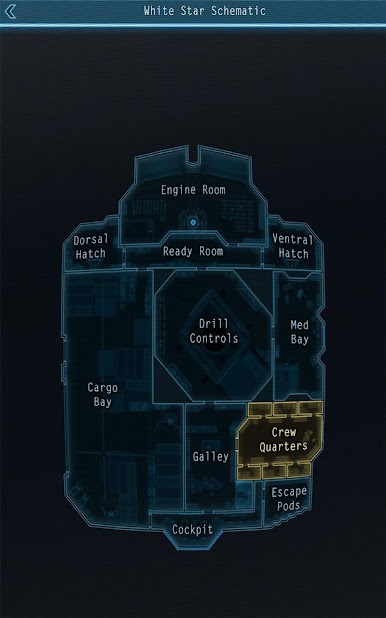
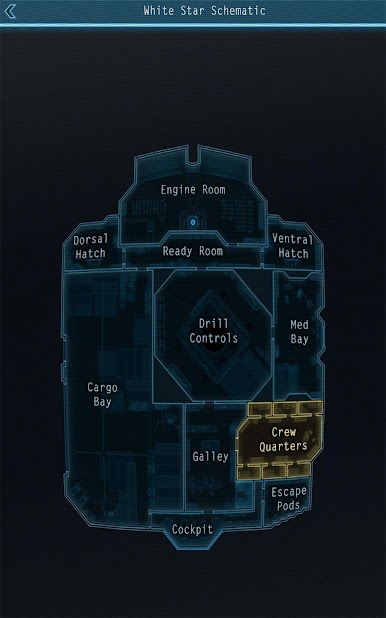
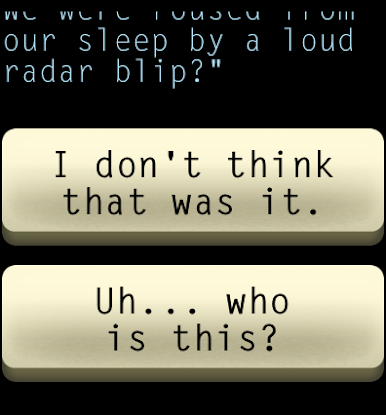
The writing pulls you in, and even simple choices can lead to big changes. The game keeps things interesting by letting you see what would’ve happened if you’d made different choices, encouraging people to replay and experiment with other story paths. There’s no fighting or fancy graphics to speak of — the focus is entirely on story, tension, and your connection with Taylor. It plays well on PC through BlueStacks, so it’s easy to have it open alongside other stuff and just dip in when new messages come up. If someone is into narrative games or just wants something that’s more about story and choices than fast reflexes, this one does a great job keeping you thinking about what’s next, and maybe even caring a little too much about an astronaut you’ve never actually met.
Get ready for a buttery smooth, high-performance gaming action only on BlueStacks.




在電腦上遊玩Lifeline: Silent Night . 輕易上手.
-
在您的電腦上下載並安裝BlueStacks
-
完成Google登入後即可訪問Play商店,或等你需要訪問Play商店十再登入
-
在右上角的搜索欄中尋找 Lifeline: Silent Night
-
點擊以從搜索結果中安裝 Lifeline: Silent Night
-
完成Google登入(如果您跳過了步驟2),以安裝 Lifeline: Silent Night
-
在首頁畫面中點擊 Lifeline: Silent Night 圖標來啟動遊戲

