


Employee Time Clock w/ GPS, Sc
비즈니스 | Timesheet Mobile
5억명 이상의 게이머가 신뢰하는 안드로이드 게임 플랫폼 BlueStacks으로 PC에서 플레이하세요.

Play Employee Time Clock w/ GPS, Sc on PC
Geofenced enabled Timesheet App with Autopunch includes employee scheduling, auto travel, project checklists and team messaging. This is the all-in-one app for your mobile workforce!
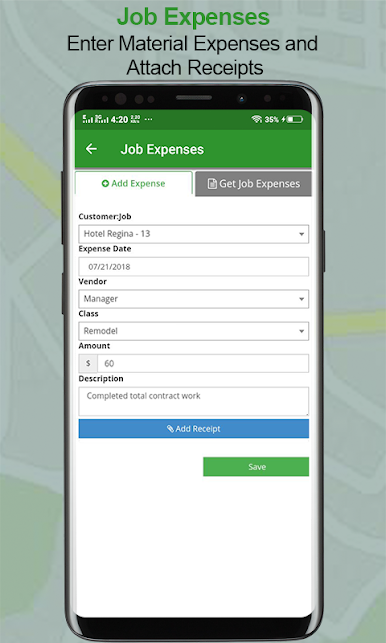
Tracks employee work times and locations and reminds them to punch in/out when they enter and exit a geofenced jobsite. Timesheet Mobile is very easy to use and automates your entire timekeeping process from employee logs to Quickbooks import. In addition to ensuring accurate employee timekeeping, the time clock application provides employee GPS location verification and saves your company many administrative hours per month. The Timesheet Mobile solution includes smartphone punch in/out, GPS and mapping features, and real-time syncing and reporting to your secure Employer Web Portal.
Timesheet Mobile is the preferred employee timekeeping and location tracking solution for Builders, Contractors, Home Health EVV, Security, Transportation, Event Planners, and Trades with mobile employees.
Geofenced Enabled Time Tracking
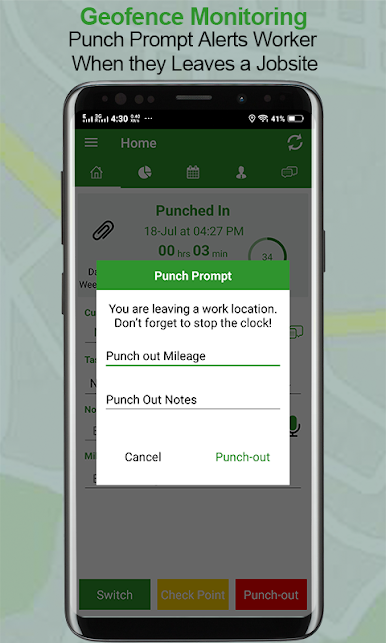
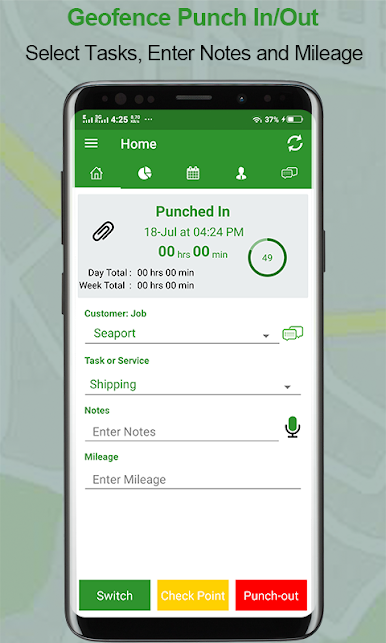
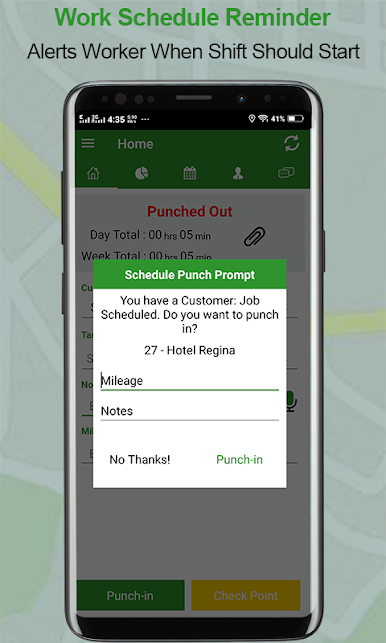
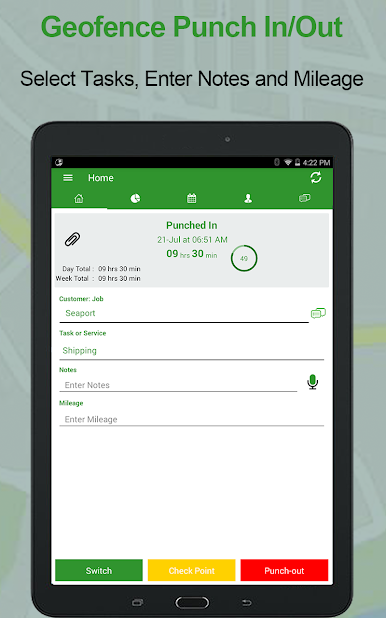
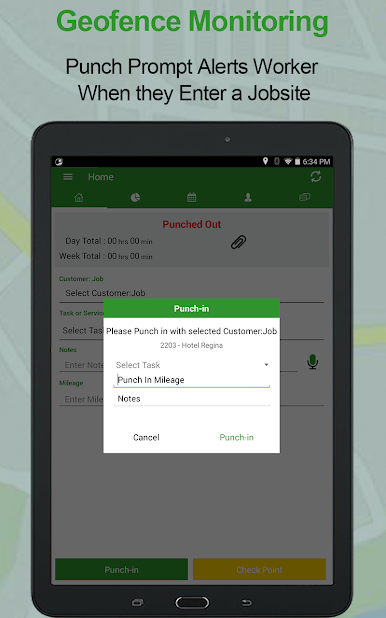
• Punch Prompt alerts employees when they enter and exit a geofenced jobsite
• Track employee hours accurately and get geofence alerts if they are away from work location
• Easily switch between customer jobs and take breaks
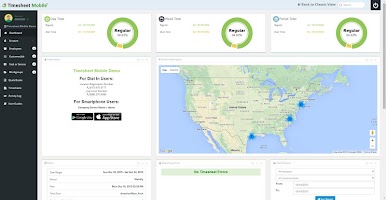
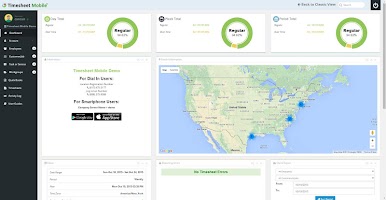
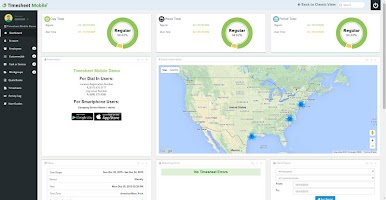
• View employee locations on admin dashboard map
• Battery and data efficient technology
Scheduling
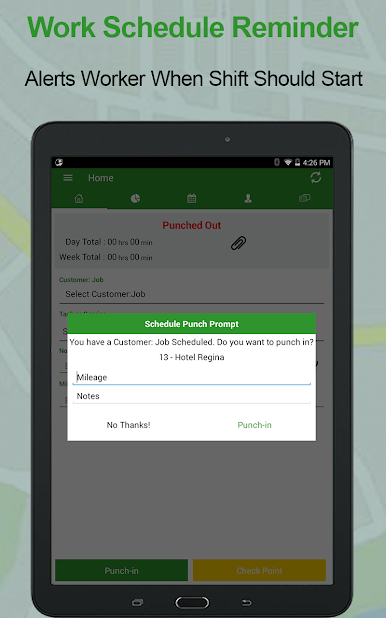
• Schedule by customer job or by employee
• Drag and drop shifts from admin portal
• Block early punch ins
• Pushes notifications to employees when a new shift is scheduled or changed
• Get notifications if employees don’t clock in to a job or shift as scheduled
Timesheets
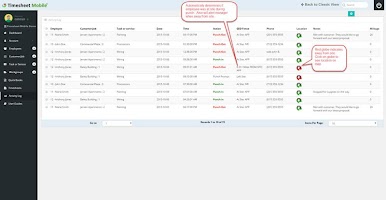
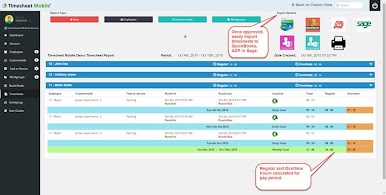
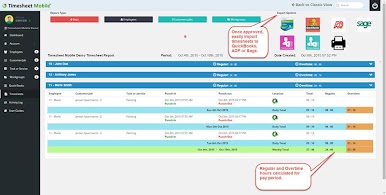
• Time reports by employee or customer job
• Easily Edit, delete, or approve timesheets from the app or admin console
• Get overtime alerts, according to thresholds you set
• Manage PTO and sick time
Workforce Management
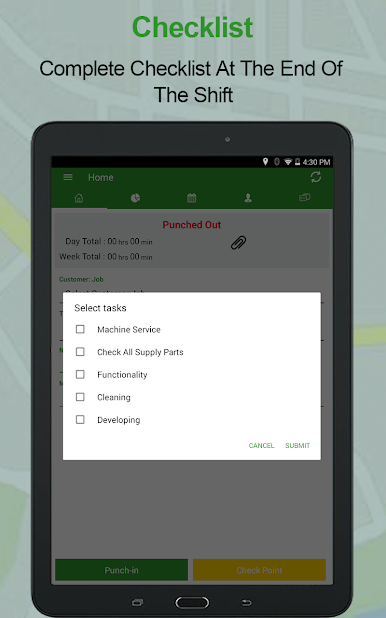
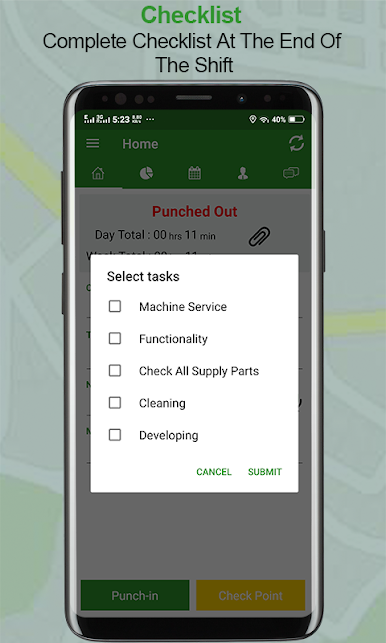
• Project Checklists
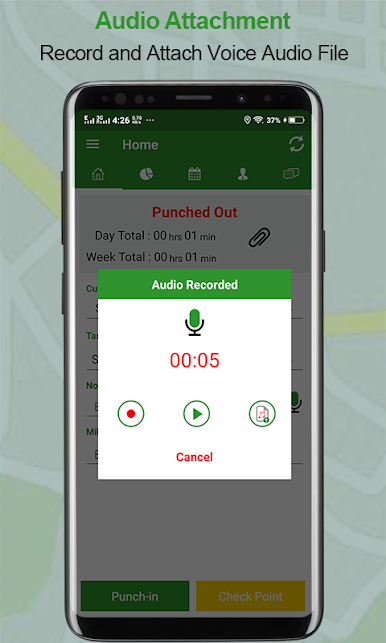
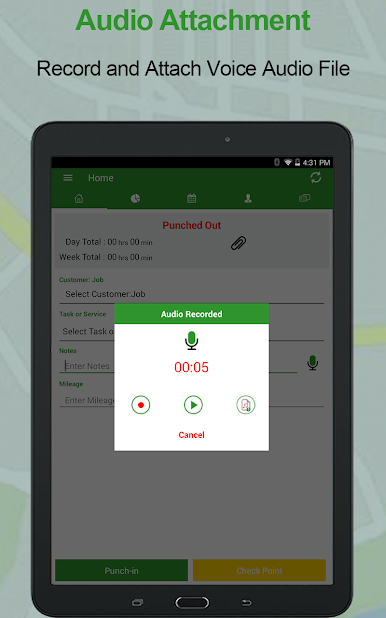
• Attach images and documents
• Send photos and post to jobs
• Team messaging keeps everyone informed instantly
Integrations
• QuickBooks Online
• QuickBooks Desktop
• Xero
• FreshBooks
• Sage
• ADP
NOTE: REQUIRES SUBSCRIPTION TO WEB BASED SOFTWARE. Visit www.timesheetmobile.com to get free trial and pricing information
To use this application, your employer must have a corresponding Timesheet Mobile™ subscription configured for use with our Timesheet Mobile Apps. Contact your employer for details.
Minimum Android OS 5.x
Tracks employee work times and locations and reminds them to punch in/out when they enter and exit a geofenced jobsite. Timesheet Mobile is very easy to use and automates your entire timekeeping process from employee logs to Quickbooks import. In addition to ensuring accurate employee timekeeping, the time clock application provides employee GPS location verification and saves your company many administrative hours per month. The Timesheet Mobile solution includes smartphone punch in/out, GPS and mapping features, and real-time syncing and reporting to your secure Employer Web Portal.
Timesheet Mobile is the preferred employee timekeeping and location tracking solution for Builders, Contractors, Home Health EVV, Security, Transportation, Event Planners, and Trades with mobile employees.
Geofenced Enabled Time Tracking
• Punch Prompt alerts employees when they enter and exit a geofenced jobsite
• Track employee hours accurately and get geofence alerts if they are away from work location
• Easily switch between customer jobs and take breaks
• View employee locations on admin dashboard map
• Battery and data efficient technology
Scheduling
• Schedule by customer job or by employee
• Drag and drop shifts from admin portal
• Block early punch ins
• Pushes notifications to employees when a new shift is scheduled or changed
• Get notifications if employees don’t clock in to a job or shift as scheduled
Timesheets
• Time reports by employee or customer job
• Easily Edit, delete, or approve timesheets from the app or admin console
• Get overtime alerts, according to thresholds you set
• Manage PTO and sick time
Workforce Management
• Project Checklists
• Attach images and documents
• Send photos and post to jobs
• Team messaging keeps everyone informed instantly
Integrations
• QuickBooks Online
• QuickBooks Desktop
• Xero
• FreshBooks
• Sage
• ADP
NOTE: REQUIRES SUBSCRIPTION TO WEB BASED SOFTWARE. Visit www.timesheetmobile.com to get free trial and pricing information
To use this application, your employer must have a corresponding Timesheet Mobile™ subscription configured for use with our Timesheet Mobile Apps. Contact your employer for details.
Minimum Android OS 5.x

PC에서 Employee Time Clock w/ GPS, Sc 플레이해보세요.
-
BlueStacks 다운로드하고 설치
-
Google Play 스토어에 로그인 하기(나중에 진행가능)
-
오른쪽 상단 코너에 Employee Time Clock w/ GPS, Sc 검색
-
검색 결과 중 Employee Time Clock w/ GPS, Sc 선택하여 설치
-
구글 로그인 진행(만약 2단계를 지나갔을 경우) 후 Employee Time Clock w/ GPS, Sc 설치
-
메인 홈화면에서 Employee Time Clock w/ GPS, Sc 선택하여 실행

