


English Conversation
5억명 이상의 게이머가 신뢰하는 안드로이드 게임 플랫폼 BlueStacks으로 PC에서 플레이하세요.

Run English Conversation on PC or Mac
Multitask effortlessly on your PC or Mac as you try out English Conversation, a Education app by TonyJet on BlueStacks.
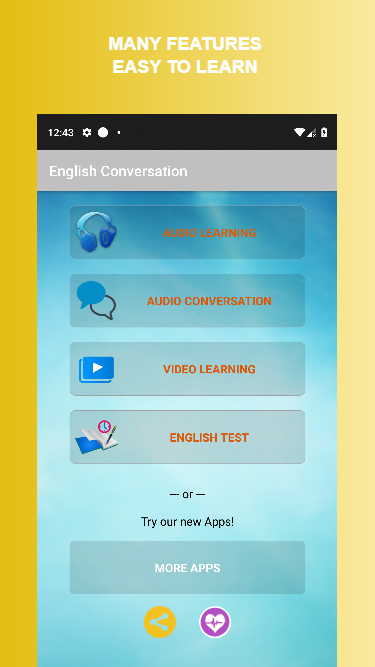
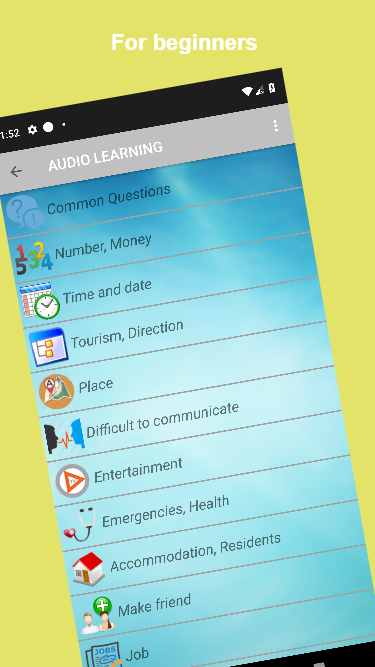
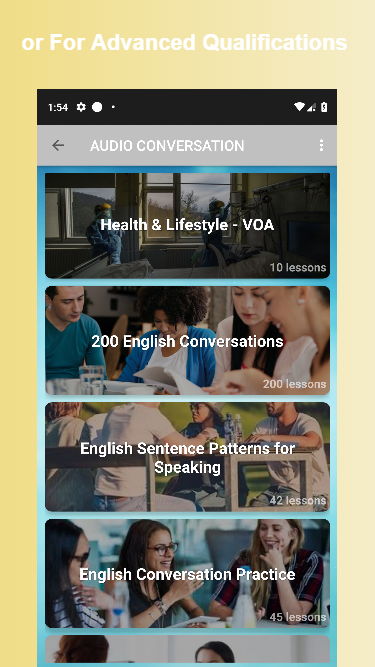
So, English Conversation is basically one of those apps that’s all about getting used to real, everyday English, not textbook stuff. On PC with BlueStacks, it actually feels pretty relaxed to use — bigger screen, easy to scroll around. There’s a set of a hundred conversations, and they’re split up by difficulty, so if someone’s just starting out or already sort of comfortable, there’s something that fits. The situations they pick are really practical, like calling someone, booking a hotel, travel — just those normal things that come up, and the conversations are straightforward enough to follow along without needing a dictionary every two lines.
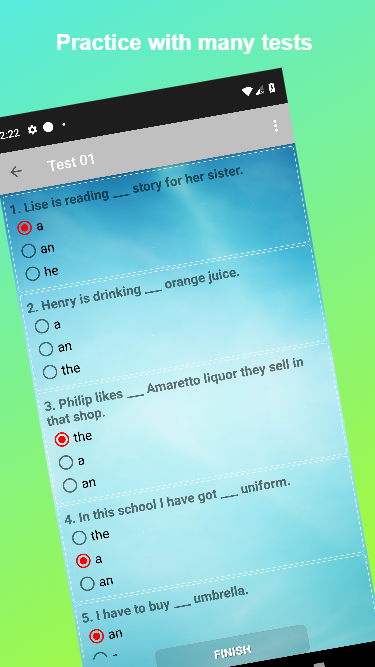
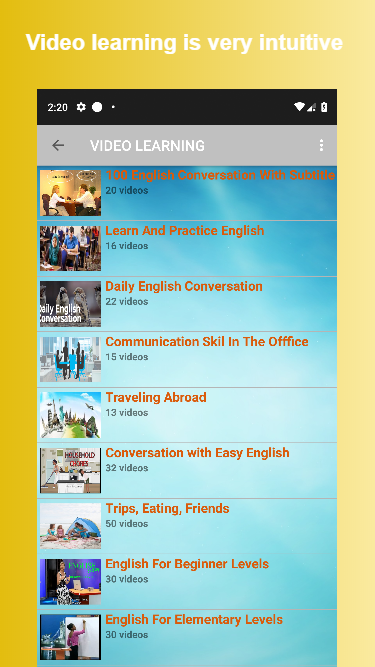
One thing that stands out is the way users can record themselves. After listening to a conversation, they just hit record and check if they’re saying things the same way. That kind of instant feedback is helpful, especially since English pronunciation trips up a lot of people. For anyone trying to pick up more useful words, there’s a massive list of phrases and vocab split by topic, so things don’t feel random or out of place. There are also videos in there, which is good for getting a sense of how things sound at normal speed, not classroom-slow. Some other tools come with it, like practice for pronunciation and test prep, so it’s not just conversation alone. The feel of the app is simple, functional, and it doesn’t overload you. It’s really built for anyone wanting to sound more natural, especially if they want to bring those phrases into their own actual conversations.
BlueStacks gives you the much-needed freedom to experience your favorite apps on a bigger screen. Get it now.

PC에서 English Conversation 플레이해보세요.
-
BlueStacks 다운로드하고 설치
-
Google Play 스토어에 로그인 하기(나중에 진행가능)
-
오른쪽 상단 코너에 English Conversation 검색
-
검색 결과 중 English Conversation 선택하여 설치
-
구글 로그인 진행(만약 2단계를 지나갔을 경우) 후 English Conversation 설치
-
메인 홈화면에서 English Conversation 선택하여 실행

