


TrainerRoad
Jogue no PC com BlueStacks - A Plataforma de Jogos Android, confiada por mais de 500 milhões de jogadores.

Página modificada em: Dec 17, 2025
Play TrainerRoad on PC
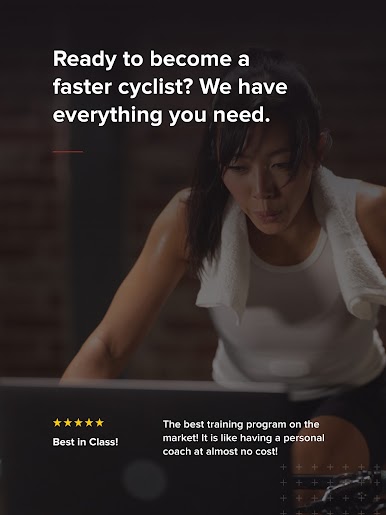
What you get when you sign up for TrainerRoad:
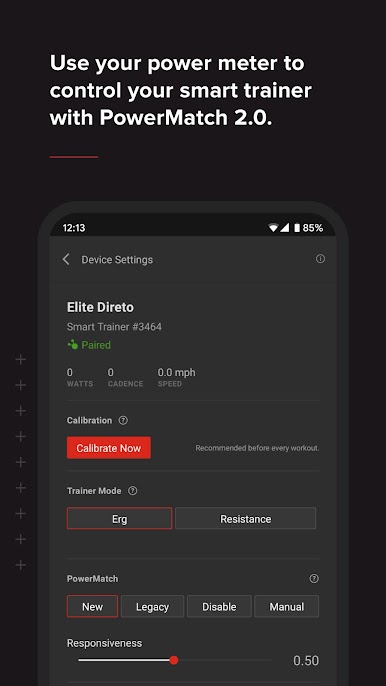
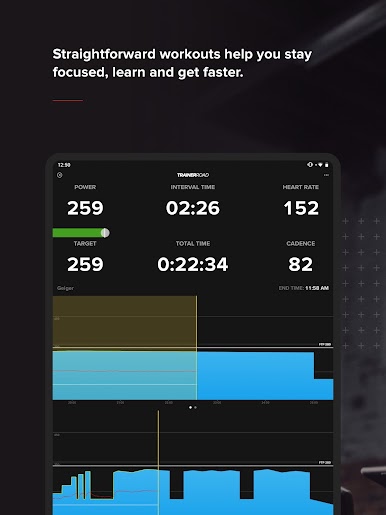
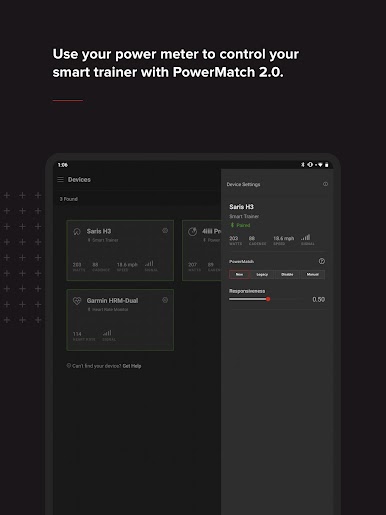
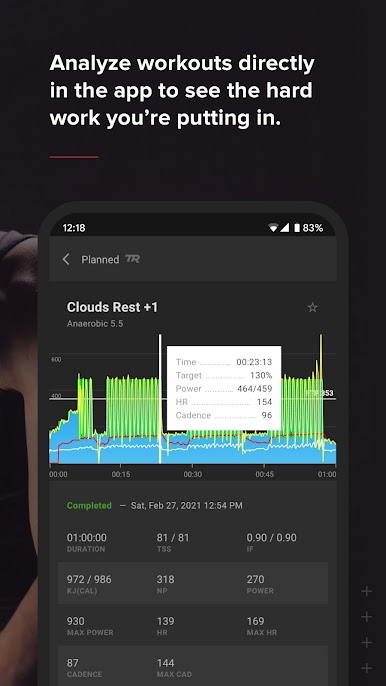
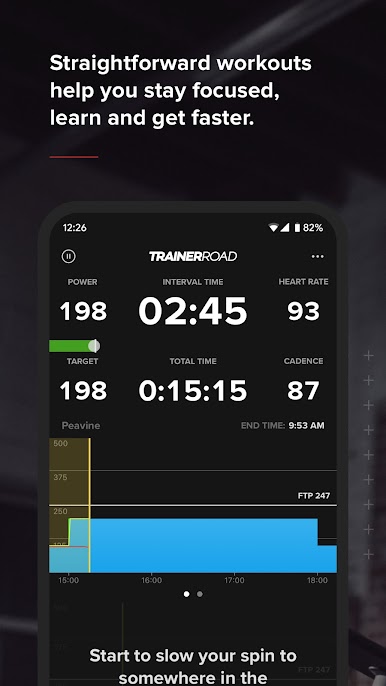
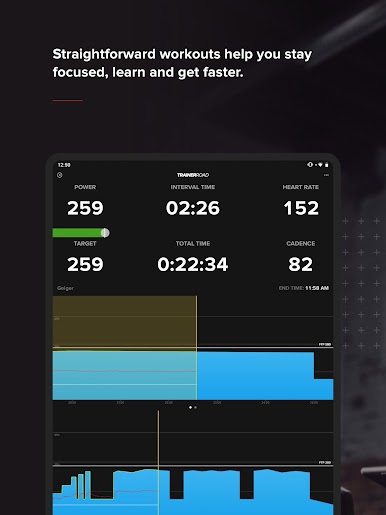
• Live performance data that guides you while you train
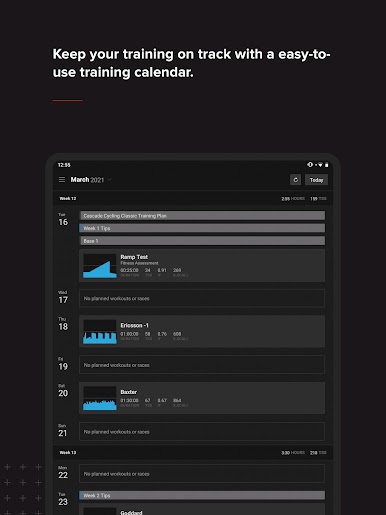
• Access to a library of structured power-based workouts
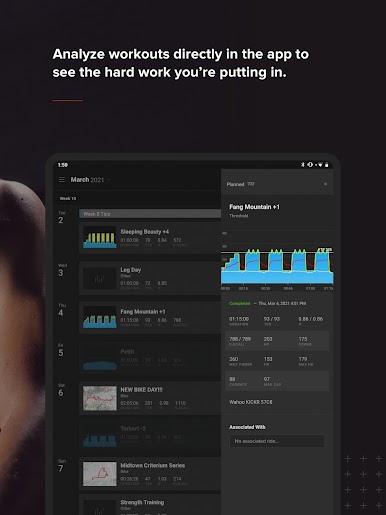
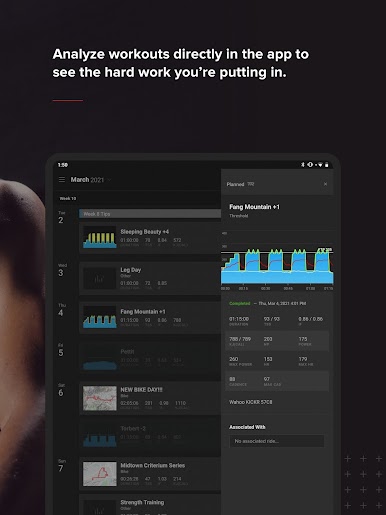
• A Career page to track your progress & view critical ride data
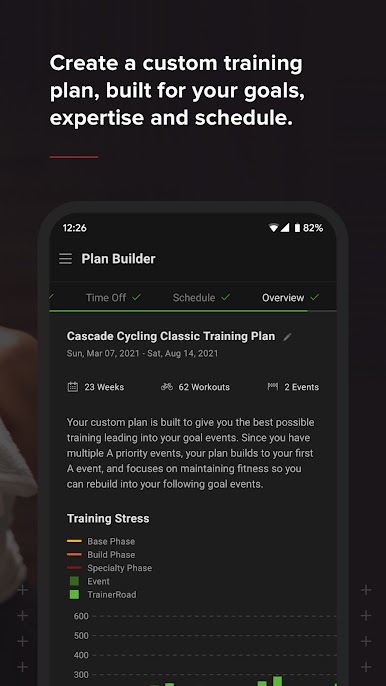
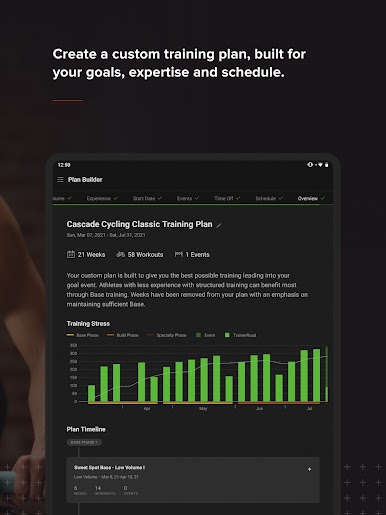
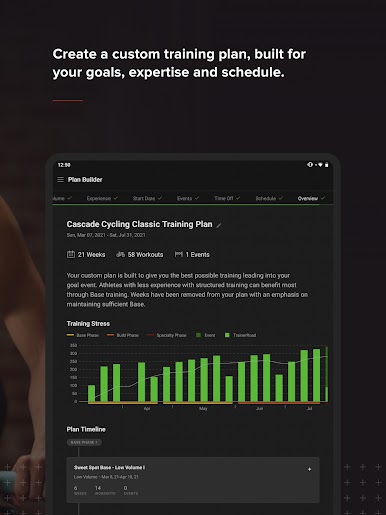
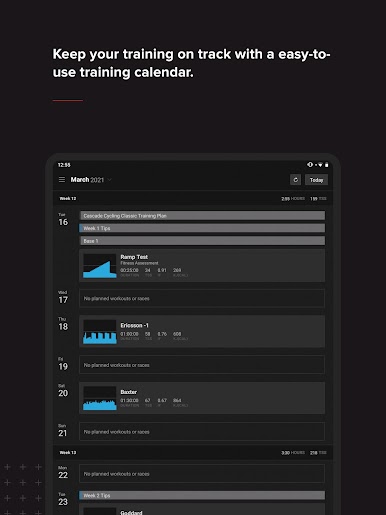
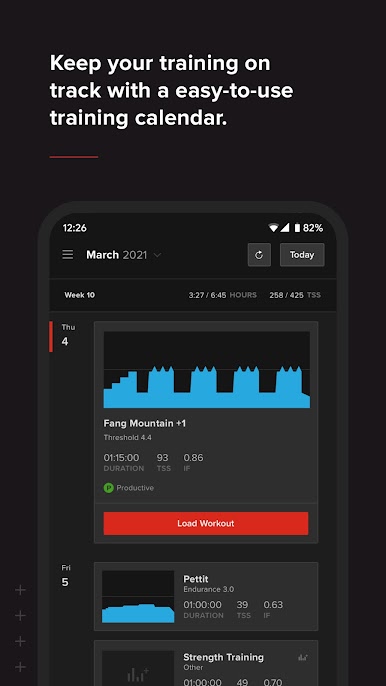
• Science-backed training plans designed to help you achieve your specific cycling goals.
Equipment to Get Started Training with Power
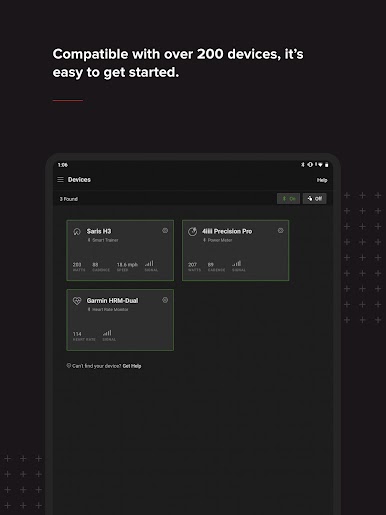
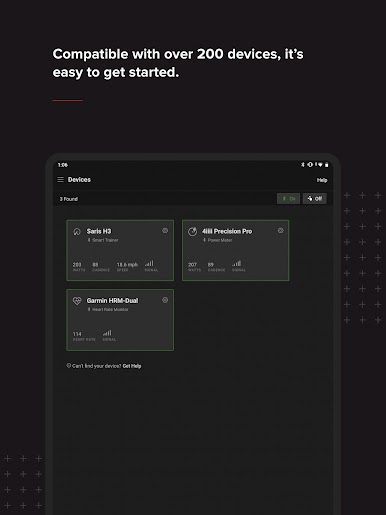
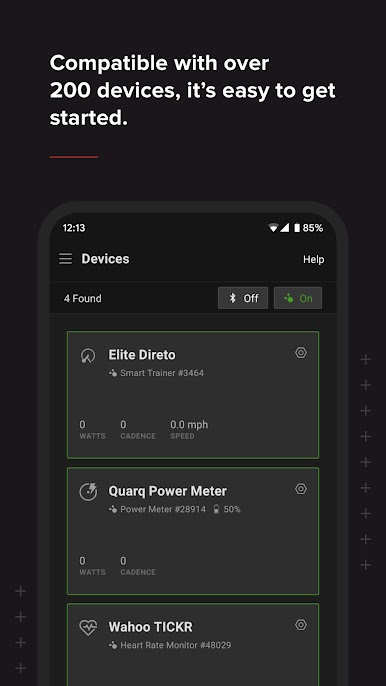
TrainerRoad is compatible with the majority of trainers and training devices on the market. To get started training with power, riders can choose from one of three convenient training setups. To check if your equipment is compatible with TrainerRoad, visit the Equipment Checker at https://www.trainerroad.com/equipment-checker.
Have a question for us? We’re here to help!
Get in touch with us at support@trainerroad.com.
TrainerRoad memberships are $21.99/month or $209.99/year. Sign up now at www.trainerroad.com.
——————————————
REQUIREMENTS
TrainerRoad for Android supports the most popular flagship Android devices
OS: Android 7 Nougat and higher
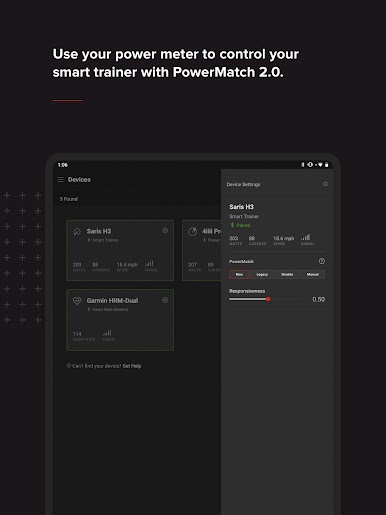
Connection: Bluetooth Smart, ANT+ and ANT+ FE-C
NOTES
TrainerRoad for Android supports Bluetooth Smart, ANT+ and ANT+ FEC. Some devices are ANT+ compatible on their own, but may require ANT plugins installed from the Google Play store before they’re ready to use. Other devices may require an ANT+ adapter. Fortunately, some of these devices work with existing ANT+ adapters from your computer and an additional USB-C or phone-specific USB adapter.
Given the various ways TrainerRoad for Android communicates via ANT+, some devices may have stronger signals than others. If you’re having difficulty using a native ANT+ device, you may need an adapter to train normally.

Jogue TrainerRoad no PC. É fácil começar.
-
Baixe e instale o BlueStacks no seu PC
-
Conclua o login do Google para acessar a Play Store ou faça isso mais tarde
-
Procure por TrainerRoad na barra de pesquisa no canto superior direito
-
Clique para instalar TrainerRoad a partir dos resultados da pesquisa
-
Conclua o login do Google (caso você pulou a etapa 2) para instalar o TrainerRoad
-
Clique no ícone do TrainerRoad na tela inicial para começar a jogar

