


Liverpool FC Programme
العب على الكمبيوتر الشخصي مع BlueStacks - نظام أندرويد للألعاب ، موثوق به من قبل أكثر من 500 مليون لاعب.

Play Liverpool FC Programme on PC or Mac
Explore a whole new adventure with Liverpool FC Programme, a Sports game created by Pocketmags.com. Experience great gameplay with BlueStacks, the most popular gaming platform to play Android games on your PC or Mac.
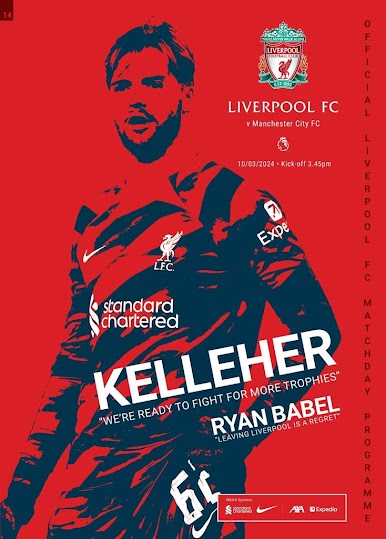
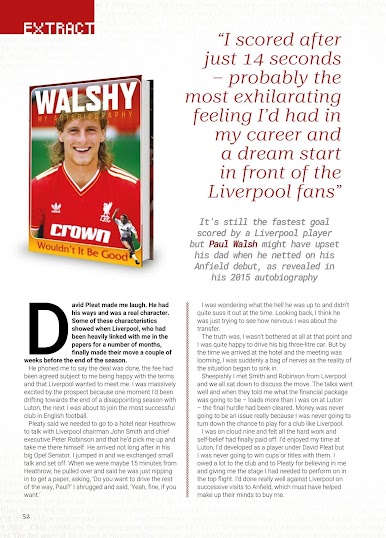
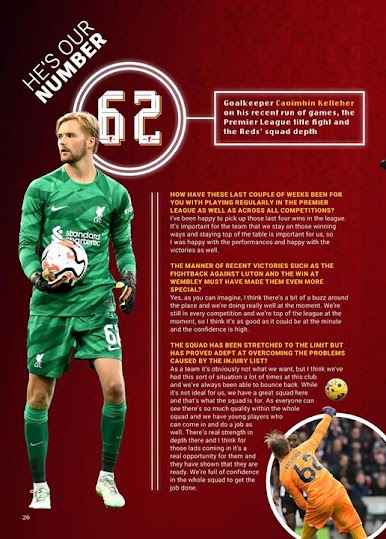
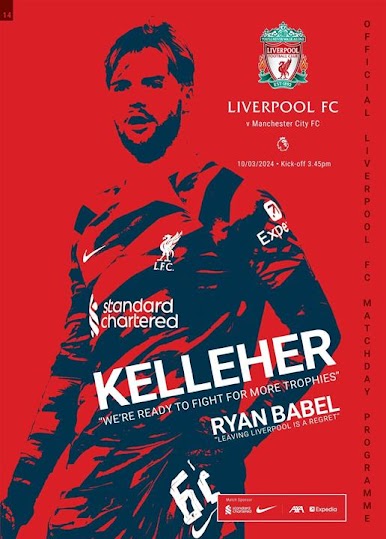
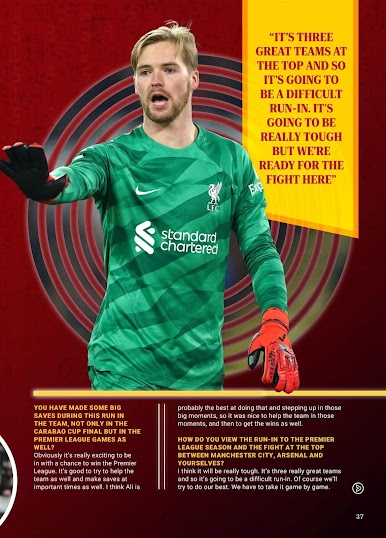
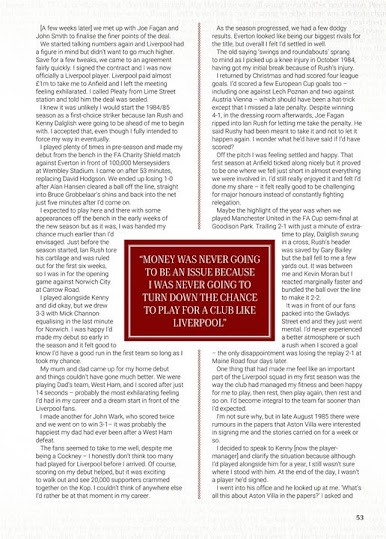
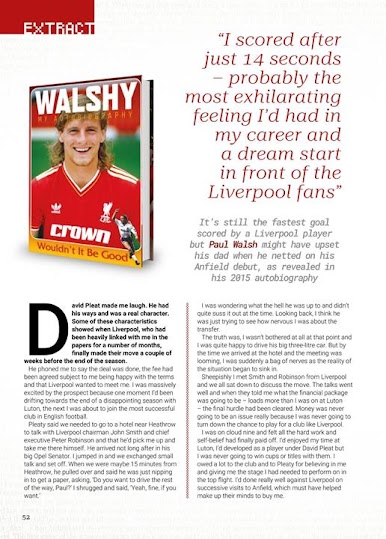
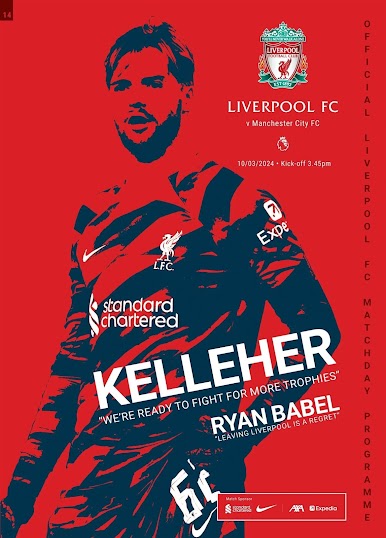
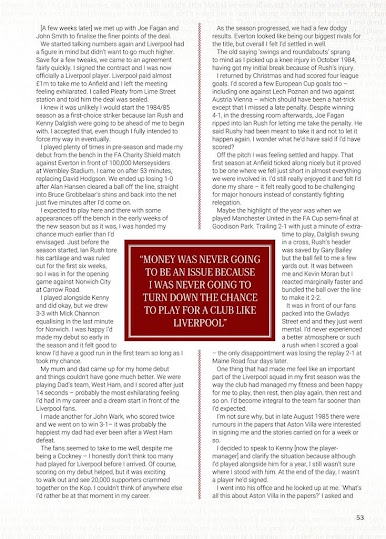
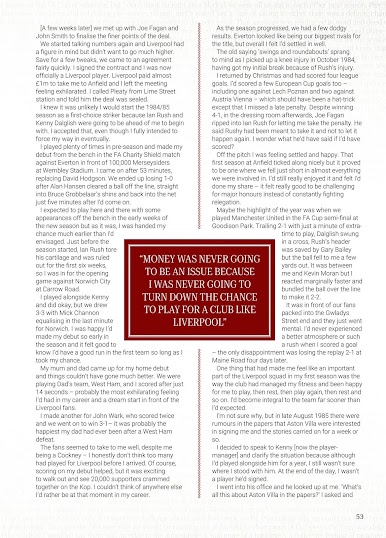
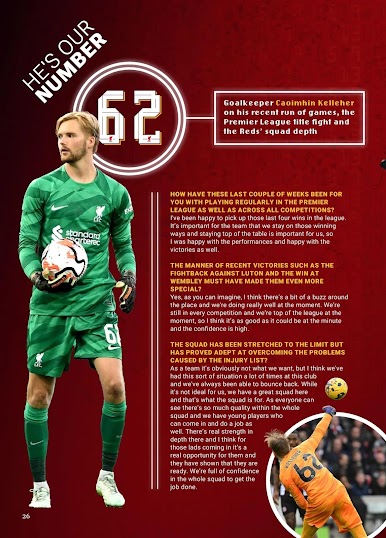
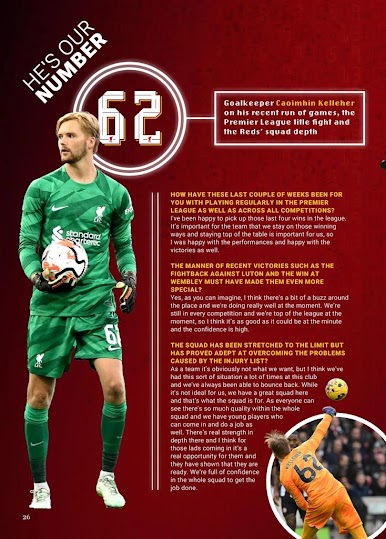
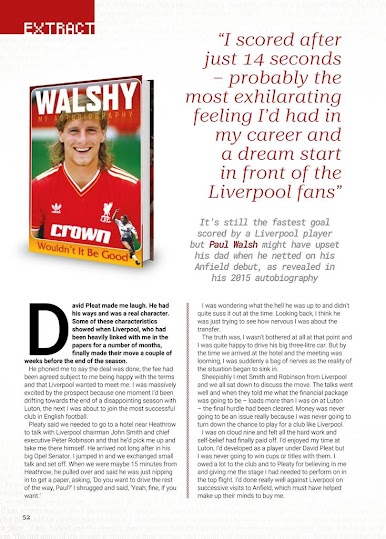
Liverpool FC Programme is not a match sim or management title. It is the digital version of the Anfield matchday programme, laid out like a glossy mag with proper articles and photos. On PC with BlueStacks it feels nice to flip through on a bigger screen, with smooth page turns and a simple contents bar that lets a reader jump straight to the section they want. New editions land ahead of each fixture, so there is time to read the manager notes, the skipper column, player interviews, and a quick profile on the opposition before kickoff. The whole thing keeps the traditional look without feeling awkward to navigate, and the images pop at full size.
It is set up for collectors too. There is an archive that stacks issues across the season, and fans can either grab a single programme or take a yearly sub that covers league and cup games. Auto renew is there, but it can be switched off if that is not wanted. Logging into an account keeps purchases synced across devices, which is handy if someone reads on phone during the commute and picks it up later on PC. It is not really something to play, more a relaxed read for anyone who loves the ritual of the matchday programme and wants it without the stadium queue. First load is best on solid Wi Fi since issues can be chunky, then it runs smooth.
Start your journey now. Download the game on BlueStacks, invite your friends, and march on a new adventure.


العب Liverpool FC Programme على جهاز الكمبيوتر. من السهل البدء.
-
قم بتنزيل BlueStacks وتثبيته على جهاز الكمبيوتر الخاص بك
-
أكمل تسجيل الدخول إلى Google للوصول إلى متجر Play ، أو قم بذلك لاحقًا
-
ابحث عن Liverpool FC Programme في شريط البحث أعلى الزاوية اليمنى
-
انقر لتثبيت Liverpool FC Programme من نتائج البحث
-
أكمل تسجيل الدخول إلى Google (إذا تخطيت الخطوة 2) لتثبيت Liverpool FC Programme
-
انقر على أيقونة Liverpool FC Programme على الشاشة الرئيسية لبدء اللعب

