


Trimble SiteVision
Jogue no PC com BlueStacks - A Plataforma de Jogos Android, confiada por mais de 500 milhões de jogadores.

Página modificada em: Oct 16, 2025
Play Trimble SiteVision on PC
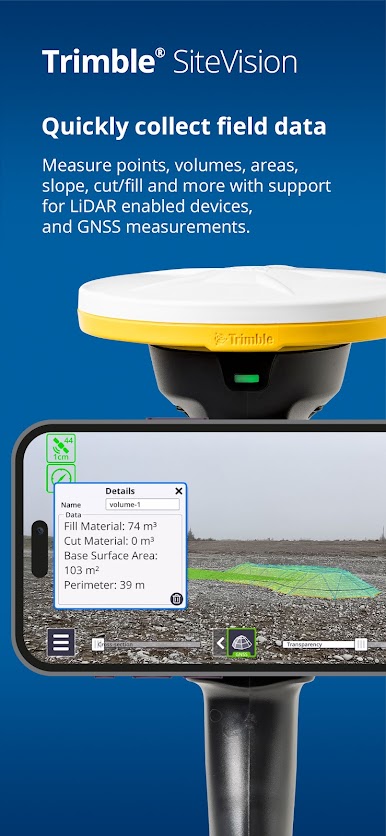
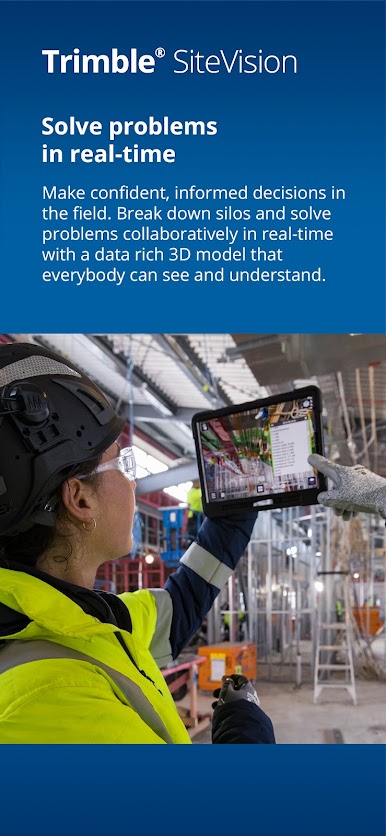
Work with SiteVision indoors, or outdoors in conjunction with a Trimble HPS2 handle or Trimble Catalyst DA2 receiver for high precision GNSS workflows.
Key features:
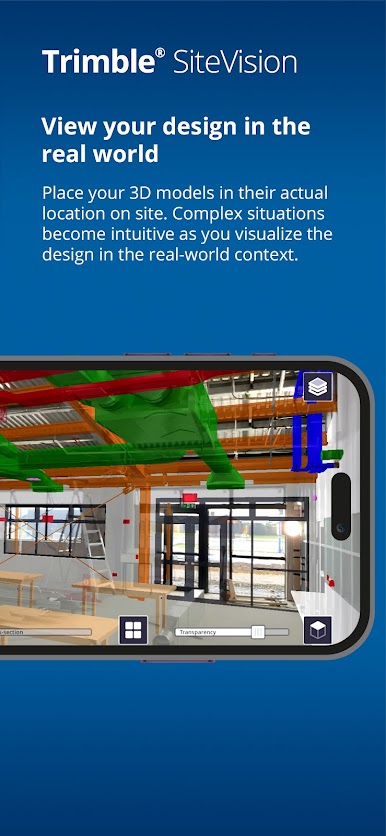
• Accurately place digital designs in the real world.
• Visualization tools - use AR to view your data confidently, utilizing transparency, cross-section, and fishbowl tools.
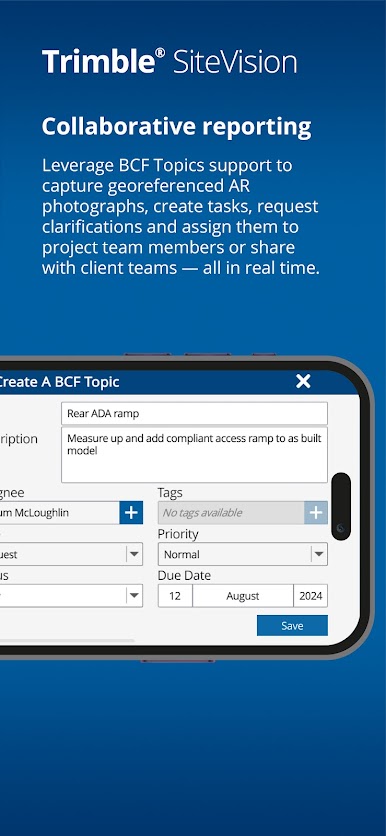
• Capture issues - take augmented reality site photos to clearly communicate issues & share them with industry standard BCF Topic support.
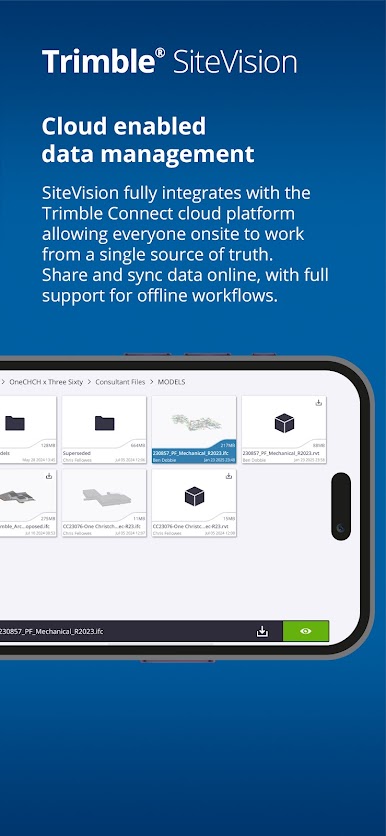
• Cloud enabled collaboration - share project data with Trimble Connect, cloud-based common data environment and collaboration platform.
• Measurements - measure and record progress and as-built information such as positions, lengths, and areas
• Offline support - work offline then sync later to Trimble Connect
• Supports a wide range of industry workflows and data formats:
– common BIM data via Trimble Connect - IFC, NWD/NWC, RVT, SKP, DWG, TRB, Tekla
– CAD data from Trimble Business enter, Civil3D, OpenRoads, Novapoint, LandXML
– GIS data via Trimble Maps and OGC Web Feature Services
• Support for precision GNSS workflows enabled by Trimble RTX and VRS services or internet base stations for global correction service coverage
Note: This app supports the Trimble HPS2 handle and Trimble Catalyst DA2 GNSS receiver to deliver high precision GNSS workflows. To use these accessories you need a Trimble SiteVision Pro or Trimble Catalyst subscription.
To purchase a Trimble HPS2 handle or Trimble Catalyst DA2 GNSS receiver contact your local Trimble distributor. For help or further information about Trimble SiteVision, and to find your nearest stockist, visit Trimble SiteVision

Jogue Trimble SiteVision no PC. É fácil começar.
-
Baixe e instale o BlueStacks no seu PC
-
Conclua o login do Google para acessar a Play Store ou faça isso mais tarde
-
Procure por Trimble SiteVision na barra de pesquisa no canto superior direito
-
Clique para instalar Trimble SiteVision a partir dos resultados da pesquisa
-
Conclua o login do Google (caso você pulou a etapa 2) para instalar o Trimble SiteVision
-
Clique no ícone do Trimble SiteVision na tela inicial para começar a jogar

