

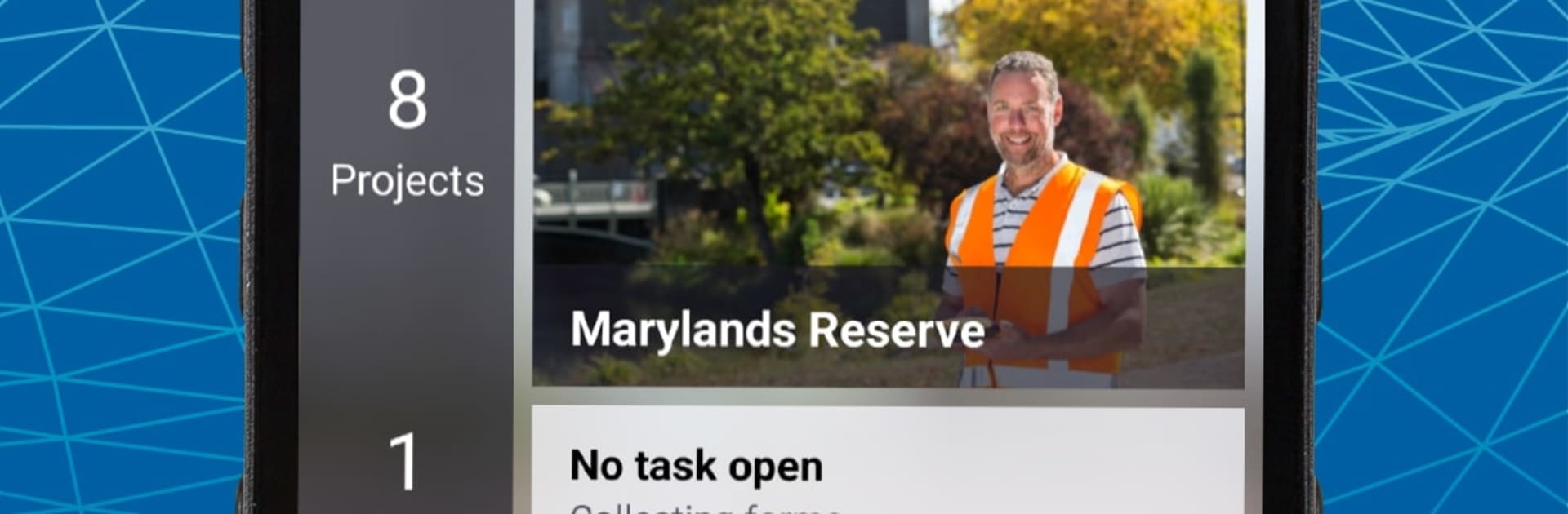
TerraFlex
5억명 이상의 게이머가 신뢰하는 안드로이드 게임 플랫폼 BlueStacks으로 PC에서 플레이하세요.

Run TerraFlex on PC or Mac
Let BlueStacks turn your PC, Mac, or laptop into the perfect home for TerraFlex, a fun Productivity app from Trimble Inc..
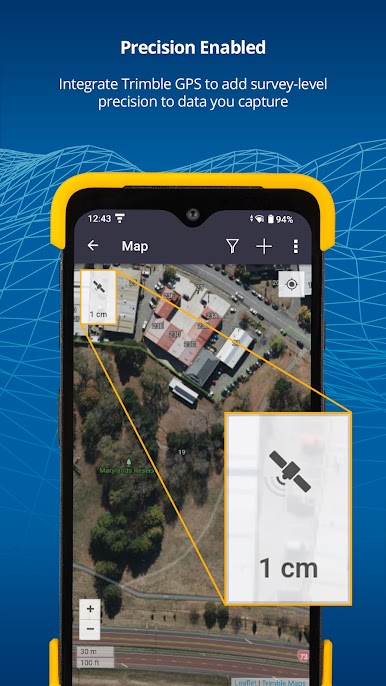
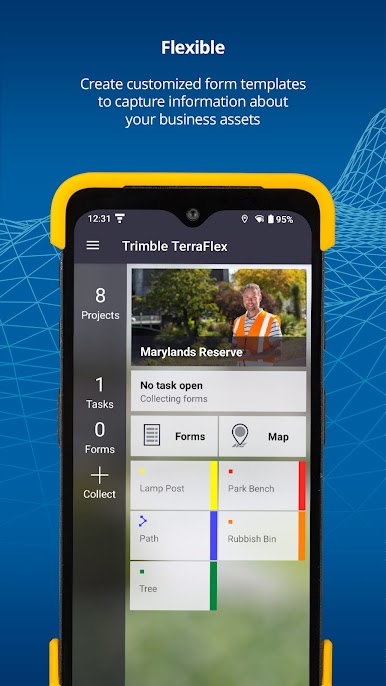
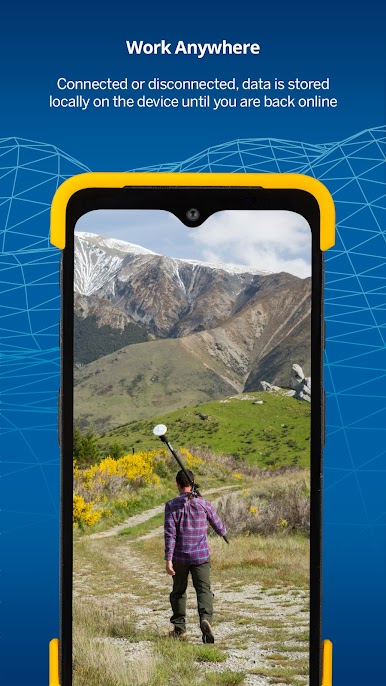
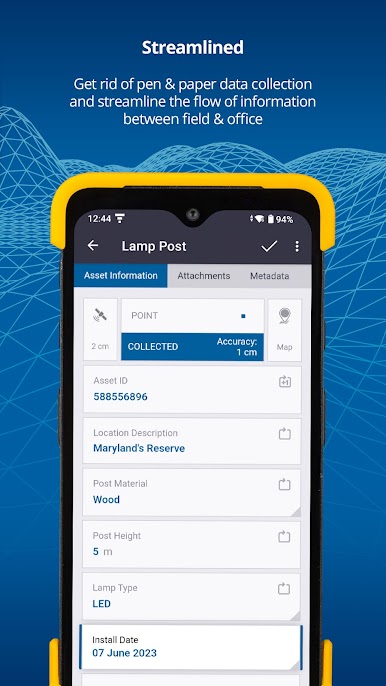
TerraFlex feels like a clean, no-nonsense toolkit for field data. It lets someone build simple forms, then head out and capture geotagged info without juggling a bunch of apps. Think inspections, GIS points, incident notes, emergency stuff, all the usual field tasks that need a location and a few tidy fields. The forms are straightforward, so crews tap through, snap a photo, add a status, and move on. Everything lands in one place so the team stays on the same page, and a coordinator can watch new entries show up almost as they are taken.
On a PC with BlueStacks, the bigger screen and keyboard make form building and data review way easier. Editing fields, checking records, and fixing typos is quicker, and updates to forms roll out through the cloud right away. Assignments can be grouped so projects do not turn into a mess, and the cloud handles the admin overhead most folks do not want to deal with. TerraFlex Standard adds stronger update workflows if a project needs more control over edits. Setup is not a headache either. Make an account, sign in to the cloud, download the app, and it is ready. It is built for Android phones, so if GPS runs in the background it can chew through battery, but that is expected. Overall it is steady, practical, and focused on getting field data in fast and keeping it consistent.
Big screen. Bigger performance. Use BlueStacks on your PC or Mac to run your favorite apps.
PC에서 TerraFlex 플레이해보세요.
-
BlueStacks 다운로드하고 설치
-
Google Play 스토어에 로그인 하기(나중에 진행가능)
-
오른쪽 상단 코너에 TerraFlex 검색
-
검색 결과 중 TerraFlex 선택하여 설치
-
구글 로그인 진행(만약 2단계를 지나갔을 경우) 후 TerraFlex 설치
-
메인 홈화면에서 TerraFlex 선택하여 실행

