

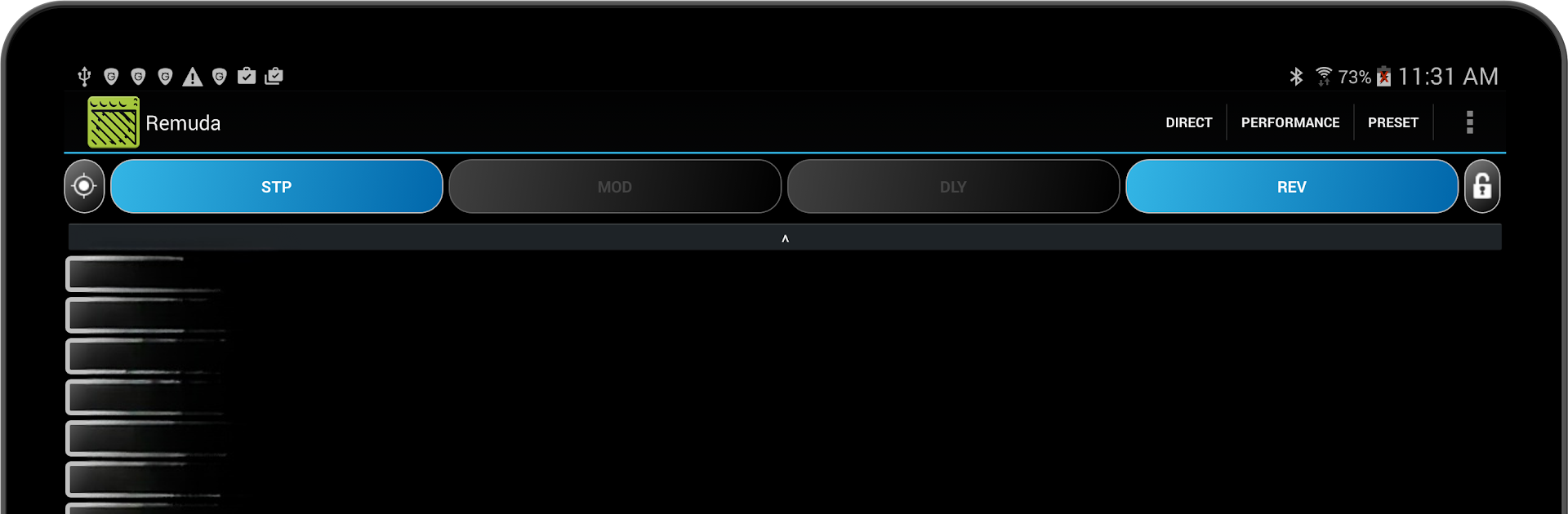
Remuda
Jogue no PC com BlueStacks - A Plataforma de Jogos Android, confiada por mais de 500 milhões de jogadores.

Página modificada em: Mar 4, 2022
Run Remuda - USB Guitar Amplifier Control App on PC or Mac
Multitask effortlessly on your PC or Mac as you try out Remuda – USB Guitar Amplifier Control App, a Music & Audio app by Triton Interactive on BlueStacks.
About the App
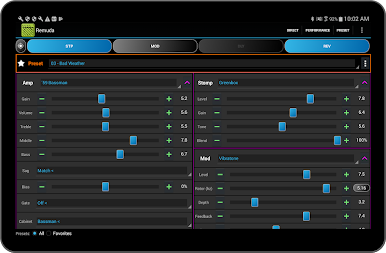
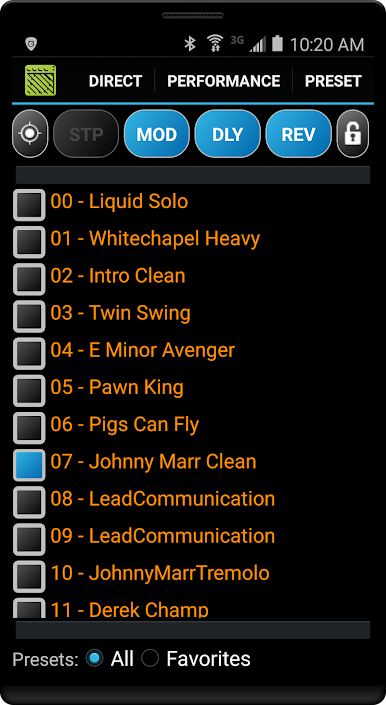
Remuda – USB Guitar Amplifier Control App gives you hands-on control of your USB guitar amp right from your Android device. Built by Triton Interactive in the Music & Audio genre, it’s a fast, musician-friendly way to edit tones, organize presets, and run a full set without menu-diving. Prefer working on a bigger screen? You can also use it through BlueStacks for comfy editing at your desk.
App Features
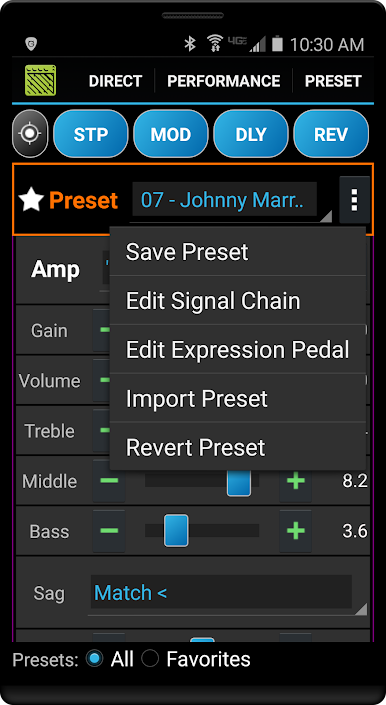
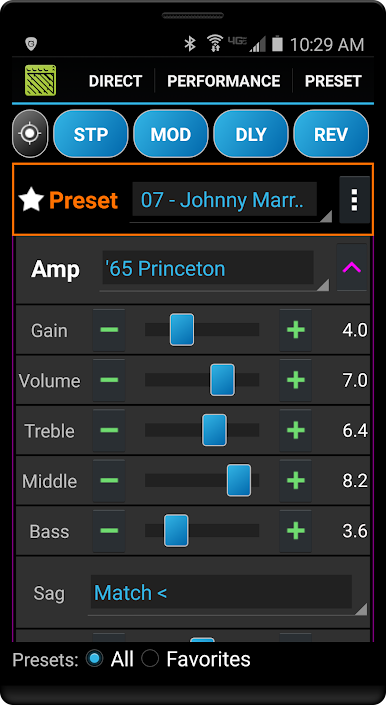
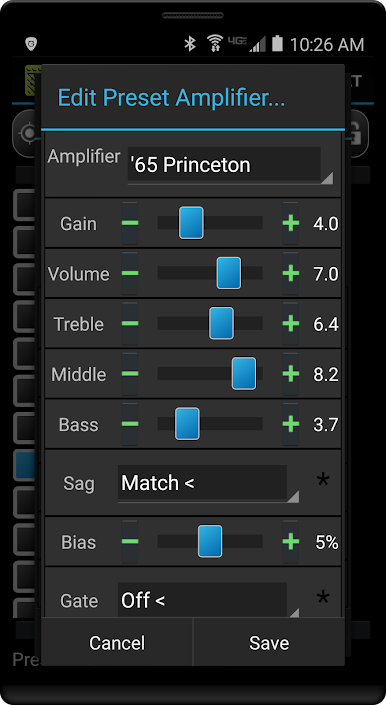
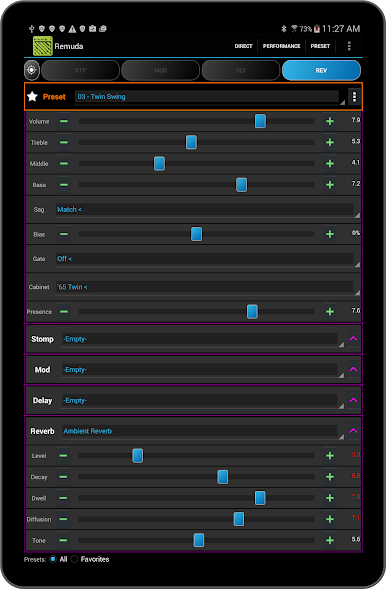
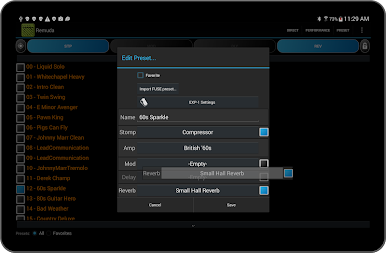
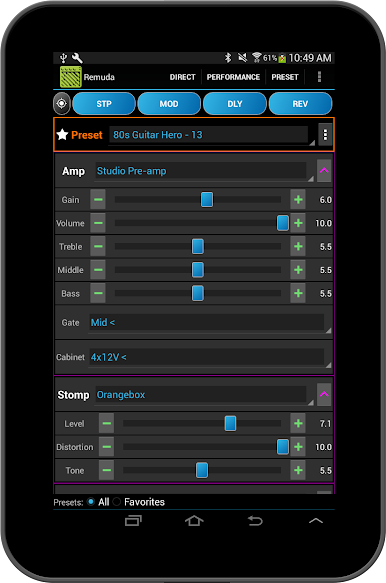
- Deep editing, no limits: Tweak every parameter of your amp models and effects, from gain and EQ to modulation and time-based details.
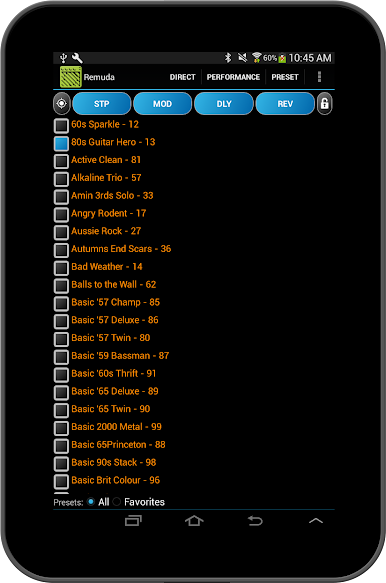
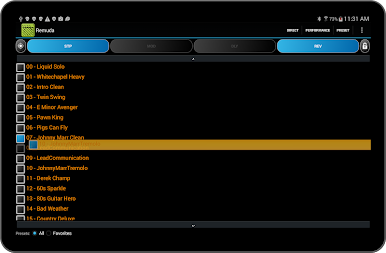
- Drag-and-drop preset management: In Direct mode, reorder your presets quickly with simple drag-and-drop.
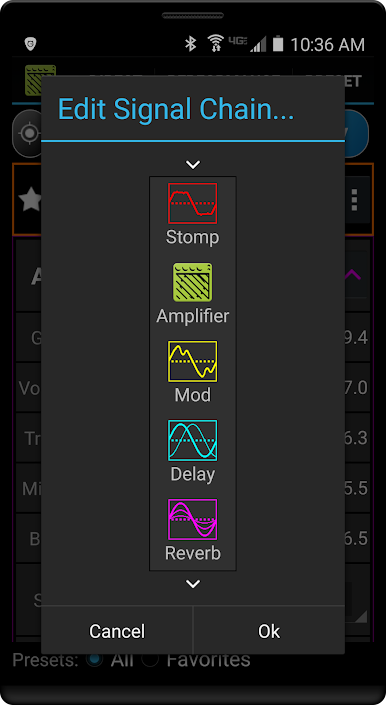
- Signal chain control: Move pedals and effects around the preset’s chain to nail the exact routing you want.
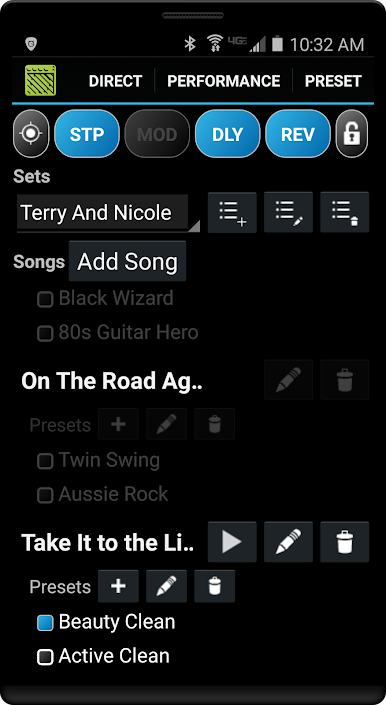
- Performance Mode set lists: Build song-based set lists and assign multiple presets per tune; Quick Access presets update dynamically as you go.
- Tuner on screen: Pull up the amp’s built-in tuner with a clear display whenever you need it.
- Import .FUSE presets: Bring in .FUSE definitions to expand and customize your library.
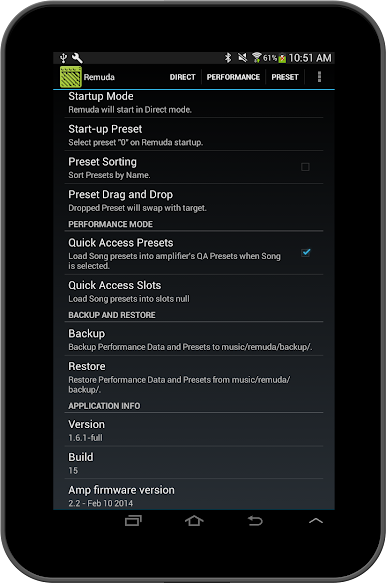
- Start-up preset: Choose the sound your rig boots into so you’re ready from the first note.
- Effect memory: Have the app remember your favorite default settings when adding effects or amp models to a preset.
- Backup and restore: Save your Presets and Performance sets and restore them in seconds.
- Lock for the stage: Lock Performance or Direct mode to prevent accidental taps mid-show.
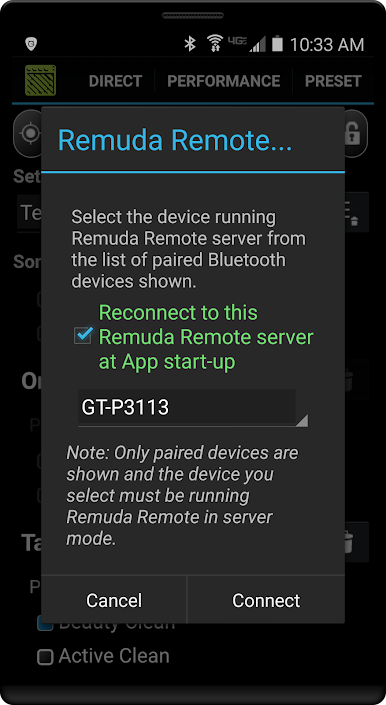
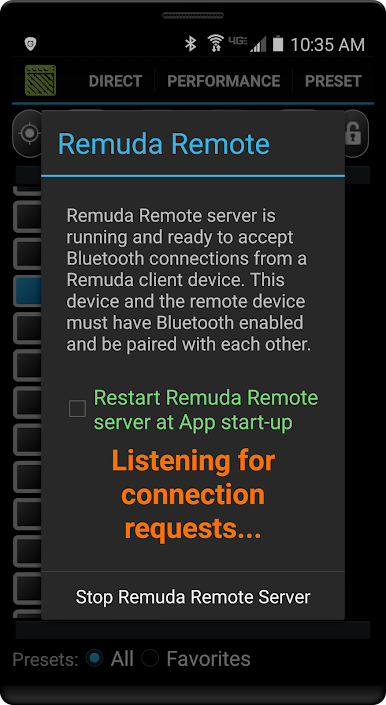
- Bluetooth remote option: Control the amp wirelessly by pairing with a second Android device.
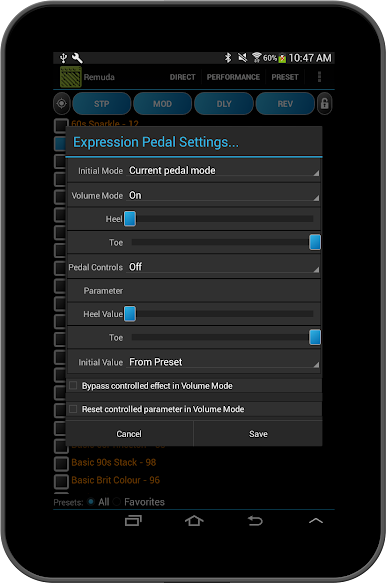
- Expression pedal support: Works with the EXP-1 on compatible Mustang III/IV/V amplifiers.
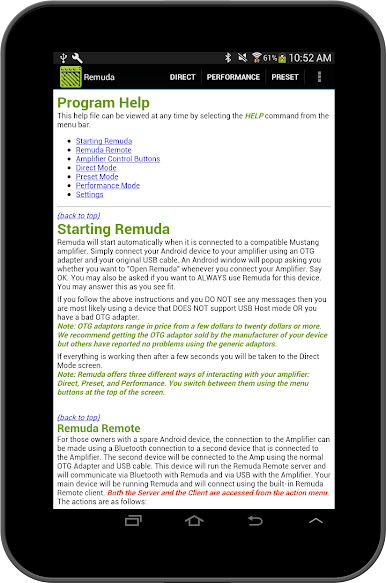
- Built-in help: A comprehensive in-app guide is there when you need it.
- Compatibility notes: Supports Fender Mustang I, II, III, IV, V (v1 & v2) and Mustang Floor amps. Requires Android 5.0+ and a USB OTG adapter/cable.
- Try it first: There’s a free Lite version available to check compatibility before you commit.
BlueStacks gives you the much-needed freedom to experience your favorite apps on a bigger screen. Get it now.
Jogue Remuda no PC. É fácil começar.
-
Baixe e instale o BlueStacks no seu PC
-
Conclua o login do Google para acessar a Play Store ou faça isso mais tarde
-
Procure por Remuda na barra de pesquisa no canto superior direito
-
Clique para instalar Remuda a partir dos resultados da pesquisa
-
Conclua o login do Google (caso você pulou a etapa 2) para instalar o Remuda
-
Clique no ícone do Remuda na tela inicial para começar a jogar

