


McAfee True Key™
5억명 이상의 게이머가 신뢰하는 안드로이드 게임 플랫폼 BlueStacks으로 PC에서 플레이하세요.

Run True Key™ by McAfee on PC or Mac
Why limit yourself to your small screen on the phone? Run True Key™ by McAfee, an app by McAfee LLC, best experienced on your PC or Mac with BlueStacks, the world’s #1 Android emulator.
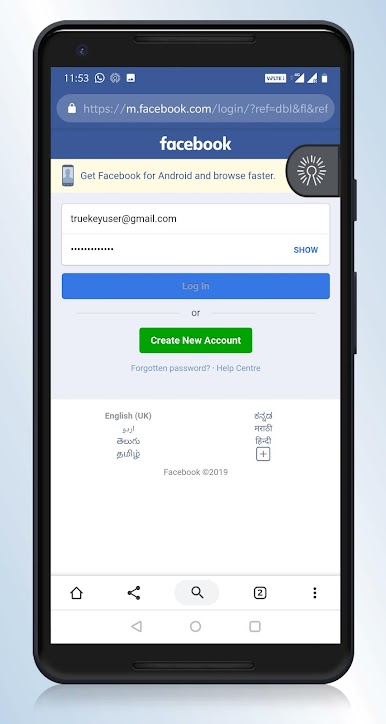
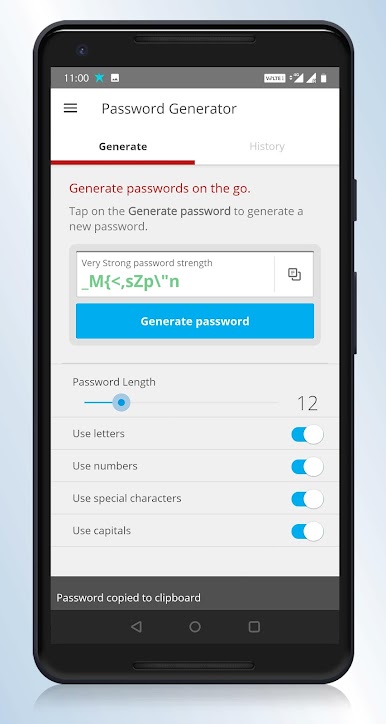
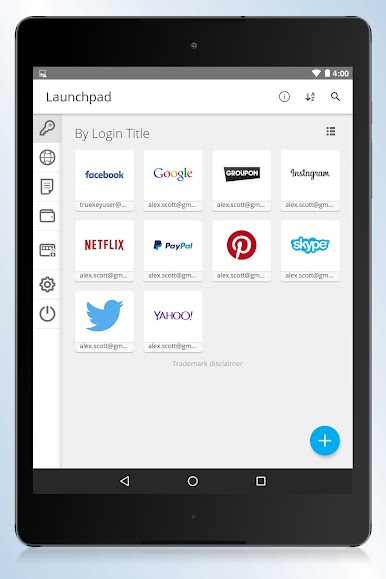
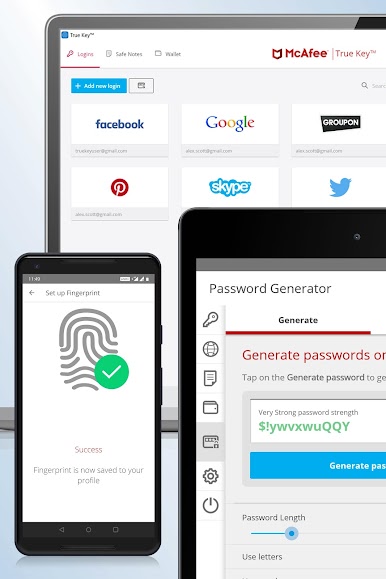
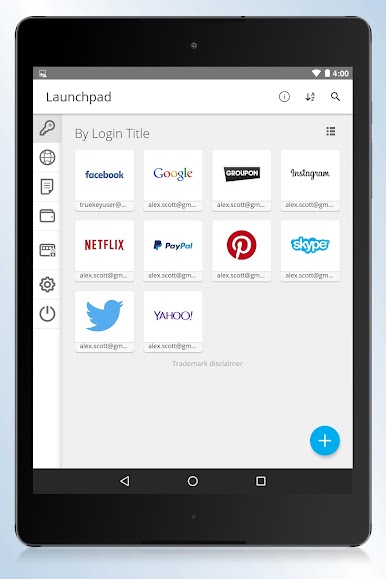
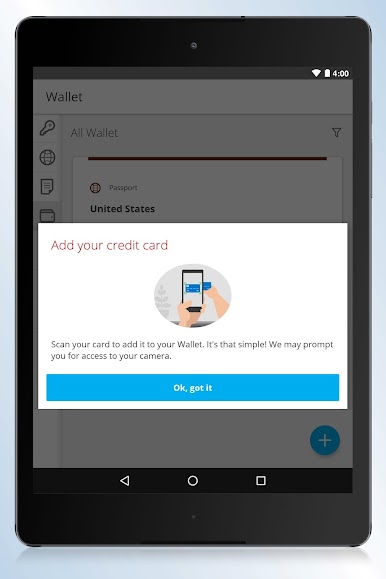
So True Key by McAfee is one of those apps that makes logging in so much easier, especially if passwords are a pain. It basically remembers all the stuff you don’t want to — like website logins, app passwords, that sort of thing. Instead of typing or searching for passwords every time, it just fills them in for you. The browser extension is pretty straightforward; once it’s set up, things just work. No more dozens of sticky notes with random password hints.
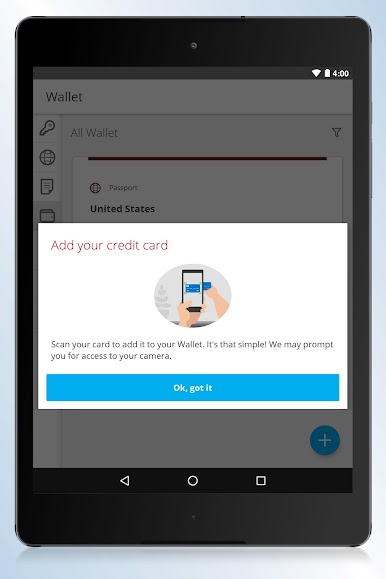
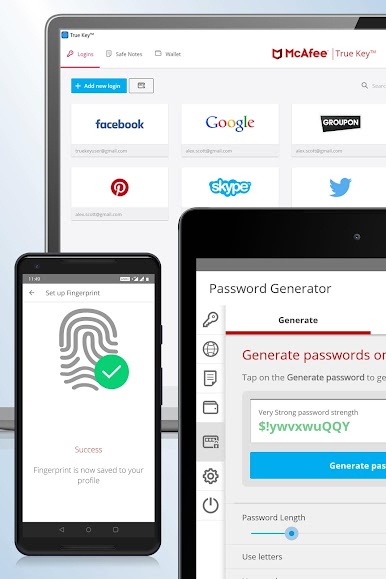
What’s neat about it on PC, especially if you’re using something like BlueStacks, is you still get all those extra ways to prove it’s really you. There’s everything from a master password (which the app never stores, so you’re the only one who knows it), to second device checks — like, your phone tells the app it’s you — and even fingerprint unlocks if your device supports it. The app recognizes your trusted devices too, so if you’re always using the same computer or phone, logging in can be even faster. Everything syncs, so you don’t have to worry about updating passwords on every little device. It just keeps things organized and simple — and honestly, with how many accounts everyone juggles these days, it’s kind of a relief.
Switch to BlueStacks and make the most of your apps on your PC or Mac.
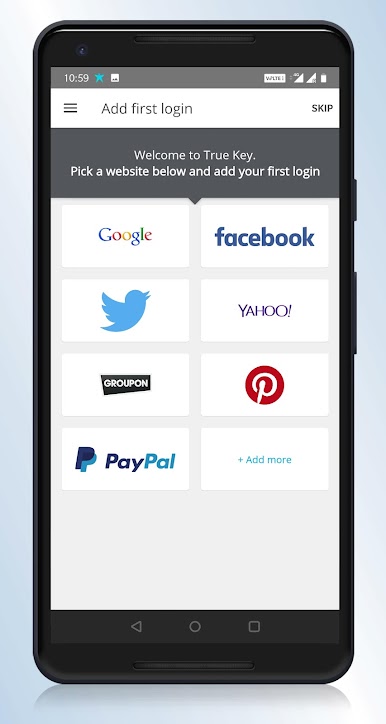
PC에서 McAfee True Key™ 플레이해보세요.
-
BlueStacks 다운로드하고 설치
-
Google Play 스토어에 로그인 하기(나중에 진행가능)
-
오른쪽 상단 코너에 McAfee True Key™ 검색
-
검색 결과 중 McAfee True Key™ 선택하여 설치
-
구글 로그인 진행(만약 2단계를 지나갔을 경우) 후 McAfee True Key™ 설치
-
메인 홈화면에서 McAfee True Key™ 선택하여 실행

