


TRUMPF Service App
5억명 이상의 게이머가 신뢰하는 안드로이드 게임 플랫폼 BlueStacks으로 PC에서 플레이하세요.

Run TRUMPF Service App on PC or Mac
Get freedom from your phone’s obvious limitations. Use TRUMPF Service App, made by TRUMPF GmbH + Co. KG, a Tools app on your PC or Mac with BlueStacks, and level up your experience.
About the App
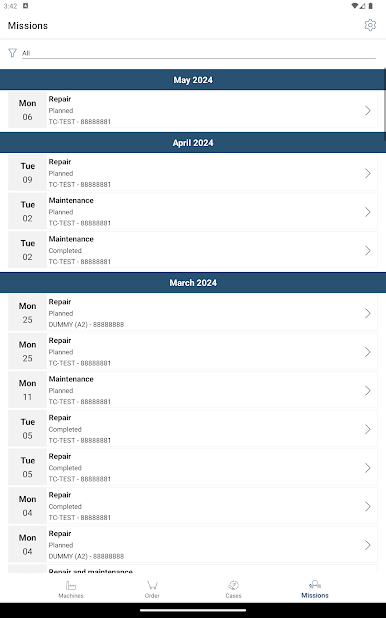
Need support from TRUMPF but don’t want to spend ages on the phone? The TRUMPF Service App gives you a no-fuss way to reach out anytime something pops up with your machines. Whether it’s a repair, maintenance problem, or you just need a spare part, the app’s got you covered—right from your phone or your computer, especially if you’re running it through BlueStacks. You’ll always know where things stand, and keeping your team in the loop is a breeze.
App Features
-
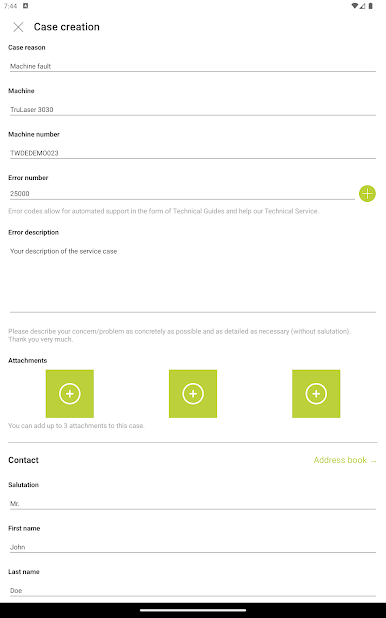
Quick Service Requests
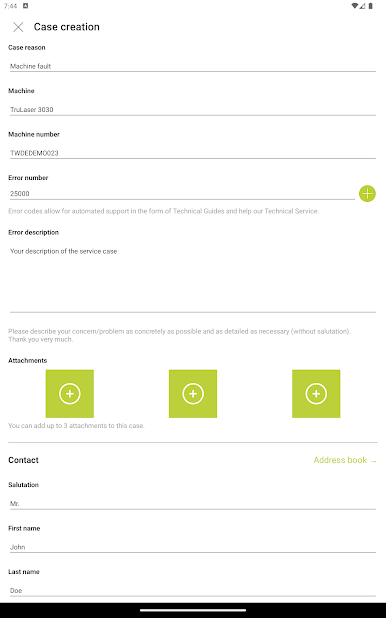
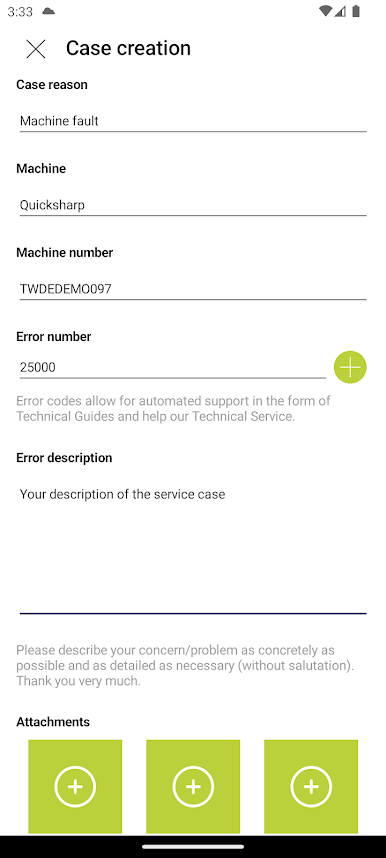
Got an issue with a machine? Just pick the machine, describe what’s wrong, snap a few photos, and send it over to TRUMPF’s support team in minutes. And yes, you can do this 24/7. -
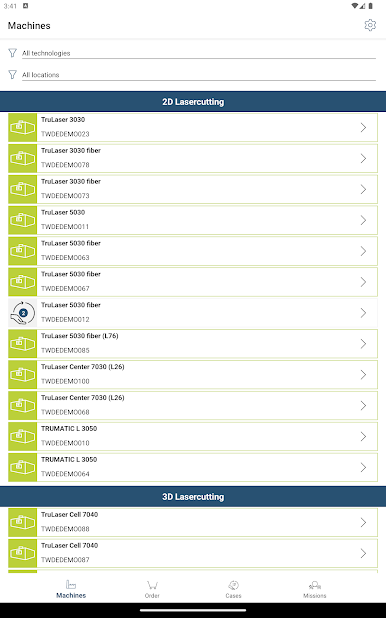
All Your Machines, One Place
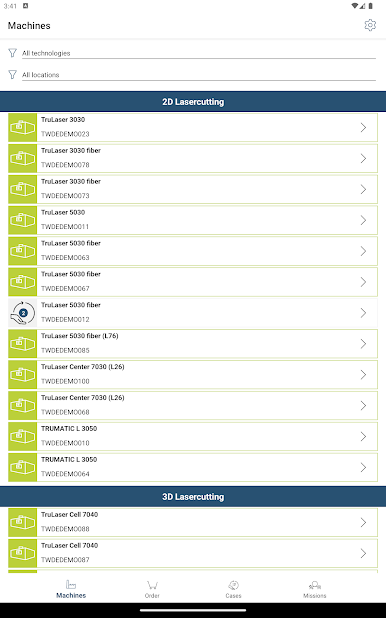
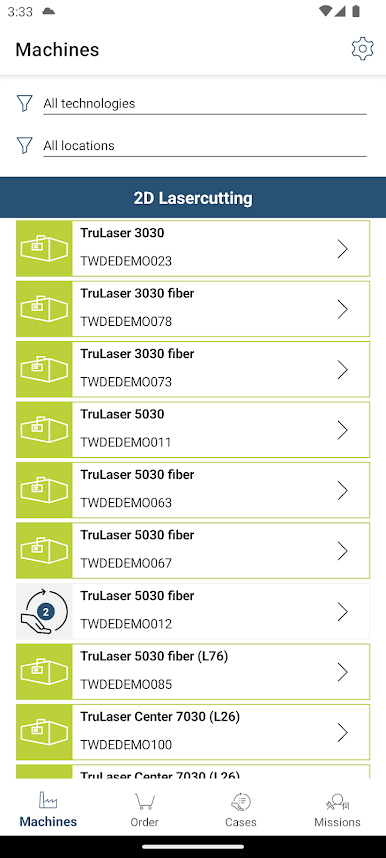
Easily locate any of your company’s machines within the app to speed up your request. No more searching through paperwork or digging up serial numbers. -
Photo Uploads
Show exactly what’s going on—attach pictures to your service call so the team can see the issue first-hand. Sometimes a photo really does explain it all. -
Real-Time Status Updates
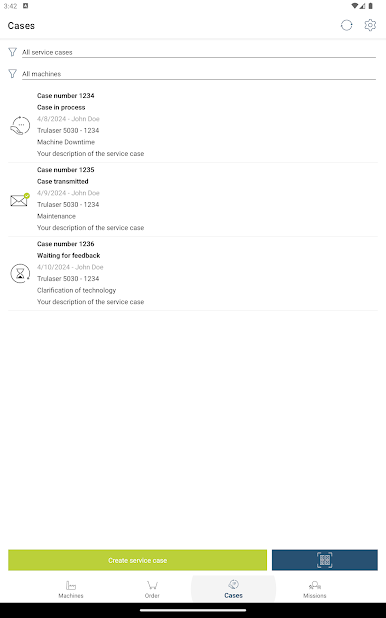
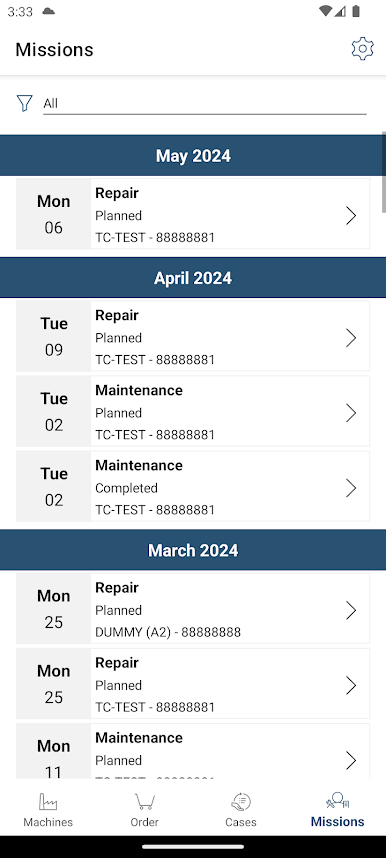
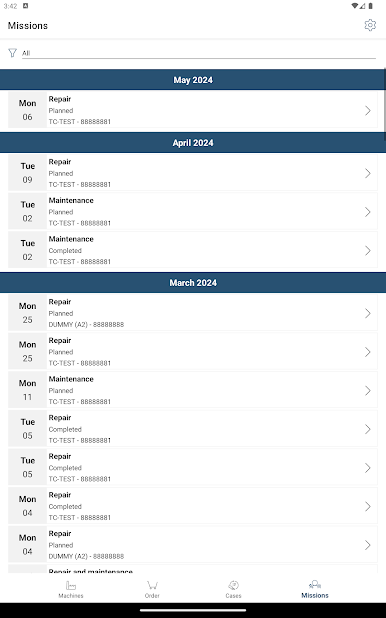
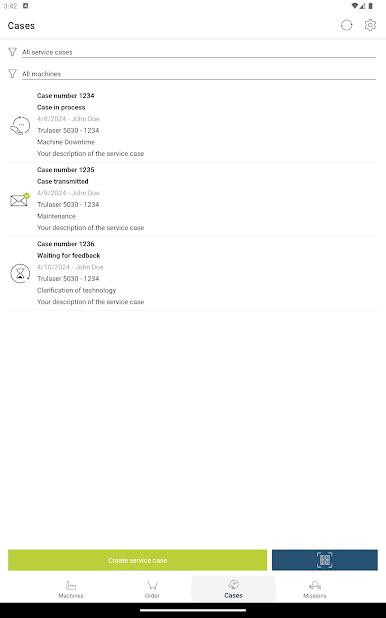
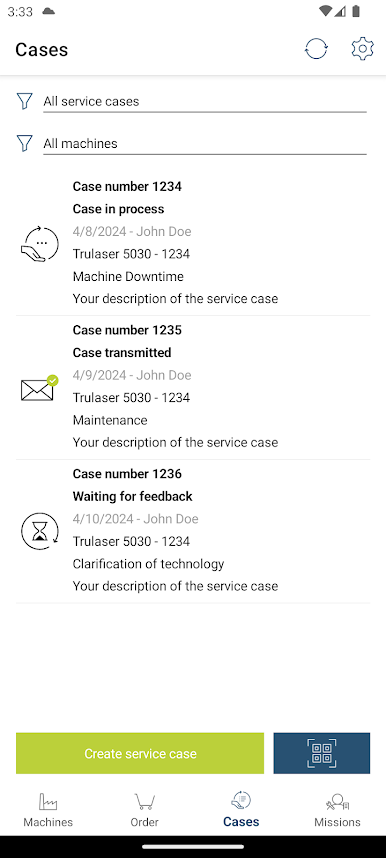
Want to know what’s happening with your request? You can follow the progress of your service case directly in the app—no need for endless follow-up calls. -
Team Transparency
Everyone in your business with the app sees the same info. So if your maintenance folks want to check up on a past service call, the details are right there for them. -
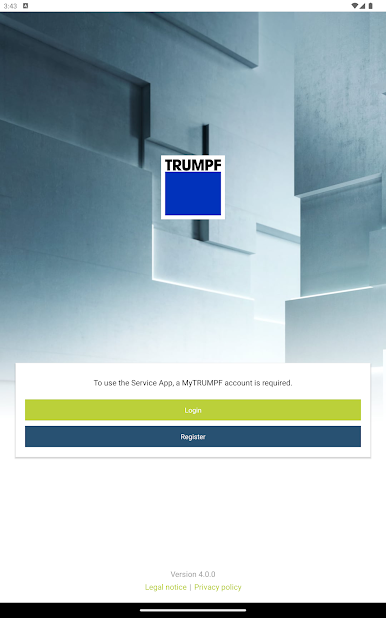
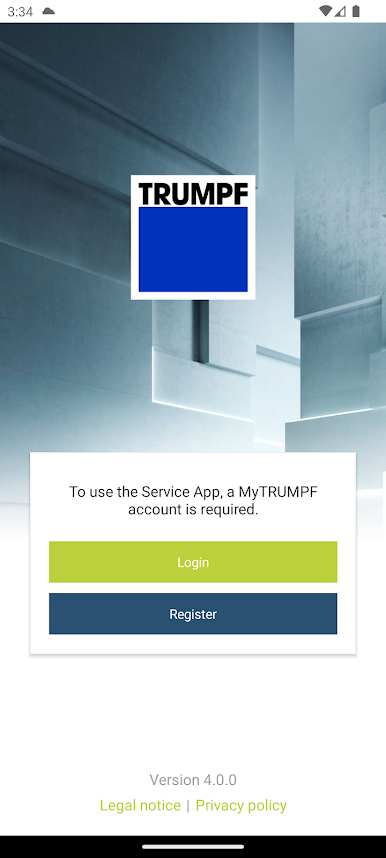
Easy MyTRUMPF Registration
Getting started’s simple. You can register for a free account on the MyTRUMPF portal through the app, so everything’s set up in one go. -
Available on Multiple Devices
If you’d rather work from your computer, try the TRUMPF Service App on BlueStacks. It works just as smoothly on your PC as it does on your phone.
Big screen. Bigger performance. Use BlueStacks on your PC or Mac to run your favorite apps.
PC에서 TRUMPF Service App 플레이해보세요.
-
BlueStacks 다운로드하고 설치
-
Google Play 스토어에 로그인 하기(나중에 진행가능)
-
오른쪽 상단 코너에 TRUMPF Service App 검색
-
검색 결과 중 TRUMPF Service App 선택하여 설치
-
구글 로그인 진행(만약 2단계를 지나갔을 경우) 후 TRUMPF Service App 설치
-
메인 홈화면에서 TRUMPF Service App 선택하여 실행

