


New Practice for TOEIC® Test
在電腦上使用BlueStacks –受到5億以上的遊戲玩家所信任的Android遊戲平台。

Run New TOEIC Test 2019 on PC or Mac
Upgrade your experience. Try New TOEIC Test 2019, the fantastic Education app from TvTroid, from the comfort of your laptop, PC, or Mac, only on BlueStacks.
About the App
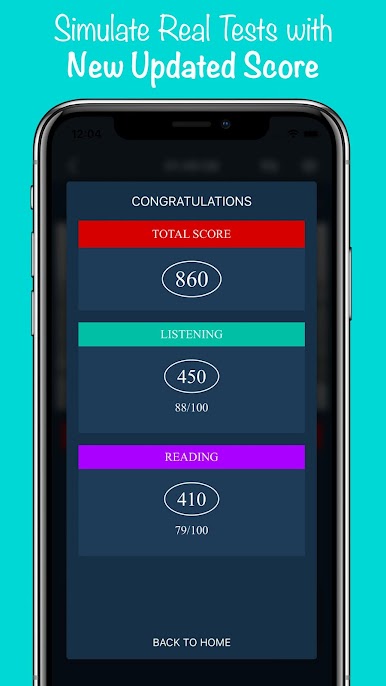
If prepping for the TOEIC test has you feeling overwhelmed, New TOEIC Test 2019 by TvTroid wants to change that. This app brings a smart, easy-going approach to TOEIC practice, perfect whether you’re brushing up on specific skills or tackling the whole test. With fresh questions and features tailored for the new 2019 test format, users can expect everything needed to build real confidence—at their own pace.
App Features
-
Smart Spaced Repetition
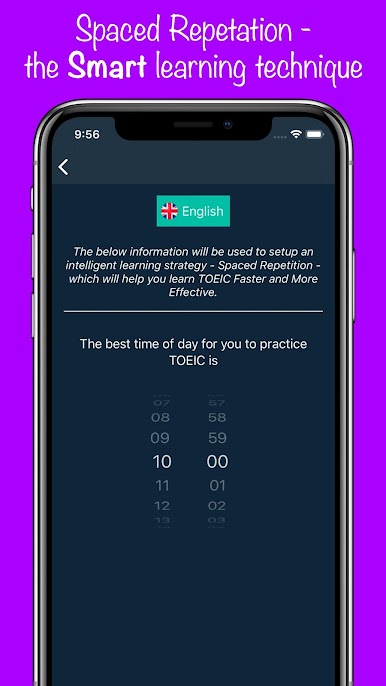
Tired of forgetting what you just learned? The app uses spaced repetition, meaning you’ll review tricky questions just when you’re about to forget them. It’s a clever way to actually remember new words and concepts, rather than cramming and hoping for the best. -
Huge Bank of Official-Style Questions
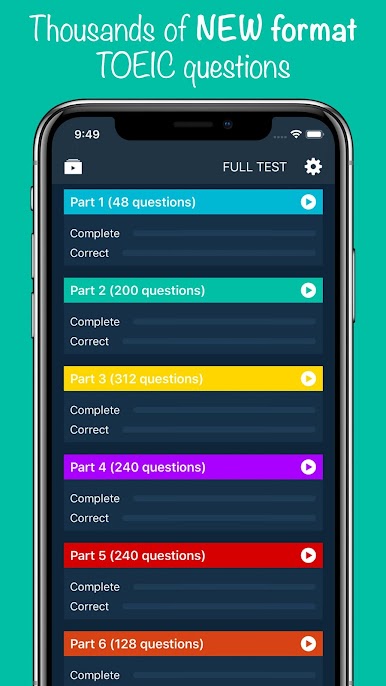
With a pool of over 2,500 questions drawn from sources like ETS TOEIC, New Economy TOEIC, and Hacker New TOEIC, you’ll get plenty of authentic practice, including the latest formats and question types. -
Updated for 2019 Exam Changes
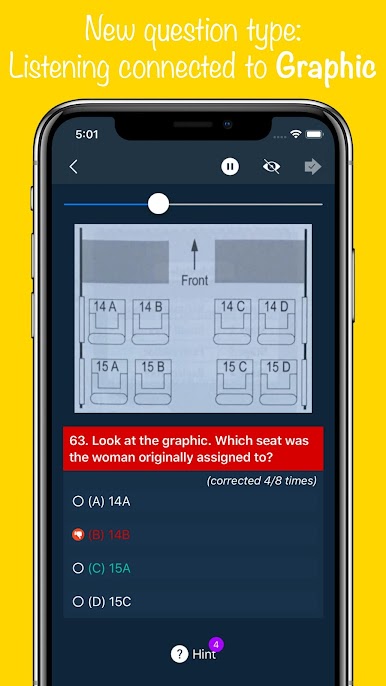
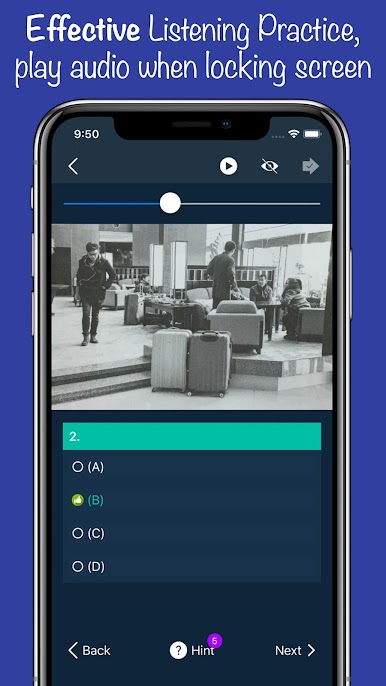
Wondering what’s different in the new TOEIC format? The app has you covered. There are fewer photograph and simple response questions, but way more conversations—sometimes with three people or short, snappy exchanges. You’ll also spot listening questions connected to images and new ones that make you think about implied meanings. -
Real-Life Listening Practice
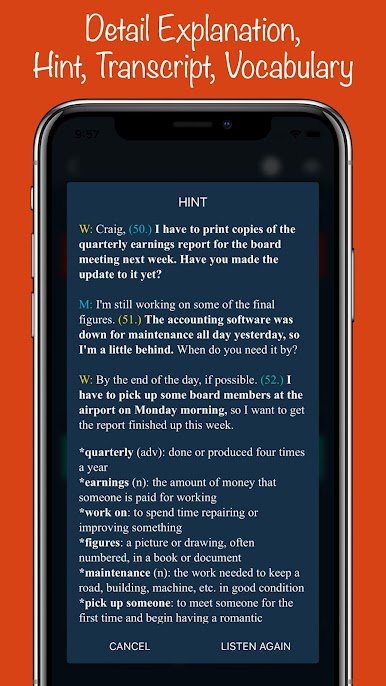
You’ll come across tougher conversation tasks, just like you’d hear in real life, with shortened phrases (“gonna” instead of “going to”) and unfinished sentences. The goal: help you get used to natural spoken English. -
Expanded Reading Section
The reading part isn’t just about sentence completion anymore. Here, you get text messages, online chats, and questions that make you think about where sentences fit best in a passage. Multi-text sets and questions about the writer’s intent also pop up, mirroring the updated TOEIC reading style. -
Made for Flexible Learning
Use the app when you’ve got a spare minute or settle in for a longer study session. Want to make practice even easier? Try it out on a PC using BlueStacks to get a bigger view and stress-free navigation.
Switch to BlueStacks and make the most of your apps on your PC or Mac.
在電腦上遊玩New Practice for TOEIC® Test . 輕易上手.
-
在您的電腦上下載並安裝BlueStacks
-
完成Google登入後即可訪問Play商店,或等你需要訪問Play商店十再登入
-
在右上角的搜索欄中尋找 New Practice for TOEIC® Test
-
點擊以從搜索結果中安裝 New Practice for TOEIC® Test
-
完成Google登入(如果您跳過了步驟2),以安裝 New Practice for TOEIC® Test
-
在首頁畫面中點擊 New Practice for TOEIC® Test 圖標來啟動遊戲

