


Fall Cars
Jogue no PC com BlueStacks - A Plataforma de Jogos Android, confiada por mais de 500 milhões de jogadores.

Página modificada em: Dec 10, 2025
Play Race Days on PC or Mac
Join millions to experience Race Days, an exciting Racing game from Two Headed Shark DMCC. With BlueStacks App Player, you are always a step ahead of your opponent, ready to outplay them with faster gameplay and better control with the mouse and keyboard on your PC or Mac.
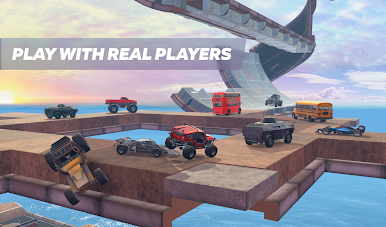
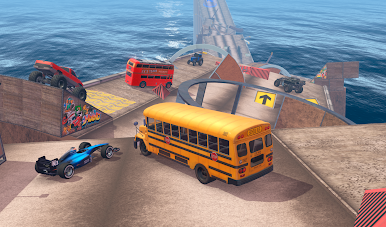
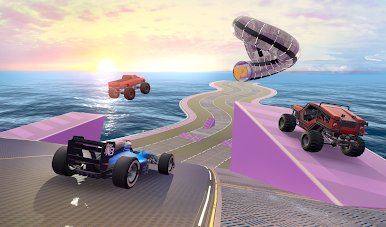
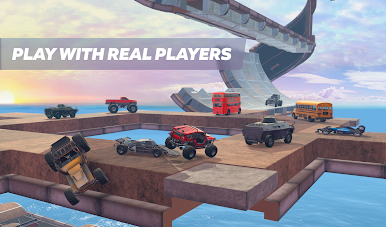
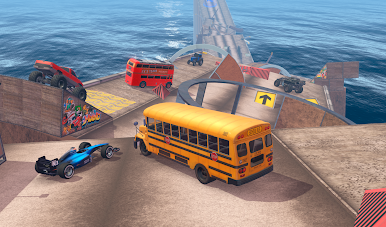
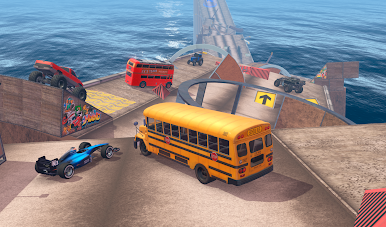
Race Days keeps things unpredictable with a bunch of wild tracks full of ramps and obstacles. There’s always something new to deal with, whether it’s a jump you need to time just right, a pileup around a tight corner, or figuring out how to push ahead without wiping out. Crashing into other players isn’t just allowed, it’s part of the whole deal – so races get messy fast. The game doesn’t just stick you with basic cars, either. You’ll find everything from awkward little three-wheelers holding their own, to monster trucks and even buses thundering down the track. Every type of vehicle feels different, so there’s always a reason to mix things up.
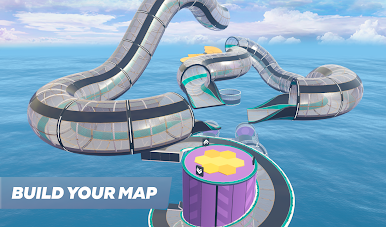
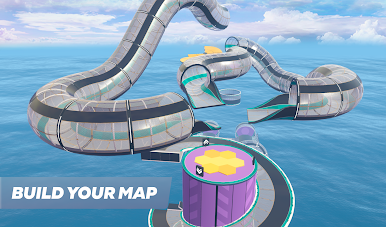
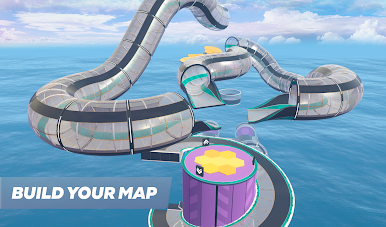
What really stands out is how you can build your own tracks. It’s not just a handful of pre-set layouts – you can get really creative and set up some wild stunts. Once you’ve built a course, you can actually race online against other people on it, which is a blast. Trying out someone else’s wacky track, or seeing if yours is tough enough to mess with other racers, keeps things interesting. Playing on PC through BlueStacks makes handling the races and building tracks smoother, and it’s way easier to see what’s happening on a bigger screen. The whole thing feels like a big playground for racing and messing with physics. Anyone who likes fast races, a bit of chaos, and the chance to make their own tracks will probably get hooked on it.
Slay your opponents with your epic moves. Play it your way on BlueStacks and dominate the battlefield.



Jogue Fall Cars no PC. É fácil começar.
-
Baixe e instale o BlueStacks no seu PC
-
Conclua o login do Google para acessar a Play Store ou faça isso mais tarde
-
Procure por Fall Cars na barra de pesquisa no canto superior direito
-
Clique para instalar Fall Cars a partir dos resultados da pesquisa
-
Conclua o login do Google (caso você pulou a etapa 2) para instalar o Fall Cars
-
Clique no ícone do Fall Cars na tela inicial para começar a jogar

