


Tymometer - Wear OS Watch Face
العب على الكمبيوتر الشخصي مع BlueStacks - نظام أندرويد للألعاب ، موثوق به من قبل أكثر من 500 مليون لاعب.

Play Tymometer - Wear OS Watch Face on PC
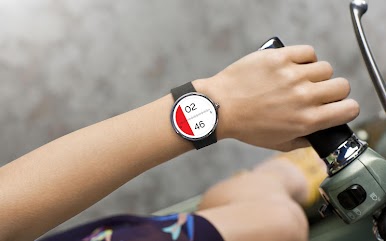
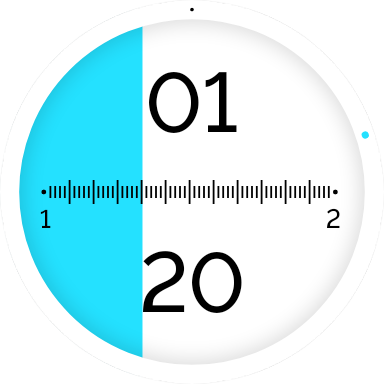
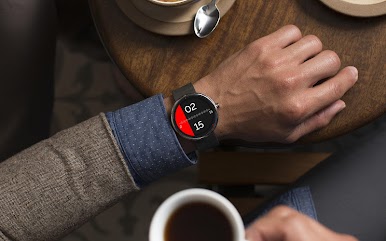
We were constantly on the lookout for new and unique ideas that would keep this project alive. Our goal was to move away from familiar ways of displaying time and formulate something entirely different. That’s when the possibility of viewing time on a meter struck us, and we created the watch face, Tymometer for your smartwatch.
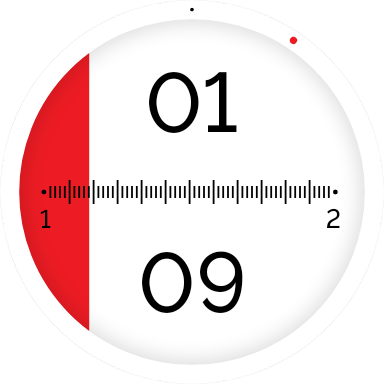
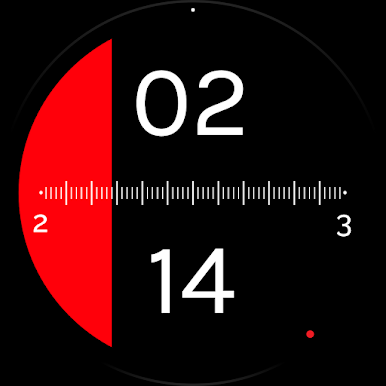
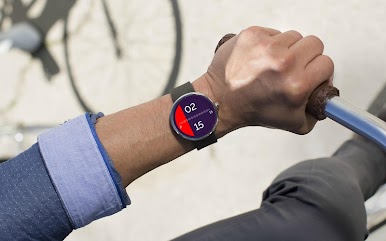
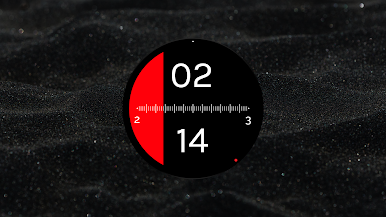
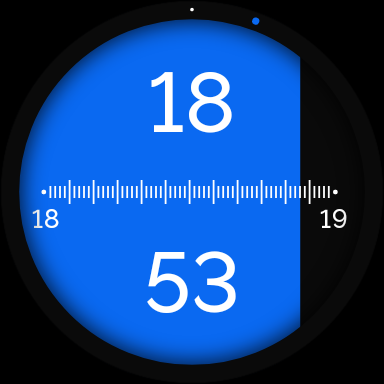
Tymometer indicates time as simply as a digital watch would but it gives your smartwatch a great look with the hour-to-hour scale that runs along the centre. The minutes are distinguishable through a contrasting shade that deftly sweeps across the watchface and takes over at the end of an hour. These features make reading time at a swoop incredibly easy and give your device a striking look.
Wear OS smart watch required
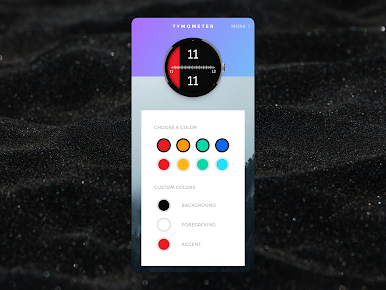
Dark & Light themes
8 pre-defined themes,
Ability to create custom themes
Compatible with:
• Google Pixel Watch
• Samsung Galaxy Watch 4 & above
• Fossil Smart Watches
• Michael Kors Smart Watches
• Mobvoi TicWatch
or any device running Wear OS
Also check out our other watch faces
• Roto 360
• Time Tuner
• Roto Gears
• Radii
Created by
Gaurav Singh &
Krishna Prajapati
العب Tymometer - Wear OS Watch Face على جهاز الكمبيوتر. من السهل البدء.
-
قم بتنزيل BlueStacks وتثبيته على جهاز الكمبيوتر الخاص بك
-
أكمل تسجيل الدخول إلى Google للوصول إلى متجر Play ، أو قم بذلك لاحقًا
-
ابحث عن Tymometer - Wear OS Watch Face في شريط البحث أعلى الزاوية اليمنى
-
انقر لتثبيت Tymometer - Wear OS Watch Face من نتائج البحث
-
أكمل تسجيل الدخول إلى Google (إذا تخطيت الخطوة 2) لتثبيت Tymometer - Wear OS Watch Face
-
انقر على أيقونة Tymometer - Wear OS Watch Face على الشاشة الرئيسية لبدء اللعب

