


Cursos em vídeo on-line Udemy
Jogue no PC com BlueStacks - A Plataforma de Jogos Android, confiada por mais de 500 milhões de jogadores.

Página modificada em: Jul 13, 2026
Execute Udemy: aprender online com 130 no PC ou Mac
Udemy: aprender online com 130 é um app educativo desenvolvido pela Udemy. BlueStacks app player é a melhor plataforma para rodar este app Android no seu PC ou Mac para uma experiência imersiva.
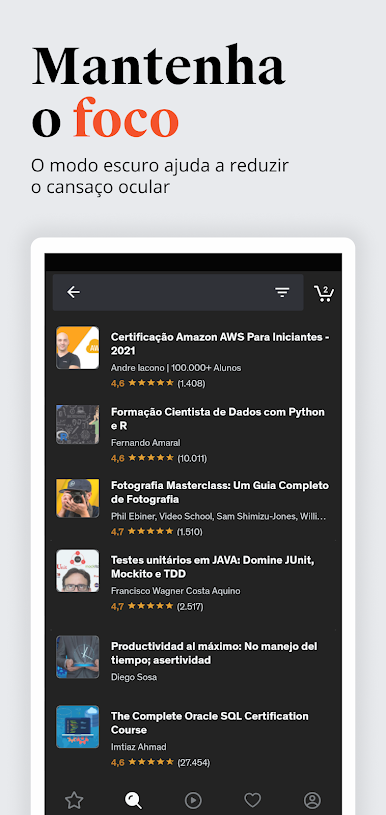
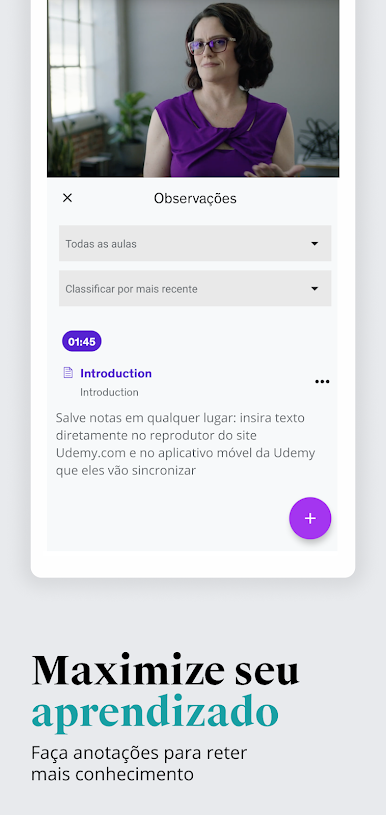
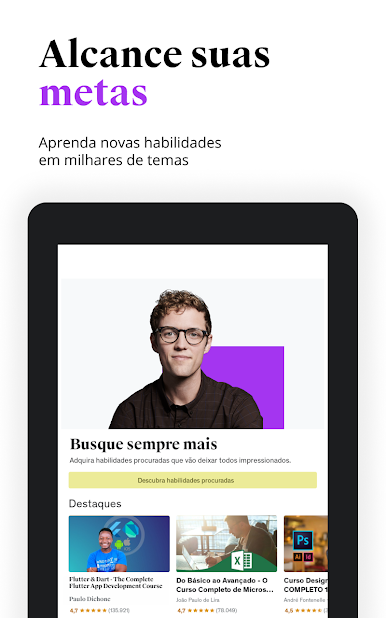
Venha baixar Udemy: aprender online com 130 no PC e abra sua mente para absorver uma fonte infinita de conhecimentos de todos os campos conhecidos pela humanidade na atualidade. Você terá acesso a milhares de temas e cursos em vídeo online de ponta sobre programação, desenvolvimento, Python, Java, negócios, marketing, SEO, SEM, desenho, fotografia e muito mais.
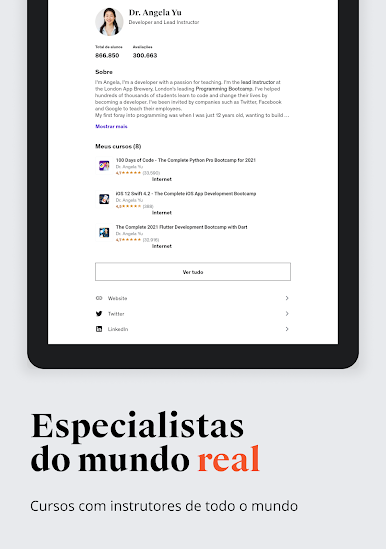
Ao baixar e rodar Udemy: aprender online com 130 no PC, você vai entrar numa plataforma de cursos onde você terá total liberdade para aprender e ensinar, sem fronteiras. Compre cursos ou aproveite os cursos que estão disponíveis gratuitamente. Ou use a plataforma para disponibilizar seus próprios ensinamentos. O poder está em suas mãos!
Aproveite a chance que a tecnologia e a modernidade trazem, de obter conhecimento com conforto e comodidade, e se qualificar para o mercado de trabalho ou para executar seus hobbies com mais perfeição. As portas, agora, estão abertas!
Chegou a hora de baixar Udemy: aprender online com 130 no PC com BlueStacks para viver a melhor experiência em educação do Android em seu computador.

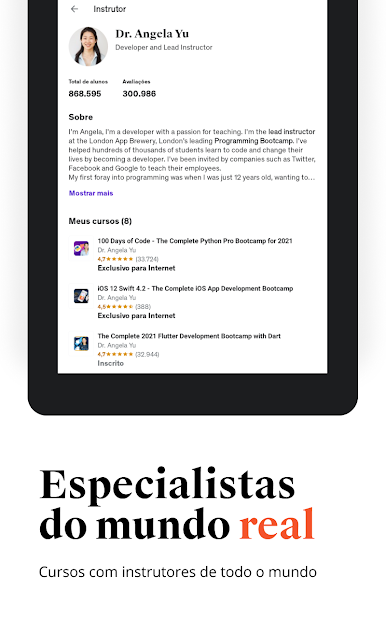
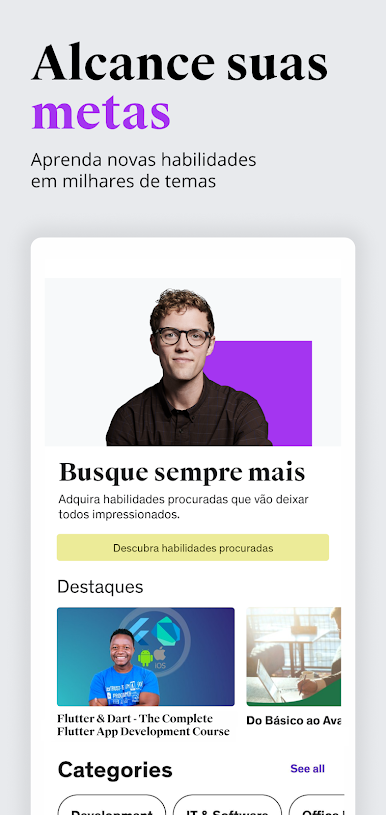

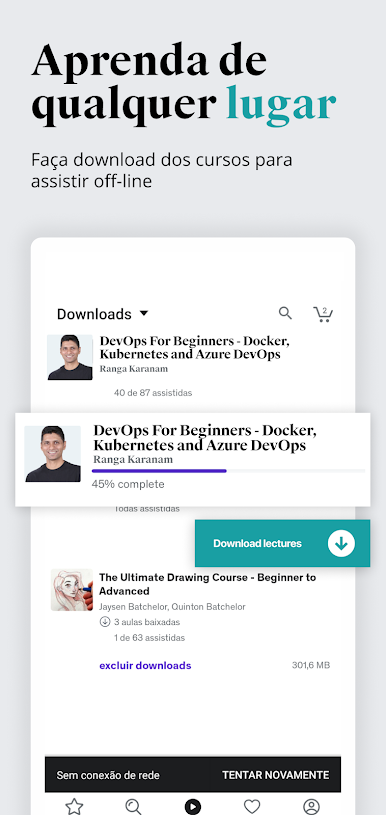
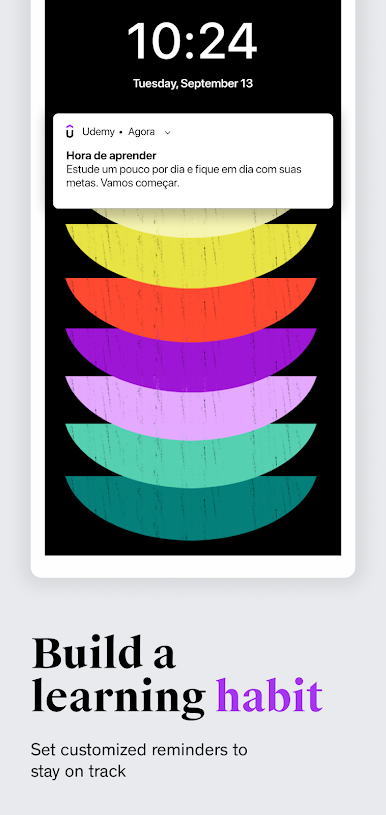


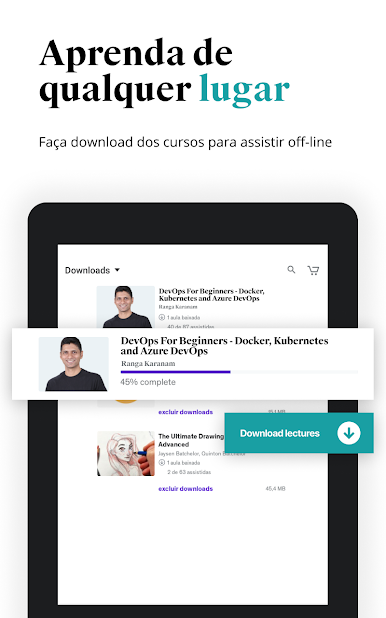
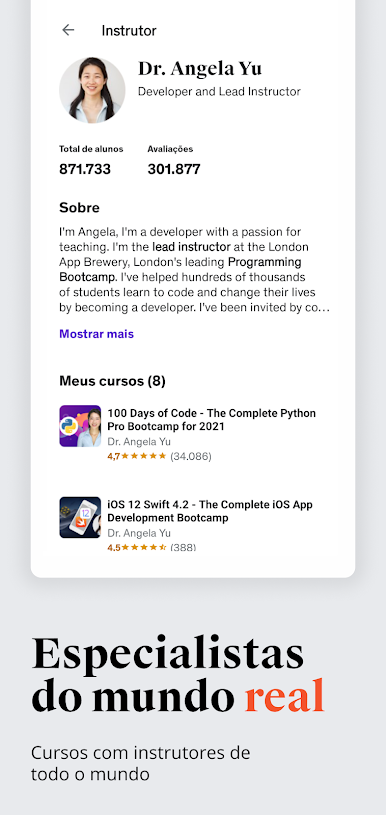

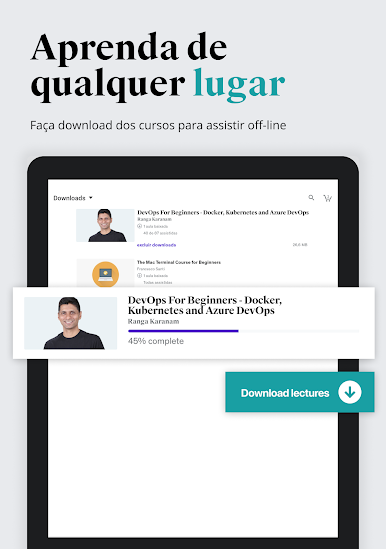
Jogue Cursos em vídeo on-line Udemy no PC. É fácil começar.
-
Baixe e instale o BlueStacks no seu PC
-
Conclua o login do Google para acessar a Play Store ou faça isso mais tarde
-
Procure por Cursos em vídeo on-line Udemy na barra de pesquisa no canto superior direito
-
Clique para instalar Cursos em vídeo on-line Udemy a partir dos resultados da pesquisa
-
Conclua o login do Google (caso você pulou a etapa 2) para instalar o Cursos em vídeo on-line Udemy
-
Clique no ícone do Cursos em vídeo on-line Udemy na tela inicial para começar a jogar

