


Afinador de Ukulele - Tuner
Jogue no PC com BlueStacks - A Plataforma de Jogos Android, confiada por mais de 500 milhões de jogadores.

Página modificada em: Nov 5, 2025
Run The UkeleleTuner - Ukulele on PC or Mac
What’s better than using The UkeleleTuner – Ukulele by Ukulele Wave? Well, try it on a big screen, on your PC or Mac, with BlueStacks to see the difference.
About the App
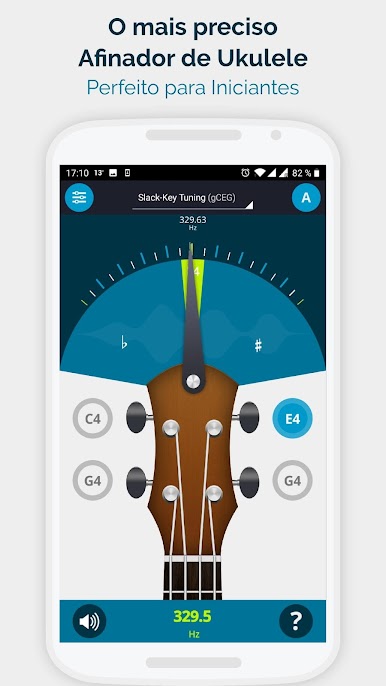
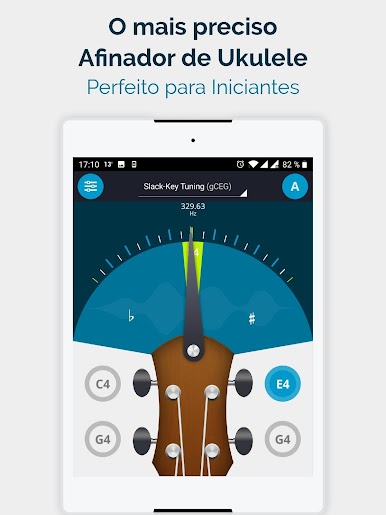
The UkeleleTuner – Ukulele by Ukulele Wave is your go-to Music & Audio app for perfectly tuning your ukulele. With its precise tuning capabilities, the app ensures your music sounds just right in no time, using your mobile’s built-in mic for easy and accurate adjustments.
App Features
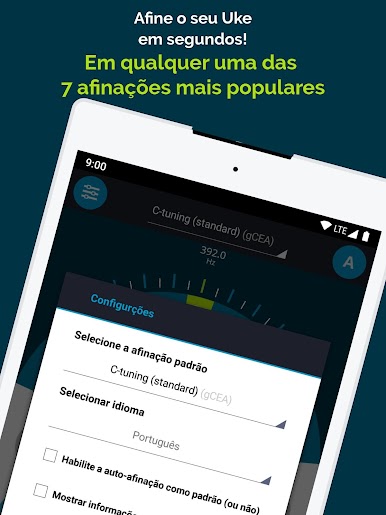
- Versatile Tuning Options: Compatible with Soprano, Concert, Tenor, Baritone, Hawaiian, and Bass ukuleles. Choose from seven popular uke tunings, including C-Tuning and Slack-Key Tuning.
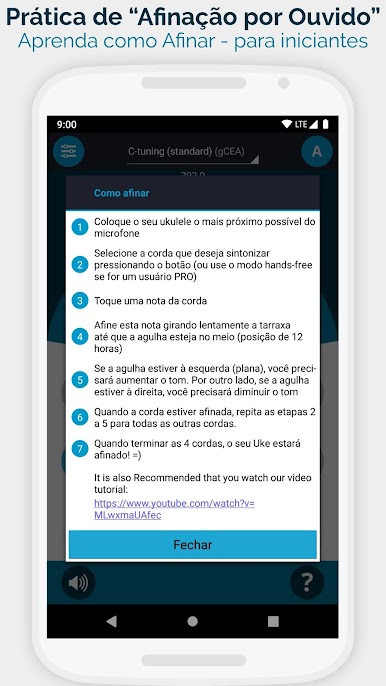
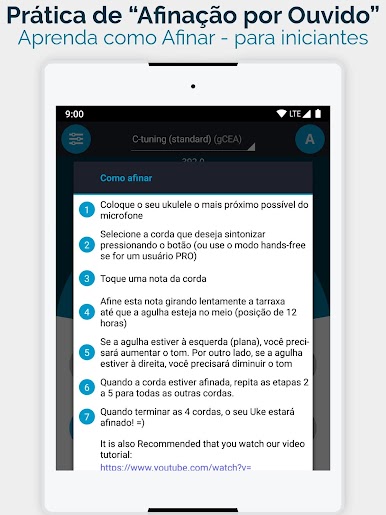
- User-Friendly Interface: Beginners can get a handle on tuning quickly with the handy “How-To” tutorial and helpful “Tune-by-Ear” feature.
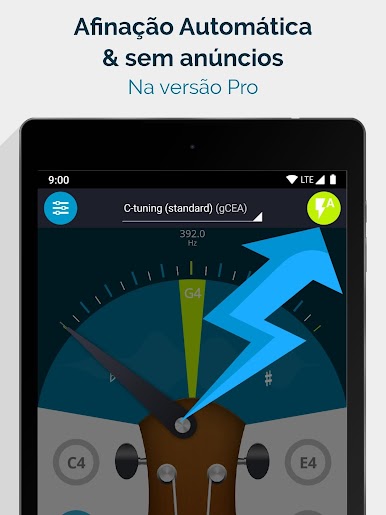
- Advanced Tools for Experts: Enjoy features like a hands-free mode for auto-tuning and showing target frequencies.
- Battery Saver: Stay efficient with a Battery Saving Mode to keep your tuning sessions worry-free.
Whether you’re new to the uke or a seasoned musician heading for concert pitch, The UkeleleTuner – Ukulele ensures every strum is spot on. Plus, it’s easily accessible on BlueStacks for versatile use!



Jogue Afinador de Ukulele - Tuner no PC. É fácil começar.
-
Baixe e instale o BlueStacks no seu PC
-
Conclua o login do Google para acessar a Play Store ou faça isso mais tarde
-
Procure por Afinador de Ukulele - Tuner na barra de pesquisa no canto superior direito
-
Clique para instalar Afinador de Ukulele - Tuner a partir dos resultados da pesquisa
-
Conclua o login do Google (caso você pulou a etapa 2) para instalar o Afinador de Ukulele - Tuner
-
Clique no ícone do Afinador de Ukulele - Tuner na tela inicial para começar a jogar

