

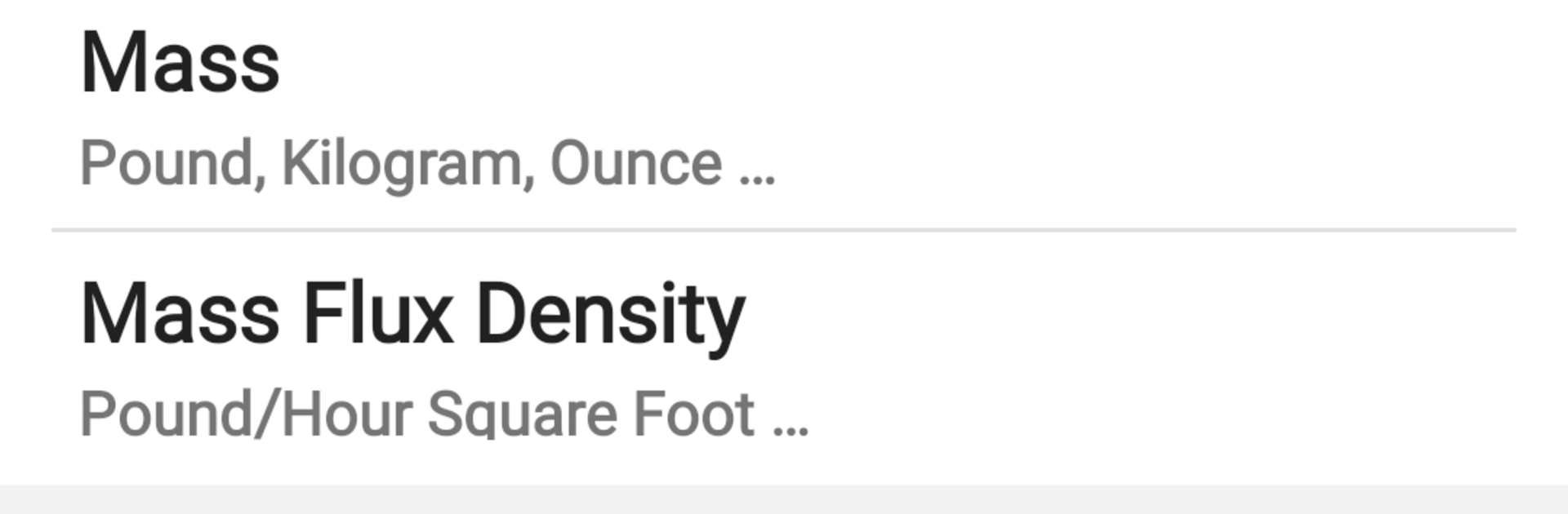
Unit Converter Pro Plus
Jogue no PC com BlueStacks - A Plataforma de Jogos Android, confiada por mais de 500 milhões de jogadores.

Página modificada em: Jun 17, 2023
Run Unit Converter Pro Plus on PC or Mac
Multitask effortlessly on your PC or Mac as you try out Unit Converter Pro Plus, a Tools app by Elkens software on BlueStacks.
About the App
Unit Converter Pro Plus from Elkens software is the kind of Tools app you open once and then wonder how you ever worked without it. Need to jump between inches and millimeters, pounds and newtons, or even swap currencies on the go? It keeps all those conversions tidy, fast, and right where you need them. Prefer a bigger screen? It works great with BlueStacks, too.
App Features
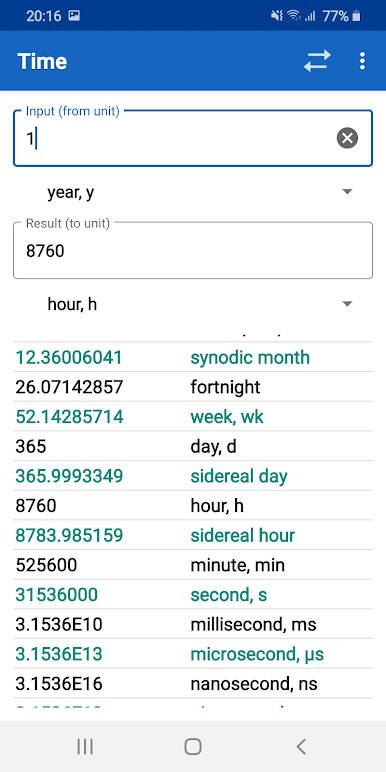
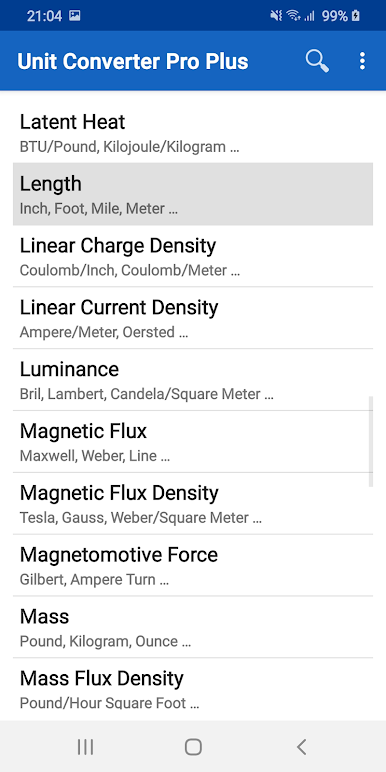
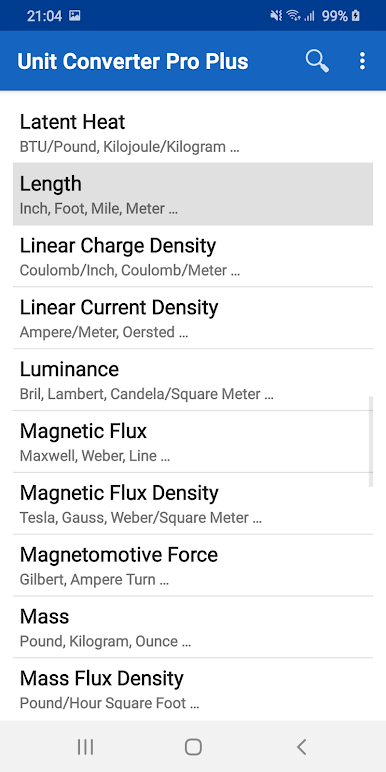
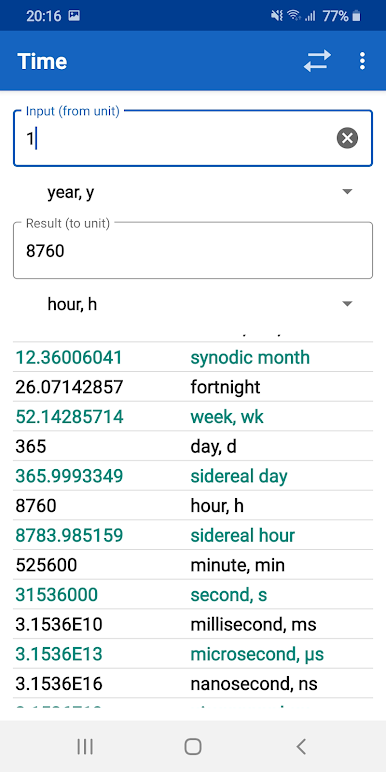
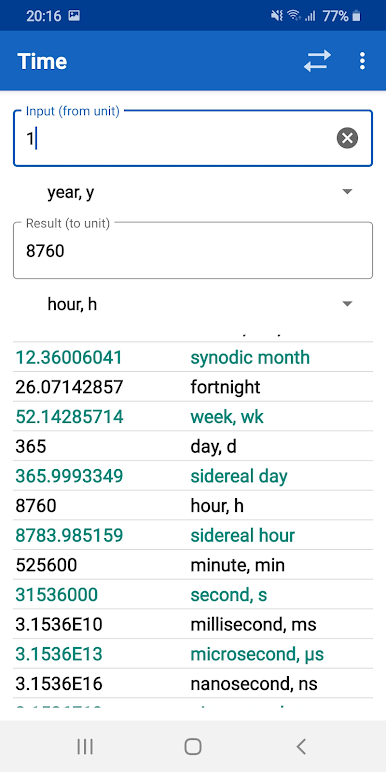
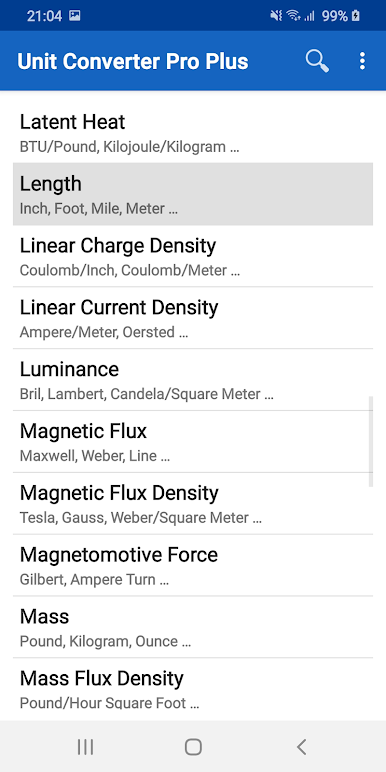
- Massive coverage: Over 1,500 units across 79 categories—everything from length, area, and temperature to force, energy, and other specialized fields.
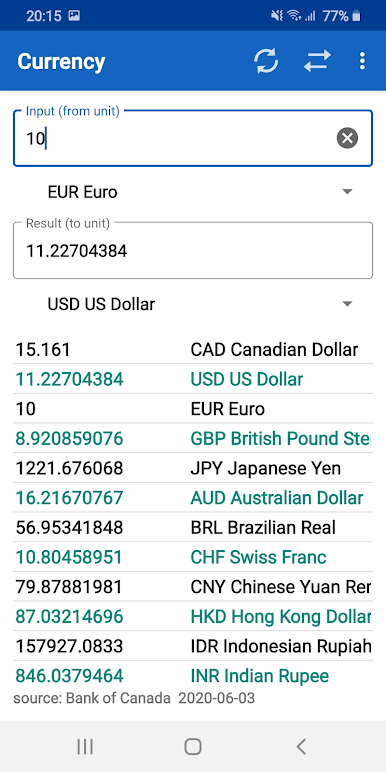
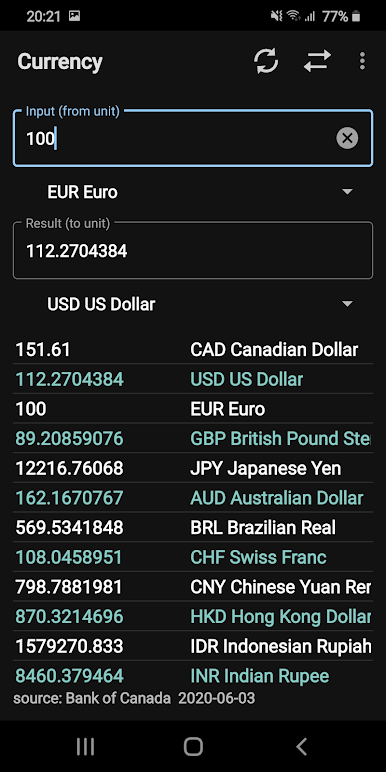
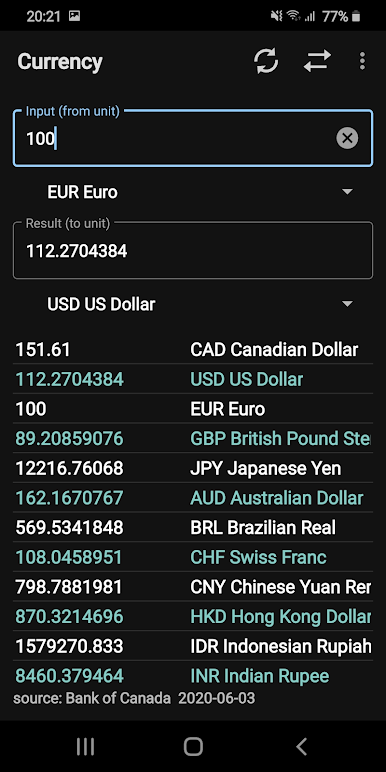
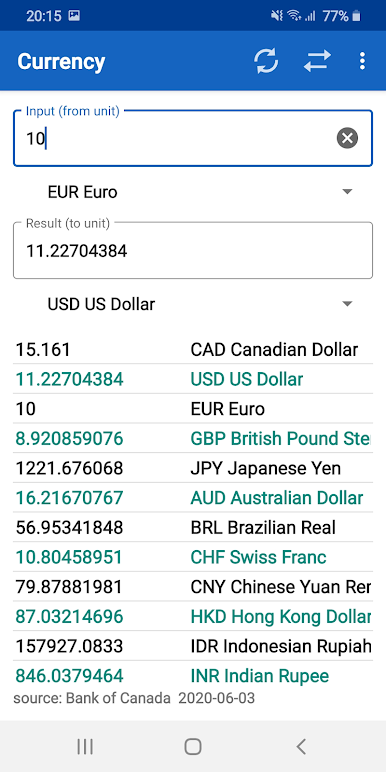
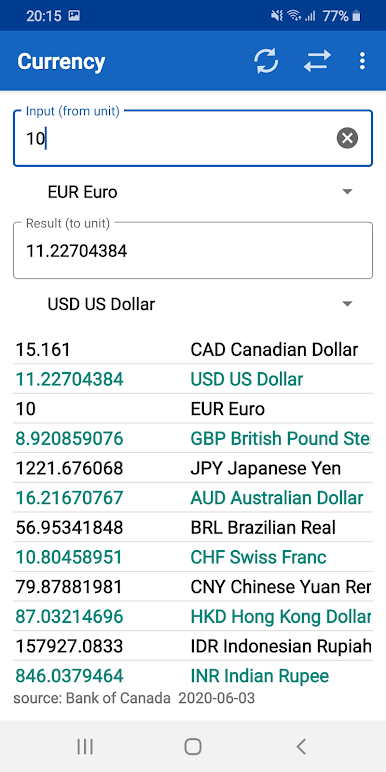
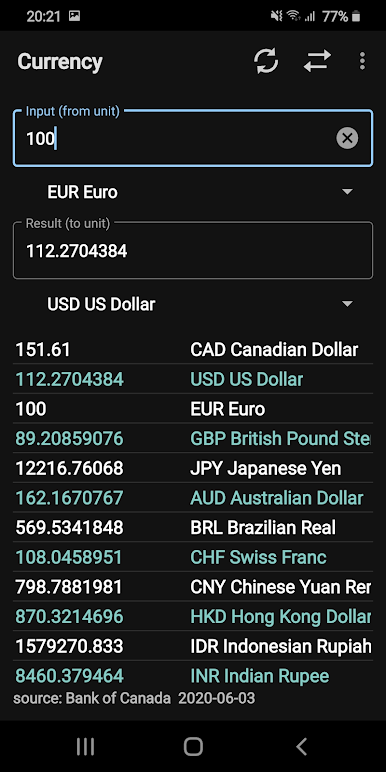
- Daily currency updates: Convert foreign currencies with rates refreshed every day, handy for travel or budgeting.
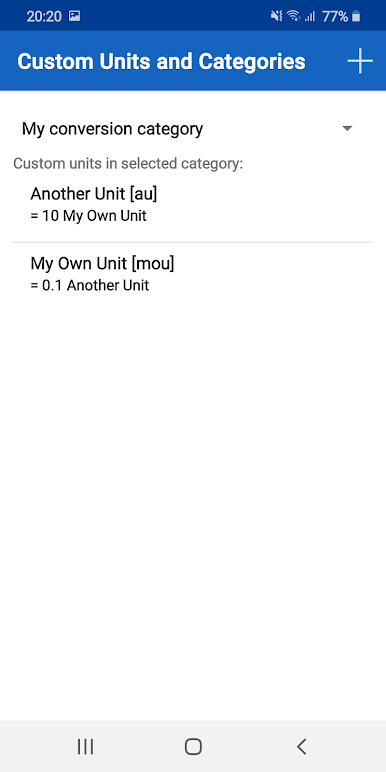
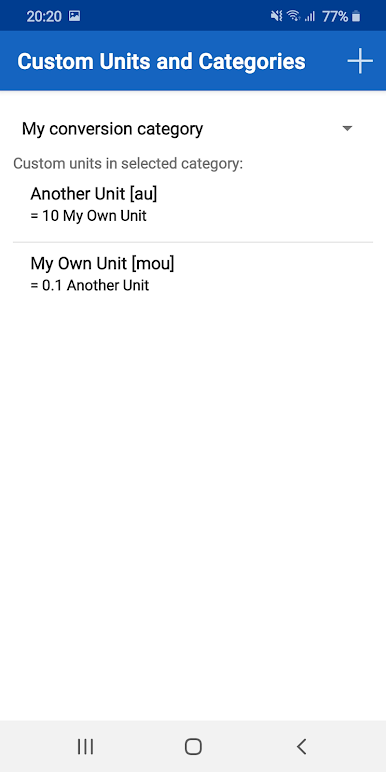
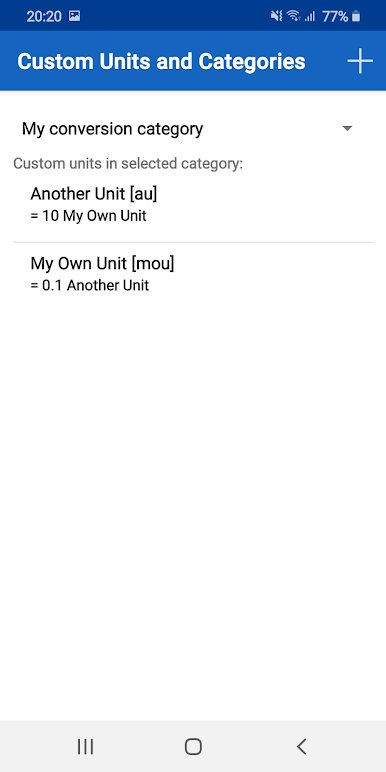
- Create your own: Add custom units and even your own categories when you’re dealing with niche work or class projects.
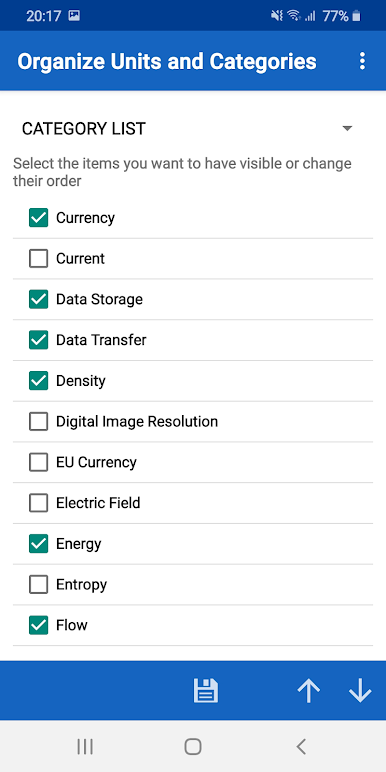
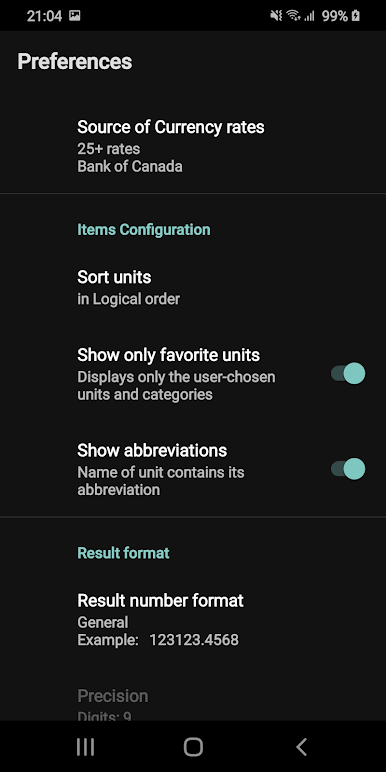
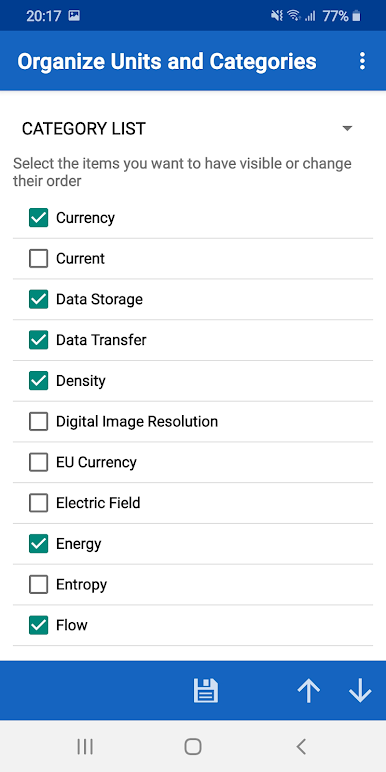
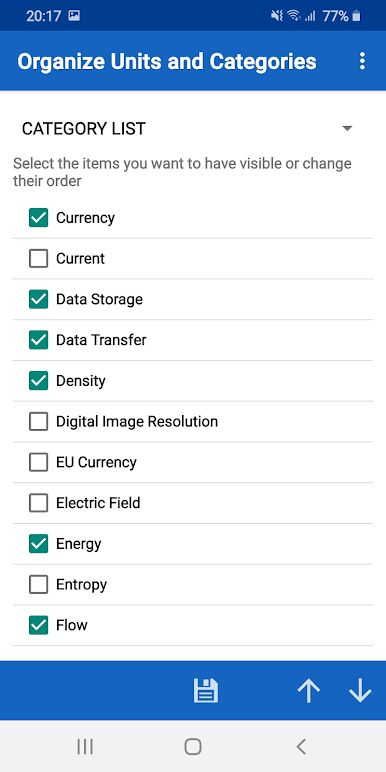
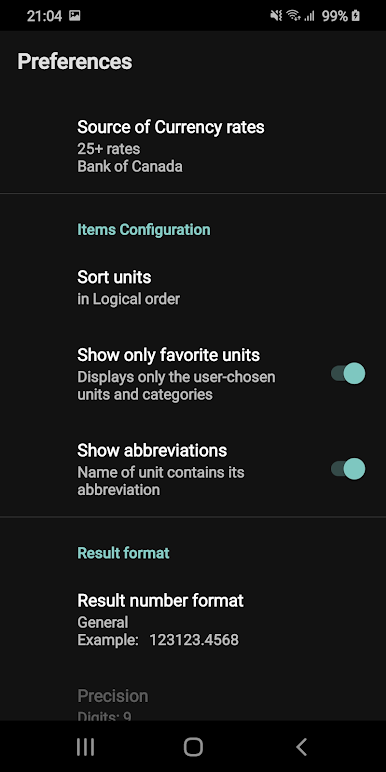
- Hide the noise: Turn off units you don’t use so your lists stay clean and focused.
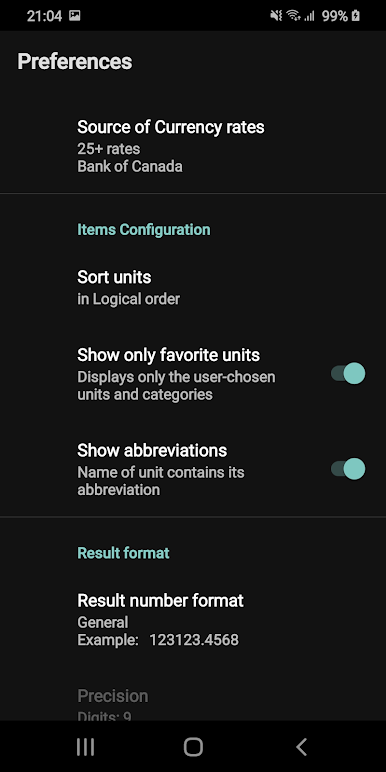
- Precision control: Set the number of decimals or format results the way you like for clean reports and calculations.
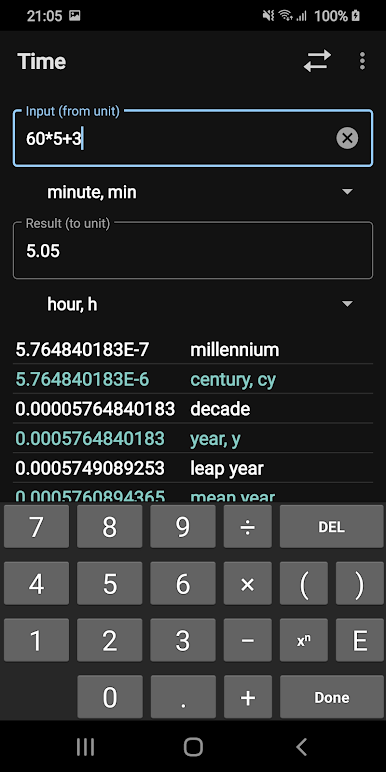
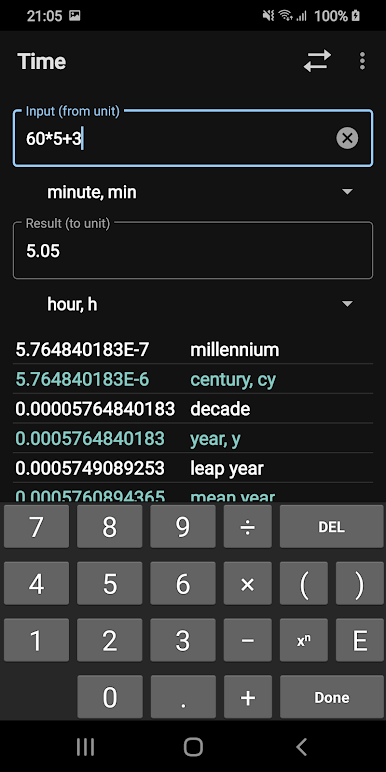
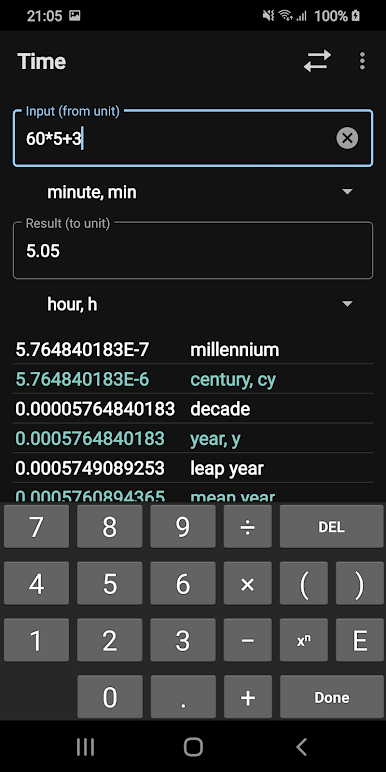
- Expression input: Punch in math like (4+3)*50/3 and convert the result in one go—no extra calculator needed.
- Familiar shorthand: Use standard unit abbreviations and symbols for quick entry without guessing.
- Layout your way: Tweak the look and arrangement so the app matches how you think and work.
- Made for doers: Built with students, teachers, engineers, and science folks in mind—fast, clear, and not fussy.
- Pro vs Pro Plus: Currently, both versions include the same units and categories. The Pro version shows a trimmed set by default, and you can reveal the rest with the More button; Unit Converter Pro Plus surfaces the full experience out of the box.
Eager to take your app experience to the next level? Start right away by downloading BlueStacks on your PC or Mac.
Jogue Unit Converter Pro Plus no PC. É fácil começar.
-
Baixe e instale o BlueStacks no seu PC
-
Conclua o login do Google para acessar a Play Store ou faça isso mais tarde
-
Procure por Unit Converter Pro Plus na barra de pesquisa no canto superior direito
-
Clique para instalar Unit Converter Pro Plus a partir dos resultados da pesquisa
-
Conclua o login do Google (caso você pulou a etapa 2) para instalar o Unit Converter Pro Plus
-
Clique no ícone do Unit Converter Pro Plus na tela inicial para começar a jogar

