

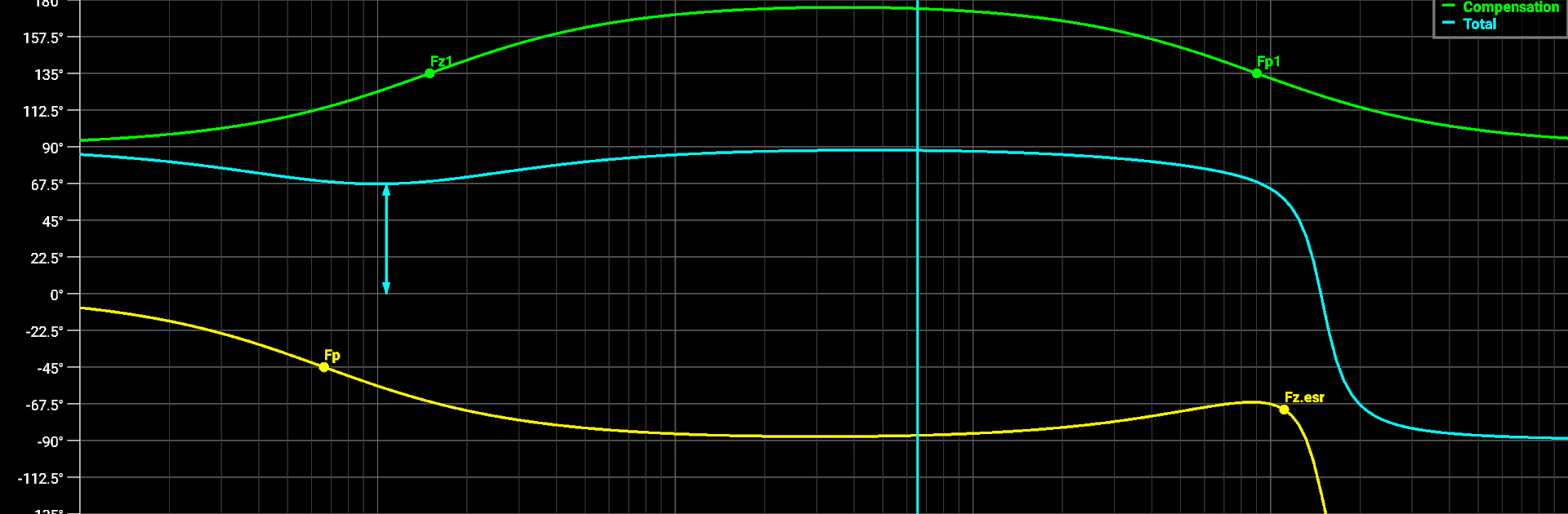
Circuit Calculator
العب على الكمبيوتر الشخصي مع BlueStacks - نظام أندرويد للألعاب ، موثوق به من قبل أكثر من 500 مليون لاعب.

Run Circuit Calculator on PC or Mac
What’s better than using Circuit Calculator by vdv? Well, try it on a big screen, on your PC or Mac, with BlueStacks to see the difference.
About the App
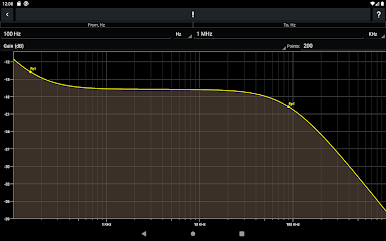
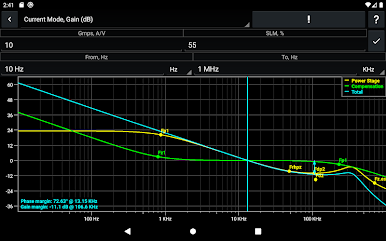
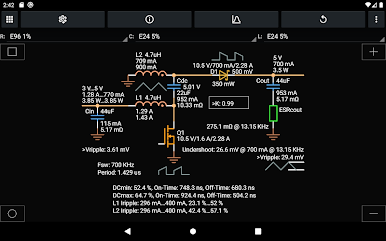
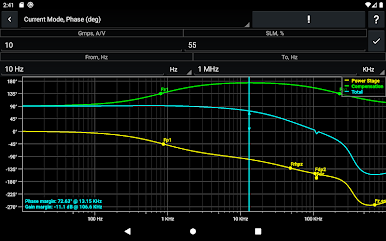
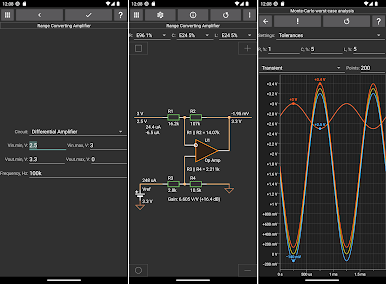
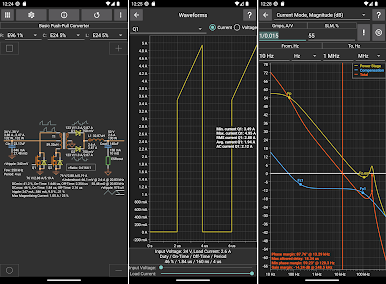
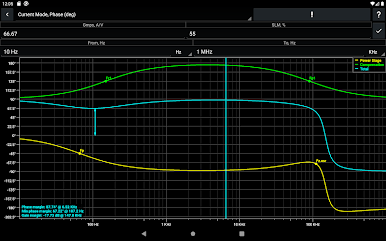
Circuit Calculator by vdv is your handy offline sidekick for tackling electronics projects, big or small. Whether you’re double-checking a quick calculation or mapping out something a little more complicated, this app packs in a bunch of tools and resources to help make your designing easier and faster. Forget hunting around for formulas or second-guessing your results; everything you need to work through circuit details is right here, tidy and within reach.
App Features
-
Loads of Built-In Circuits
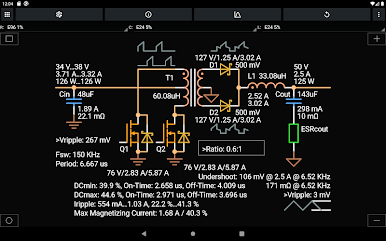
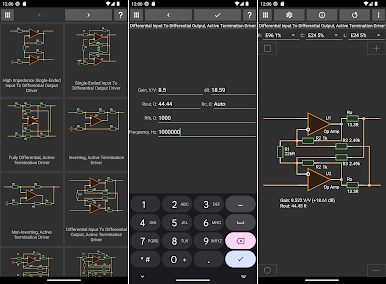
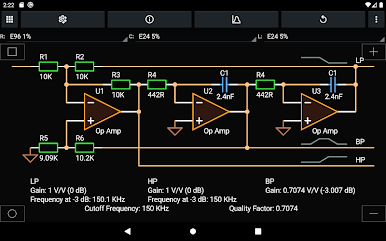
Over 140 analog circuit options let you browse and work with everything from amplifiers to filters, so you can find solutions for just about any circuit challenge you run into. -
Fast Electronics Calculators
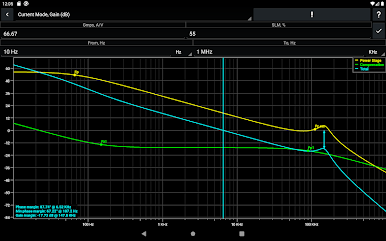
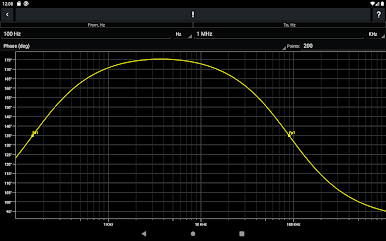
Need to crunch the numbers? There are 50+ calculators ready to handle your equations—whether you’re figuring gain, impedance, or other key values, these tools give you answers in no time. -
Reverse Calculations
Stuck with the components and want to know what the final circuit will do? Flip the process and let the app figure out circuit parameters so you know exactly what you’re working with. -
Handy Application Notes
There’s a library of 20+ detailed notes that spell out concepts, reference designs, and common scenarios. It’s like having a cheat sheet for electronics, minus the paper mess. -
Logic Solver
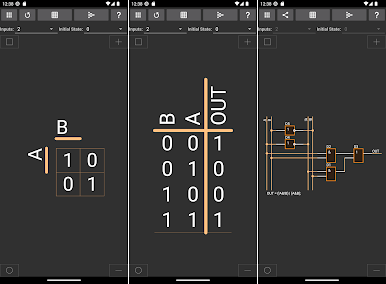
Handle logic operations for circuits with 2–6 inputs—great for digital design tasks when you don’t want to wrestle with truth tables by hand. -
Quick-Access Engineering Tools
From matching impedances to tweaking power supplies, a set of specialized tools make those usual engineering tasks just a tap away. -
Offline Access
No wi-fi? No problem. Circuit Calculator works offline, so you’re good to go whether you’re in the lab, on site, or anywhere you need fast answers. -
Seamless Use on BlueStacks
If you want a bigger workspace, Circuit Calculator runs smooth on BlueStacks, giving you an easy way to switch between your usual computer setup and your mobile projects.
Big screen. Bigger performance. Use BlueStacks on your PC or Mac to run your favorite apps.
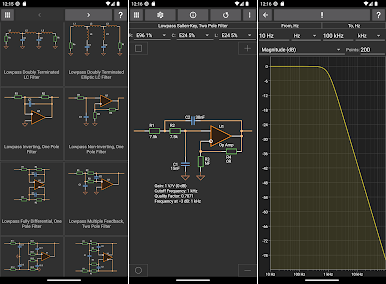
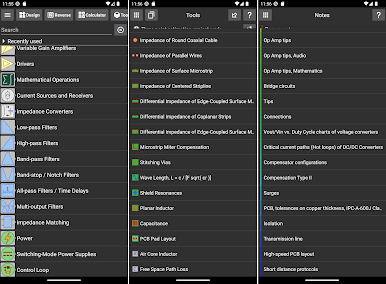
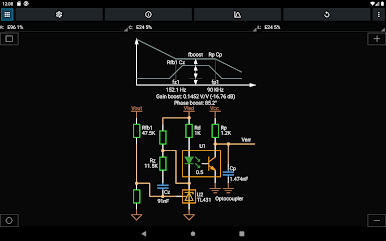



العب Circuit Calculator على جهاز الكمبيوتر. من السهل البدء.
-
قم بتنزيل BlueStacks وتثبيته على جهاز الكمبيوتر الخاص بك
-
أكمل تسجيل الدخول إلى Google للوصول إلى متجر Play ، أو قم بذلك لاحقًا
-
ابحث عن Circuit Calculator في شريط البحث أعلى الزاوية اليمنى
-
انقر لتثبيت Circuit Calculator من نتائج البحث
-
أكمل تسجيل الدخول إلى Google (إذا تخطيت الخطوة 2) لتثبيت Circuit Calculator
-
انقر على أيقونة Circuit Calculator على الشاشة الرئيسية لبدء اللعب

