

GPX Viewer PRO
العب على الكمبيوتر الشخصي مع BlueStacks - نظام أندرويد للألعاب ، موثوق به من قبل أكثر من 500 مليون لاعب.

Run GPX Viewer PRO on PC or Mac
What’s better than using GPX Viewer PRO by Vectura Games OÜ? Well, try it on a big screen, on your PC or Mac, with BlueStacks to see the difference.
About the App
Planning a hike, bike ride, or a drive where you want to keep track of every twist and turn? GPX Viewer PRO makes navigating and understanding your journey super simple. Created by Vectura Games OÜ, this Maps-navigation app brings together GPS tracks, offline maps, and weather forecasts in one spot, all with a layout that’s really easy to use. Whether you’re a data fanatic wanting stats and charts or just trying to follow a route, this app has you covered.
App Features
-
File Support Galore
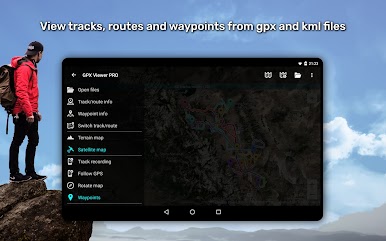
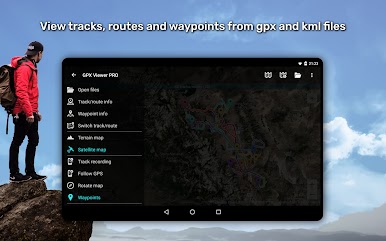
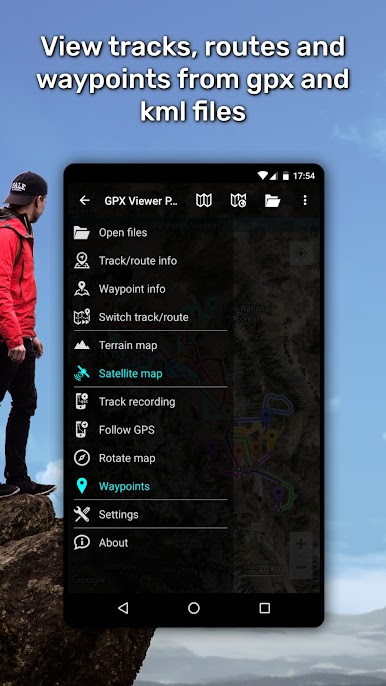
Easily open and look over GPX, KML, KMZ, or LOC files. The built-in file browser lets you manage several files at once, add favorites, and quickly jump back to files you’ve used before. -
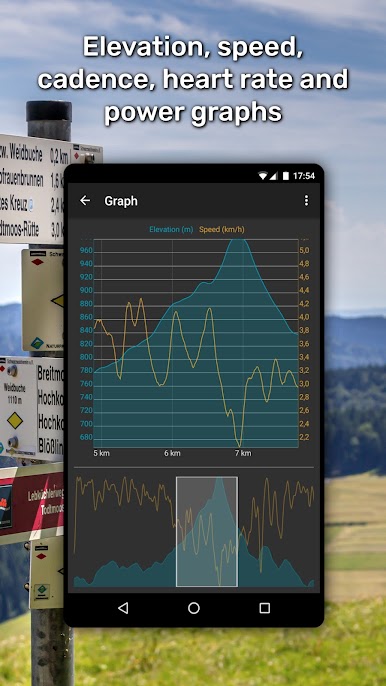
Trip Stats and Analytics
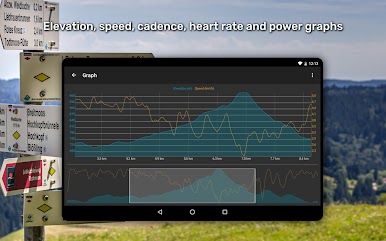
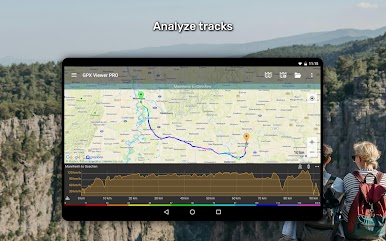
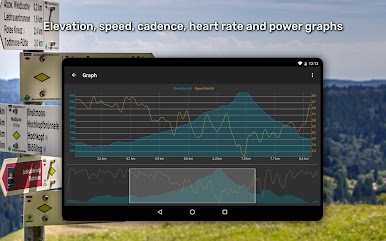
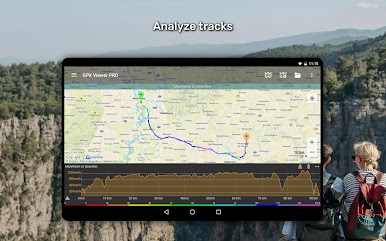
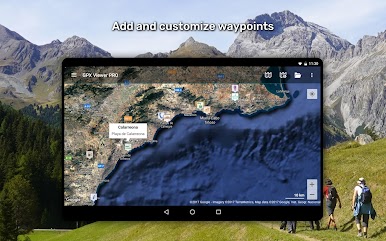
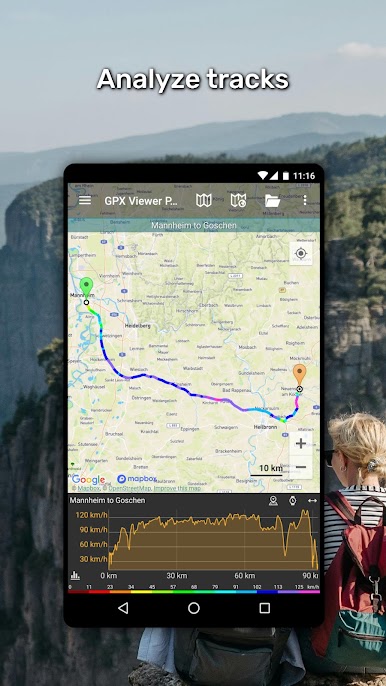
Dig into detailed tracking info: view elevation profiles, speed graphs, and even heart rate or air temperature data (if you track those). You can tweak routes and waypoints, changing colors or icons to keep things clear. -
Custom Offline Maps
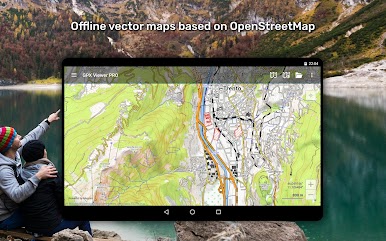
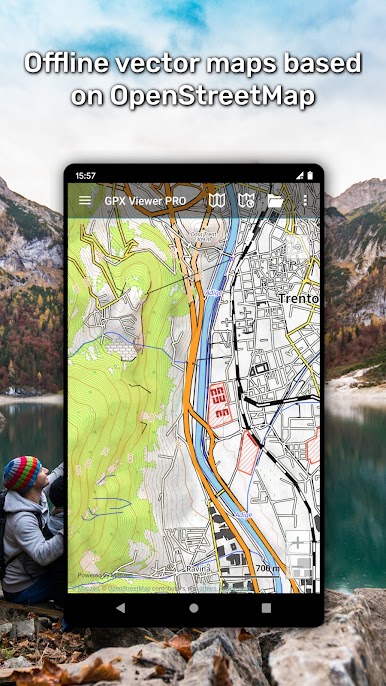
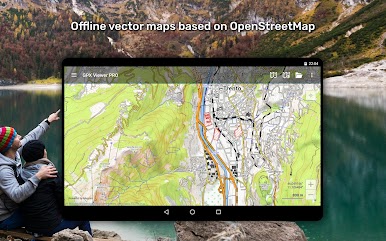
Use worldwide offline maps based on OpenStreetMap data. There are different map styles for city streets or rugged outdoor routes, all updated each month. -
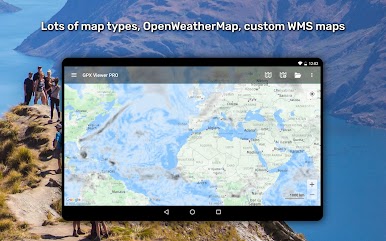
Online Map Choices
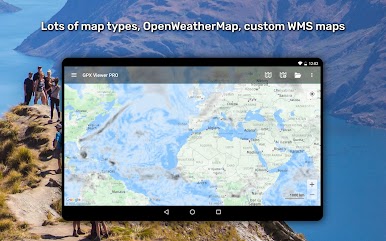
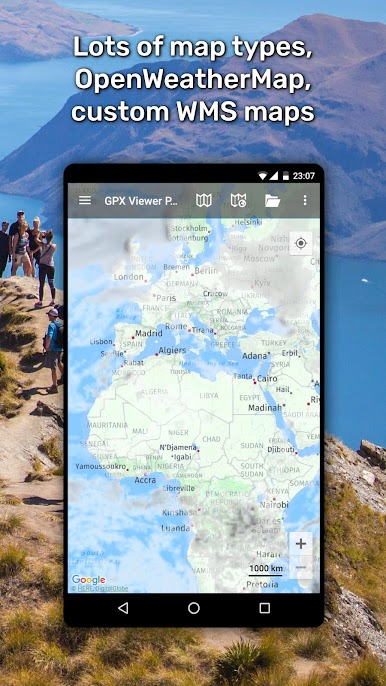
Mix and match online maps from providers like Google Maps or Mapbox, plus overlays for weather using OpenWeatherMap. Want to add your own custom map? No problem. -
Navigation Made Easy
See your real-time GPS location on the map, set the app to follow your movements, or have the map rotate based on your direction. You’ll even get a heads-up when you’re nearing a waypoint, with a customizable notification. -
Record and Export Routes
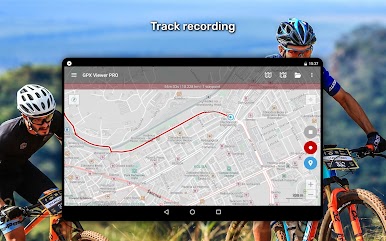
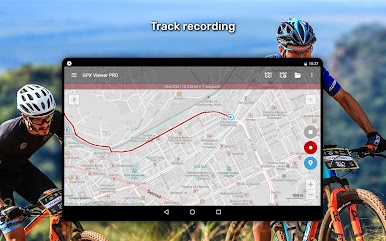
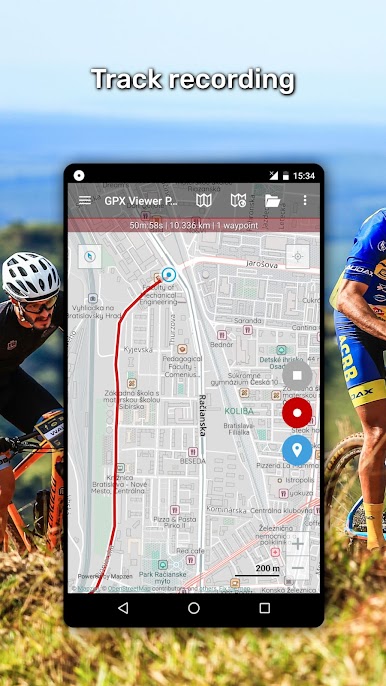
Keep a log of your outing—track your route, record elevation and speed over time, then export all the details to GPX or KML files. -
Weather Forecasts
Check out what the weather’s doing, with forecasts for the next week and hourly updates right on your map. -
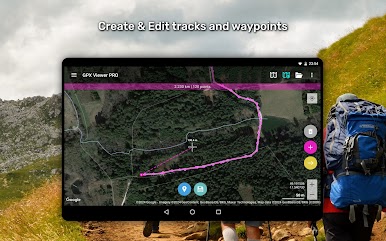
Edit and Create Tracks
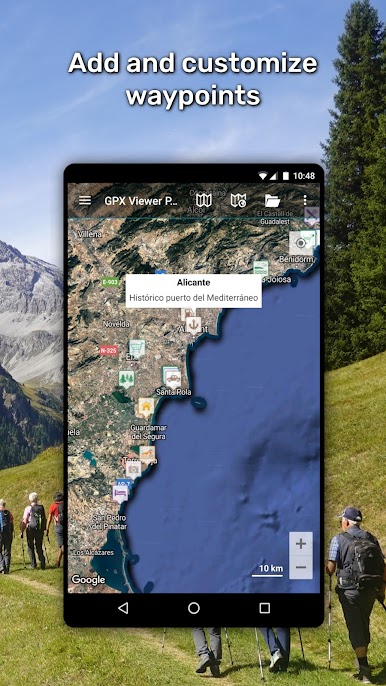
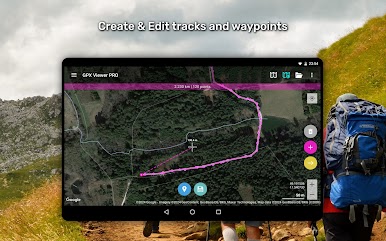
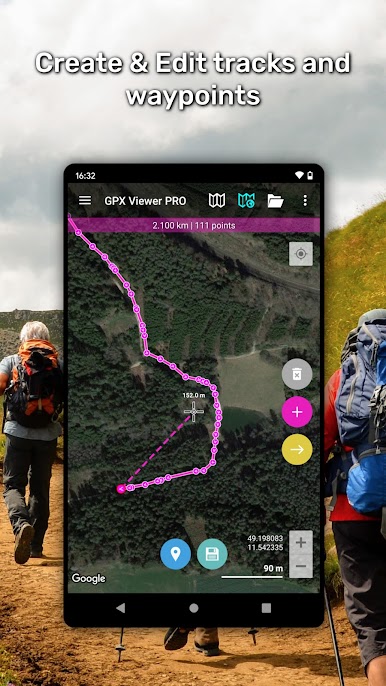
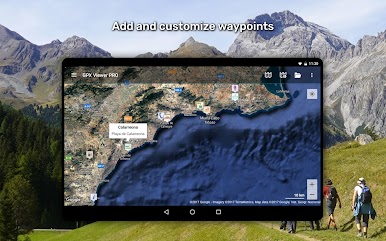
Make brand new routes or edit your existing ones. Split, merge, or just add waypoints with names and icons that make sense to you. -
Trackbook Integration
Sync up with Trackbook to pull in or back up your favorite routes and waypoints. -
Highly Customizable
Change up nearly every setting so the app works how you want, from notification preferences to map appearance.
And if you’re running it through BlueStacks, you can check out every feature right from your computer screen—handy for planning trips or digging through route details before you even lace up your shoes.
BlueStacks gives you the much-needed freedom to experience your favorite apps on a bigger screen. Get it now.

العب GPX Viewer PRO على جهاز الكمبيوتر. من السهل البدء.
-
قم بتنزيل BlueStacks وتثبيته على جهاز الكمبيوتر الخاص بك
-
أكمل تسجيل الدخول إلى Google للوصول إلى متجر Play ، أو قم بذلك لاحقًا
-
ابحث عن GPX Viewer PRO في شريط البحث أعلى الزاوية اليمنى
-
انقر لتثبيت GPX Viewer PRO من نتائج البحث
-
أكمل تسجيل الدخول إلى Google (إذا تخطيت الخطوة 2) لتثبيت GPX Viewer PRO
-
انقر على أيقونة GPX Viewer PRO على الشاشة الرئيسية لبدء اللعب

