

低音吉他老師-學習彈低音
在電腦上使用BlueStacks –受到5億以上的遊戲玩家所信任的Android遊戲平台。

Run Bass Guitar Tutor Free on PC or Mac
Why limit yourself to your small screen on the phone? Run Bass Guitar Tutor Free, an app by Learn To Master, best experienced on your PC or Mac with BlueStacks, the world’s #1 Android emulator.
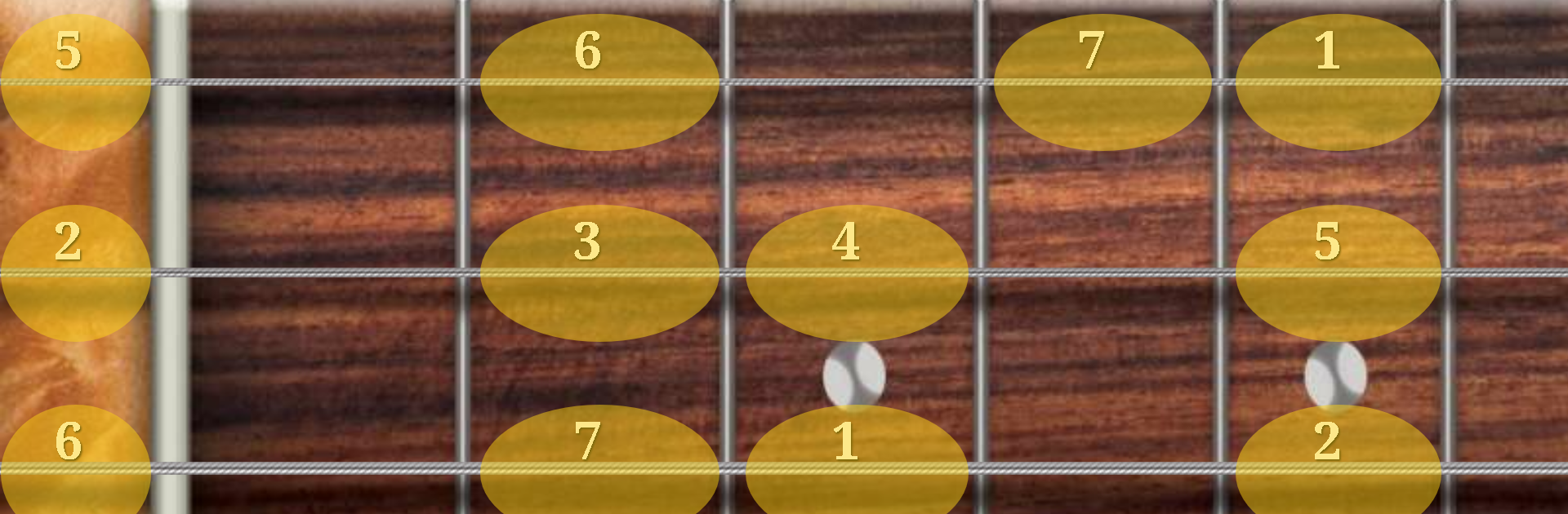
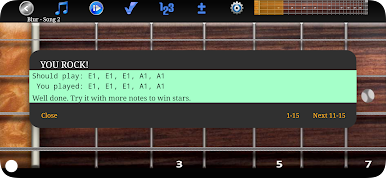
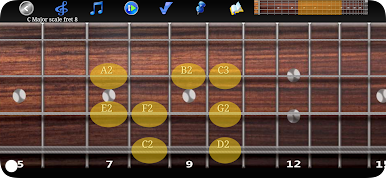
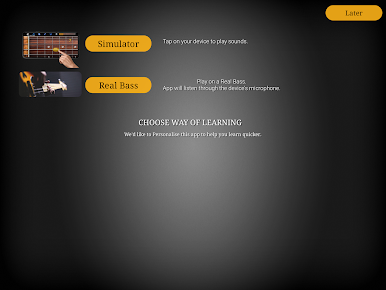
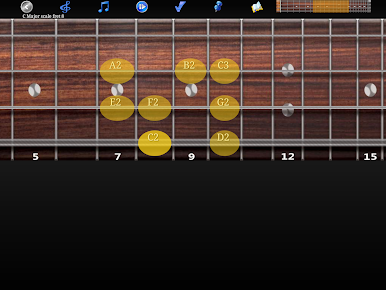
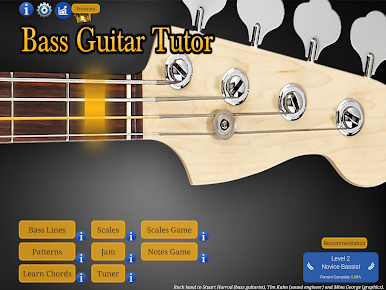
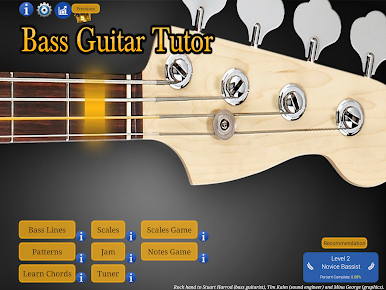
So, Bass Guitar Tutor Free is actually kind of fun if you’re just trying to pick up some bass skills or just want to nerd out over bass lines. The app’s set up almost like a virtual bass, where everything’s laid out on this big fretboard that you can resize, so it works well even when you’re playing on a PC with BlueStacks. Makes it feel less cramped compared to tapping away on a phone. The sounds are legit, too—it uses real recorded Fender Jazz Bass notes, so there’s none of that weird fake instrument vibe.
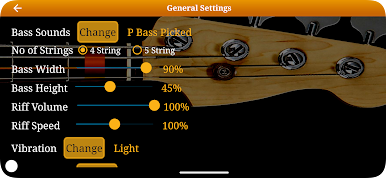
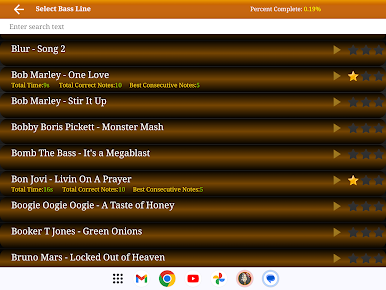
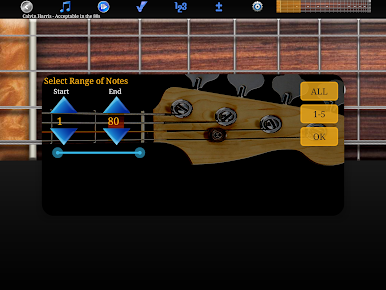
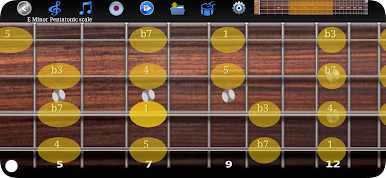
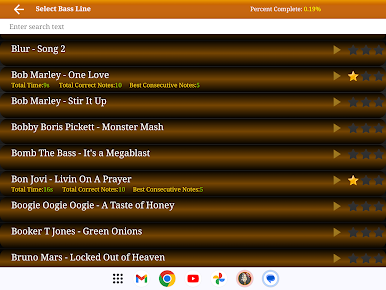
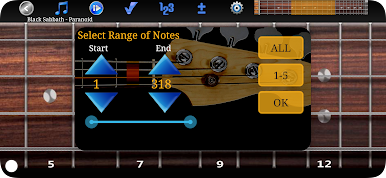
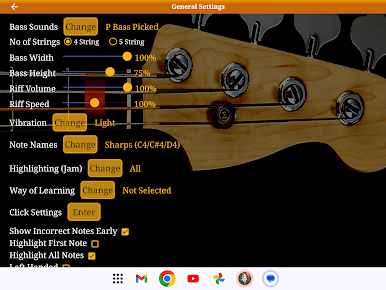
You can work through famous bass lines from all kinds of music—old school rock, TV themes, even some classical. There’s a bunch of typical patterns, like reggae or walking bass, plus the ability to just jam on scales. If you’re new, you can slow everything down or just loop a tricky part until you get it down. There’s these built-in tools like highlighting notes or turning sections on and off that actually help you listen by ear or focus on trouble spots. Even small things, like being able to go left-handed or picking different bass sounds—picked, fingered, slap, 4 or 5 string setup—make it feel like you’re playing an actual instrument, not just poking at a screen.
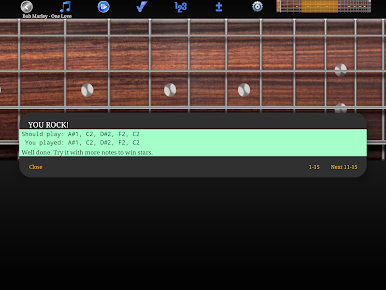
There’s also this note-learning game for memorizing the fretboard, and you can mess with chord shapes or see your progress over time. It doesn’t just throw songs at you either—you can save your own riffs, record jam sessions, and mess around with patterns in any key. Nothing feels rushed, and honestly, it’s just a chill way to get better at bass or just noodle around if you don’t have one handy.
Ready to experience Bass Guitar Tutor Free on a bigger screen, in all its glory? Download BlueStacks now.

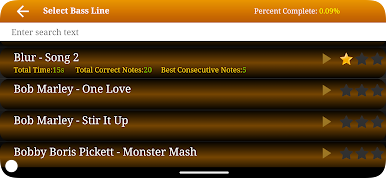
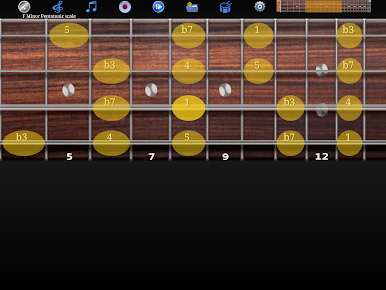
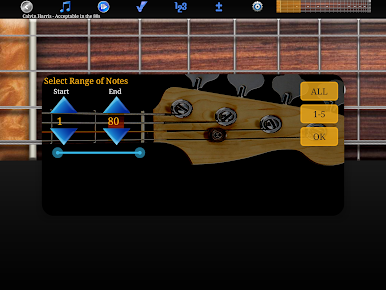
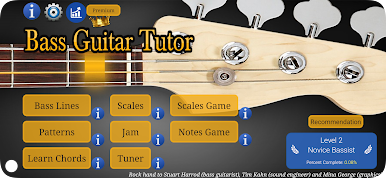
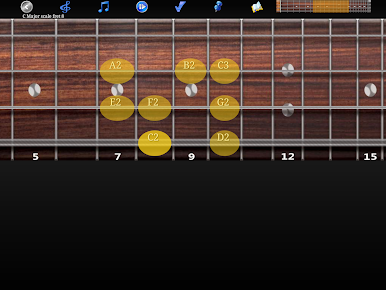
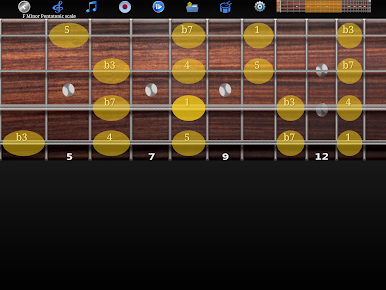
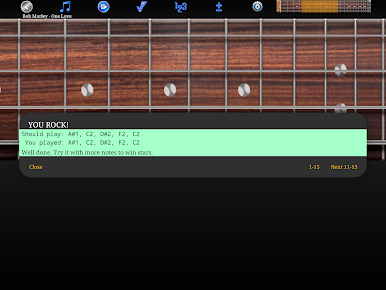
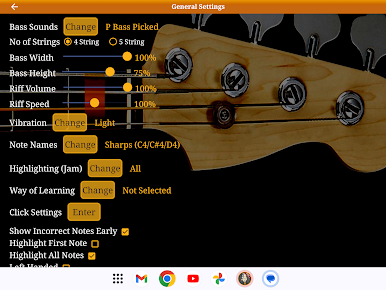
在電腦上遊玩低音吉他老師-學習彈低音 . 輕易上手.
-
在您的電腦上下載並安裝BlueStacks
-
完成Google登入後即可訪問Play商店,或等你需要訪問Play商店十再登入
-
在右上角的搜索欄中尋找 低音吉他老師-學習彈低音
-
點擊以從搜索結果中安裝 低音吉他老師-學習彈低音
-
完成Google登入(如果您跳過了步驟2),以安裝 低音吉他老師-學習彈低音
-
在首頁畫面中點擊 低音吉他老師-學習彈低音 圖標來啟動遊戲

