


Verisure Cameras
Jogue no PC com BlueStacks - A Plataforma de Jogos Android, confiada por mais de 500 milhões de jogadores.

Página modificada em: Aug 23, 2023
Jogue Verisure Cameras para PC
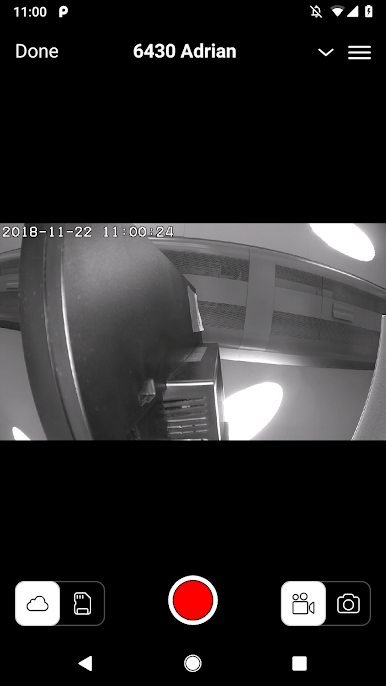
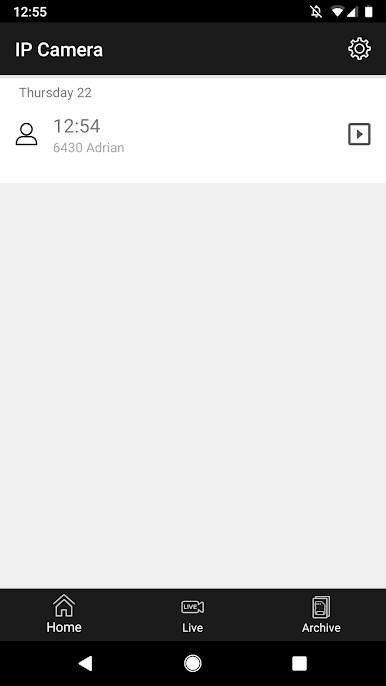
Configure a detecção de movimento e áudio e a câmera gravará qualquer movimento ou som detectado.
Com esse aplicativo, você pode alterar as seguintes configurações da câmera:
* Área de detecção de movimento / sensibilidade
* Volume / sensibilidade de detecção de áudio
* Modo IR (visão noturna)
* Modo WDR
* Data / hora / fuso horário
A Verisure é um fornecedor de alarmes domésticos e serviços conectados. Conosco, você obtém um sistema à prova de futuro que pode ser estendido e contém produtos multifuncionais. Ao usar a tecnologia moderna, a Verisure mantém você em contato com sua casa e sua família, onde quer que esteja. O Verisure oferece muito mais que um alarme doméstico padrão. Você recebe uma casa conectada e protegida.
Jogue Verisure Cameras no PC. É fácil começar.
-
Baixe e instale o BlueStacks no seu PC
-
Conclua o login do Google para acessar a Play Store ou faça isso mais tarde
-
Procure por Verisure Cameras na barra de pesquisa no canto superior direito
-
Clique para instalar Verisure Cameras a partir dos resultados da pesquisa
-
Conclua o login do Google (caso você pulou a etapa 2) para instalar o Verisure Cameras
-
Clique no ícone do Verisure Cameras na tela inicial para começar a jogar

