


Veybo: Video Chat, Flirt, Meet
Jogue no PC com BlueStacks - A Plataforma de Jogos Android, confiada por mais de 500 milhões de jogadores.

Página modificada em: Nov 1, 2024
Run Veybo - Live Video Chat, Match & Meet New People on PC or Mac
Get freedom from your phone’s obvious limitations. Use Veybo – Live Video Chat, Match & Meet New People, made by Veybo Team, a Social app on your PC or Mac with BlueStacks, and level up your experience.
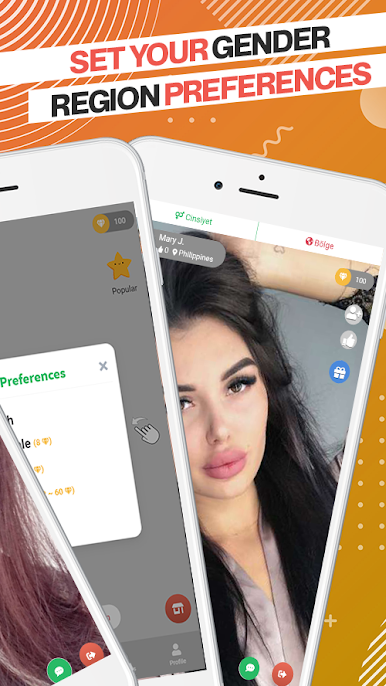
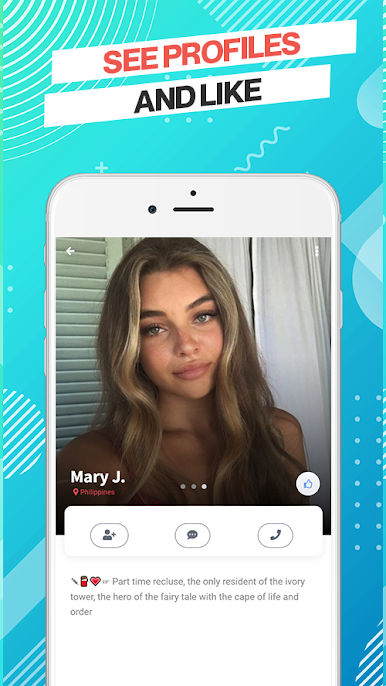
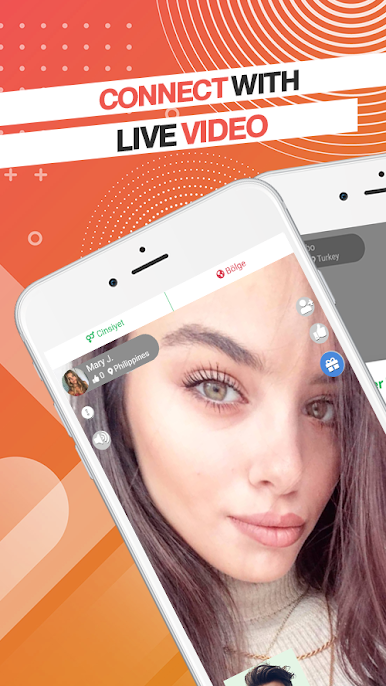
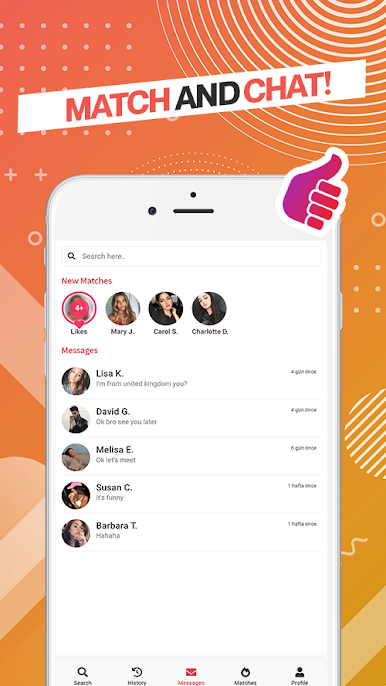
So, Veybo’s this app where you can meet people from all over and have these one-on-one video chats. It’s not just random video calls—there’s actually a match feature, so if two people like each other, they can start chatting right away. There are beauty filters too, so your camera always looks decent, which honestly makes the whole talking-to-strangers thing less awkward. Finding people around you or even further away is pretty simple, and it works smoothly, especially if you’re running it with BlueStacks on a PC—the bigger screen kind of makes the calls and chats feel a bit more natural.
It’s not just about chatting, either. Some folks use it to pick up bits of a new language or just learn about someone’s daily life in a different country. The messaging part is unlimited, so there are no worries about running out of chances to talk. There’s this section that shows who’s popular at the moment, so if someone’s looking for more active users or just wants to see who’s online, that’s easy to check out. Everything feels open-ended—talk with someone new, send a message, maybe stick to video if that’s better. Doesn’t really matter where you are, the app sorta brings people together in a way that feels casual but works well, especially when sitting at a desk.
BlueStacks gives you the much-needed freedom to experience your favorite apps on a bigger screen. Get it now.


Jogue Veybo: Video Chat, Flirt, Meet no PC. É fácil começar.
-
Baixe e instale o BlueStacks no seu PC
-
Conclua o login do Google para acessar a Play Store ou faça isso mais tarde
-
Procure por Veybo: Video Chat, Flirt, Meet na barra de pesquisa no canto superior direito
-
Clique para instalar Veybo: Video Chat, Flirt, Meet a partir dos resultados da pesquisa
-
Conclua o login do Google (caso você pulou a etapa 2) para instalar o Veybo: Video Chat, Flirt, Meet
-
Clique no ícone do Veybo: Video Chat, Flirt, Meet na tela inicial para começar a jogar

