


VideoADKing: Video Ad Maker
5억명 이상의 게이머가 신뢰하는 안드로이드 게임 플랫폼 BlueStacks으로 PC에서 플레이하세요.

Run VideoADKing: Intro Maker, Promo Video Maker on PC or Mac
What’s better than using VideoADKing: Intro Maker, Promo Video Maker by Video Marketing Apps? Well, try it on a big screen, on your PC or Mac, with BlueStacks to see the difference.
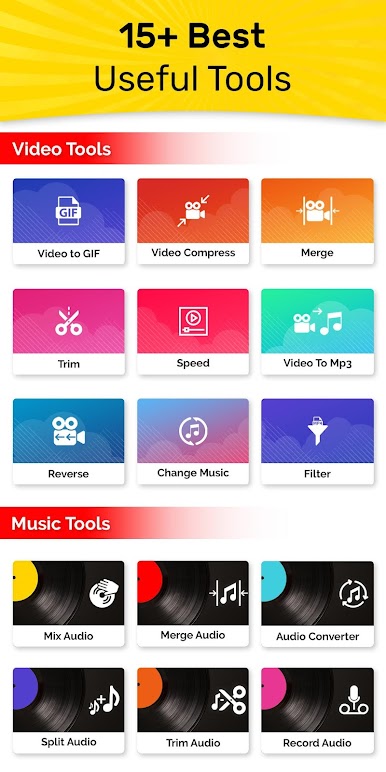
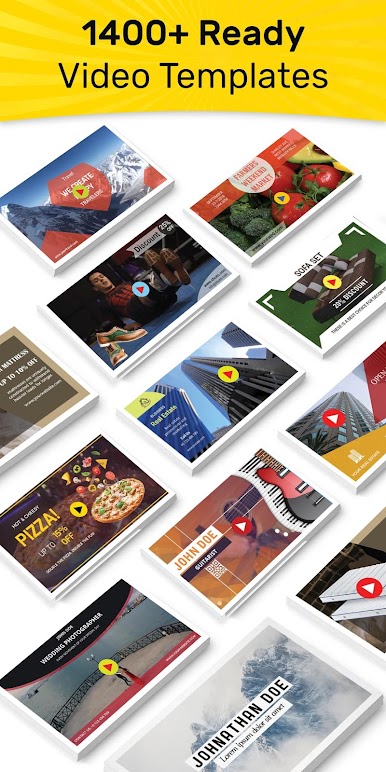
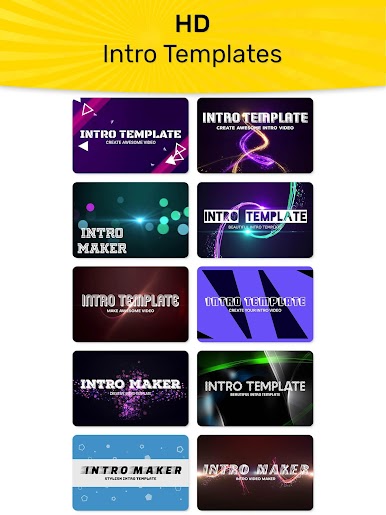
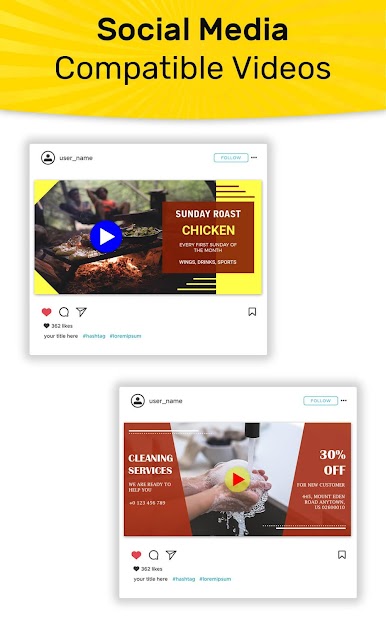
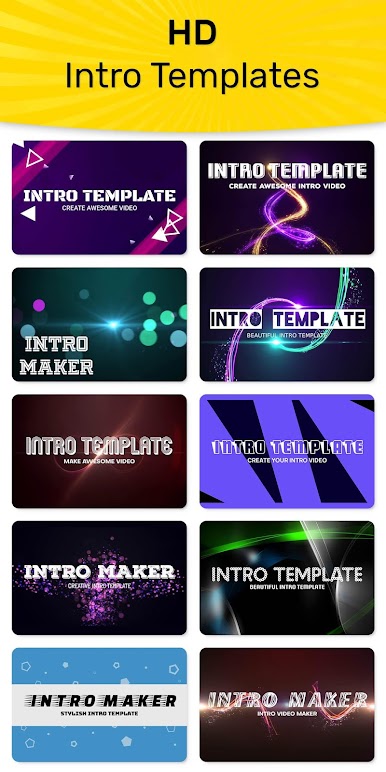
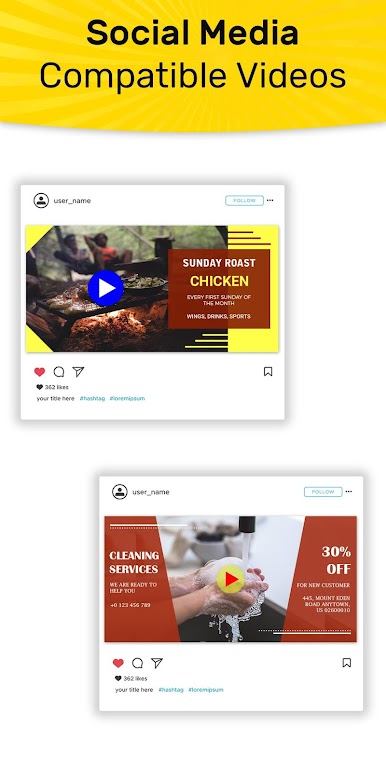
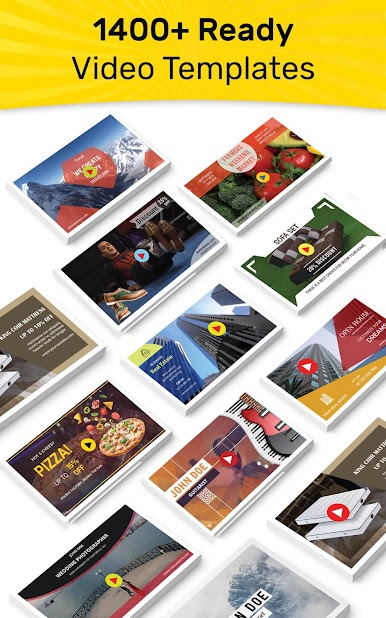
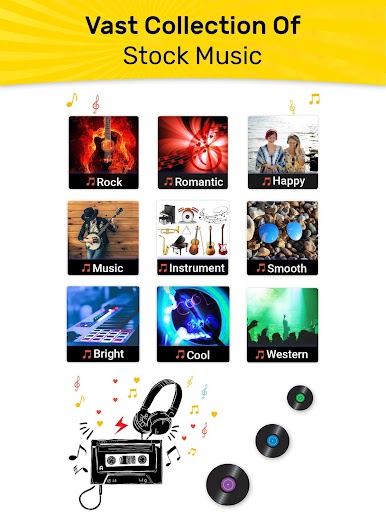
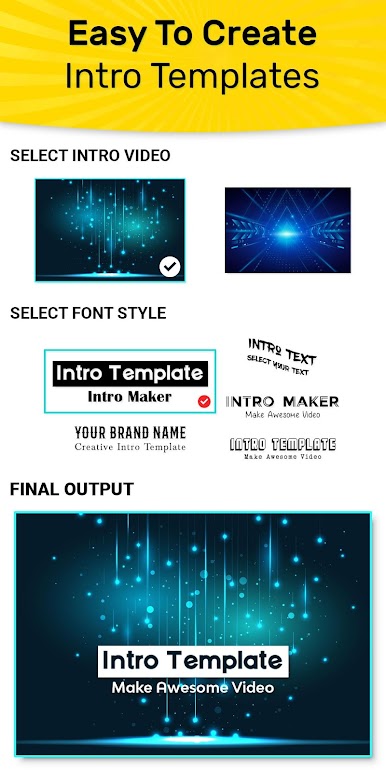
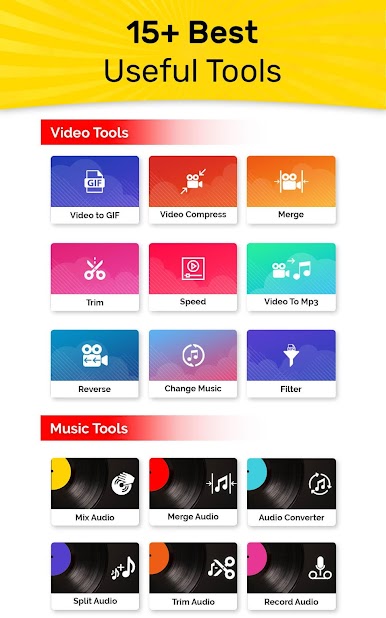
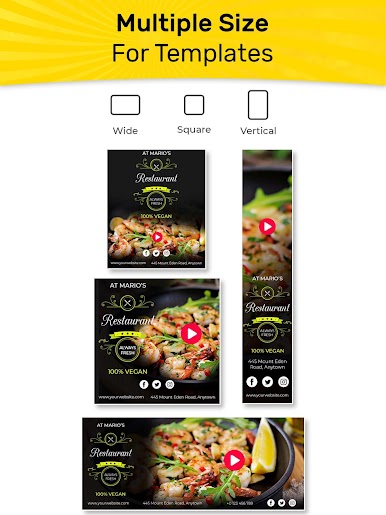
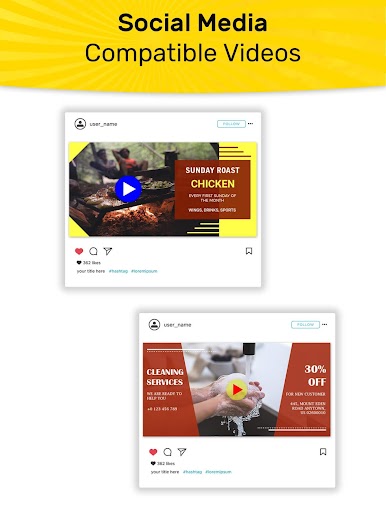
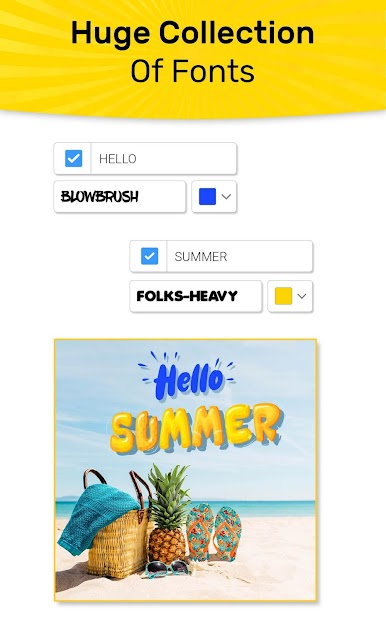
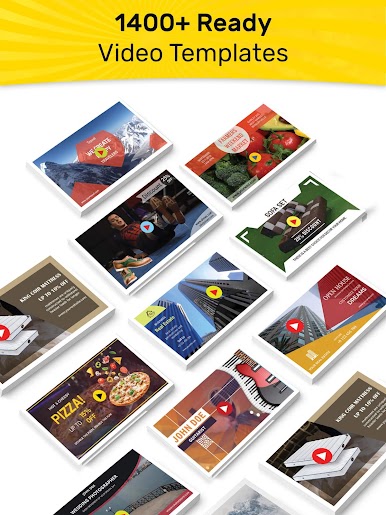
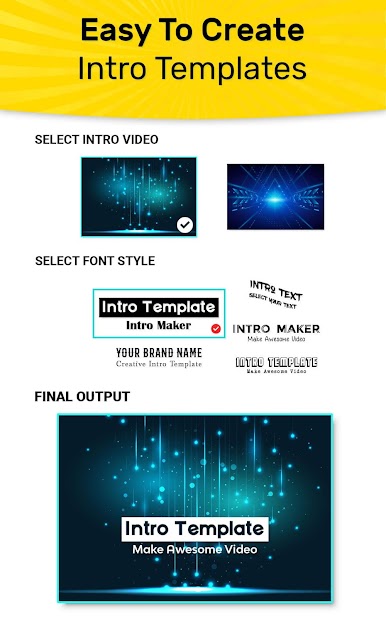
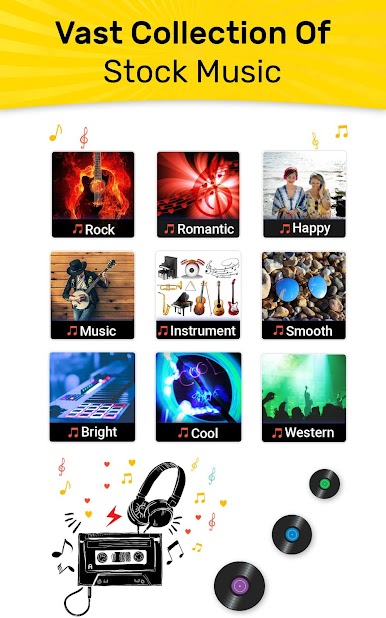
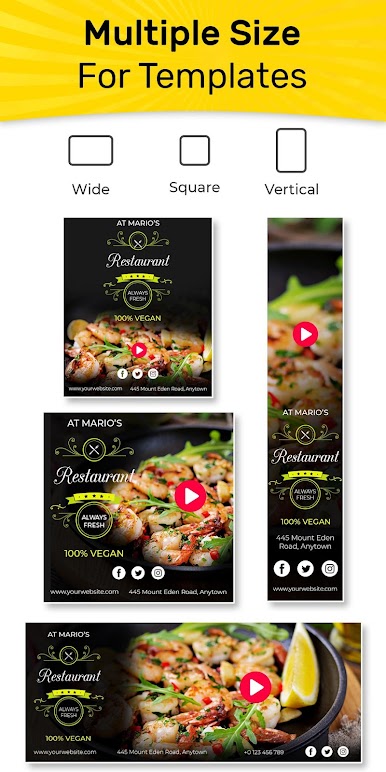
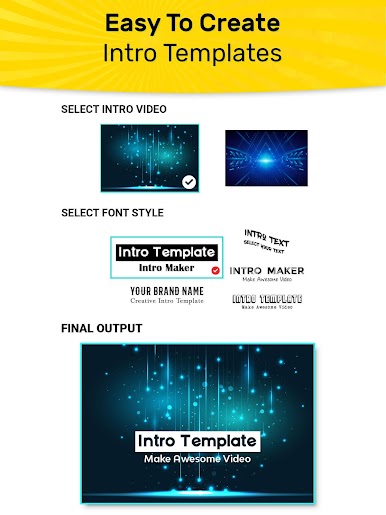
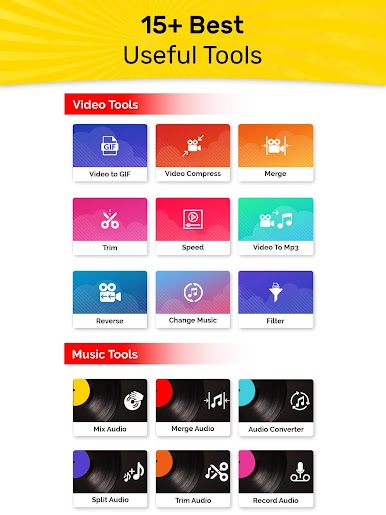
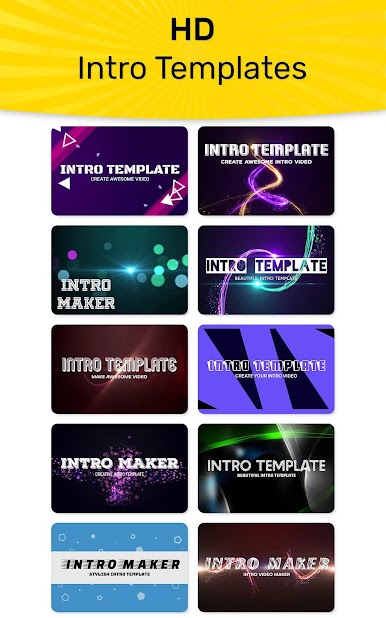
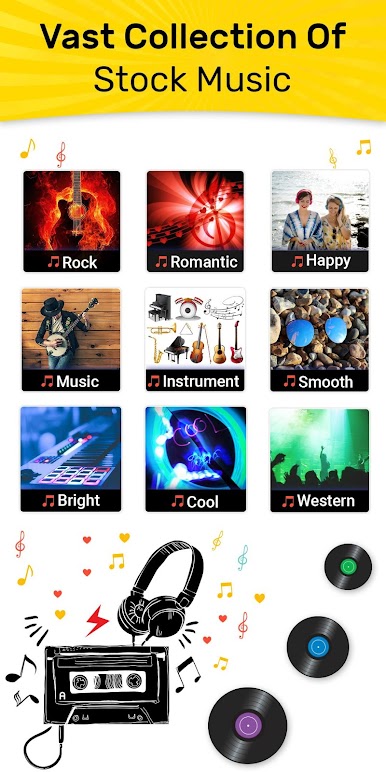
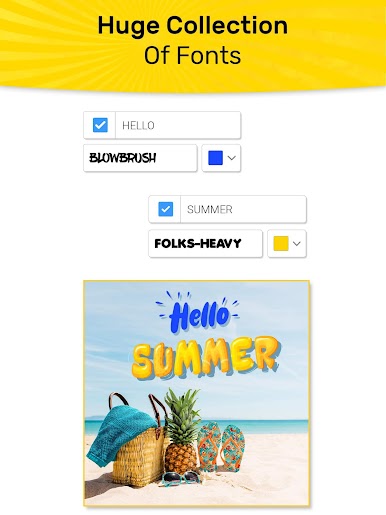
VideoADKing is this handy little app people can use on their PC with BlueStacks when they’re looking to make video ads or quick promo clips, especially if social media is part of their day. The app keeps things simple—there’s a bunch of templates for everything from promos to intros and outros, and users can switch things up however they like. Swapping out video clips, throwing in some music (either from their own files or the app’s library), plus adjusting text styles or effects—it’s all done in a few clicks. It even lets you drop in your logo if you need something branded, and then you’re good to go; export as an mp4 or even a GIF and share wherever.
What stands out is just how fast finishing a polished video feels, even for beginners. The editor is pretty direct—there aren’t endless confusing menus or options that slow things down. If someone wants more customization or access to a bigger stash of media, there’s a subscription, but all the main parts are right there from the start. Using it on PC with BlueStacks gives a bit more space to see what you’re working on, which is nice. So, for anyone wanting to put something together for a business page, a YouTube channel, or an Insta story, it’s a way to get it done without much fuss.
Big screen. Bigger performance. Use BlueStacks on your PC or Mac to run your favorite apps.

PC에서 VideoADKing: Video Ad Maker 플레이해보세요.
-
BlueStacks 다운로드하고 설치
-
Google Play 스토어에 로그인 하기(나중에 진행가능)
-
오른쪽 상단 코너에 VideoADKing: Video Ad Maker 검색
-
검색 결과 중 VideoADKing: Video Ad Maker 선택하여 설치
-
구글 로그인 진행(만약 2단계를 지나갔을 경우) 후 VideoADKing: Video Ad Maker 설치
-
메인 홈화면에서 VideoADKing: Video Ad Maker 선택하여 실행

