


IoT Applications
5억명 이상의 게이머가 신뢰하는 안드로이드 게임 플랫폼 BlueStacks으로 PC에서 플레이하세요.

Run IoT Applications on PC or Mac
Get freedom from your phone’s obvious limitations. Use IoT Applications, made by Ilias Lamprou, a Tools app on your PC or Mac with BlueStacks, and level up your experience.
About the App
Looking for a way to get your IoT project up and running without any fuss? IoT Applications is designed for makers and tinkerers who already have an IoT project ready to go and want an easy way to load and manage it. With this app, you get a straightforward experience—no unnecessary extras—just a solid tool to help bring your existing hardware to life. If you’ve got your devices set up and are eager to see them in action, this app’s for you.
App Features
-
Plug-and-Play Loader
Instantly upload your “ready” IoT project from your device—no extra setup or confusing steps. -
Straightforward Interface
The layout is simple and direct, perfect for anyone who wants to get started fast without digging through menus. -
Project Ready Only
Designed specifically for users who already have their IoT projects prepared and compatible hardware in place. -
Seamless Compatibility
Works with a range of IoT hardware, so long as you’ve already handled the setup. -
Smooth on BlueStacks
If you enjoy managing projects on your computer, you can easily use IoT Applications through BlueStacks for even more convenience.
With IoT Applications by Ilias Lamprou, you’re getting a tool that skips the clutter and gets straight to the point for your IoT hardware projects.
Eager to take your app experience to the next level? Start right away by downloading BlueStacks on your PC or Mac.
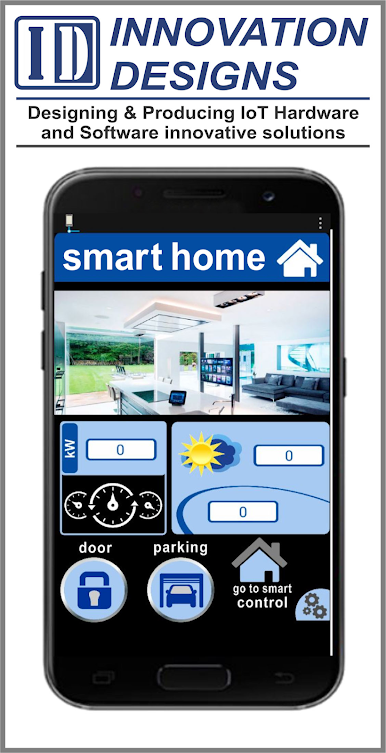
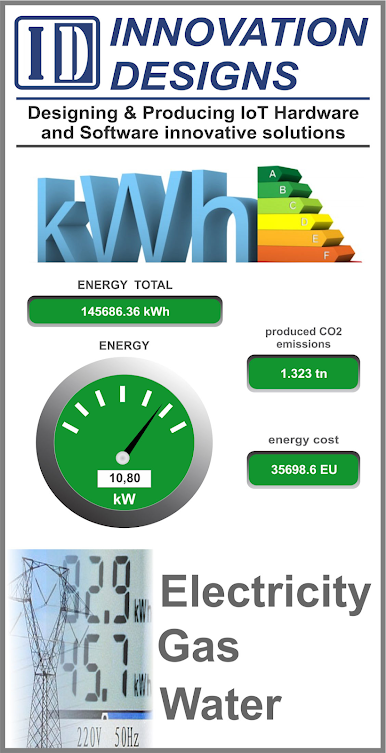
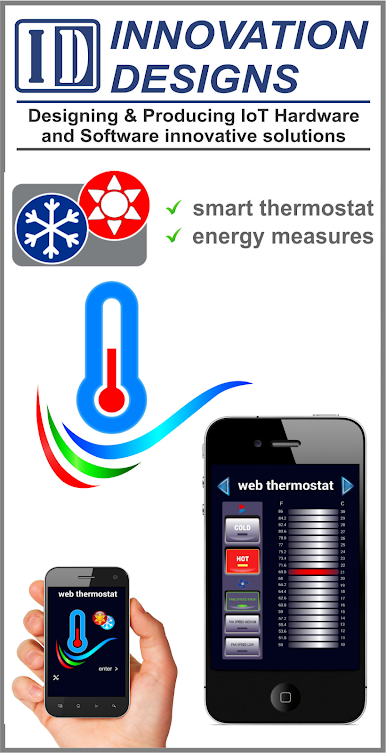



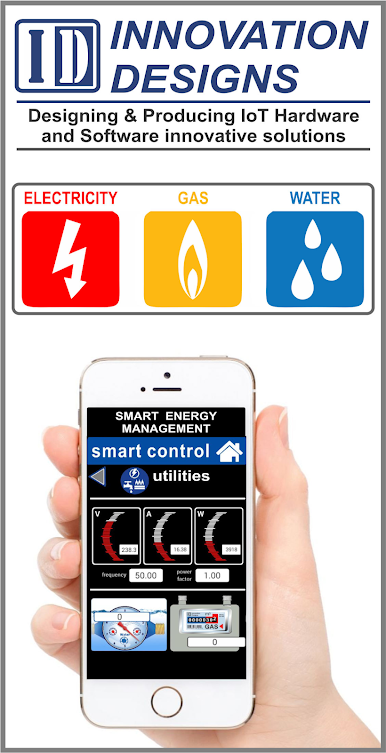
PC에서 IoT Applications 플레이해보세요.
-
BlueStacks 다운로드하고 설치
-
Google Play 스토어에 로그인 하기(나중에 진행가능)
-
오른쪽 상단 코너에 IoT Applications 검색
-
검색 결과 중 IoT Applications 선택하여 설치
-
구글 로그인 진행(만약 2단계를 지나갔을 경우) 후 IoT Applications 설치
-
메인 홈화면에서 IoT Applications 선택하여 실행

