


XChange Data
5억명 이상의 게이머가 신뢰하는 안드로이드 게임 플랫폼 BlueStacks으로 PC에서 플레이하세요.

Run XChange Data on PC or Mac
Let BlueStacks turn your PC, Mac, or laptop into the perfect home for XChange Data, a fun Communication app from Marlink SAS.
About the App
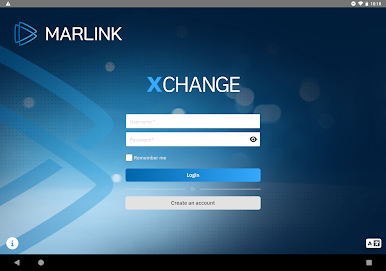
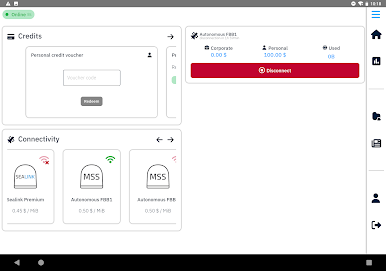
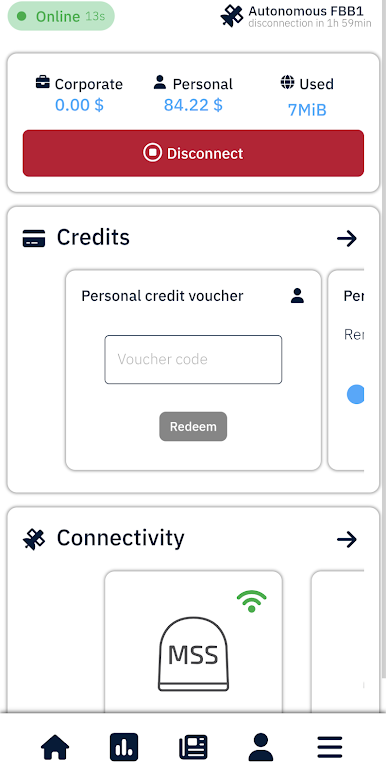
XChange Data from Marlink SAS makes getting online over your ship’s satellite network simple and predictable. Open the app, sign in once, and you’re right where you need to be—managing your connection, keeping an eye on data, and using the everyday apps you rely on. Prefer a bigger screen? You can run it on your computer with BlueStacks and check your connection from your desk.
App Features
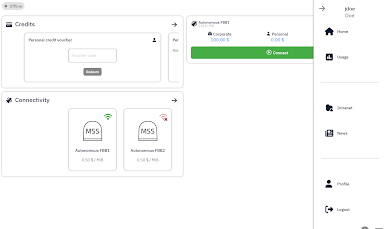
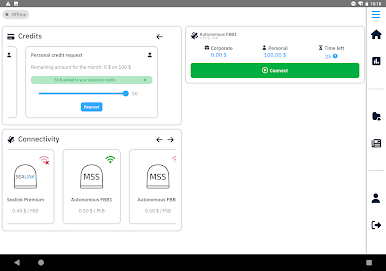
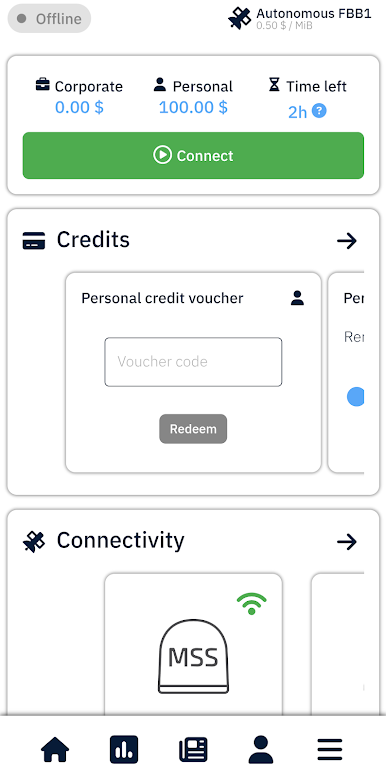
- Fast access to XChange: Launch the app to jump straight into the XChange mobile interface and get online without the extra steps.
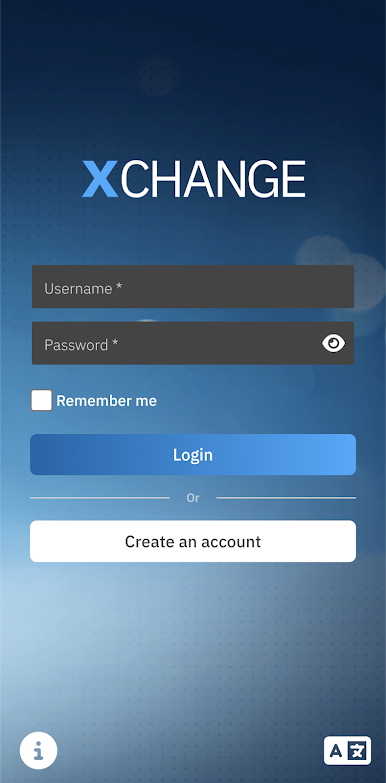
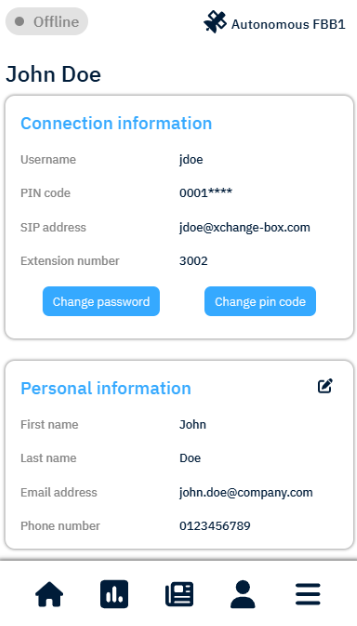
- Stay signed in: Save your account and use the remember option so you’re ready to connect next time with a single tap.
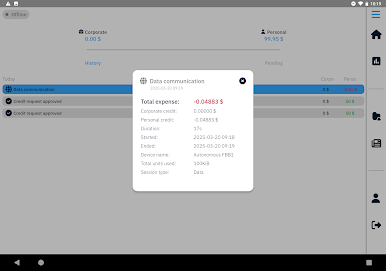
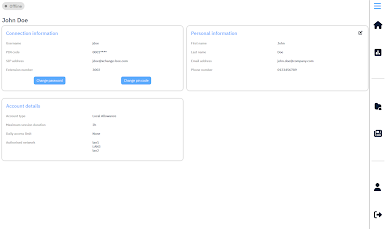
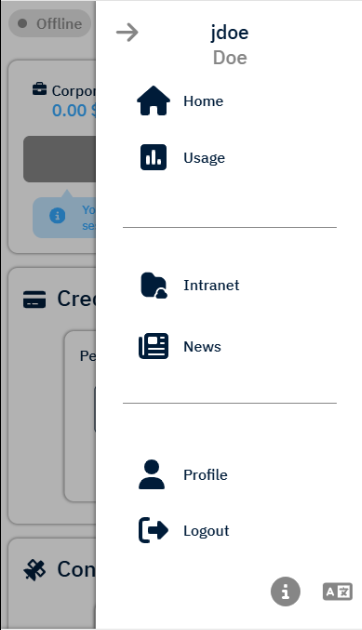
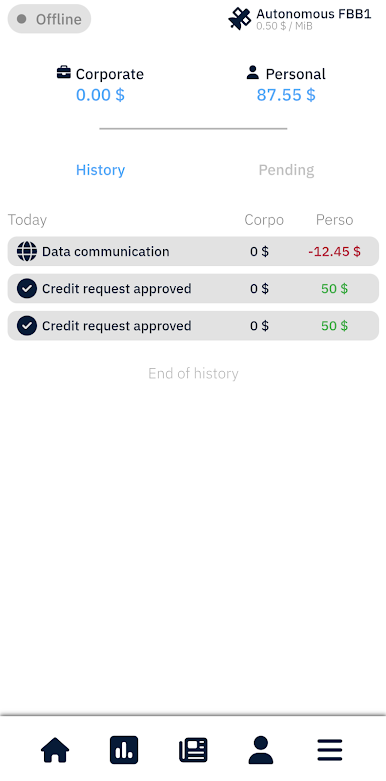
- Real-time usage control: Watch your satellite data consumption live so there are no surprises. By default, sessions auto‑disconnect after two hours to help protect prepaid credit—your onboard admin can adjust that if needed.
- Use your favorite apps: Once connected, browse, email, message on WhatsApp, check Facebook, and more—just like you’re used to.
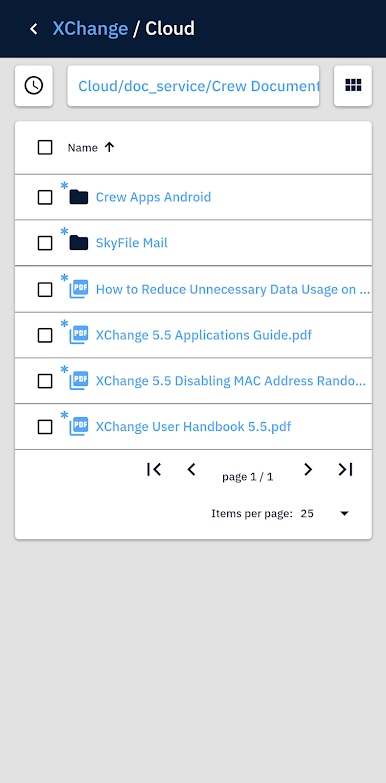
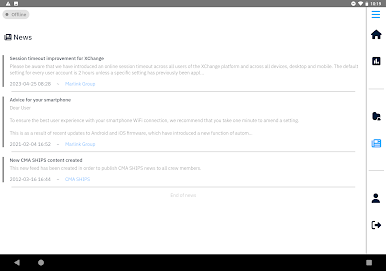
- Onboard intranet access: Read news, open documents, and grab files hosted on your vessel’s local intranet, even when external internet isn’t required.
- Built for satellite connections: Manage data communication tailored to life at sea and stay in control wherever you’re working onboard.
- Multilingual support: Switch the interface to English, Spanish, German, Italian, Japanese, or Chinese to suit your crew.
Switch to BlueStacks and make the most of your apps on your PC or Mac.
PC에서 XChange Data 플레이해보세요.
-
BlueStacks 다운로드하고 설치
-
Google Play 스토어에 로그인 하기(나중에 진행가능)
-
오른쪽 상단 코너에 XChange Data 검색
-
검색 결과 중 XChange Data 선택하여 설치
-
구글 로그인 진행(만약 2단계를 지나갔을 경우) 후 XChange Data 설치
-
메인 홈화면에서 XChange Data 선택하여 실행

